Owen Bradley
 The first device most people buy for a connected home is a voice assistant, and the choice comes down to one question: do you want a speaker or a screen? Both answer questions, set timers, play music, and control lights. Only one shows you the front door camera while your hands are covered in flour, and only one sounds good enough to be the main audio source in a living room. The smart speaker vs display decision shapes everything you buy afterwards, because whichever you pick tends to become the hub that later devices attach to. This guide compares the two honestly across sound quality, screen usefulness, privacy, hub duties, and price so you can put your money in the right room the first time.
What Separates the Two Categories
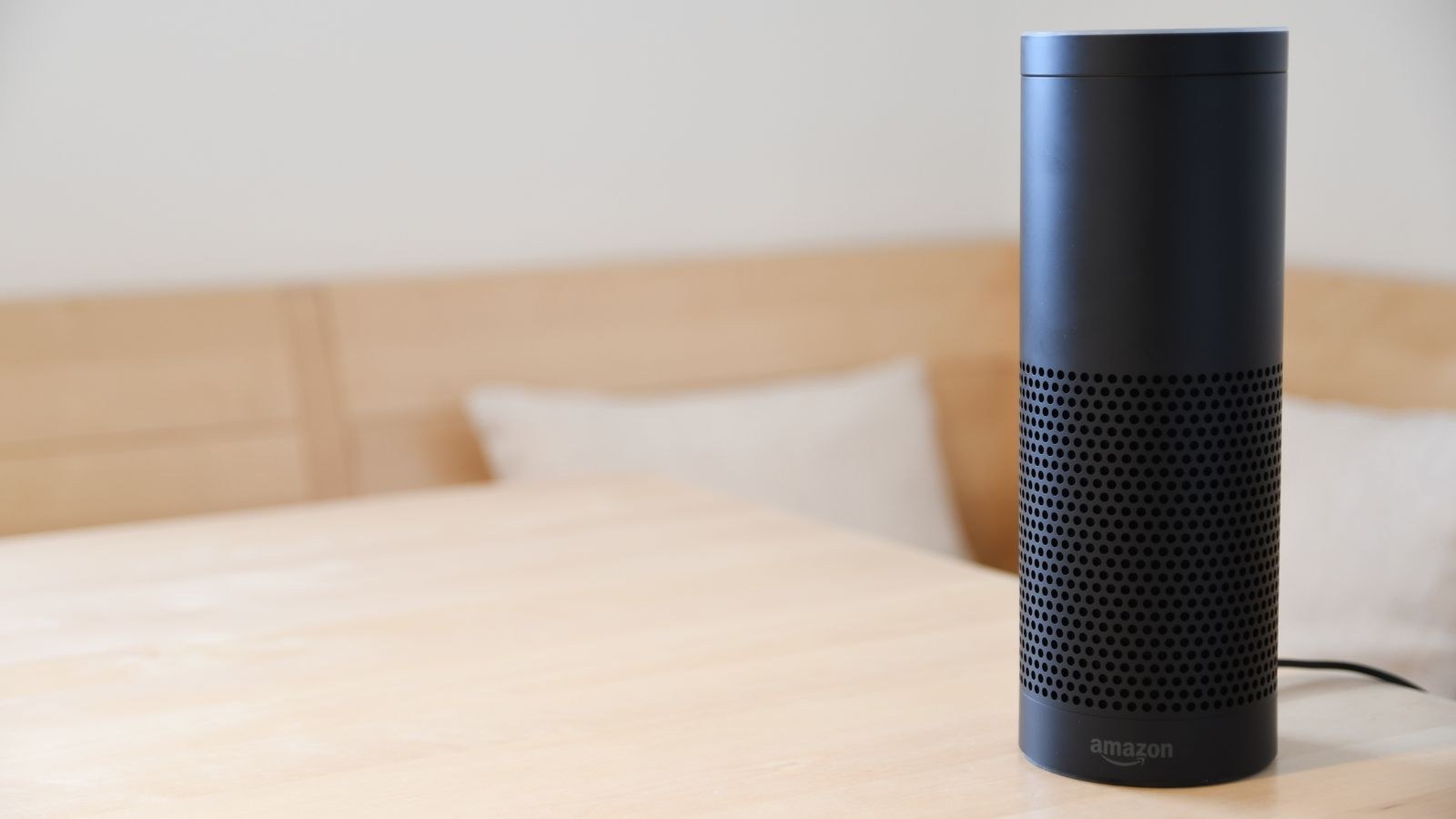
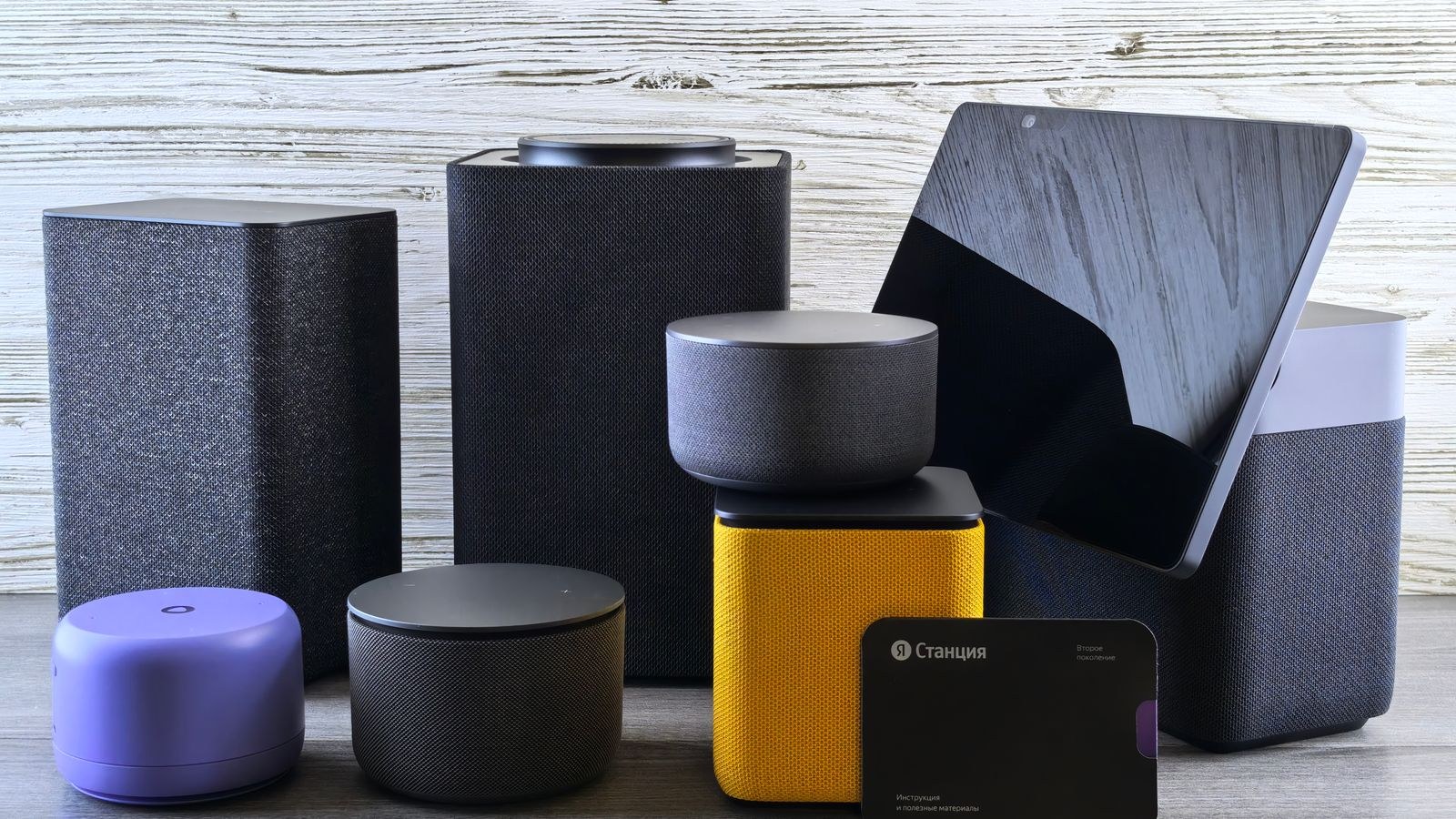
A smart speaker is a microphone array, a processor, and a driver in a box. Everything it tells you arrives as speech. Sizes run from puck-shaped units barely larger than a coffee cup to full-height cylinders with proper woofers and room-correction tuning.
A smart display adds a touchscreen, and almost always a camera. It answers with speech and visuals at once, so a recipe request produces spoken steps plus a readable ingredient list, and a security question produces a live video feed rather than a description. The trade-off is that the electronics inside a display consume space that a speaker devotes to audio hardware, so at any given price the speaker sounds better.
Neither category is a strict upgrade over the other. They are different tools that happen to share a voice assistant.
Sound Quality: The Speaker Advantage
If music matters to you, this section decides the argument. A dedicated speaker at a given price will nearly always out-perform a display at the same price, because the display spent part of its budget on a panel, a touch layer, and a camera. Larger speakers fit bigger drivers and separate tweeters, which is what produces the bass and clarity that make a device worth listening to for a whole album rather than a single song.
Room size drives the requirement. A compact speaker is genuinely fine in a bedroom, a bathroom, or a small home office where it sits within a few feet of you. In an open-plan living space, a small unit sounds thin no matter how clever its processing, and you will end up buying a second device. Buying one capable speaker for the main room and small ones elsewhere is a better allocation than spreading the same money evenly.
Stereo pairing is worth knowing about before you buy. Two identical speakers can usually be paired for genuine left-right separation, which transforms music playback far more than moving up one model size. Our roundup of the best smart speakers notes which models pair cleanly and which ones only sound their best alone.
What the Screen Genuinely Adds
Displays justify themselves in specific situations rather than universally. The ones that come up repeatedly in real households are these.
- Camera feeds. Asking to see the doorbell, nursery, or driveway and having it appear in a second is the single strongest argument for a screen.
- Cooking. Step-by-step recipes with a visible ingredient list and a timer on screen beat spoken instructions you have to ask to repeat.
- Video calls. A fixed screen in a kitchen is a far better calling device than a phone propped against a jar, particularly for older relatives.
- Whole-home dashboards. Seeing every light, lock, and thermostat as touch controls is faster than naming devices one at a time.
- Ambient value. Photo frames, weather, and calendar views make the device useful even when nobody is talking to it.
The counterpoint is that a screen is only useful where people stop and stand. In a hallway or a bedside table it mostly displays a clock. Kitchens and home offices are where displays earn their price, which is why the best home hubs with screens tend to be sized and angled for counter-top viewing rather than shelf placement.
Ecosystem Matters More Than Hardware
Choosing between the two ecosystems is a bigger decision than choosing between speaker and screen, because it determines which devices you can add later and which phone integrations work smoothly.
One ecosystem leads on the sheer breadth of compatible third-party devices and on shopping and routine features, with a large range of hardware at aggressive prices. Its device catalogue is unmatched, so if you want the widest choice of cheap plugs, bulbs, and sensors, this is the safer bet. Our guide to the best Alexa speakers covers how the sizes differ and which ones are worth the step up.
The other leads on question answering, natural follow-up conversation, and integration with a widely used mobile platform, and its displays lean harder on photos and video services. If your household already lives in that ecosystem for email, calendars, and photos, the best Google smart speakers will feel more coherent than importing everything into a rival platform.
A third ecosystem prioritises privacy and audio quality, with tighter hardware integration but a narrower device catalogue and higher prices. Whichever you pick, mixing ecosystems in one house creates confusion about which phrase controls which light, so pick one and stay with it.
Hub Duties: The Feature Buyers Overlook
Many speakers and displays now include built-in radios for Zigbee, Thread, or Matter, letting them act as the coordinator for sensors and bulbs without a separate hub. That is a meaningful saving and a meaningful simplification, but it is only present on certain models, usually the larger or more expensive ones in a line.
Check before buying if you intend to add battery-powered sensors later. Door sensors, motion sensors, and temperature sensors are the devices that most benefit from a low-power radio, and if your voice device already provides one you avoid buying a hub and finding somewhere to plug it in. If it does not, you either buy a hub separately or restrict yourself to Wi-Fi devices, which drain batteries faster and load your router.
Displays are slightly more likely to include hub radios than compact speakers, since they are mains-powered and centrally placed by design. That is a genuine point in their favour beyond the screen itself.
Privacy Considerations
Every always-listening device waits for a wake word locally and only streams audio afterwards, but the practical concerns differ between the two categories. A speaker has microphones and a mute switch. A display has microphones, a camera, and usually a physical shutter or a switch that disconnects both.
Placement is the real control. A display in a kitchen or hallway is a reasonable risk for most people. A display facing a bed or a bathroom door is not, and no software setting changes that as reliably as putting the device somewhere else. If a household member is uneasy about cameras, a speaker sidesteps the conversation entirely.
Whichever you choose, take ten minutes at setup to review voice recording retention, disable automatic saving if you do not need it, and set up individual voice profiles so personal calendars and messages are not read aloud to guests.
Budget Tiers and What Each Buys
Entry Level
Compact speakers occupy this tier and are the cheapest way to add voice control to a room. Sound is adequate for podcasts and background listening, not for music you actively enjoy. Buying two or three of these to cover a house is a smarter first purchase than one expensive unit, since coverage matters more than fidelity when you are mainly issuing commands.
Mid Range
This is where small displays and mid-size speakers sit. The small display is the classic kitchen device; the mid-size speaker is the one that finally sounds like a real speaker. Most households get the best value here, and this is also where hub radios start appearing.
Premium
Large displays and high-end speakers with multi-driver arrays and room correction live at the top. A large display works as a family command centre and a video call station; a premium speaker replaces a separate music system. Only buy at this tier if the specific advantage matches how you will actually use the room.

A Simple Room-by-Room Plan
- Kitchen: a display, for recipes, timers, camera feeds, and calls while your hands are busy.
- Living room: a larger speaker, or a stereo pair, because this is where music actually gets listened to.
- Bedroom: a compact speaker or a small display used as a clock and alarm, with the camera shuttered.
- Home office: a display if you take calls, a speaker if you mainly want background audio and timers.
- Hallway or entry: a compact speaker for arriving and leaving routines and announcements.
Buy in that order rather than all at once. Two devices reveal how your household actually uses voice control, which makes the next purchases far better informed. For a broader walkthrough of what to add after the first device, our smart home starter guide sets out a sensible build order.
Common Mistakes to Avoid
- Buying a display for a room where nobody stands still. The screen becomes an expensive clock.
- Expecting a compact speaker to fill a large room. Small drivers cannot move enough air, whatever the processing claims.
- Mixing ecosystems across rooms. Family members lose track of which phrase works where, and shared routines break.
- Ignoring hub radios. Discovering you need a separate hub after buying sensors is an avoidable annoyance.
- Skipping voice profiles. Without them, personal reminders and messages are read to anyone in earshot.
Frequently Asked Questions
Should my first smart home device be a speaker or a display?
A compact speaker is the lower-risk first purchase because it is cheap and works anywhere. Buy a display first only if you already know it is going in a kitchen and you have cameras to view.
Can a smart display replace a tablet?
Not really. Displays run a restricted interface built around the assistant rather than a full app ecosystem, so browsing and general apps are limited. Treat it as a control surface, not a computer.
Do smart displays work as security monitors?
They show live feeds from compatible cameras on request or automatically when a doorbell rings, which covers most everyday needs. They do not record footage themselves.
Can I mix speakers and displays in one house?
Yes, and most households should. Within a single ecosystem they group for multi-room audio and announcements and share the same routines.
Are displays worth it if I already have a phone nearby?
The value is in not touching the phone. Wet hands, cooking, and quick camera checks are exactly where a fixed screen wins, so it depends on whether those situations are common for you.
Final Thoughts
Speakers win on sound, price, and placement flexibility. Displays win on cameras, cooking, calls, and touch control of a growing device list. If music is central to the room, buy the speaker; if information and video are central, buy the display. Most homes end up with both, and the ideal split is a display in the kitchen and better speakers where people actually listen. Decide the ecosystem first, buy one device, live with it for a few weeks, and let real habits guide the rest of your purchases through 2026 rather than buying a complete set on day one.