Owen Bradley
 Almost everyone starting with smart lighting faces the same fork in the road. Do you make the bulbs smart, or do you make the switch smart? Both approaches turn a light on from your phone, both work with voice assistants, and both are sold as the obvious answer. But they behave very differently in daily use, they cost wildly different amounts depending on the room, and they fail in different ways. The honest answer is that neither wins outright — the right choice changes from one room to the next. This guide compares them across cost, capability, reliability, and the awkward realities that only surface after installation.
The Fundamental Difference
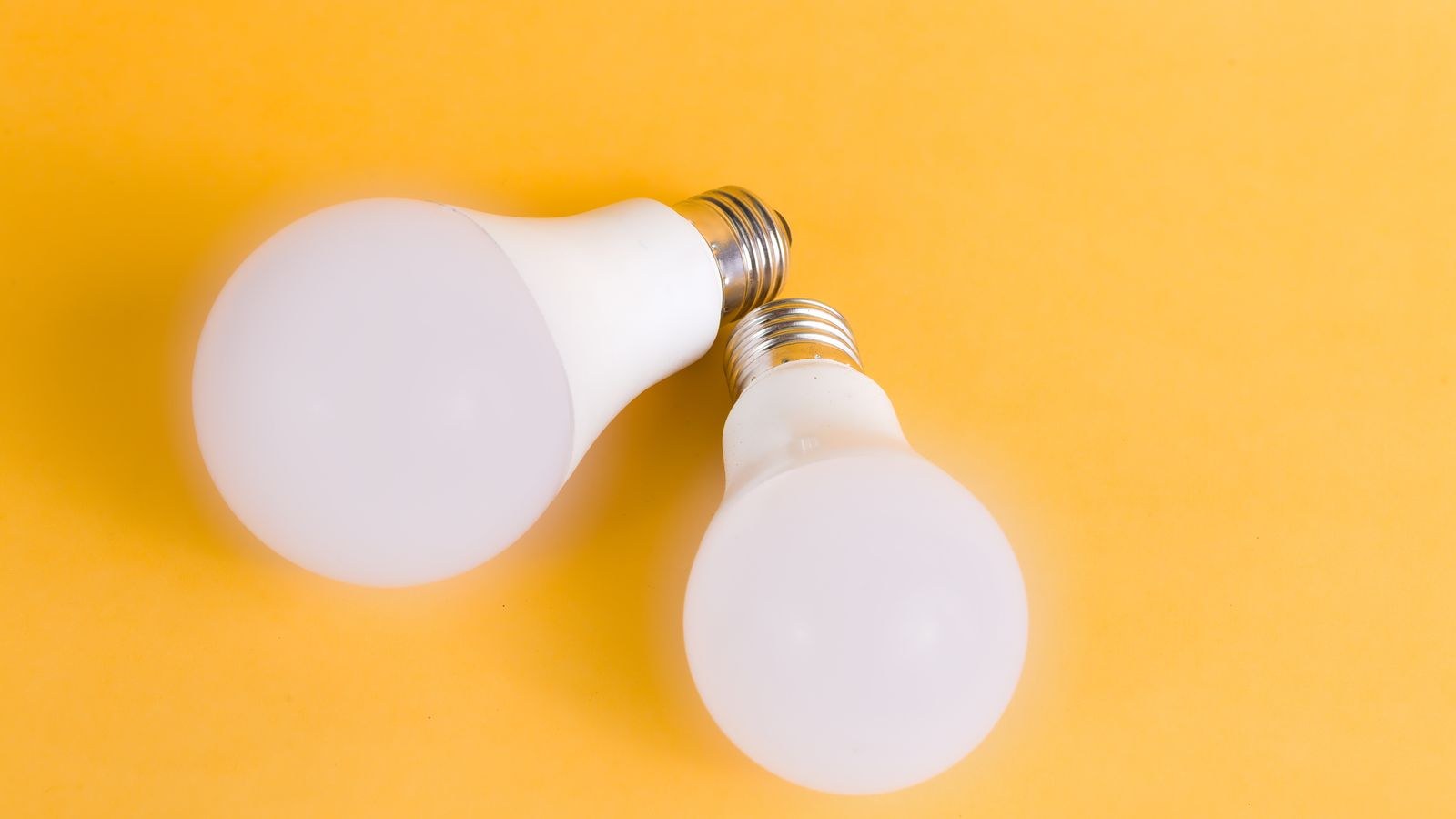
A smart bulb contains a radio, a processor, and a dimmable LED driver inside the bulb itself. It receives power continuously from the fixture and decides how much light to emit. The wall switch, meanwhile, becomes a crude power cutoff that must stay permanently on.
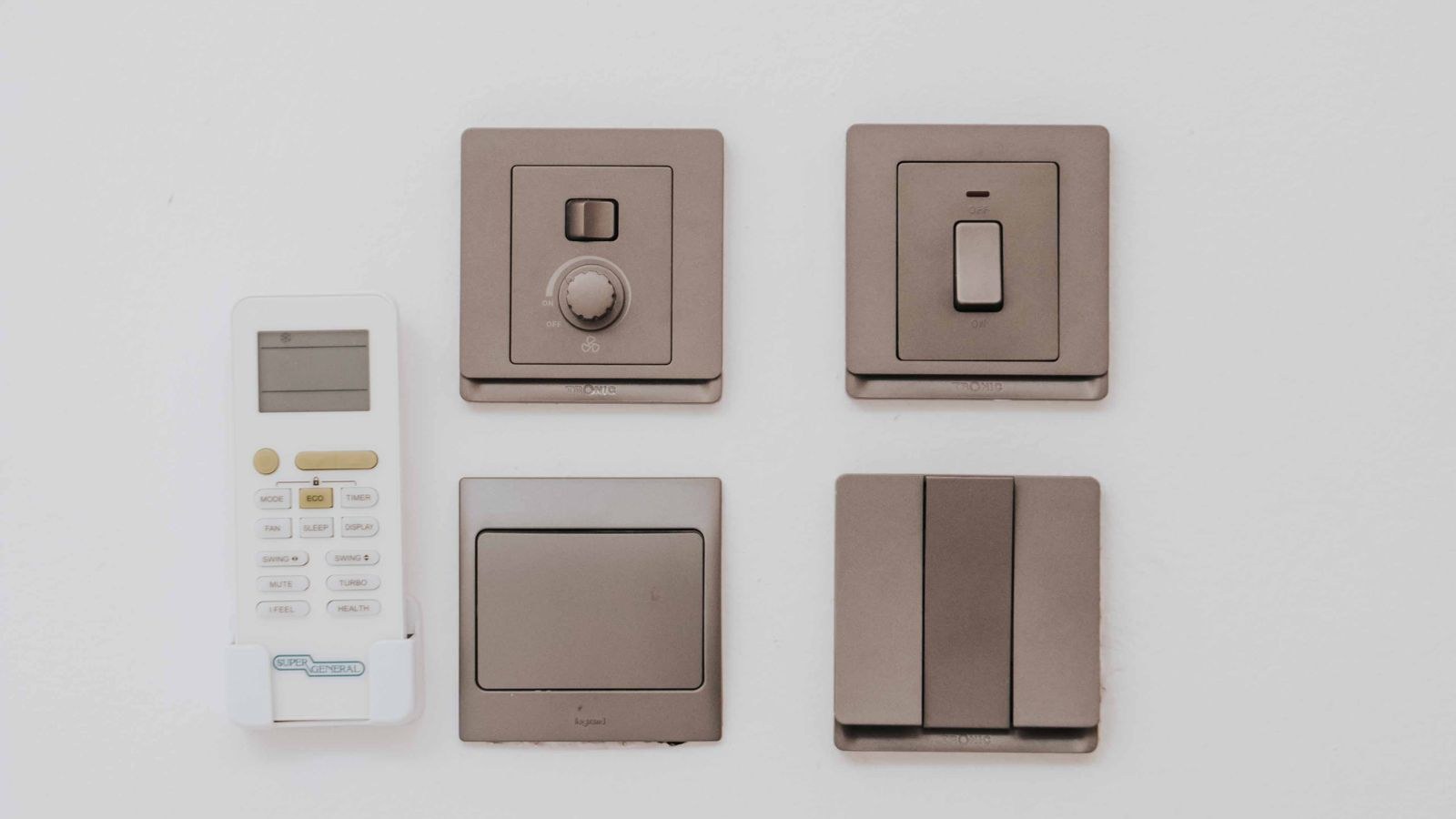
A smart switch replaces the wall switch and controls power to the fixture. The bulbs stay ordinary. Anything connected to that circuit responds together, and the physical switch keeps working exactly as everyone expects. The intelligence sits in the wall rather than in the glass.
Everything else that follows — cost, colour options, guest usability, failure behaviour — flows from that one architectural difference.
Cost Per Fixture Is the Deciding Factor
This is where most people’s decision should start, and it is remarkably simple: count the bulbs in the fixture.
A smart bulb costs roughly $10 to $20 for a decent white model and $15 to $50 for full colour. A smart switch costs roughly $25 to $60, plus potentially an electrician. For a bedside lamp with one bulb, the bulb wins easily. For a table lamp or a single pendant, the bulb still wins.
Now consider a kitchen with eight recessed downlights. Eight smart bulbs at $15 each is $120, and at colour prices it approaches $300. A single smart switch controlling all eight costs $40. The switch wins decisively, and it keeps winning for every high-fixture-count room: hallways with multiple ceilings lights, bathrooms with bar fixtures, dining rooms with multi-arm chandeliers, and outdoor lighting runs.
The Rough Rule
Three bulbs is the usual crossover. One or two bulbs per fixture favours smart bulbs. Four or more strongly favours a switch. At three, decide on features rather than money. This single heuristic resolves most rooms before you even open a product page, and it is why whole-house installs almost always end up as a mix. To price both sides properly, compare our roundups of the best smart bulbs and the best smart light switches side by side.
Colour and Colour Temperature
Here bulbs have an advantage a switch cannot match. Smart bulbs offer tunable white — shifting from warm 2700K in the evening to crisp 5000K during the day — and many offer millions of colours. A smart switch controls only how much power reaches whatever bulbs are installed, so a switch plus ordinary warm-white bulbs gives you a warm-white room, permanently.
If circadian lighting matters to you, if you want the living room to shift amber at sunset, or if you want colour scenes for entertaining, bulbs are the only route. You can combine approaches — smart bulbs behind a smart switch designed to keep power flowing — but that stacks cost and complexity, and only certain switches support it correctly.
Where colour is irrelevant, the switch’s simplicity is a genuine benefit. Bathrooms, garages, laundry rooms, hallways, and closets rarely need a colour palette. In those spaces the switch delivers everything useful at lower cost. Our comparison of the best smart LED lights covers what colour and tunable-white options actually deliver in practice.
The Wall Switch Problem
This is the most common regret among smart bulb owners, and it deserves emphasis. When smart bulbs are installed, the wall switch must remain on at all times. Cut the power and the bulbs go dark and unreachable — voice commands fail, the app reports the device offline, and schedules do not fire.
You know this. Your household may learn it. Guests, house-sitters, cleaners, and visiting relatives will not. Everyone flips the switch on their way out of a room, because that is what switches are for. The result is a smart lighting system that appears broken at random intervals.
Mitigations exist. Switch guards physically prevent the toggle from moving. Battery-powered wireless remotes mount over the old switch and send commands rather than cutting power, restoring normal-feeling wall control. Some ecosystems offer bulb-friendly switches that keep power flowing while sending signals. All of these work, and all of them add cost and another device to the room, which erodes the smart bulb’s price advantage.
Installation Effort
Smart bulbs are trivially easy. Screw them in, open the app, connect. No tools, no wiring, no risk, and nothing that a landlord could object to. Renters in particular have essentially no other option, since bulbs come with you when you move.
Smart switches require electrical work. You will be turning off a breaker, removing a faceplate, identifying conductors, and wiring a device into the box. Many switches require a neutral wire, which older homes frequently lack in switch boxes. Three-way circuits, where two switches control one light, add real complexity and usually require matched companion switches. Depending on your comfort and local regulations, this may mean hiring an electrician, which adds meaningfully to the per-switch cost.
Reversibility
Bulbs are entirely reversible — unscrew, done. Switches leave the old switch in a drawer and a new device in the wall, which is reversible but not casually so. If you are experimenting or expect to move soon, that asymmetry matters.
Reliability and Failure Modes
Smart switches are generally more reliable in daily use for one structural reason: there is one device per fixture instead of many. A room with eight smart bulbs has eight radios, eight firmware versions, and eight things that can drop off the network. The same room with a smart switch has one. Fewer devices means fewer network slots consumed, fewer update cycles, and fewer 3am notifications about something being unreachable.
Bulbs also live in a harsher environment than people assume. Enclosed fixtures trap heat, and heat is what kills LED drivers and radios. A smart bulb in a sealed glass dome may last a fraction of its rated life, and replacing it costs $15 rather than the $2 a plain bulb would.
On the other hand, a failed switch takes out the whole fixture and requires electrical work to replace, while a failed bulb is a two-minute swap. Switches also survive internet outages more gracefully in most implementations, because the physical toggle always cuts power regardless of what the network is doing.
Guest and Household Usability
Consider who else uses the room. A smart switch looks and behaves like a switch. Anyone can walk in, press it, and get light. Nobody needs an app, an account, or an explanation. That transparency is worth a great deal in shared homes, rentals with guests, homes with children, and any household where not everyone is enthusiastic about home automation.
Smart bulbs demand either app access or a well-placed wireless remote. Without one, the room only works for people on the network. This is the difference between a system that quietly improves the house and one that everyone else finds irritating.
Room-by-Room Recommendations
- Kitchen: switch. Many downlights, colour rarely needed, heavy household traffic.
- Living room: often both. A switch for ceiling lights, smart bulbs in lamps for ambience and colour scenes.
- Bedroom: bulbs in bedside lamps for tunable white and wake-up routines, switch for the ceiling fixture.
- Bathroom: switch. Enclosed damp fixtures are hostile to bulb electronics, and colour is pointless here.
- Hallway and stairs: switch, ideally with motion automation. Multi-way circuits are common, so check companion switch support.
- Home office: tunable-white bulbs in a desk lamp genuinely help focus and evening wind-down.
- Garage, basement, closets: switch, or simply a motion sensor switch that needs no app at all.
- Outdoors: switch or smart plug, since outdoor fixtures are often multi-lamp and weather-exposed.
The pattern is consistent: ambience and accent lighting favour bulbs, general room lighting favours switches. Our overview of the best smart lighting options runs through how these combinations work together in a full house.
Can You Use Both Together?
Yes, with care. Putting a smart bulb behind an ordinary dimmer switch is a bad idea — the dimmer chops the waveform and the bulb’s driver misbehaves, producing flicker or refusing to start. Putting a smart bulb behind a standard smart switch is also problematic, because if the switch cuts power the bulb dies.
The correct combination uses a switch specifically designed for smart bulb control. These maintain constant power to the fixture and send network commands instead of interrupting the circuit, giving you full colour control from the bulbs plus a wall control anyone can use. It costs the most of any approach, but for a living room where both capability and guest usability matter, it is the only configuration that delivers everything.
Frequently Asked Questions
Which is cheaper overall?
It depends entirely on bulbs per fixture. Under three, bulbs are cheaper. Over three, switches are. Across a whole house the mixed approach almost always costs less than committing to either extreme.
Do smart switches work with any bulb?
Non-dimming smart switches work with essentially anything. Smart dimmer switches require dimmable bulbs and can produce flicker with poorly matched LEDs, so check the manufacturer’s compatibility list.
What happens during an internet outage?
A smart switch’s physical toggle always works. Smart bulbs depend on the app or hub, though many hubs keep local control running. Neither is helpless, but the switch degrades more gracefully.
Can I dim with a smart switch?
Yes, if you buy a smart dimmer rather than a simple on/off switch, and if your bulbs are dimmable. Confirm both before purchasing.
Are smart bulbs worth it for rentals?
Absolutely. They require no wiring, no landlord permission, and travel with you. Add a battery wireless remote over the existing switch and you get most of a switch’s usability without touching the wall.
Which uses less standby power?
Both draw a small amount continuously. A switch draws under 1W total; eight smart bulbs each draw a fraction of a watt, so the switch is more efficient in high-fixture-count rooms. For a fuller specification comparison, see our smart switch buying guide and smart bulb buying guide.
Final Thoughts
Smart switch versus smart bulb is not a contest with a single winner. Count the bulbs in the fixture, decide whether colour genuinely matters in that room, and consider who else will be flipping the switch. High-fixture-count spaces and shared, high-traffic rooms want switches. Lamps, accent lighting, and anywhere colour or tunable white adds real value want bulbs. Renters should start with bulbs and a wireless remote. Owners planning a whole-house system should budget for switches in the general lighting and bulbs where atmosphere matters. Approached that way, the question answers itself room by room.