Owen Bradley
 Every new television arrives with the same unspoken question in the box: does it sit on furniture, or does it hang on the wall? The choice feels cosmetic, but it quietly decides your viewing height, how easy the room is to clean, what happens to a tangle of cables, whether a toddler can pull the screen over, and how much of your deposit you get back when you move out. The tv stand vs wall mount debate has no universal winner, only a setup that fits your room, your walls, and your tolerance for drilling. This guide walks through cost, safety, ergonomics, cable management, and the practical constraints most people only discover after the screen is already up, so you can commit with confidence.
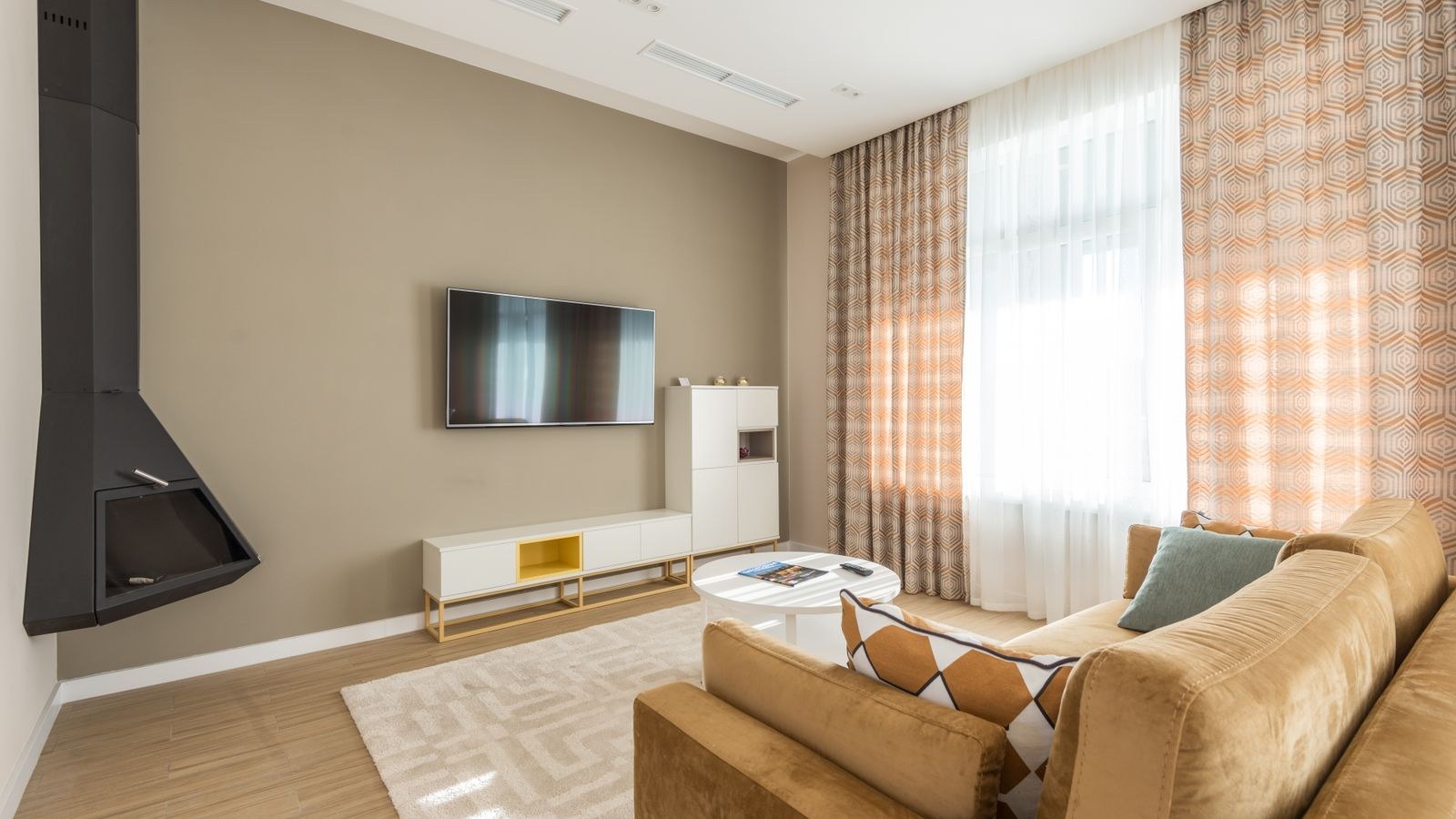
The Short Answer for Most Rooms
If you own your home, have a solid wall in the right place, and want the cleanest possible look, wall mounting usually wins. If you rent, move often, need storage for consoles and boxes, or your only viable wall is a hollow partition, a stand is the smarter and cheaper path. Everything else in this guide is about the middle ground, where both options are technically possible and the deciding factors are viewing height, budget, and how much you value flexibility.
It is also worth saying early that these are not permanent decisions. A mount can be removed and the holes filled. A stand can be sold. What is expensive is buying the wrong thing twice, so spend a little time measuring before you spend money on hardware.
Viewing Height: The Factor Everyone Gets Wrong
The most common mounting mistake is hanging the television too high. Above a fireplace looks striking in photographs and feels terrible after twenty minutes, because tilting your head back strains the neck and shoulders in exactly the way a long film session punishes. The comfortable target is simple: when you are seated normally, the centre of the screen should sit near your eye level, roughly 40 to 45 inches from the floor for most sofas.
A stand naturally lands close to that height, which is one of its underrated advantages. A typical media console puts a large screen almost exactly where your eyes are. A wall mount can hit the same height, but only if you resist the urge to centre the screen on the wall rather than on the viewer. Measure your seated eye height first, then decide where the bracket goes.
Room Shape and Off-Axis Seating
If your seating spreads across a wide arc, or you watch from a kitchen island as well as the sofa, a full-motion articulating mount solves a problem no stand can. Being able to swing the screen 30 degrees toward the dining table transforms how usable the room is. Conversely, if everyone watches from one straight-on sofa, that flexibility is money you do not need to spend.
Cost: What Each Option Really Adds Up To
A basic fixed wall bracket is one of the cheapest accessories in home entertainment, often well under $40 for a sturdy VESA-rated model. Tilting mounts cost a little more, and full-motion arms with long extension climb higher, sometimes past $150 for large screens. Add a stud finder, a drill, wall anchors, and possibly an in-wall cable kit and the true cost of a tidy mounted installation lands higher than the sticker on the bracket.
A television stand is the opposite: the hardware cost is the whole cost, but that cost starts higher. Decent media consoles begin around $120 and climb steeply for solid wood or larger footprints. The tradeoff is that a stand also gives you storage and a surface, which a bracket cannot. If you need somewhere to put a streaming box, a games console, and a router anyway, the stand is doing two jobs.
Professional Installation
Budget for professional installation if you are mounting a large screen on masonry, plaster over brick, or any wall you cannot confidently identify. A failed mount is the single most expensive outcome in this comparison, since it typically destroys both the television and the wall. If you are uncertain, the cost of an hour of skilled labour is cheap insurance.
Safety and Stability
Tip-over accidents involving televisions and furniture remain a genuine household hazard, particularly where young children are around. A correctly mounted screen, anchored into studs or properly rated masonry fixings, is effectively immovable and removes that risk entirely. This is the strongest argument for mounting in a family home.
A stand can be made just as safe, but only with anti-tip straps that secure the furniture to the wall behind it. Most quality consoles ship with them, and most people never fit them. If you choose a stand, fit the straps. It takes ten minutes and it is the single highest-value safety step in the whole setup.
Weight ratings matter on both sides. Check the screen’s weight against the bracket rating, and against the shelf load of any furniture, remembering that a large panel is heavier and more top-heavy than its slim profile suggests.
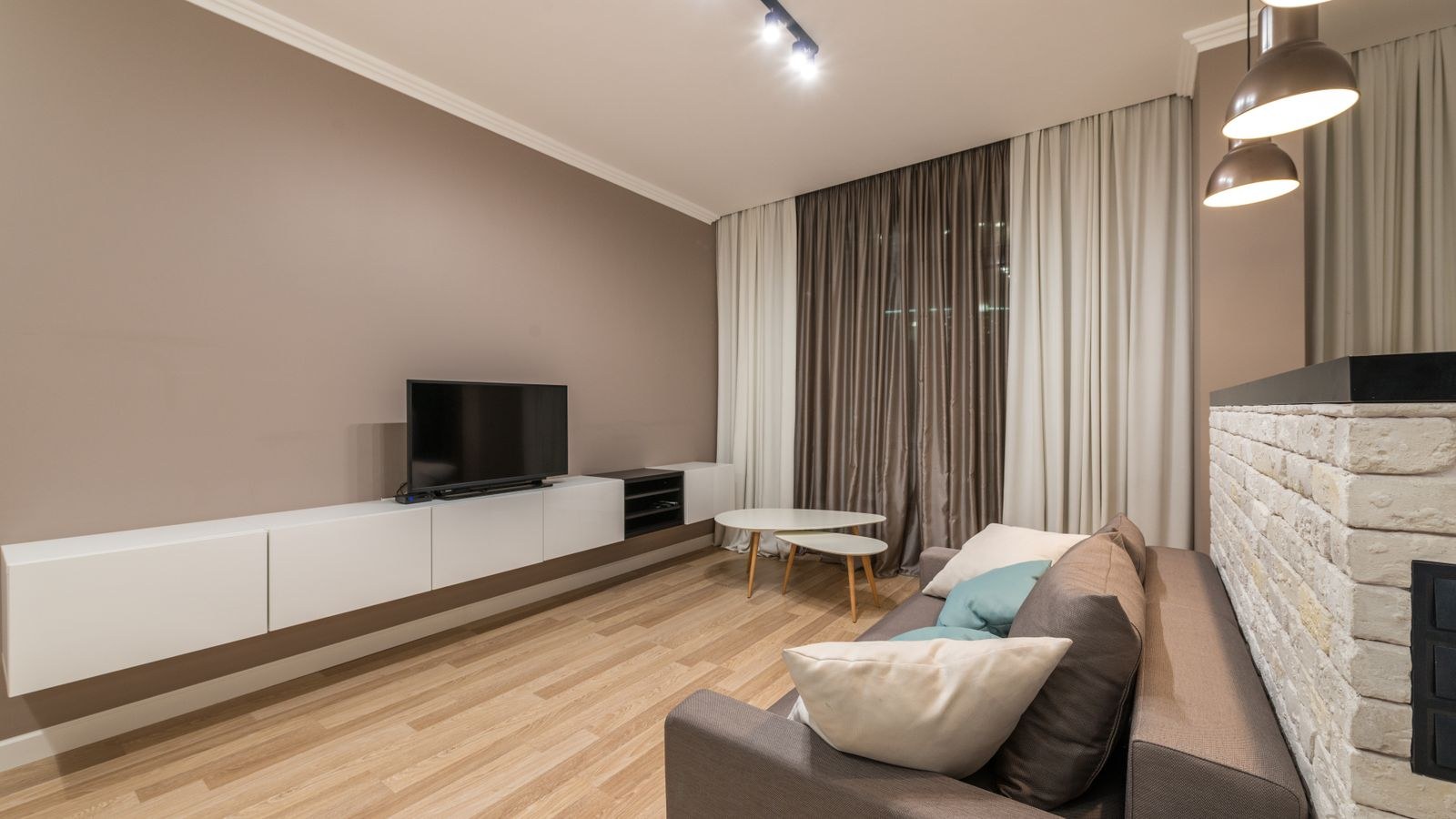
Cable Management and the Clean-Wall Look
The floating screen aesthetic collapses the moment a power lead and three HDMI cables dangle down the wall. Getting a genuinely clean mounted install means one of three approaches: routing cables inside the wall with a recessed power kit, hiding them behind a slim paintable raceway, or mounting low enough that a console below catches everything. Only the first is invisible, and only the first typically requires electrical work done to code.
Stands make this far easier. Cables drop straight down behind the furniture and disappear, and most modern consoles include cut-outs and channels for exactly that. If your setup involves several sources, a games console, and a router, a piece of furniture that hides them all is genuinely useful. The same logic that makes cable management desks so popular in home offices applies directly to a living room media wall: hidden wiring makes the whole space read as more finished.
Planning for Extra Devices
Count your boxes honestly before deciding. A streaming stick alone can hide behind any screen. A console, an AV receiver, and a disc player cannot. If you plan to build out toward proper audio, look at where a soundbar and speaker setup will physically live, because a bar needs either a shelf beneath the screen or its own bracket. That single decision often settles the whole stand-versus-mount question on its own.
Renting, Walls, and What You Are Allowed to Do
Many tenancy agreements prohibit drilling into walls, or require you to make good on exit. Read yours before you buy a bracket. Even where drilling is permitted, plasterboard partitions without accessible studs, hollow blockwork, and older lath-and-plaster walls all complicate mounting and sometimes rule it out for heavy screens.
Identify your wall type first. A stud finder and a small test hole tell you more than any amount of guessing. If you find timber studs at standard spacing, mounting is straightforward. If you find hollow block or crumbling plaster, either use fixings specifically rated for that substrate or choose a stand and move on without regret.
Gaming, Refresh Rates, and Screen Position
Gamers have a slightly different calculus. Long sessions punish a screen that is even a little too high, and console players often sit closer than film viewers, which magnifies any angle error. Getting the panel to true seated eye level matters more here than anywhere else, which nudges many players toward a stand or a low mount.
Screen size drives that geometry too. If you are weighing a big panel for a sofa-distance room, our comparisons of the best living room gaming TVs cover how size and seating distance interact, and the roundup of 65 inch gaming TVs is a useful reality check on how much wall a large screen genuinely occupies once it is up.
Lighting Behind the Screen
Bias lighting reduces eye strain in a dark room and makes contrast look better without changing a single picture setting. It is easier to fit on a mounted screen, where the back of the panel sits flat and close to the wall, but it works either way. A set of TV light strips is one of the cheapest upgrades available and pairs particularly well with a wall-mounted install where the wall itself becomes the reflector.
Comparing the Two Side by Side
- Upfront cost: mount is cheaper in hardware, stand is cheaper in effort and tools.
- Viewing height: stand lands correctly by default, mount is correct only if you measure.
- Safety: mount is safest, stand is equally safe only with anti-tip straps fitted.
- Cables: stand hides them easily, mount needs a raceway or in-wall kit.
- Storage: stand provides it, mount provides none.
- Flexibility: full-motion mount wins for wide rooms, stand wins for moving house.
- Floor space: mount frees it entirely, stand consumes a footprint.
- Reversibility: stand leaves no trace, mount leaves holes to fill.
The Hybrid Setup Most People Actually Want
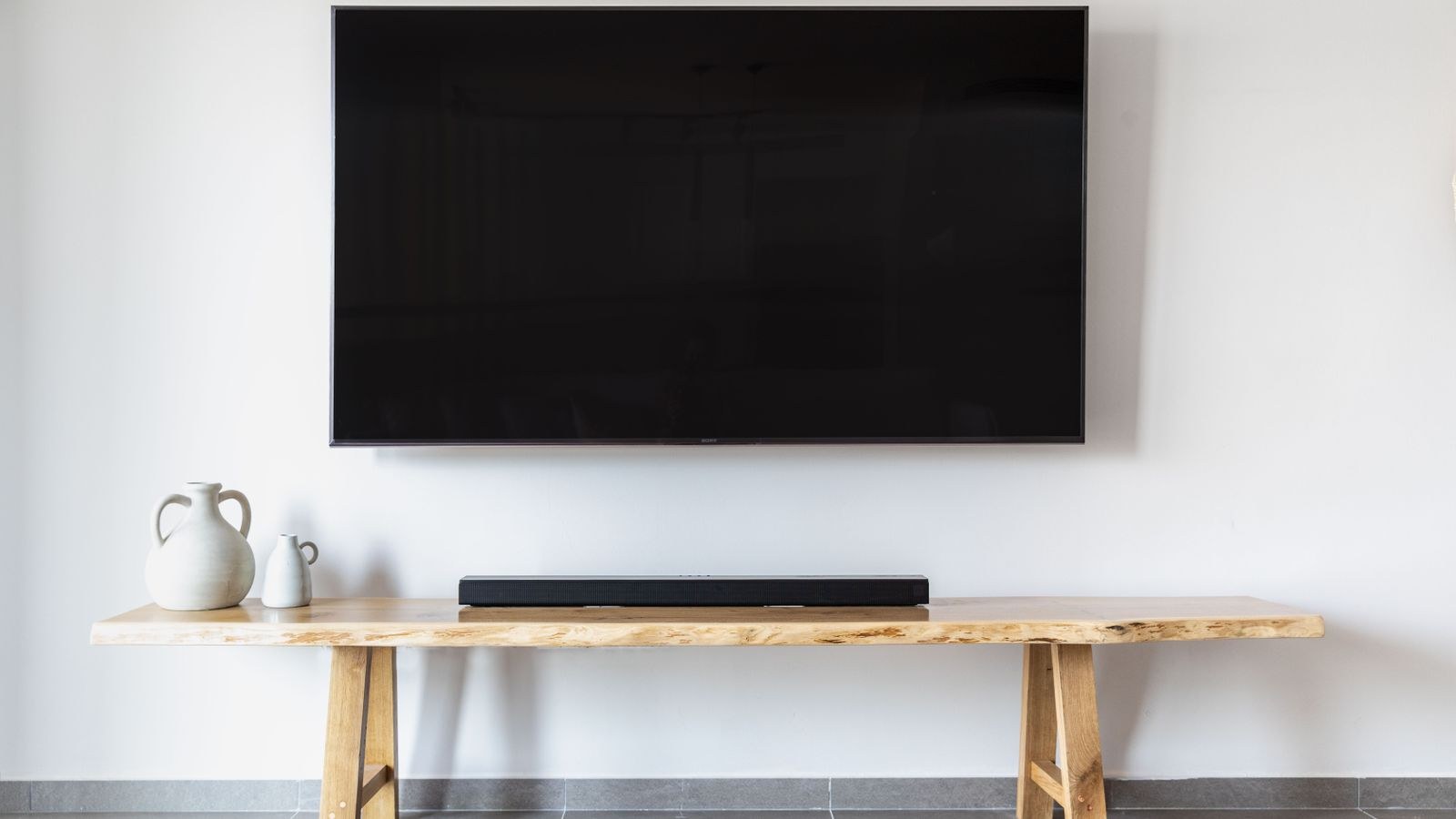
There is a third option that quietly beats both extremes: mount the screen low on the wall and place a slim, low console beneath it. You get the floating look and freed floor space, the screen sits at proper seated eye level, the console catches every cable and hides the boxes, and a soundbar has an obvious home. The console does not need to be large or expensive, because it is no longer carrying the screen’s weight.
This arrangement also ages well. Swap the television in a few years and nothing else changes. Add speakers later and the shelf is already there. It is the setup professional installers default to for a reason.
Common Mistakes to Avoid
Mounting above a fireplace tops the list, both for the neck strain and because heat and soot are unkind to electronics. Second is buying a bracket by price rather than by VESA pattern and weight rating, which leads to a return trip at best. Third is drilling before locating studs, which turns a twenty-minute job into a patching job.
On the stand side, the recurring errors are choosing furniture narrower than the screen, which looks unbalanced and reduces stability, and skipping the anti-tip strap. A useful rule is to buy a console at least as wide as the television, ideally a few inches wider on each side.
Frequently Asked Questions
Can I wall mount a TV on plasterboard without studs?
For small, light screens, heavy-duty toggle fixings rated well above the panel weight can work. For anything large, do not attempt it. Find studs, add a timber backing board across two studs, or use a stand instead.
Does mounting damage the television?
No, provided the bracket matches the VESA hole pattern and you use the correct screw length. Screws that are too long can damage internal components, so use the hardware supplied with the mount rather than substituting from a spare parts drawer.
Is a full-motion mount worth the extra money?
Only if you genuinely watch from more than one position, or you need to swing the screen away from a window to kill glare. For a single straight-on sofa, a fixed or tilting mount is cheaper, sits flatter against the wall, and looks better.
What height should a wall mounted TV be?
Aim for the centre of the screen at your seated eye level, which for most sofas puts it around 40 to 45 inches from the floor. Sit down, have someone hold a tape measure to your eye, and mark that number on the wall before drilling.
Which option is better for renters?
A stand, in almost every case. It requires no permission, no repair on exit, and moves with you. If mounting is allowed and you plan to stay several years, the calculation changes, but for short tenancies the stand is the practical choice.
Final Thoughts
Choosing between a television stand and a wall mount comes down to four questions: what your walls are made of, whether you are allowed to drill, where your eyes sit when you are relaxed on the sofa, and how many boxes need hiding. Answer those honestly and the decision usually makes itself. Mounting delivers the cleanest look, the safest install, and the most floor space, at the cost of effort, tools, and permanence. A stand delivers storage, easy cabling, correct height by default, and total reversibility, at the cost of footprint. And if you cannot decide, the low mount plus slim console hybrid genuinely gives you most of both, which is why it has quietly become the default for well-planned living rooms in 2026.