
 Owen Bradley
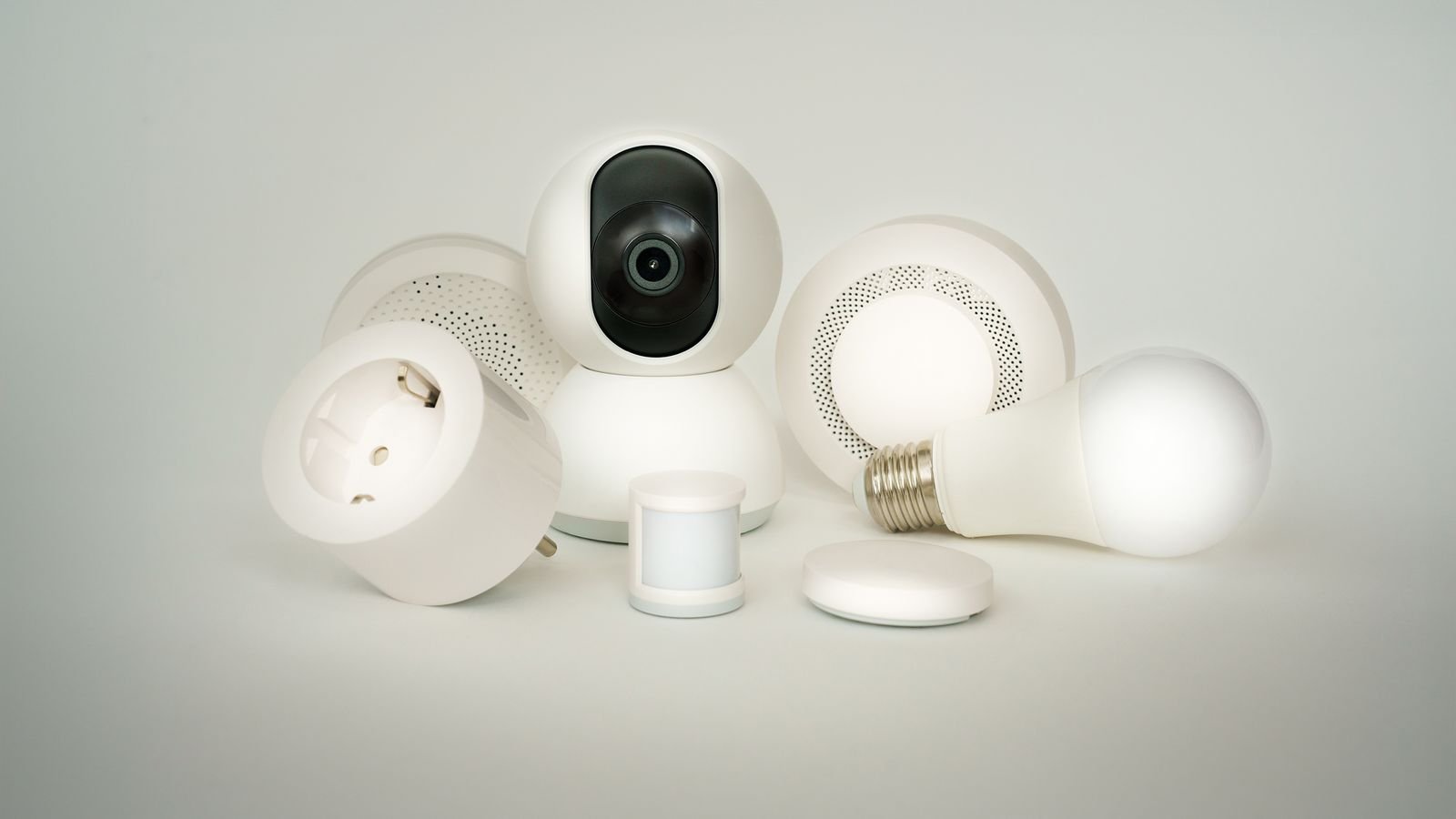
 The fastest way to end up with a frustrating smart home is to buy interesting devices one at a time. You get a bulb from one brand, a plug from another, a camera that only speaks to its own app, and within six months you are opening four applications to turn off the lights. A smart home that actually feels smart is built the other way around: pick the ecosystem first, pick the connection standard second, and only then choose devices. This guide walks through that decision in order, explains where switches, plugs, and cameras each belong, and lays out a sensible starting build for 2026.
Start With the Ecosystem, Not the Device
Your ecosystem is the voice assistant and app that everything reports to. In practice most households land on one of three, and the honest advice is to choose based on the phones and speakers you already own rather than on feature comparisons, because the differences between them narrow every year.
- Amazon Alexa has the widest device compatibility and the cheapest speakers, which makes it the easiest to expand incrementally.
- Google Home integrates naturally with Android phones and generally handles conversational voice commands well.
- Apple Home has the strictest privacy posture and the cleanest interface, with a smaller but steadily growing device catalogue.
The important part is committing. A household running one assistant with twelve devices is dramatically more usable than one running three assistants with twenty. Buy your first three devices inside a single ecosystem and treat compatibility with it as a hard requirement thereafter.
Connection Standards Explained Without Jargon
Underneath the ecosystem, devices talk over one of a few radio protocols, and this choice affects reliability more than any feature on the box.
Wi-Fi
Devices connect straight to your router with no hub required, which makes setup trivial. The catch is that every device consumes a slot on your network, and consumer routers start behaving badly somewhere past thirty or forty connected clients. Wi-Fi is ideal for a handful of devices and for anything bandwidth-heavy like cameras.
Zigbee and Z-Wave
These are low-power mesh protocols that need a hub but scale far better. Each mains-powered device repeats the signal, so coverage improves as you add devices rather than degrading. Response is fast and consistent, and battery sensors last years. If you expect to pass fifteen or twenty devices, a mesh protocol is the better foundation. Roundups of the best z wave light switches and the best zigbee light switches are a useful way to see what a hub-based build looks like in practice.
Matter and Thread
Matter is a cross-industry standard designed so a device works with any major ecosystem, and Thread is the low-power mesh network it often rides on. Support has spread quickly and buying Matter-certified devices is now the most effective hedge against ecosystem regret.
Smart Switches: The Foundation Layer
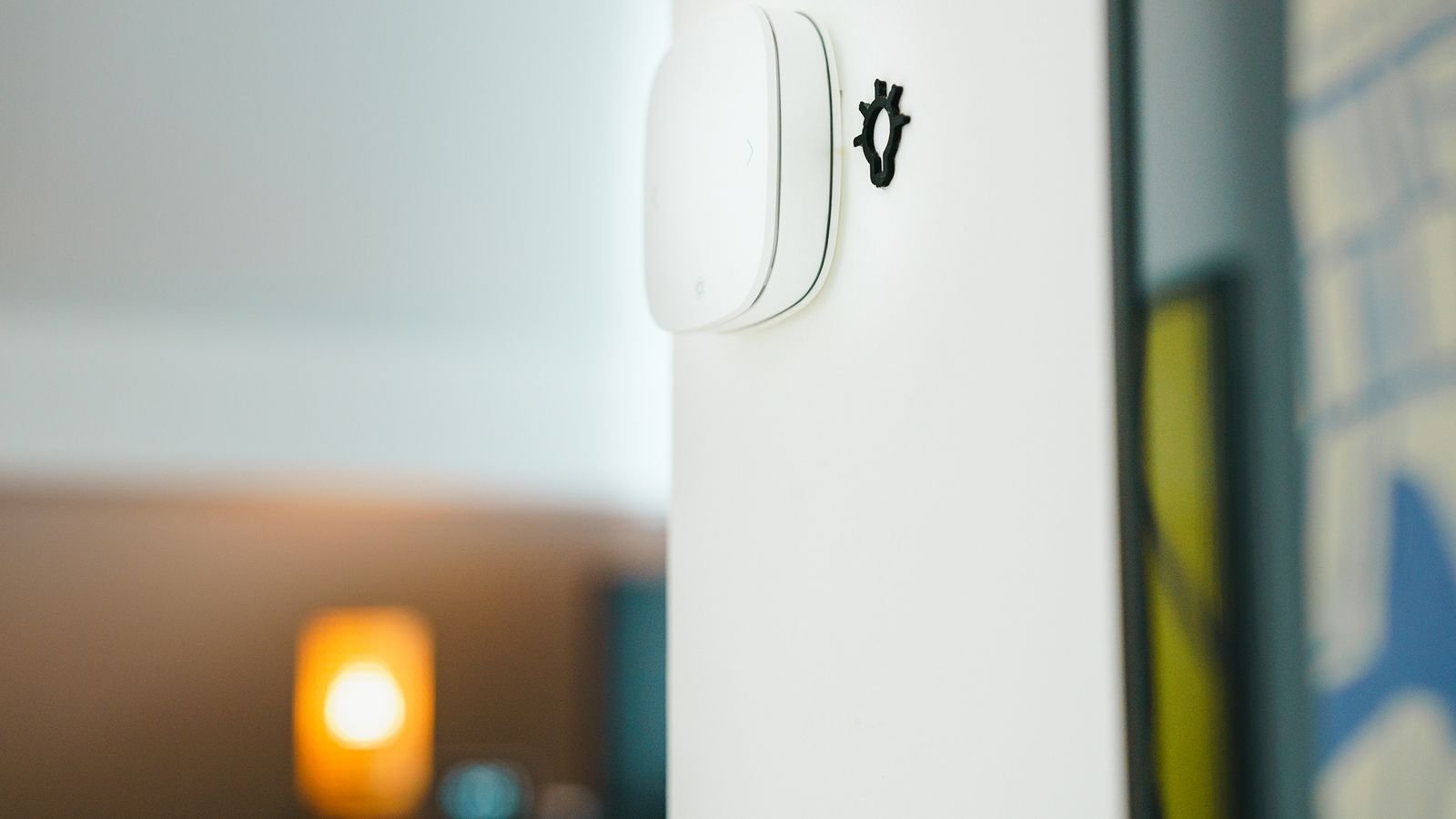
If you buy one category first, make it switches. A smart switch replaces the wall switch and controls the fixture wired to it, which means every bulb on that circuit becomes controllable without replacing a single bulb. Critically, the wall switch keeps working normally for anyone who does not care about apps, which is the difference between a smart home your household adopts and one they resent.
The alternative, smart bulbs, breaks that model. A smart bulb loses all intelligence the moment someone flips the wall switch off, and every guest and family member will do exactly that. Bulbs make sense for colour effects and for fixtures with no accessible switch; switches make sense everywhere else. Comparing the best smart switches for home use is the right starting point for planning a whole-house lighting layer.
The Neutral Wire Question
Most smart switches need a neutral conductor to power their radio. Pull a wall plate and look for a bundle of capped white wires at the back of the box. Homes built before the mid-1980s frequently lack them in switch boxes. No-neutral models exist and work well, but they cost more and have tighter bulb compatibility, so check before you order a dozen.
Dimmers, Three-Ways, and Fans
Match the switch to the load. A dimmer on a non-dimmable LED causes flicker and buzz. A single-pole switch in a three-way circuit produces a light that works only sometimes. Ceiling fans need fan-rated speed controls, not lighting dimmers, because motor loads behave differently.
Smart Plugs: The Cheapest Way to Learn
Smart plugs sit between an outlet and a device, and they require no wiring at all. That makes them the ideal experiment: for the price of a lunch you can find out whether you actually use automation before committing to in-wall hardware. They suit lamps, coffee makers, space heaters, fans, holiday lighting, and anything with a mechanical on-off switch that stays in the on position.
Watch three specifications. Check the load rating against what you plug in, since heaters and appliances exceed many plugs’ capacity. Check physical size, because a bulky plug blocks the second socket in a duplex outlet. And look for energy monitoring if you want to know what anything actually costs to run, which is genuinely eye-opening on older refrigerators and entertainment centres. The best smart home outlets comparisons cover in-wall alternatives for locations where a protruding plug is unacceptable.
Cameras: Useful, but Plan Them Deliberately
Cameras are the category where careless buying causes the most regret, because the decisions carry privacy and subscription implications that a light switch does not.
Storage Model
Cloud storage means footage lives on a vendor’s servers, is accessible anywhere, and usually costs a monthly fee. Local storage keeps clips on a card or network drive with no recurring cost and no third party holding your video, but you manage the retention yourself. Many good cameras now support both, and choosing a model that does gives you an exit if a subscription price changes.
Indoor Versus Outdoor
Outdoor units need weather sealing, meaningful infrared or spotlight night vision, and reliable motion zones so passing cars do not generate a hundred alerts a night. Indoor units prioritise a wide field of view, two-way audio, and often a physical privacy shutter. Do not deploy an indoor camera outside under an eave and expect it to survive a winter.
Power and Placement
Battery cameras place anywhere and need recharging every few months. Wired cameras never die but need an outlet or professional cabling. Mount at roughly 8 to 10 feet, angled to capture faces at approach paths rather than surveying an entire yard from a rooftop. Reviewing the best security cameras for home use alongside the broader best home security camera systems field clarifies when single cameras suffice and when a coordinated system is warranted.
A Sensible First Build
- One smart speaker or display in the room where you spend the most time, to anchor the ecosystem.
- Two smart plugs on lamps, to learn scheduling and voice control at minimal cost.
- Two smart switches on the lights you use most, typically the kitchen and the porch.
- One camera covering the main entry, with a storage model you are comfortable living with.
- One routine that does something genuinely useful, such as everything off at bedtime.
That build costs a modest amount, uses one app, and teaches you what your household actually wants. Expand only after living with it for a month, because the automations people imagine wanting and the ones they use daily are rarely the same list.
Making Devices Work Together
Integration is where the value appears. A camera that detects motion at the front door can trigger the porch switch to turn on. A bedtime routine can cut the plugs, dim the lights, and arm the cameras with one phrase. Geofencing can turn things off when the last phone leaves the house.
Keep routines few and obvious. Elaborate automation chains fail in ways that are hard to diagnose, and a smart home that behaves unpredictably is worse than no smart home at all. Name devices clearly by room and function, since voice control lives or dies on naming, and avoid names that sound similar to each other.
Budget Tiers
- Under $150. A budget speaker, two or three smart plugs, and one indoor camera. Enough to evaluate the concept.
- $150 to $400. Add three or four smart switches, a display, and an outdoor camera. Covers the daily-use cases for most homes.
- $400 to $900. A hub-based mesh build with switches throughout, multiple cameras, sensors, and a smart lock.
- $900 and up. Whole-home coverage with professional installation, wired cameras, and network storage.
Common Mistakes to Avoid
- Mixing ecosystems early. Pick one and enforce it as a purchase requirement.
- Choosing bulbs where switches belong. The wall switch will always win.
- Overloading Wi-Fi. Past twenty devices, plan a mesh protocol and a hub.
- Ignoring the neutral wire. Check the box before buying switches in bulk.
- Signing up for subscriptions blindly. Multiply the monthly fee by the years you expect to keep the camera.
- Automating too much too soon. Two reliable routines beat ten fragile ones.
Frequently Asked Questions
Do I need a hub to start?
No. Wi-Fi devices connect directly and are the easiest entry. A hub becomes worthwhile once you pass roughly fifteen to twenty devices or want battery sensors with multi-year life.
Should I buy smart switches or smart bulbs?
Switches for any fixture with a wall switch, because they survive someone flipping the switch manually. Bulbs for colour effects, lamps, and fixtures controlled by no accessible switch.
What happens if my internet goes down?
Wall switches and most in-wall devices keep working manually. Voice commands and remote access stop. Hub-based systems with local automation often continue running schedules and routines without any internet connection.
Are smart home cameras a privacy risk?
They carry real considerations. Reduce exposure by choosing local storage, enabling two-factor authentication, using a strong unique password, keeping firmware updated, and avoiding camera placement in bedrooms and bathrooms.
What is Matter and does it matter to me?
Matter is a compatibility standard letting one device work across major ecosystems. It matters mainly as insurance: buying Matter-certified hardware means less risk of stranded devices if you switch platforms later.
Final Thoughts
A good smart home is boring in the best way. Lights come on when you walk in, everything shuts down at bedtime, and you can check the front door from anywhere, all through one app that everyone in the house understands. Getting there is mostly a matter of sequencing: choose the ecosystem, choose the protocol, then buy switches for lighting, plugs for experimentation, and cameras where you have a specific question to answer. Start small, live with it, and expand only where you feel a real gap. That approach costs less and produces a system your household actually uses.









