Owen Bradley
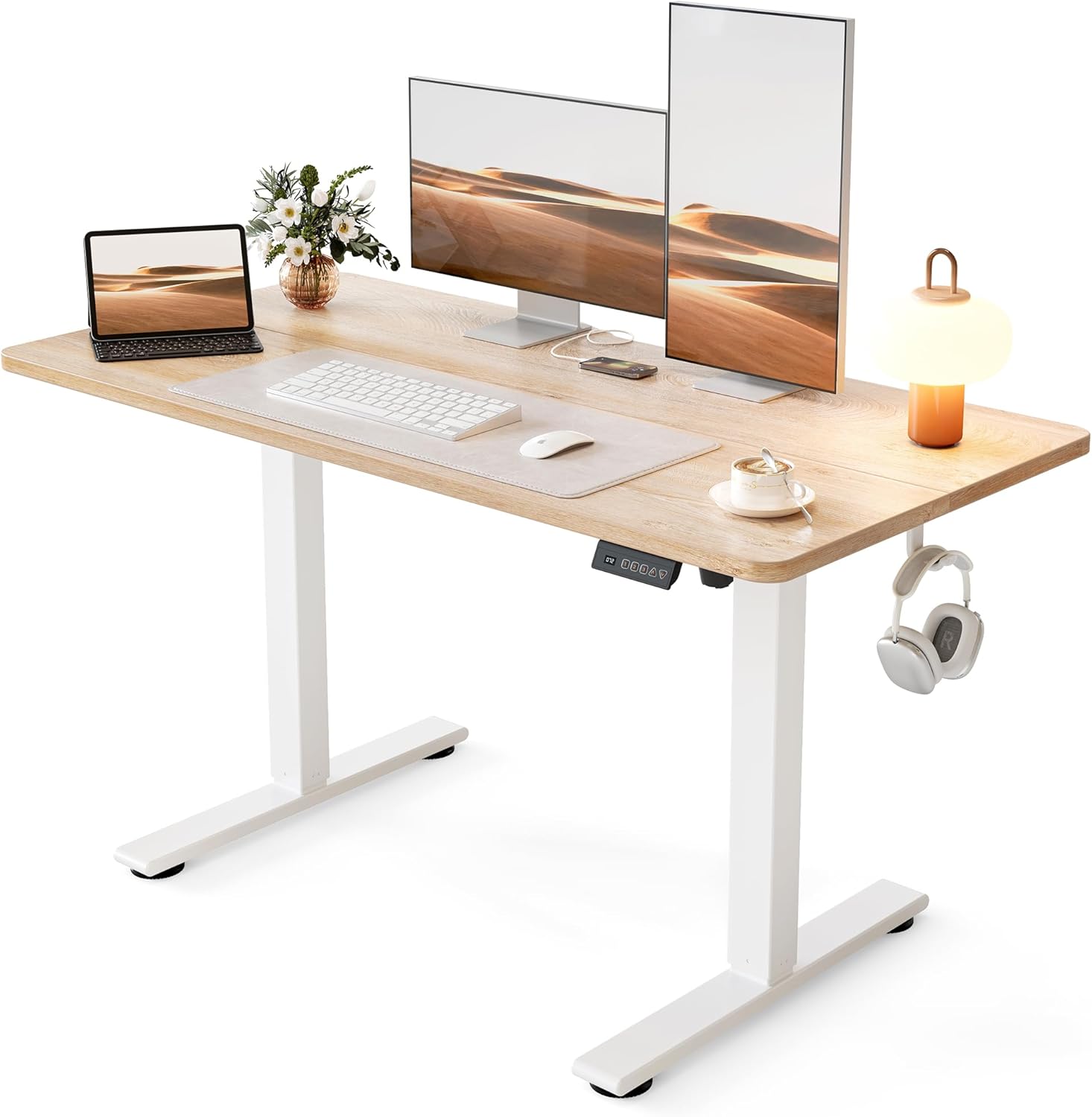
 The frame is the heart of any height-adjustable desk. It determines how smoothly the desk rises, how much weight it holds, how stable it feels at standing height, and how long it lasts. Two desktops can look identical, yet the frames beneath them can be worlds apart. This guide explains how to choose a standing desk frame by walking through motors, materials, weight limits, and the details that separate a wobbly disappointment from a rock-solid workstation.

Why the Frame Matters Most
When people shop for a standing desk, they often focus on the desktop’s size and finish. But the frame does the real work. It carries the load, drives the movement, and provides stability. A beautiful desktop on a weak frame will wobble, struggle under weight, and wear out, while a plain top on a strong frame delivers years of smooth, steady service. If you invest anywhere, invest in the frame.
Single Motor vs Dual Motor
Electric standing desk frames use one or two motors, and the difference is significant. A single-motor frame drives both legs from one motor, which keeps the price down but often means slower, noisier movement and lower weight capacity. A dual-motor frame powers each leg independently, delivering faster, quieter, smoother height changes and greater stability, especially at full height. For daily use and heavier setups, dual motors are worth the extra cost. You can see the difference in the best electric standing desks, most of which favor dual-motor designs for a reason.
Manual Frames
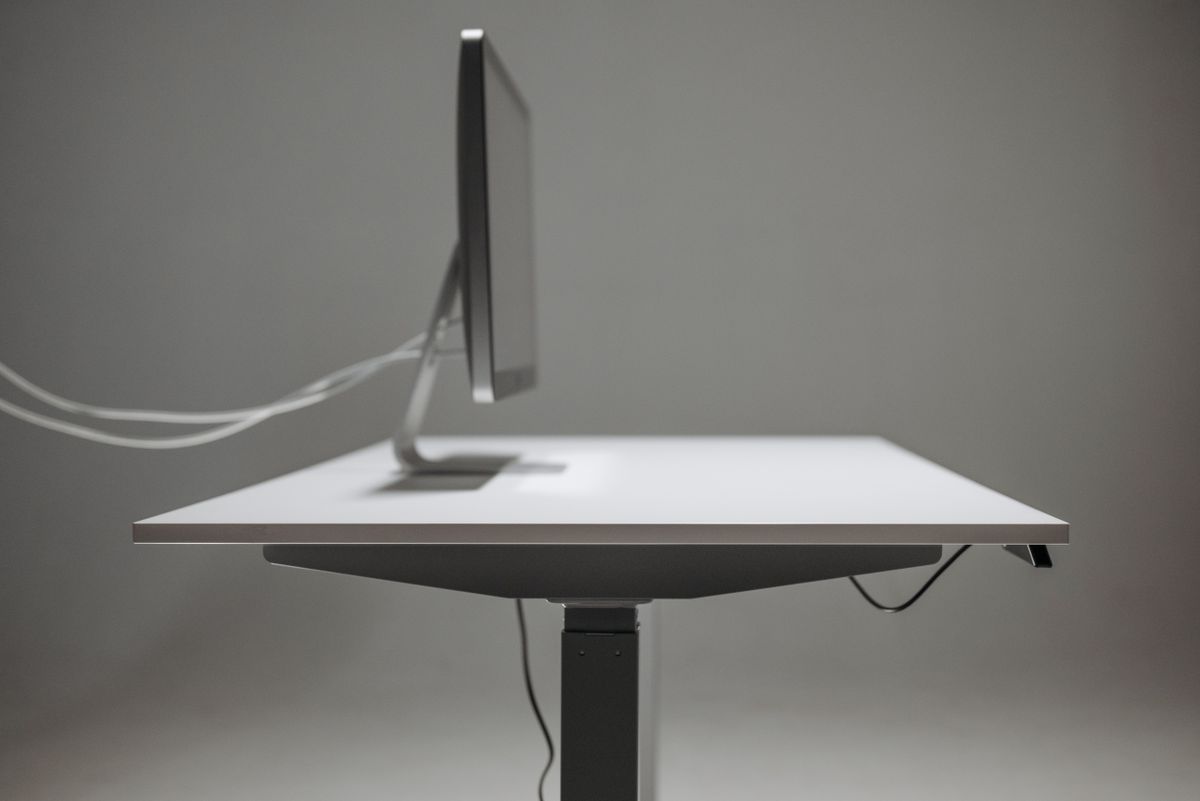
Not every frame uses a motor. Manual standing desk frames raise and lower with a hand crank or spring mechanism. They cost less, need no power, and never worry about electronics failing, but each height change takes effort, which can discourage frequent switching. Manual frames suit budget-conscious buyers, spaces without a nearby outlet, or people who change height only a few times a day. If that describes you, compare the best manual standing desks for sturdy, no-power options.
Frame Materials and Build
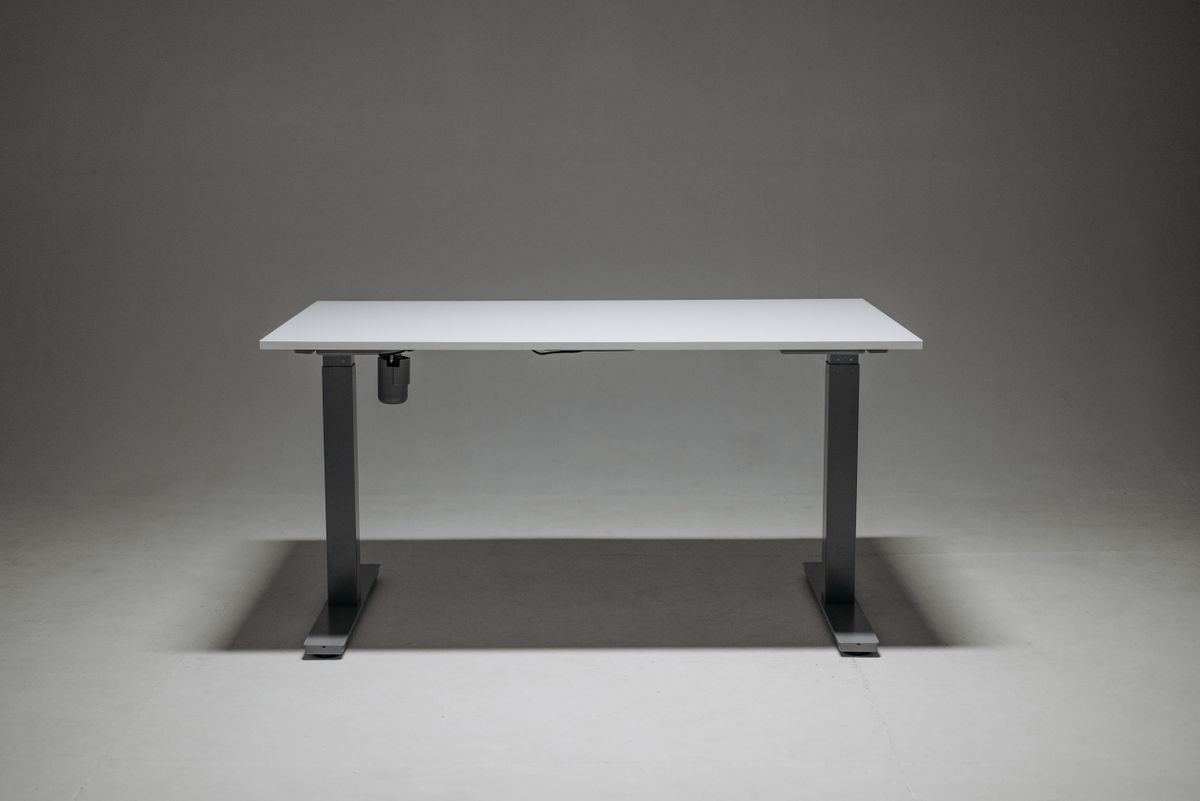
Material quality drives stability and lifespan. Look for legs made of thick, powder-coated steel rather than thin or lightweight metal. The leg design matters too: three-stage legs (with three telescoping segments) offer a wider height range and better rigidity than two-stage legs. Check the crossbar and foot design as well, since a wider, well-braced base resists the side-to-side wobble that plagues cheap frames. A heavier frame is often a good sign, because it usually means more substantial materials.
Weight Capacity
Every frame has a weight rating, and you should choose one that comfortably exceeds your total load. Add up your monitors, monitor arms, computer, laptop, speakers, and any other gear, then pick a frame rated well above that number. A frame operating near its limit moves slowly, strains its motors, and wobbles, while a frame with headroom stays smooth and stable. For heavy multi-monitor or workstation setups, prioritize a high-capacity dual-motor frame from the start.
Height Range
Frames vary in how low and how high they travel, and this matters most for very tall or very short users. Confirm the frame lowers enough for proper sitting posture, with your elbows near 90 degrees, and rises enough for comfortable standing with the monitor at eye level. Three-stage legs generally offer a broader range than two-stage legs. If you share the desk with others of different heights, a wide range plus memory presets makes switching between users easy.
Stability at Full Height
Wobble is the most common complaint about standing desks, and it almost always traces back to the frame. Stability comes from sturdy legs, a wide base, quality crossbars, and three-stage construction. Before buying, read reviews specifically for comments about shake at full height with a typing load. A frame that stays steady while you type at standing height is doing its most important job.
Useful Frame Features
Beyond the basics, several frame features add real convenience. Memory presets let you save your ideal sitting and standing heights for one-button recall. Anti-collision sensors stop the desk if it meets an obstacle, protecting your gear. A built-in cable tray keeps cords tidy as the desk moves. Adjustable feet help level the desk on uneven floors. None of these replace a strong core frame, but they refine the daily experience once the fundamentals are solid.
Matching a Frame to a Desktop
If you are buying a frame separately to pair with your own desktop, confirm the frame’s adjustable width and mounting pattern fit your top, and that the top’s weight and size stay within the frame’s rating and support span. A frame that is too narrow for a wide desktop leaves the ends unsupported and prone to sag. When in doubt, choose a frame with an adjustable-width crossbar so it adapts to a range of desktops. Quality frame kits like those among the best standing desk legs make this pairing straightforward, and if you prefer a ready-made solution the best standing desks pair proven frames with matched desktops.
Frequently Asked Questions
Is a dual-motor frame worth the extra cost?
For most daily users, yes. Dual motors deliver faster, quieter, smoother movement, higher weight capacity, and better stability than single-motor frames, which matters when you change height often or carry a heavy setup.
How much weight capacity do I need?
Add up all the gear you will place on the desk, then choose a frame rated comfortably above that total. Headroom keeps the movement smooth and the frame stable over time.
Why does my standing desk wobble?
Wobble usually comes from a weak frame: thin legs, a narrow base, or two-stage construction. A sturdy three-stage, wide-based frame rated above your load is the cure.
A Frame Buyer’s Checklist
Before you commit to a frame, run it through a short checklist that captures everything that matters. First, confirm the motor type suits your usage: dual-motor for frequent, smooth, heavy-duty adjustment, or a solid manual mechanism if you rarely change height and want to save money. Second, check the leg construction, favoring thick powder-coated steel with three-stage telescoping legs for the best range and rigidity. Third, verify the weight capacity comfortably exceeds the combined weight of everything you will place on the desk, leaving headroom so the motors never strain. Fourth, make sure the height range lowers enough for proper sitting and rises enough for comfortable standing at your height. Fifth, look for a wide, well-braced base and crossbar that resist side-to-side wobble at full extension. Sixth, consider convenience features such as memory presets, anti-collision sensors, cable management, and adjustable feet, which refine daily use once the core frame is strong. Finally, read reviews specifically for comments about stability while typing at standing height, since that real-world feedback reveals what specifications alone cannot. A frame that satisfies each of these points will deliver years of smooth, stable, dependable service, while one that skips several is likely to disappoint no matter how attractive the desktop on top of it looks.
Final Thoughts
When you choose a standing desk, the frame deserves your closest attention. Favor a dual-motor design for smooth, frequent adjustment, or a solid manual frame if you rarely change height. Insist on thick steel, three-stage legs, a wide base, and a weight rating well above your total load, and confirm the height range fits your body. Get the frame right and the desk stays smooth, stable, and dependable for years, no matter which desktop sits on top.