
 Owen Bradley
 Desktop computers are no longer one-size-fits-all machines. Whether you’re outfitting a productive home office or building a gaming battlestation, the specifications that matter most differ significantly depending on your primary use. A machine optimized for spreadsheets and video calls looks quite different from one built to run demanding modern games at high frame rates. This comprehensive guide compares work-focused and gaming-focused desktops in depth so you can choose the configuration that truly fits your daily needs, budget, and workspace.

Defining Your Primary Use Case
Before comparing specifications, be honest about how you’ll actually use the machine most of the time. A desktop bought primarily for documents, email, video conferencing, and light multitasking has very different requirements than one meant to run the latest games smoothly. Many people fall somewhere in between, needing a hybrid machine that handles both productivity and entertainment reasonably well. Clarifying your real priorities upfront prevents you from either overspending on unnecessary gaming power or underbuying and struggling with the tasks that matter most to you.
What Work-Focused Desktops Prioritize
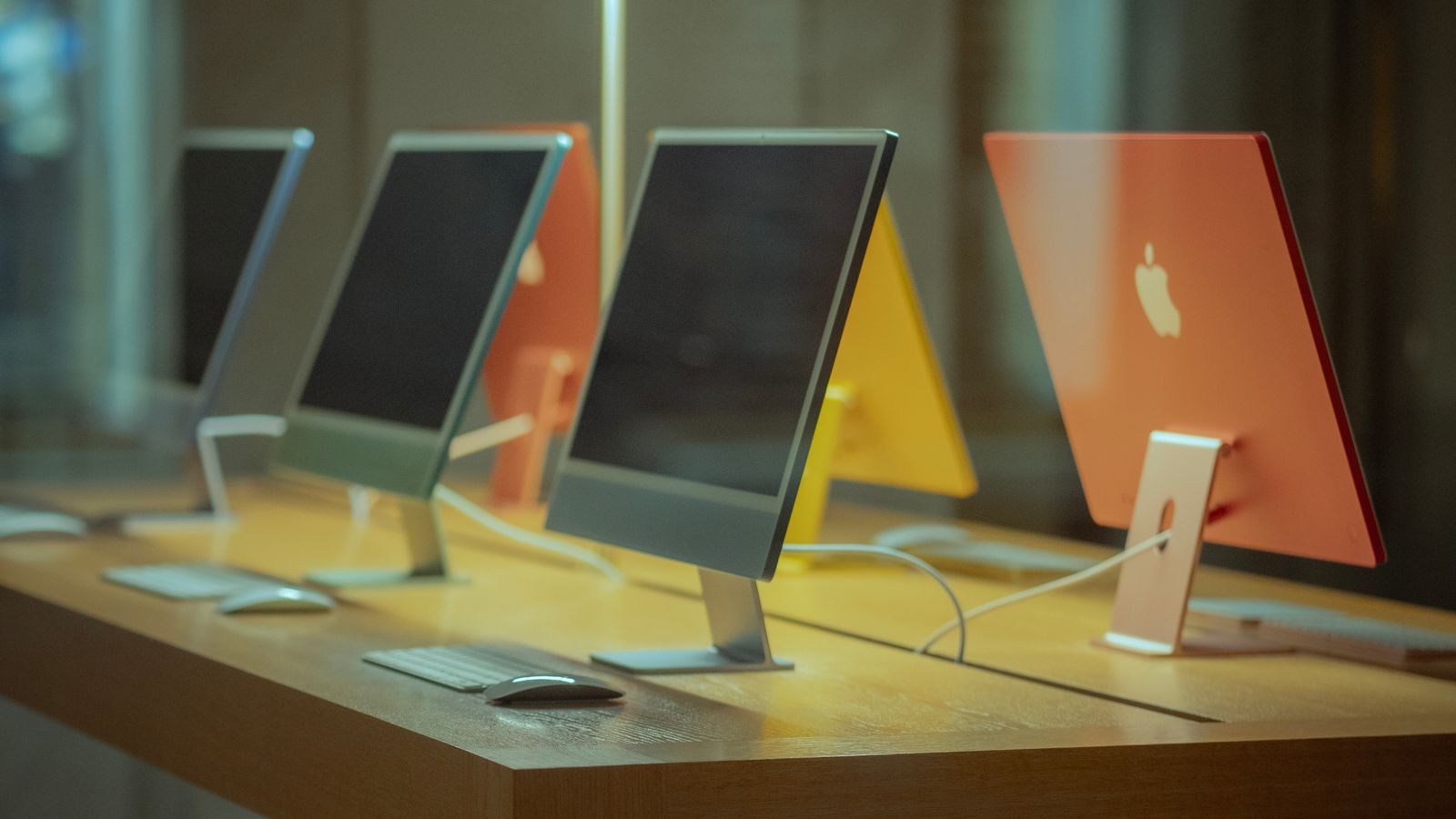
Business and home office desktops emphasize reliability, smooth multitasking, quiet operation, and often compact form factors that fit neatly on or under a desk without dominating the space. Processors are chosen for efficient multitasking across many open applications rather than raw gaming throughput, and graphics needs are usually modest unless the work involves video editing or design. Stability and consistent daily performance matter more than peak benchmark numbers here. Exploring the best desktop computers for business use gives a clear sense of what reliable, professional-grade machines look like and which features professionals value most.
Key Traits of a Good Work Desktop
Look for a dependable multi-core processor, at least 16GB of RAM for comfortable multitasking, fast solid-state storage, plenty of connectivity ports, and quiet cooling. Business-oriented machines often include additional security and manageability features that matter in professional environments.
What Gaming-Focused Desktops Prioritize
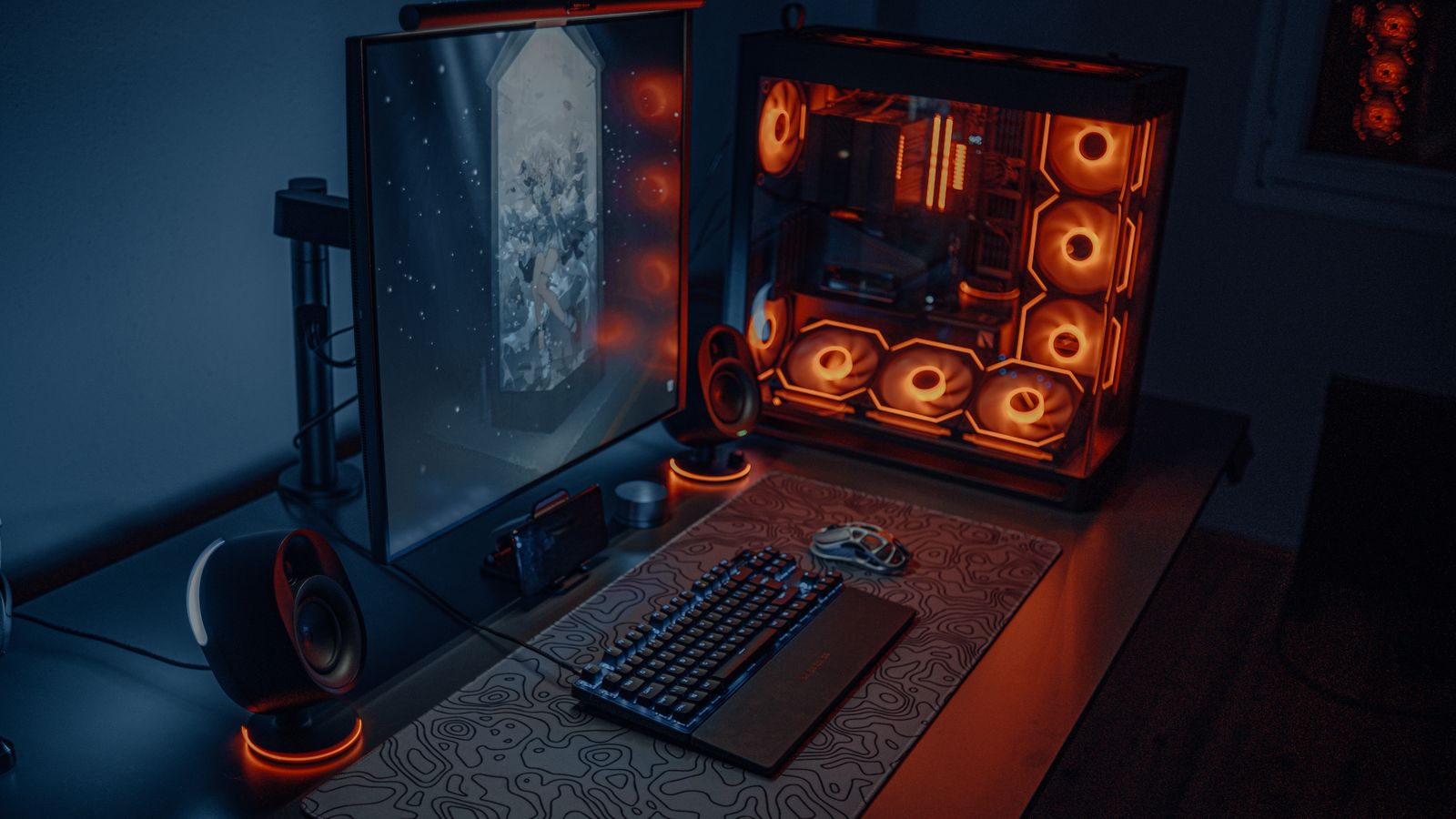
Gaming desktops center around a strong discrete graphics card, a capable CPU to avoid bottlenecks, ample fast RAM, and cooling systems designed to sustain high performance during long play sessions. Case design often emphasizes better airflow, and many models feature RGB lighting or tempered glass panels for visual appeal. The graphics card is the heart of a gaming machine and typically consumes the largest share of the budget. A look at the best desktop computers for gaming reveals just how much graphics performance and cooling capability vary across price points.
Key Traits of a Good Gaming Desktop
Prioritize a graphics card matched to your target resolution and refresh rate, a CPU with strong clock speeds, 16GB or more of RAM, fast NVMe storage to cut game load times, and robust cooling to maintain performance under sustained load.
Hybrid Needs: Home Office and Light Gaming
If you split your time between work tasks and occasional gaming, look for a desktop with a capable mid-tier discrete GPU rather than integrated graphics alone, paired with a solid multi-core CPU and 16GB of RAM. This combination handles office productivity smoothly all day while still delivering enjoyable frame rates in most games during your downtime. Reviewing options among the best desktop computers for home office use can help identify machines with exactly this kind of balanced, dual-purpose capability without paying for extreme gaming-only performance.
Processor Considerations
Work-focused tasks like spreadsheets, browsers with dozens of open tabs, and video conferencing benefit most from a CPU with strong multi-core efficiency that keeps many applications responsive at once. Gaming, on the other hand, often benefits more from high single-core clock speeds, though modern titles increasingly take advantage of multiple cores as well. A balanced modern processor generally serves both purposes well, which is good news for hybrid users who don’t want to compromise heavily in either direction.
Memory and Storage
16GB of RAM is a comfortable baseline for both work and gaming today, with 32GB recommended for heavy multitasking, content creation, or running demanding background applications. Solid-state storage is essential in either scenario for fast boot times and snappy application loading. Gaming setups particularly benefit from fast NVMe drives to reduce lengthy game load times, while work setups benefit from ample capacity to store documents, projects, and archives without clutter.
Graphics: Where Work and Gaming Diverge Most
This is the single biggest area of difference. Office work and video calls run perfectly well on integrated graphics or a modest dedicated card, so spending heavily on a GPU for pure productivity is wasteful. Gaming, however, lives and dies by graphics performance, making the GPU the most important and expensive component for that use. If your needs are hybrid, choose a GPU sized to your gaming ambitions, since work tasks will be more than satisfied by any card capable of gaming.
Display and Peripheral Needs
Work setups typically prioritize larger screens or dual-monitor arrangements for productivity, plus a comfortable keyboard and precise mouse for long hours of use. Gaming setups often favor a single high-refresh-rate display and gaming-oriented peripherals. Consider your monitor and peripheral needs alongside the desktop tower itself, since they significantly affect both your overall experience and your total budget. Don’t forget these costs when planning your purchase.
Noise, Cooling, and Aesthetics
Home office environments often benefit from quieter cooling solutions, since fan noise can be distracting during calls or focused work and unprofessional during video meetings. Gaming desktops, especially higher-performance models, may run louder under heavy load, so consider case design and cooling quality if noise is a concern in your workspace. Aesthetically, work machines tend toward understated designs, while gaming rigs often embrace lighting and glass panels; choose what suits your space and taste.
Budgeting for Your Chosen Path
A pure office desktop is generally the most affordable path since it doesn’t require an expensive graphics card. A dedicated high-end gaming rig sits at the top of the price range due to its GPU and cooling demands. A hybrid work-and-gaming machine lands in between, offering strong value by combining a mid-range GPU with a capable CPU. Decide which category fits your actual usage and budget accordingly, factoring in peripherals and any software you need.
Connectivity and Expansion Needs
Work and gaming desktops often differ in their connectivity priorities. A work machine benefits from plenty of USB ports for peripherals, dual-monitor video outputs, and reliable wired networking for stable video calls and file transfers. A gaming desktop prioritizes high-bandwidth display outputs to drive a fast monitor, along with fast networking for smooth online play. Consider how many devices you’ll connect and whether you need features like fast wired networking, and check that your chosen desktop offers enough ports and expansion slots to accommodate your setup now and as it grows.
Longevity and Upgrade Planning
How long you expect to keep the machine should shape your decision. A work desktop used mainly for productivity may stay useful for many years since office software demands change slowly. A gaming desktop faces steadily rising requirements as new games arrive, so buying with some headroom and an accessible upgrade path helps it stay relevant longer. Look for a case and power supply that can accommodate a future graphics card upgrade, along with spare memory slots, so you can extend the machine’s life with targeted improvements instead of a full replacement.
Making the Final Decision
When you’re ready to decide, return to your honest assessment of primary use. If productivity dominates your day and gaming is rare or absent, invest in reliability, quiet operation, and a comfortable multi-monitor setup rather than an expensive graphics card. If gaming is your main focus, put your budget into the GPU and cooling while ensuring the CPU and RAM keep pace. If you genuinely split your time, a balanced hybrid build sized to your gaming ambitions will serve both roles gracefully. Let your real daily activities, not aspirational ones, guide where your money goes for the most satisfying outcome.
Frequently Asked Questions
Can one desktop handle both work and gaming well?
Yes, a desktop with a solid multi-core CPU, 16GB or more of RAM, and a capable mid-range discrete GPU can comfortably handle both productivity tasks and most modern games, making it an excellent choice for users with hybrid needs.
Do I need a dedicated graphics card for office work?
Not typically. Integrated graphics handle everyday office tasks, web browsing, and video calls perfectly well unless your work involves video editing, 3D design, or occasional gaming, in which case a dedicated card becomes worthwhile.
How much should I budget for a hybrid work-and-gaming desktop?
Expect to spend more than a pure office machine but potentially less than a top-tier gaming rig, since a well-chosen mid-range GPU paired with a solid CPU delivers strong value for both use cases without extreme cost.
Is a compact desktop good for gaming?
Compact desktops can game well if they include adequate cooling and a capable GPU, but tight cases can limit airflow and future upgrades, so check cooling and expansion options carefully before choosing a small form factor for gaming.
Should I prioritize the monitor or the desktop?
Both matter, but for gaming the desktop’s GPU must be able to drive your chosen monitor’s resolution and refresh rate, so plan them together rather than buying a high-end display your machine can’t fully utilize.
Final Thoughts
Choosing between a work desktop and a gaming desktop ultimately comes down to how you’ll spend most of your time at the machine. If your needs genuinely overlap, a well-balanced mid-range build can serve both purposes admirably without unnecessary compromise. Prioritize the specifications that matter most for your primary activity, size your graphics card to your gaming ambitions, and treat everything else as a helpful bonus. With a clear sense of your priorities, you’ll end up with a desktop that fits your work, your play, and your budget.









