Owen Bradley
 The l shaped vs u shaped desk decision is usually framed as a question of ambition, as though the U is simply the L with more of everything. In practice they solve different problems. An L-shaped desk fits into a room and gives you a second work zone at right angles to your main one. A U-shaped desk builds a cockpit around you, with surface on three sides, and it demands floor space and a room layout that most home offices cannot supply. Choosing between them is less about how much desk you want and more about the shape of the room you have, how many monitors you actually run, and whether you need to reach things or just store them.
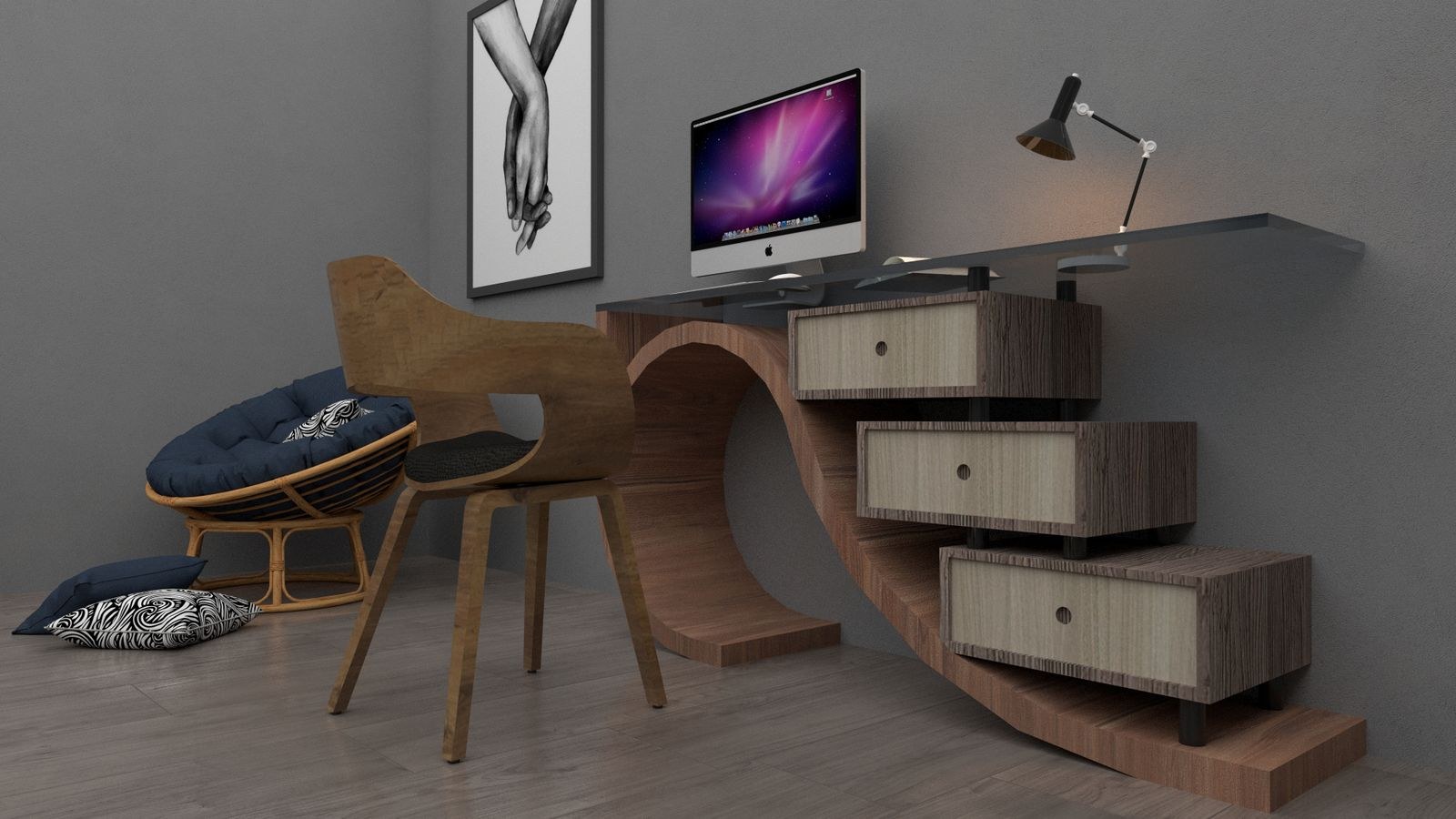
The Two Layouts Defined
An L-shaped desk consists of a main run and a return leg meeting at 90 degrees, typically in a corner or against a single wall with the return projecting into the room. Common sizes run around 55 to 70 inches on the long side and 40 to 55 inches on the return, with each section 24 to 30 inches deep. The corner itself is either a mitred triangle or a simple square overlap.
A U-shaped desk adds a third section, usually a bridge or credenza, connecting the far ends of the two arms so the surface wraps around the seated user. Overall footprint commonly lands between 70 and 100 inches per side. The defining trait is that you sit inside the desk rather than at it, and you enter through a single opening. Every practical difference between the two flows from that one structural fact.
Footprint: What Each Layout Demands From a Room
An L-shaped desk is efficient because two of its edges can sit flush against walls. In a 10-by-10 foot room, a 65-by-50 inch L consumes a corner and leaves the rest of the floor usable for a bookshelf, a second chair or simply circulation. You need roughly 36 inches of clearance behind the chair on the open side, and nothing else.
A U-shaped desk requires clearance on all three interior sides plus an access gap. A 90-inch-per-side U with a 30-inch deep surface needs an interior working area of at least 48 by 48 inches for the chair to rotate, plus the desk depth on three sides, plus an entry route. That comes to something close to a 12-by-12 foot room minimum before you add anything else. In a smaller space, a U-shaped desk does not feel generous. It feels like being walled in, with the far corners unreachable and the door blocked.
Measure Before You Choose
Tape the footprint out on the floor. Mark the outer edges of each section, then mark a 30-inch radius around where the chair will sit and check you can rotate without hitting anything. Confirm that doors, windows and radiators are still accessible, and that power outlets fall behind the desk rather than under an unreachable corner. This ten-minute exercise settles the l shaped vs u shaped question for most rooms without any further debate.
Monitor Capacity and Screen Placement
Monitor count is the second deciding factor. A single ultrawide or a dual 27-inch setup fits comfortably on the long run of an L-shaped desk, with the return left free for a laptop, notes or a drawing tablet. That is the most common configuration and the reason L-shapes dominate home offices and gaming rooms alike.
Triple monitors change the maths. Three 27-inch panels need roughly 72 inches of continuous width, which a 70-inch L run cannot supply without spilling into the corner where the two sections meet, and the corner is where a mitred desk is at its narrowest. A U-shaped desk handles this naturally: the main run carries the primary screens and the arms take the peripherals. If you run a simulator rig, a broadcast setup or a multi-machine workflow, the U earns its footprint. The best U-shaped gaming desks roundup shows how those layouts distribute screens and gear across three surfaces.
Note also the angle problem. On a U-shaped desk, a monitor on a side arm sits perpendicular to your body, which means turning your head and torso to use it. That is fine for a secondary display you glance at and poor for one you type on. Plan the side arms for storage, hardware and occasional reference, not for primary work.
Reach: The Difference Nobody Measures
The most underrated distinction is how much of the surface you can actually touch without standing up. Seated reach for most adults is around 26 to 30 inches from the shoulder, giving a comfortable arc of roughly 60 inches across the front of a desk. On an L-shaped desk with the return on your dominant side, almost all of the useful surface falls inside that arc.
On a U-shaped desk the arms extend well beyond it. The far end of a 90-inch arm is simply out of reach from a seated position unless you roll the chair, and the outer corners become storage that you visit rather than workspace that you use. This is not a fault, it is the nature of the shape, but it means a U-shaped desk gives you less usable working surface than its square footage implies. If your goal is more reachable area rather than more total area, a deeper L is often the better buy.

Flexibility, Assembly and Moving
L-shaped desks are almost always reversible, meaning the return can be assembled on the left or the right, and many are sold as two separable pieces you can rearrange into a straight run later. That flexibility matters if you rent, move often, or expect to reconfigure the room. Assembly typically takes one person an hour or two.
U-shaped desks are heavier, usually three-piece, and rarely reversible in any meaningful way because the bridge section is dimensioned to a specific arm spacing. They generally need two people to assemble and are awkward to move through doorways once built. If you are settled in a dedicated office, that is a non-issue. If you are not, it is a genuine cost. For a survey of adaptable configurations, the best L-shaped desks list covers models built to be reconfigured rather than fixed in place.
Cost and Value Comparison
U-shaped desks typically cost 40 to 80 percent more than an L-shaped desk of comparable material quality, because there is a third section, more hardware and a heavier frame. That premium buys surface area, not build quality, so compare on top thickness and frame construction rather than assuming the pricier shape is the sturdier one.
A useful middle path exists: buy a quality L-shaped desk and add a separate credenza or a small side table later if you find you need the third surface. This costs less than a U up front, moves more easily, and lets you discover whether you actually use the extra area before paying for it. Many people who thought they needed a U discover that a deeper L with good storage underneath solves the problem entirely.
Which Shape Suits Which User
- Single or dual monitor home office in a shared room. L-shaped, corner-mounted. Efficient, unobtrusive, leaves the room usable. The best L-shaped desks for home office covers this case in depth.
- Gaming setup with a tower, console and dual screens. L-shaped with the return carrying the console and peripherals.
- Triple monitor, streaming or simulator rig in a dedicated room. U-shaped, where the arms hold capture hardware, audio gear and secondary machines.
- Awkward or angled corner, limited wall length. A dedicated corner unit rather than a standard L; the best corner desks for gaming covers designs that fit the diagonal properly.
- Small bedroom or studio. Neither. A straight desk against the wall usually beats both, and the L-shaped vs straight desks guide works through that comparison.
Common Mistakes
- Buying the shape before measuring the room. Footprint is the constraint that decides this, not preference.
- Forgetting chair rotation clearance. The desk fits; the chair does not. Allow a 30-inch radius around the seated position.
- Assuming more surface means more usable space. Anything outside a 30-inch reach is storage, not workspace.
- Ignoring the corner join. On a mitred L, the corner is the deepest point and the hardest to reach. Do not put frequently used gear there.
- Overlooking cable routing. Multi-section desks need grommets in each piece; otherwise every cable runs the long way around the perimeter.
- Blocking a door or window. A U-shaped arm projecting into a doorway is a mistake you cannot design around after delivery.
Frequently Asked Questions
Can I convert an L-shaped desk into a U-shape later?
Sometimes, if the manufacturer sells a matching bridge or credenza in the same finish and height. Check availability before buying, since discontinued lines make matching almost impossible.
How much room do I need for a U-shaped desk?
As a working minimum, roughly 12 by 12 feet for a 90-inch-per-side model. That allows the desk footprint on three sides, chair rotation inside, and a usable entry gap.
Which shape is better for two monitors?
An L-shaped desk, almost always. Two 27-inch screens fit the main run comfortably and the return handles everything else, at a fraction of the footprint a U requires.
Does an L-shaped desk have to go in a corner?
No. Placing it along one wall with the return projecting into the room creates a natural divider, which works well in open-plan spaces and studio apartments.
Final Thoughts
Decide the l shaped vs u shaped question with a tape measure rather than a wish list. Mark the footprint on the floor, add chair clearance, and check that doors, outlets and windows still work. If the room passes and you genuinely run three or more displays plus supporting hardware, a U-shaped desk gives you a workstation nothing else matches. For everyone else, an L-shaped desk delivers more reachable surface per square foot, moves and reconfigures easily, and leaves budget for a better chair or monitor arm. Whichever you choose in 2026, judge the individual desk on top thickness, frame bracing and cable routing, because those determine whether the shape you picked still feels solid three years from now.