Owen Bradley
 Once you have decided to build a PC, one of the first forks in the road is how big the case should be. The two heavyweight options are the mid tower, the most popular class by a wide margin, and the full tower, the roomy flagship that dominates a desk. Choosing between them is not about which is “better” in the abstract; it is about which chassis your specific parts will actually fit into, how much desk space you can spare, and whether your cooling ambitions justify the extra bulk. This guide breaks down mid tower vs full tower cases on the factors that really decide it, so you pick the size your build needs and not the one that just looks impressive on a shelf.

The Core Difference in Size and Capacity
A mid tower typically stands somewhere around 40 to 50cm tall and is designed around standard ATX and smaller motherboards. A full tower is noticeably larger, often 55 to 70cm or more, and is built to swallow extended E-ATX boards, multiple radiators, and stacks of drives. That extra height and depth is the whole point: a full tower trades footprint for internal volume and flexibility.
For most people, the mid tower hits the sweet spot. It holds the components the majority of builds use, fits under or on a normal desk, and is easy to move. The full tower exists for builds that genuinely outgrow that envelope, or for people who simply want maximum room to work and expand.
Motherboard and Component Compatibility
The single clearest reason to jump to a full tower is motherboard size. Most mid towers officially support up to standard ATX, and some squeeze in E-ATX with caveats such as covering cable routing holes. Full towers are built for E-ATX and even server-style boards without compromise.
If you are running a standard ATX or Micro-ATX board, a mid tower has you covered, and you can explore the best mid-tower PC cases without worrying about board clearance. If you are building on an extended workstation or high-end enthusiast board, the guaranteed clearance of the best full-tower PC cases removes the guesswork.
Radiator and Cooling Support
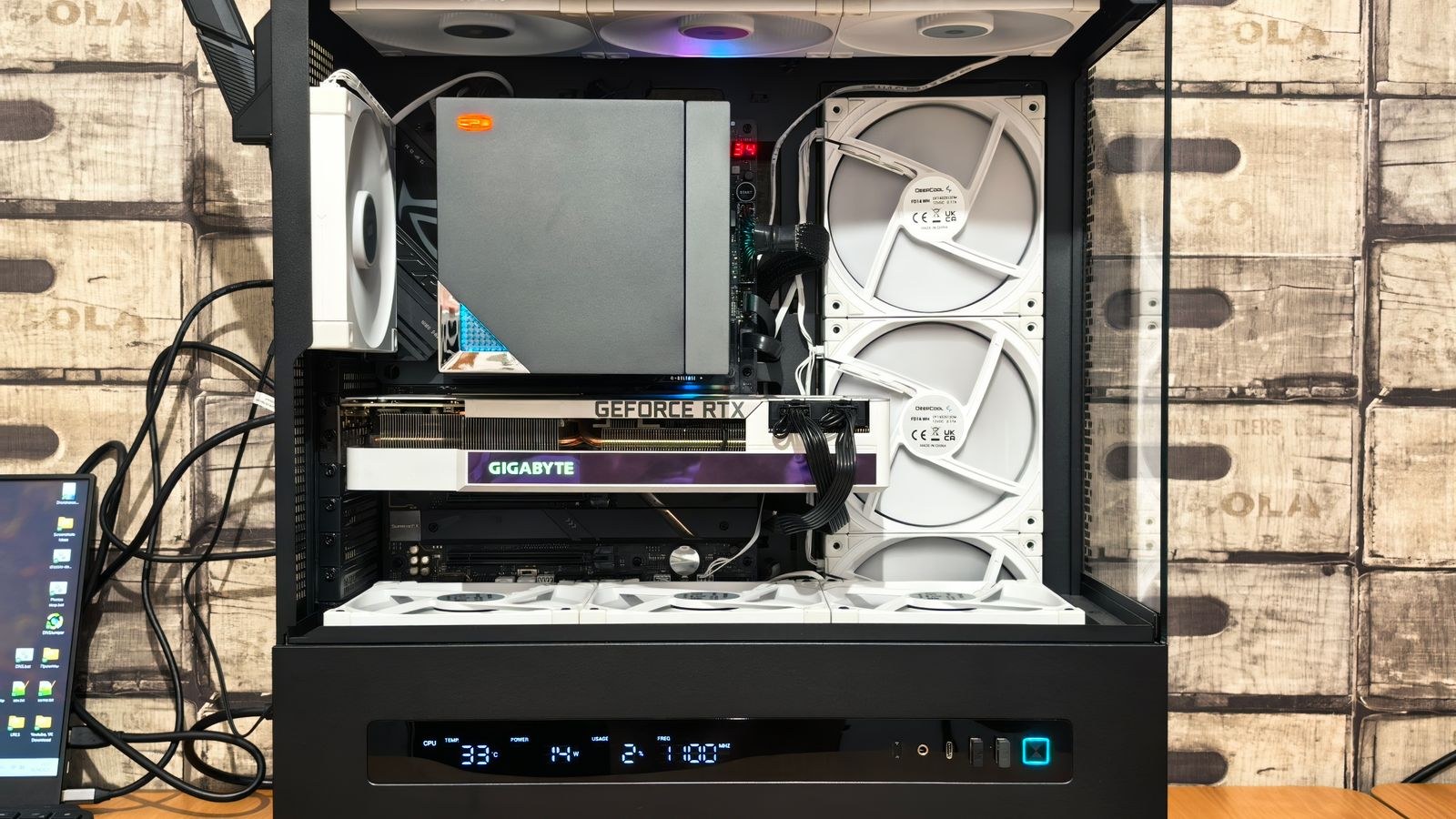
Cooling headroom is where full towers pull ahead most dramatically, and it is often the deciding factor for enthusiasts. A full tower can mount multiple large radiators simultaneously, for example a 360mm or 420mm up top and another in the front, which is essential for custom loops that cool both a CPU and a hungry GPU.
Mid towers have caught up impressively and many now support a single 360mm radiator in the front or top, which is plenty for a strong all-in-one liquid cooler or a modest custom loop. But if you want to run two big radiators at once, the space simply is not there in most mid towers. Builders planning ambitious liquid cooling should look at the best PC cases for large radiators to see which chassis handle the thickest, longest radiators.
GPU Clearance and Multi-Card Builds
Long graphics cards fit in both classes as a rule, since most quality mid towers now advertise GPU clearance well over 350mm. So for a single modern card, the mid tower is rarely a limitation. Where the full tower shows its value is in vertical GPU mounting room, extra spacing for airflow, and the increasingly rare multi-GPU or multi-expansion-card configuration.
If your workflow involves several add-in cards, capture devices, or professional accelerators alongside your main graphics card, the extra expansion slots and internal room of a full tower matter. For those layered builds, the best PC cases for multiple GPUs are worth a close look, since spacing between cards has a real effect on temperatures.
Desk Footprint and Livability
This is the practical factor people underestimate until the box arrives. A full tower is heavy, tall, and deep. It can be awkward to fit under a desk, heavier to carry to a friend’s place, and a genuine presence on top of a desk. A mid tower is far easier to live with day to day, and for a lot of users that convenience outweighs the extra internal space they would never use.
Think honestly about your room. If desk space is tight, or you move your PC around, the mid tower is the sensible pick. If your machine sits in one place and you value elbow room while building and upgrading, the full tower’s bulk becomes a feature rather than a burden. And if space is truly at a premium, stepping down to a smaller chassis from our best compact PC cases may make more sense than either large option.
Building Experience and Upgradability
There is no denying that a full tower is easier and more forgiving to build in. More room means simpler cable routing, easier access to connectors, and space to maneuver a screwdriver without knocking into components. First-time builders sometimes appreciate that breathing room, and enthusiasts who upgrade frequently benefit from the easy access.
That said, modern mid towers are designed thoughtfully, with removable panels, generous cable channels, and open interiors that make them very pleasant to build in. The gap has narrowed. Unless you are packing the case with radiators and drives, a good mid tower rarely feels cramped during assembly.
Cost and Value
Full towers generally cost more, both because they use more material and because they target enthusiasts willing to pay for capacity. You also pay indirectly in shipping weight and desk real estate. Mid towers span a huge price range and deliver excellent value at every point, from budget mesh boxes to premium showpieces.
The value question comes down to whether you will use the full tower’s capacity. Paying extra for room to mount three radiators and six hard drives is money well spent if that is your plan, and wasted if your build is a single GPU, an AIO cooler, and a couple of SSDs. Buy the capacity you will actually fill.
Which Should You Choose?
Here is the decision boiled down to who each case suits best.
- Choose a mid tower if: you are running a standard ATX or smaller board, using a single graphics card and one radiator or air cooler, and you value a manageable desk footprint. This covers the large majority of gaming and productivity builds.
- Choose a full tower if: you have an E-ATX board, plan multiple large radiators or a custom loop cooling several components, need many drive bays or expansion cards, or simply want the most spacious, future-proof chassis and have the desk space for it.
For most readers, the mid tower is the correct answer. It is the class that balances capability, cost, and livability, and it fits the components most people actually buy. The full tower is a specialist tool that rewards a specific kind of ambitious, expandable build.
Noise, Dust, and Everyday Practicality
Beyond raw capacity, the two classes differ in ways you notice living with the machine. A full tower’s larger internal volume gives sound more room to dissipate and lets fans spin slower to move the same amount of air, which can make a well-built full tower run quieter under load. The extra space also spreads components out, reducing the hot pockets that force fans to ramp up.
Dust is the flip side. A bigger case with more intake openings and more fans pulls in more air, and with it more dust, so more filters need cleaning more often. A mid tower has fewer surfaces to maintain and is quicker to open up, blow out, and reassemble. Neither is dramatically better, but if low-maintenance ownership matters to you, the smaller case is marginally easier to keep clean over the years.
Weight and mobility deserve one more mention because they shape daily use more than spec sheets suggest. A loaded full tower can be genuinely heavy and unwieldy, which matters if you ever transport your PC, rearrange your desk, or need to reach the back to swap cables. A mid tower is far friendlier for anyone who moves their setup, and that convenience is a real, if unglamorous, advantage.
Frequently Asked Questions
Can a mid tower fit a 360mm radiator?
Many can, usually in the front or top mounting position. What most mid towers cannot do is fit two large radiators at once, which is where a full tower becomes necessary. Always check the specific case’s radiator support before buying.
Is a full tower better for cooling?
It offers more cooling potential because it can hold more and larger radiators and fans, which helps demanding custom loops. But a well-designed mid tower with good airflow can keep a typical build perfectly cool. More space only helps if you fill it with cooling hardware.
Will a long graphics card fit in a mid tower?
Almost always. Most quality mid towers advertise GPU clearance beyond 350mm, which fits even large modern cards. Full towers add room mainly for vertical mounting and multi-card layouts rather than for fitting a single long GPU.
Are full towers worth the extra money?
Only if you use their capacity. For multiple radiators, E-ATX boards, or lots of drives, the extra cost is justified. For a single-GPU build with an AIO cooler, a mid tower gives you the same result for less money and desk space.
Final Thoughts
The mid tower versus full tower choice is really a question of fit and ambition. Start with your motherboard size and cooling plans: if a standard ATX board and a single radiator describe your build, a mid tower delivers everything you need in a footprint you can live with. Step up to a full tower only when extended boards, multiple large radiators, or heavy expansion genuinely demand the room, and when you have the desk space to host it. Match the chassis to the parts you are actually installing rather than to how imposing it looks, and you will end up with a case that fits your build, your room, and your budget all at once.