
 Owen Bradley
 Almost every keyboard sold falls into one of two camps. Membrane boards use a flexible rubber layer under the keys and cost very little to build. Mechanical boards give every key its own spring-loaded switch and cost considerably more. The internet tends to treat this as a settled argument in favour of mechanical, but that verdict ignores plenty of situations where a good membrane board is the smarter purchase. This guide compares the two honestly on feel, durability, noise, repairability, and price, so you can decide which one actually fits your desk and your budget in 2026.
How Each Type Works Inside
A membrane keyboard uses three stacked plastic sheets. The top and bottom carry printed circuit traces, and the middle sheet separates them with holes under each key position. Above that sits a sheet of rubber or silicone domes. Pressing a key collapses a dome, which pushes the top sheet through the hole to touch the bottom sheet and complete the circuit. Release the key and the dome springs back. One rubber sheet serves the entire board.
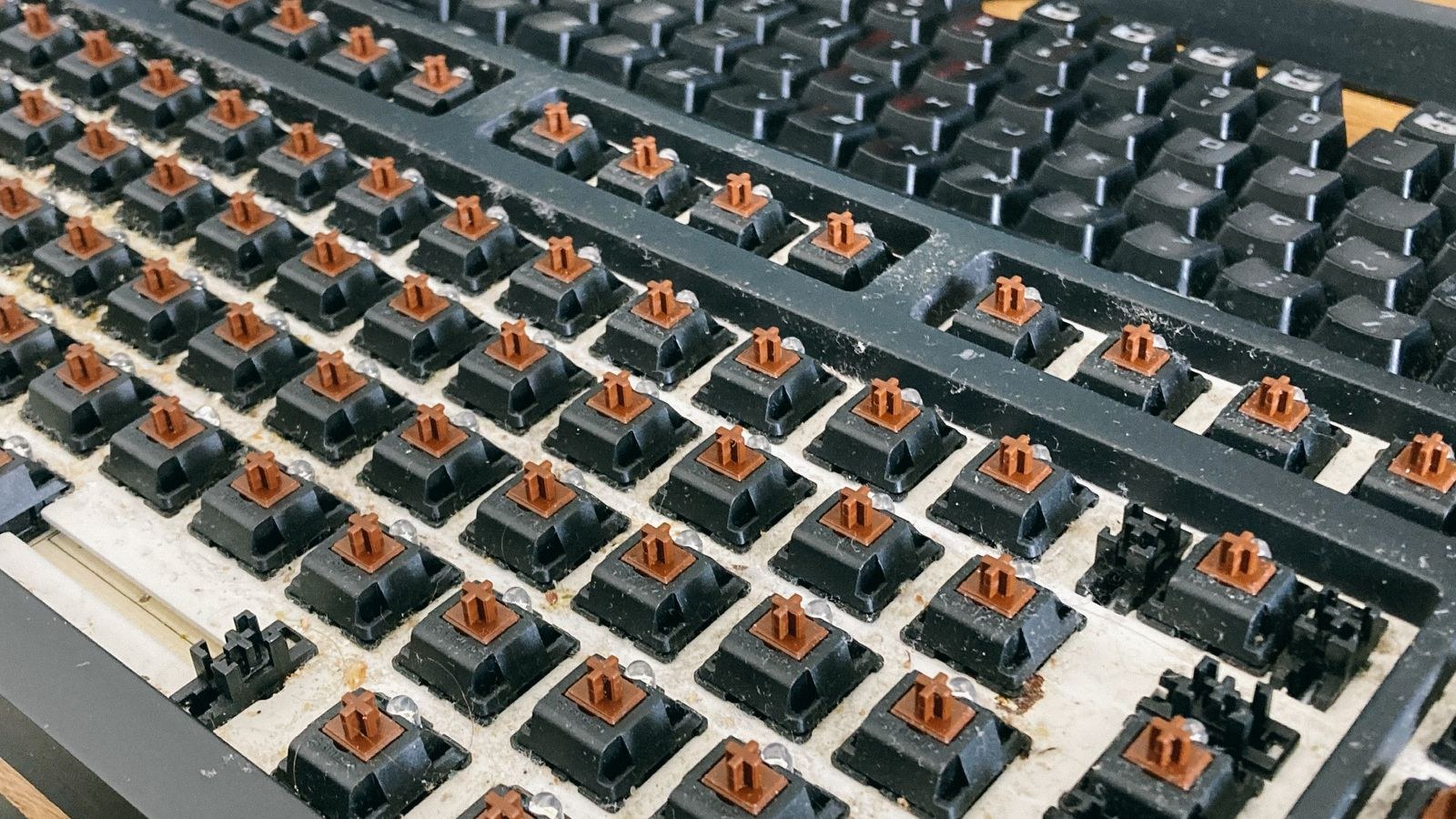
A mechanical keyboard replaces all of that with individual switches soldered or socketed into a circuit board. Each switch contains its own spring, stem, and metal contacts. Because every key is a separate mechanism, the feel is identical across the board and one failing key does not affect its neighbours.
There is a middle option worth knowing about. Scissor-switch keyboards, the flat kind found on laptops and slim desktop boards, are membrane underneath but add a scissor-shaped stabiliser above each dome. That produces a much more even and precise press than a plain membrane, with very short travel.
Typing Feel: The Difference You Notice First
Membrane keys feel soft. Resistance builds as the dome compresses, gives way suddenly when it collapses, then the key bottoms out against the base. Many people describe this as mushy, and the characterisation is fair for cheap boards. The key registers at the bottom of the travel, which means you have to press each key fully every time.
Mechanical keys register partway through the press, typically around 2mm into roughly 4mm of travel. That means once you learn the actuation point you can type without bottoming out, which is lighter on the fingers over a long day. Feel is also consistent from the centre of the board to the corners, whereas membrane sheets often feel slightly different at the edges where the rubber is stretched or supported differently.
Consistency is the underrated advantage. On a membrane board, the rubber domes age at different rates depending on how often each key is pressed, so after a few years your most-used keys feel noticeably softer than the rest. Mechanical switches hold their character far longer.
Durability and Lifespan
Rubber domes are rated in the range of five to ten million presses, and in practice they degrade gradually rather than failing outright. The common symptom is a key that needs a harder press than it used to, or one that occasionally fails to register. Because the domes are one continuous sheet, replacing them means replacing the whole board for most consumer models.
Mechanical switches are typically rated for fifty to one hundred million presses, and they fail individually rather than collectively. On a hot-swappable board you pull the dead switch out with a small tool and push a new one in, a repair that costs less than a dollar and takes a minute. On a soldered board it is a more involved job, but still repairable rather than disposable.
For a keyboard used a few hours a week, that lifespan difference is largely theoretical. For a board used eight hours a day, it is the practical reason mechanical boards end up cheaper per year despite the higher purchase price.
Noise: Not as Simple as It Sounds
The assumption that membrane is quiet and mechanical is loud is only half right. Membrane boards are generally quieter, since the dome absorbs much of the impact, but cheap ones can produce a hollow rattling clatter as thin plastic keycaps slap a thin plastic base.
Mechanical noise depends entirely on which switch is fitted. Clicky switches are genuinely disruptive and unsuitable for shared spaces. Linear switches with dampening, a foam-lined case, and lubricated stabilisers can be quieter than a budget membrane board while feeling vastly better. Noise is a build and switch decision, not a category decision. If a silent desk is the priority, our roundup of the best quiet keyboards covers both technologies with sound levels in mind.
Price: Where the Gap Really Is
Membrane keyboards start at around $10 and a perfectly serviceable one costs $20 to $40. Wireless membrane sets with a bundled mouse frequently land under $50, which is why they dominate office procurement and family computers.
Mechanical boards start around $40 for basic prebuilt models and rise quickly. The $60 to $120 band covers most good options with decent switches, and above that you pay for build quality, sound tuning, wireless features, and hot-swap sockets rather than better typing accuracy. There is genuinely capable hardware at the entry level now, and our list of the best keyboards under 50 shows how far a modest budget goes.
Worth noting: the cost difference has narrowed sharply. A mid-range mechanical board today costs roughly what a premium membrane board cost a decade ago, which weakens the price argument that used to make membrane the obvious default.
Performance for Gaming
Two technical features matter here and they are not exclusive to mechanical boards, though they are far more common on them. N-key rollover means the board can register every simultaneous keypress correctly. Cheap membrane boards often support only two or three simultaneous keys and will drop inputs when you hold a direction, sprint, and jump at once, which is a real problem in fast games.
Anti-ghosting prevents phantom keypresses from wiring conflicts. Again, most mechanical boards handle this by design because each switch has its own diode, while membrane boards share circuit traces and must be specifically engineered to avoid the issue.
Actuation point matters too. Registering at 2mm instead of the bottom of the travel shaves a small amount of time off each input and, more importantly, makes rapid repeated presses easier because the key does not need to return fully. Boards built with these features are gathered in our guide to the best gaming keyboards.
Customisation and Repair
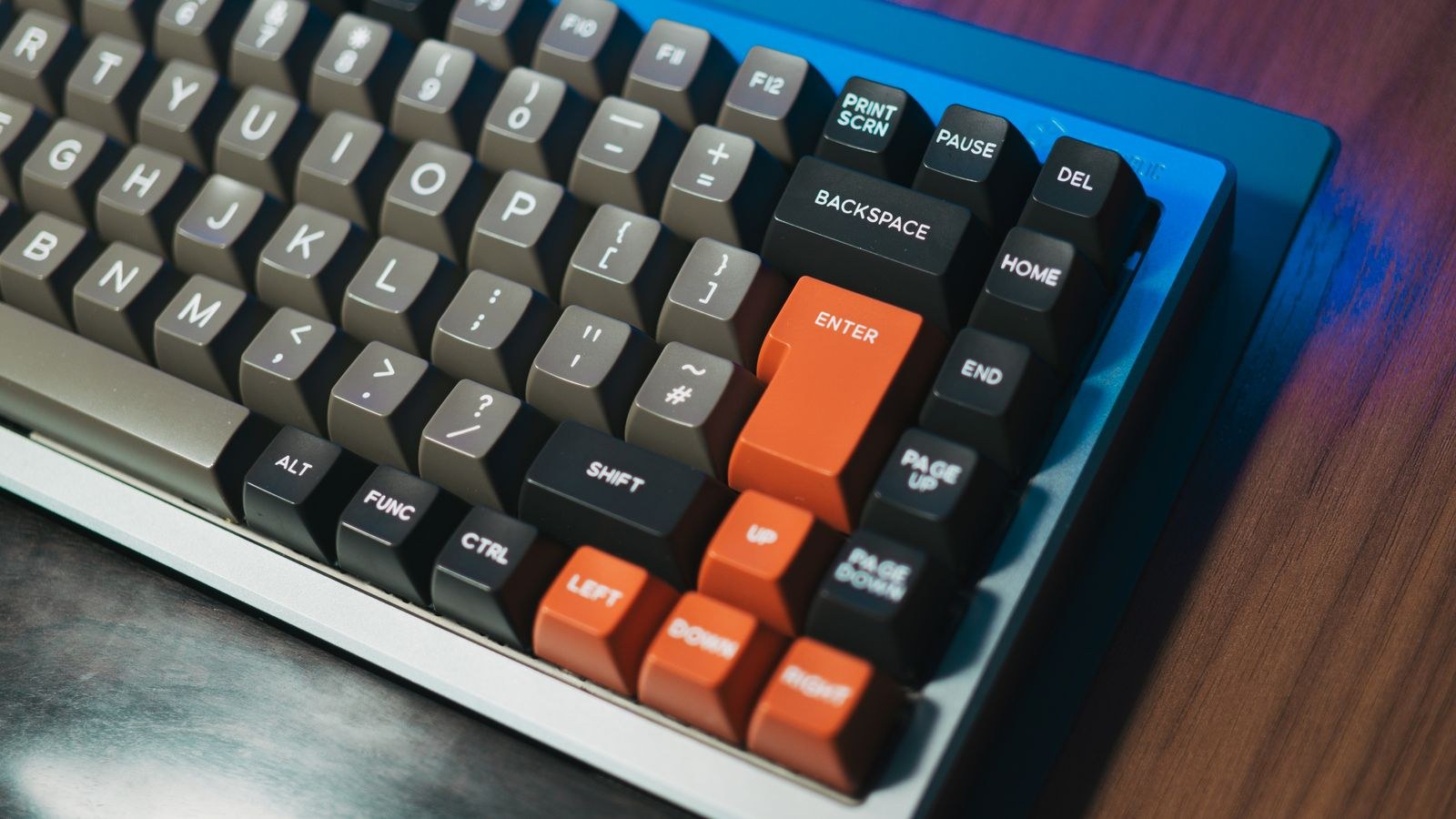
This is where the two diverge most sharply. Mechanical keycaps sit on a standard cross-shaped stem, so tens of thousands of aftermarket keycap sets fit. You can change the profile, material, colour, and legends, and a new keycap set transforms both the look and the sound of a board.
Membrane keycaps use proprietary mounts that vary by manufacturer, so replacements are essentially unavailable beyond what came in the box. Spill a drink on a membrane board and the practical fix is a new keyboard. Spill on a mechanical board and you can often remove the keycaps, dry the plate, and continue, because there is no continuous sheet to trap liquid.
Hot-swap sockets extend this further, letting you change switch type without soldering. That means one board can be linear for gaming this year and tactile for writing next year. Our overview of the best mechanical keyboards flags which models include that flexibility.
When a Membrane Board Is Genuinely the Right Call
- Shared or public machines: low cost means theft or damage is not a problem worth worrying about.
- Occasional light use: a second computer, a media PC, or a machine used a few hours a month.
- Very tight budgets: $20 spent on a reliable membrane board beats $40 spent on a poorly built mechanical one.
- Strict silence requirements: a quality scissor-switch board is among the quietest options available.
- Slim profile needs: if you want a laptop-like flat board, scissor-switch membrane does that better than most mechanicals.
- Environments with spill risk: some membrane boards are properly spill-resistant by design, and replacing one is cheap.
When Mechanical Is Clearly Worth It
If you type for a living, the case is straightforward. Consistent feel, the ability to avoid bottoming out, and a board that will still feel identical in five years all pay back over thousands of hours. The same applies to gaming, where rollover and actuation behaviour affect outcomes rather than just comfort.
The other strong case is longevity by repair. A mechanical board that can accept new switches, new keycaps, and a new cable is a device you maintain rather than replace, and over a decade that is both cheaper and less wasteful. For home offices where the keyboard is used daily but the room is shared, our picks for the best keyboards for home office balance typing quality against noise.
Common Mistakes Buyers Make
The first is assuming any mechanical board beats any membrane board. A poorly built mechanical keyboard with rattling stabilisers, a hollow case, and scratchy switches is a worse daily experience than a well-made scissor-switch board, and it costs twice as much.
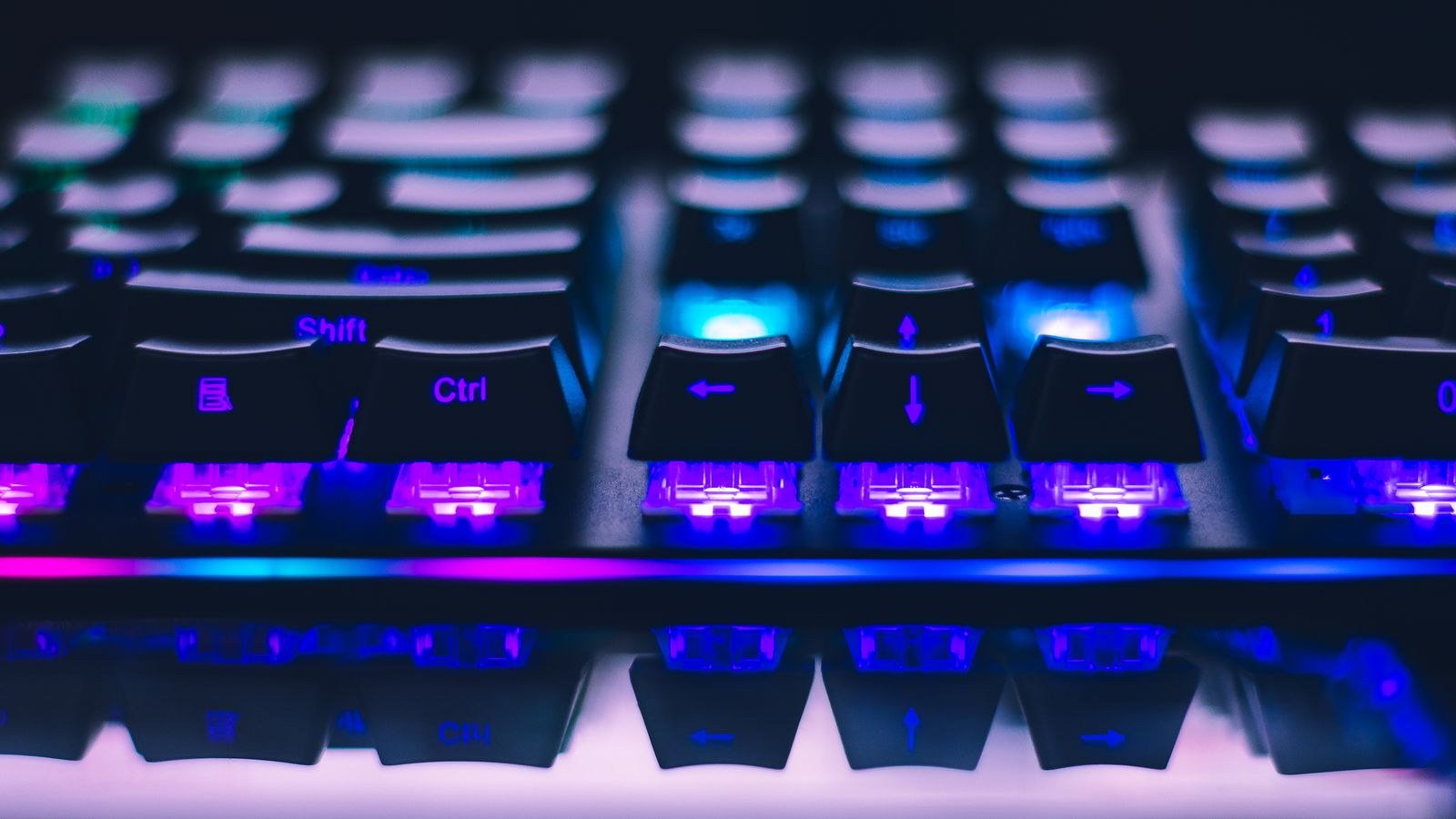
The second is buying clicky switches for an office. This is the single most common regret in the hobby, and it usually ends with the board being replaced within a month. The third is paying for RGB lighting instead of build quality, since lighting adds nothing to how a board feels or lasts. Spend on switches, stabilisers, and case construction first.
Frequently Asked Questions
Do mechanical keyboards make you type faster?
Slightly, for some people, mainly because you can register keys without bottoming out. The larger gain is comfort over long sessions rather than raw speed, and typing technique matters far more than hardware.
Are all mechanical keyboards loud?
No. Silent linear switches in a foam-damped case with lubricated stabilisers are very quiet. Only clicky switches are loud by design, and they are a minority of what is sold.
How long does a membrane keyboard last?
Typically three to five years of regular use before keys start feeling inconsistent or occasionally failing. Light use can stretch that considerably, and the failure is gradual rather than sudden.
Can I clean a membrane keyboard properly?
Only superficially. Keycaps generally do not come off cleanly, and the rubber sheet cannot be accessed without dismantling the board, so deep cleaning is impractical compared with a mechanical board.
Is a mechanical keyboard worth it for casual use?
If you spend under an hour a day at the computer, probably not on practical grounds alone. Many people still prefer one because typing is more enjoyable, which is a legitimate reason as long as you recognise it as preference rather than necessity.
Final Thoughts
The honest answer is that mechanical keyboards are better in almost every measurable way, and membrane keyboards are still the correct purchase in plenty of specific situations. Decide by hours of use and by what you do with them. Heavy typists and gamers get real, daily value from mechanical switches and should treat the extra cost as an investment in a repairable tool. Light users, shared machines, tight budgets, and slim-profile requirements are all well served by a good membrane or scissor-switch board. Buy the well-built example of whichever category fits your use, because build quality separates good keyboards from bad ones far more reliably than the technology label does in 2026.










