
 Owen Bradley
 Home security has split into two genuinely different markets. On one side sit the traditional providers who install the hardware, sign you to a multi-year contract and run a staffed monitoring center. On the other sit self-install kits you unbox in an afternoon, arm from a phone, and either monitor yourself or subscribe to monitoring month by month with no commitment. Both approaches work. Neither is universally better. The right answer depends on your property, your tolerance for administration, and an honest assessment of what you are actually protecting against. This guide walks through how the systems are built, what monitoring really buys you, and how to specify a setup that you will still be using in three years.
What a Security System Is Made Of
Strip away branding and every residential system contains the same building blocks.
- Control panel or base station. The brain. It arms and disarms, communicates with sensors, and reaches the outside world by broadband, cellular or both.
- Entry sensors. Two-part magnetic contacts on doors and windows that trigger when separated. Cheap, reliable, and the backbone of any system.
- Motion detectors. Usually passive infrared, watching for the heat signature of a moving body across a room. Pet-immune versions ignore animals below a weight threshold.
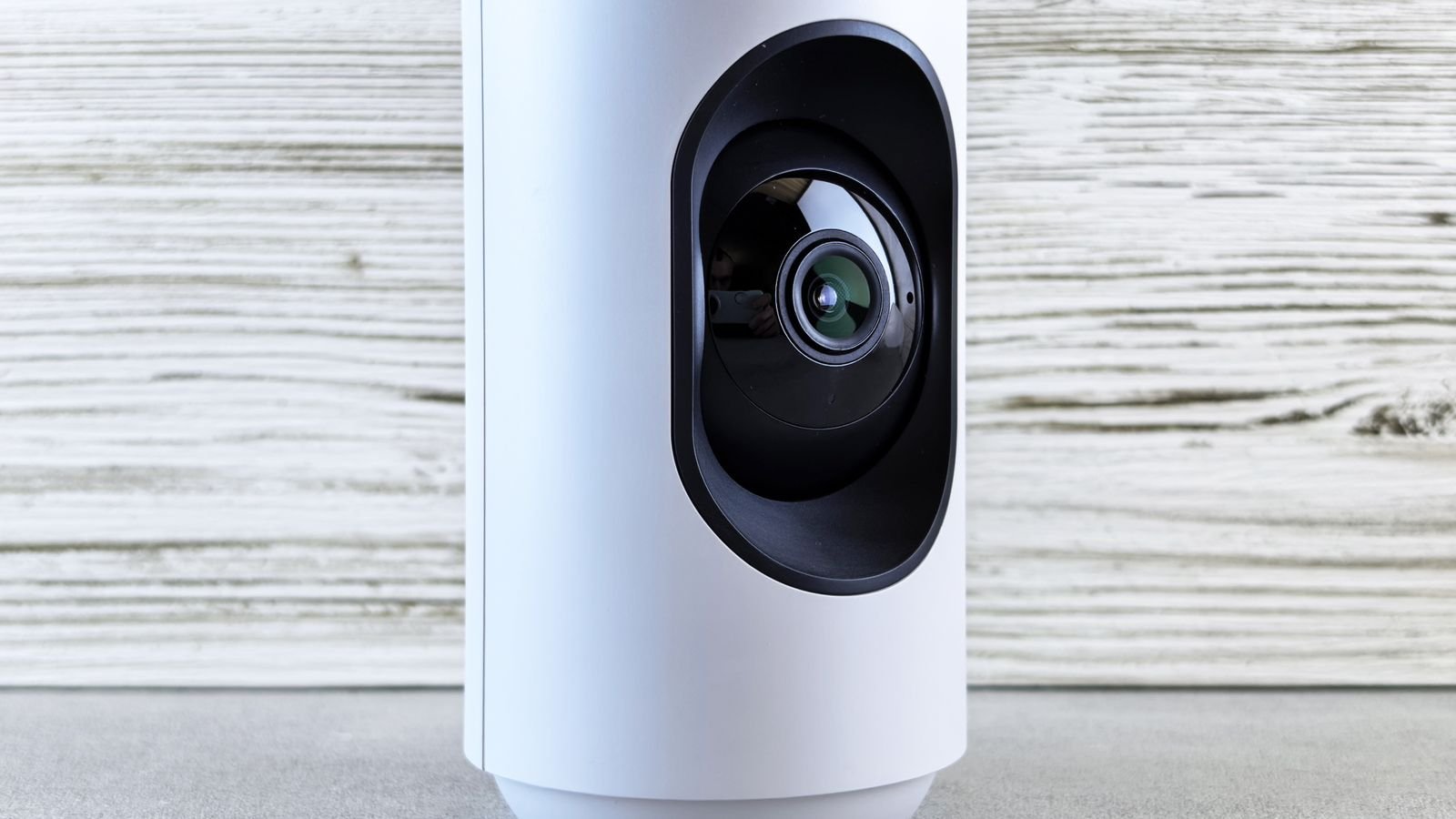
- Cameras. Indoor, outdoor and doorbell formats, providing the visual verification that turns an ambiguous alert into a decision.
- Sirens. Loud local noise, which deters opportunists and alerts neighbors more reliably than any app notification.
- Keypads, key fobs and smart locks. How people get in and out without triggering the alarm.
- Environmental sensors. Smoke, carbon monoxide, water leak and freeze detection, often the feature that saves the most money over a system’s life.
A sensible starter specification for an average home is the base station, contacts on every exterior door, motion detection covering the main ground-floor route, a doorbell camera, and a siren. Window contacts on accessible ground-floor windows come next.
DIY Systems: How They Work and Who They Suit
A DIY kit arrives pre-paired. You mount the base station near the router, peel adhesive backing off the sensors, stick them to door and window frames, and complete setup in an app. Installation genuinely takes an afternoon, and no drilling is usually required.
The advantages are substantial. There is no installation fee, no technician appointment, and typically no contract. Monitoring, if you want it, is bought monthly and cancelled at will. You can expand the system yourself a sensor at a time. When you move house, you unpeel everything and take it with you, which matters enormously to renters.
The limitations are equally real. You are responsible for placement decisions, and poor sensor placement is the leading cause of false alarms and blind spots. Support is remote rather than a visit. Adhesive mounts on textured or freshly painted surfaces can fail, and battery replacement across a dozen devices becomes your recurring chore. Kits that handle these tradeoffs well are compared in our roundup of the best DIY home security systems.
Professional Installation: What the Money Buys
A professionally installed system brings a technician who surveys the property, decides where sensors belong, hardwires what should be hardwired, and configures the panel. That expertise is worth more than people expect, particularly in larger or oddly laid out homes where a self-installer will genuinely miss vulnerable points.
Professional systems also tend to use more robust hardware, hardwired power with battery backup rather than coin cells, and better siren integration. Warranty and service are usually included, so a failed sensor is someone else’s problem.
The costs are an installation fee, a monthly monitoring charge that is typically higher than DIY equivalents, and very often a multi-year contract with early termination penalties. Equipment may be leased rather than owned, meaning you leave it behind when you move. Read the contract term, the auto-renewal clause and the cancellation terms carefully; that is where the unpleasant surprises live. Full-service and hybrid options appear in our guide to the best home security systems for typical households.
Monitoring: Self, Professional, or Neither
Monitoring is a separate decision from installation, and conflating the two is a common mistake. A DIY system can be professionally monitored, and some professional installations can run unmonitored.
Self-monitoring
Alerts go to your phone. You look at the camera feed, decide whether it is a real event, and call emergency services yourself. It costs nothing or very little, and it works well for people who keep their phone close and want awareness more than intervention. It fails when you are asleep, in a meeting, on a plane, or out of signal.
Professional monitoring
A staffed center receives the alarm, attempts to contact you and your listed contacts, and dispatches police or fire services if it cannot resolve the alert. It runs continuously regardless of where you are. Expect a monthly fee, usually somewhere between a modest DIY subscription and a considerably higher legacy-provider rate.
Two details matter. First, ask whether the service offers video verification, where an operator reviews camera footage before dispatching. Many police jurisdictions prioritize verified alarms far above unverified ones, and some now charge fees for repeated false dispatches. Second, check cellular backup, because a system that reports only over your home broadband is defeated by cutting a single cable or by an ordinary internet outage.
Cameras and Video: Specifying Them Properly
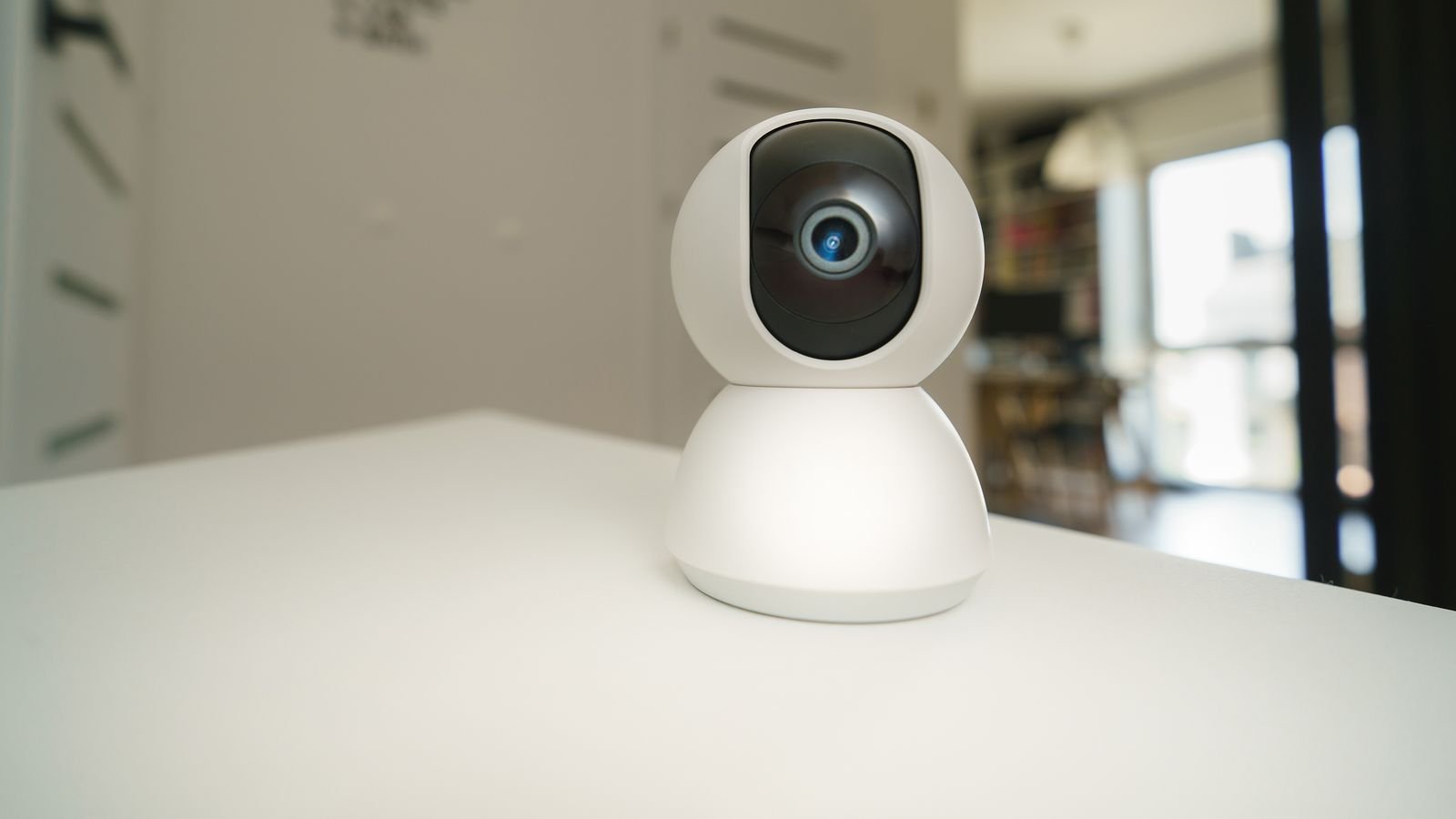
Cameras are the component people over-buy and under-plan. Resolution beyond 2K rarely changes whether a face is identifiable; field of view, mounting height and lighting almost always do. A camera at 8 to 10 feet, angled to capture approach paths rather than sky or driveway glare, will outperform a higher-resolution unit badly placed.
Key specifications to compare are field of view in degrees, low-light performance including whether infrared or a spotlight is used, weather rating for outdoor units, and how footage is stored. Local storage on a microSD card or a base station hub keeps working during an internet outage and involves no subscription; cloud storage survives the camera being stolen. The best arrangement uses both.
Also consider power. Wired cameras never need charging but require a run to an outlet or a hardwired connection. Battery cameras mount anywhere but need recharging every few months, more often in cold weather or on a busy street where motion triggers constantly. Camera-led systems are covered in depth in our comparison of the best home security camera systems, with weatherproof exterior units in the best outside cameras guide.
Alarms, Sirens and Deterrence
Most burglaries are opportunistic, decided in under a minute from the street. Deterrence therefore does much of the work. A visible camera at the door, a yard sign, motion-triggered lighting and a loud siren all reduce the chance of an attempt being made at all.
Siren volume matters. An indoor sounder of 95 decibels or higher is genuinely unpleasant to stand near and encourages a fast exit. An external sounder alerts neighbors. Some systems put the siren inside the base station, which is convenient but means smashing the base silences the alarm; a separate sounder mounted high and out of reach is more robust. Standalone alarm hardware, including sirens and sensors that work without a full ecosystem, is compared among the best alarm systems.
Do not neglect physical security. An alarm reports an intrusion; a solid deadbolt, reinforced strike plate and long screws into the stud prevent one. Upgrading entry hardware alongside electronics gives a much better return than adding a fifth camera, and modern smart door locks integrate with most systems so arming and locking happen together.
Costs to Budget For
- Equipment. A basic DIY kit covering a small home starts low; a comprehensive setup with several cameras and a dozen sensors costs several times that.
- Installation. Zero for DIY; a one-off fee for professional, sometimes waived in exchange for a longer contract.
- Monitoring. Monthly, and the largest lifetime cost. Multiply by 36 months before comparing systems, because that is where cheap hardware with expensive monitoring reveals itself.
- Cloud video storage. Often billed separately or per camera. Check whether the price is per device or per household.
- Batteries and maintenance. Modest but perpetual across a large sensor count.
- Permits and false alarm fees. Many municipalities require alarm registration and fine repeated false dispatches.
Mistakes That Undermine Otherwise Good Systems
- Covering the front door and ignoring the back. Rear and side entries are less overlooked and are where most forced entries occur.
- Mounting motion sensors facing a window or heat source. Sunlight, radiators and air vents cause false triggers that lead people to disable the sensor entirely.
- No cellular backup. A broadband-only system is one outage away from being decorative.
- Never arming it. A system that is awkward to arm gets left off. Choose one with a fast arming routine and geofencing if you are forgetful.
- Skipping environmental sensors. Water leak and freeze detectors prevent far more common and expensive damage than burglary in most homes.
- Signing a long contract before testing coverage. Live with the layout for a month if you can.
Frequently Asked Questions
Is professional monitoring worth the monthly cost?
It is if you travel, sleep heavily, own valuables, or want an insurance discount that often offsets part of the fee. If you are usually home and phone-attentive, self-monitoring covers most of the benefit for a fraction of the cost.
Can renters install a security system?
Yes, and DIY kits exist precisely for this. Use adhesive sensor mounts rather than screws, choose battery cameras, and check your lease before drilling anything or mounting hardware on the building exterior.
What happens during an internet or power outage?
A well-specified system has a battery in the base station lasting many hours and a cellular radio for reporting. Without both, an outage disables the system entirely, which is why these two features are worth insisting on.
Do security systems reduce home insurance premiums?
Frequently, particularly monitored systems with fire and smoke detection included. Discounts vary by insurer and region, so ask yours for the specific figure and what certification they require before choosing a provider.
How many cameras does a typical house need?
Most homes are well served by three or four: the front door, the rear entry, the driveway or garage, and one interior view of the main living space. Additional cameras add storage cost and notification fatigue faster than they add security.
Final Thoughts
Decide the monitoring question first, because it drives the lifetime cost far more than the hardware does. Then choose installation style honestly: DIY if you are comfortable planning sensor placement and want flexibility, professional if the property is complex, you value a survey, and you would rather pay someone to own the problem.
Cover every exterior door before adding a second camera, insist on cellular backup and battery reserve, add water and smoke sensors while you are at it, and reinforce the physical locks. A modest, well-placed, consistently armed system protects a home far better than an elaborate one that nobody switches on.









