Owen Bradley
 Learning how to program a padlock or combination lock code is one of those small practical skills that saves real money and frustration. A resettable combination lock lets you choose a number you will actually remember instead of memorizing a factory sequence printed on a throwaway card, and it lets you rotate the code whenever a gym locker, tool chest or shed changes hands. The procedure differs depending on whether you own a dial lock, a multi-wheel lock or a push-button model, so this guide covers all three, along with what to do when you have forgotten the current code entirely.

First, Identify Which Type of Lock You Own
Programming instructions are not interchangeable, so start by looking at the body of the lock.
- Rotary dial locks have a single round face numbered 0 to 39 and open with a three-number left-right-left sequence. Most school-locker locks are this type, and most of them are not resettable.
- Multi-wheel locks have three, four or five individual number wheels on the shackle or body. Nearly all are resettable and are the easiest to reprogram.
- Push-button or directional locks use a keypad or a set of arrow buttons and accept a sequence rather than a number. These are common on gate locks and lockboxes.
- Resettable dial locks look like standard dial locks but include a reset tool, a small hole in the back or a lever under the shackle.
The quickest test for resettability is to look for a reset lever, a slot on the underside of the body, or a small reset button on the back plate. If none exist, the code is fixed at the factory and cannot be changed. If you are shopping for something you can reprogram, a comparison of the best combination locks will show which models advertise a user-settable code.
Tools and Preparation
- The lock’s current combination — you almost always need it to set a new one
- The reset tool supplied in the package (a small L-shaped key or plastic pin) for dial-type resettable locks
- A fine flat-head screwdriver or paperclip as a substitute pin for wheel locks
- A well-lit surface and a soft cloth so the lock does not roll away
- Somewhere secure to record the new code — a password manager entry works better than a sticky note
Do the programming with the lock off whatever it secures. Never reprogram a lock while it is fastened to a locker or gate: if the sequence goes wrong mid-process, you have locked yourself out of your own property with no way to reset.
How to Program a Multi-Wheel Combination Lock
- Open the lock using the current combination. Line up each wheel with the existing numbers against the alignment marker, then pull the shackle open. A factory-fresh lock is usually set to 0-0-0.
- Move the shackle into reset position. On most designs this means rotating the open shackle 90 or 180 degrees so a flat notch aligns with the body, then pressing it firmly down into the lock. Hold it there.
- Dial your new code while holding the shackle down. With the shackle depressed, spin each wheel to the digits you want. The wheels will feel slightly stiffer than usual, which confirms you are in programming mode.
- Release and rotate the shackle back. Let the shackle spring up, turn it back to its original orientation and close it fully until it clicks.
- Scramble the wheels and test. Spin every wheel away from the code, then dial the new combination and confirm the shackle opens. Test three times before trusting it with anything valuable.
How to Program a Resettable Dial Lock
- Open the lock with the existing three-number code. Turn right past zero twice and stop at the first number, left one full turn past the first number and stop at the second, then right directly to the third. Pull the shackle.
- Insert the reset tool. Push the supplied key into the hole in the back of the lock body and rotate it a quarter turn, or lift the reset lever if your model uses one. The tool stays in place throughout.
- Dial your new sequence. With the tool engaged, enter three new numbers using the same right-left-right pattern. Take your time and land exactly on each number rather than close to it.
- Return the tool and remove it. Rotate the key back a quarter turn and withdraw it, or push the lever down. The new code is now stored.
- Close, scramble and verify. Snap the shackle shut, spin the dial several full turns, then open it with the new numbers to confirm.
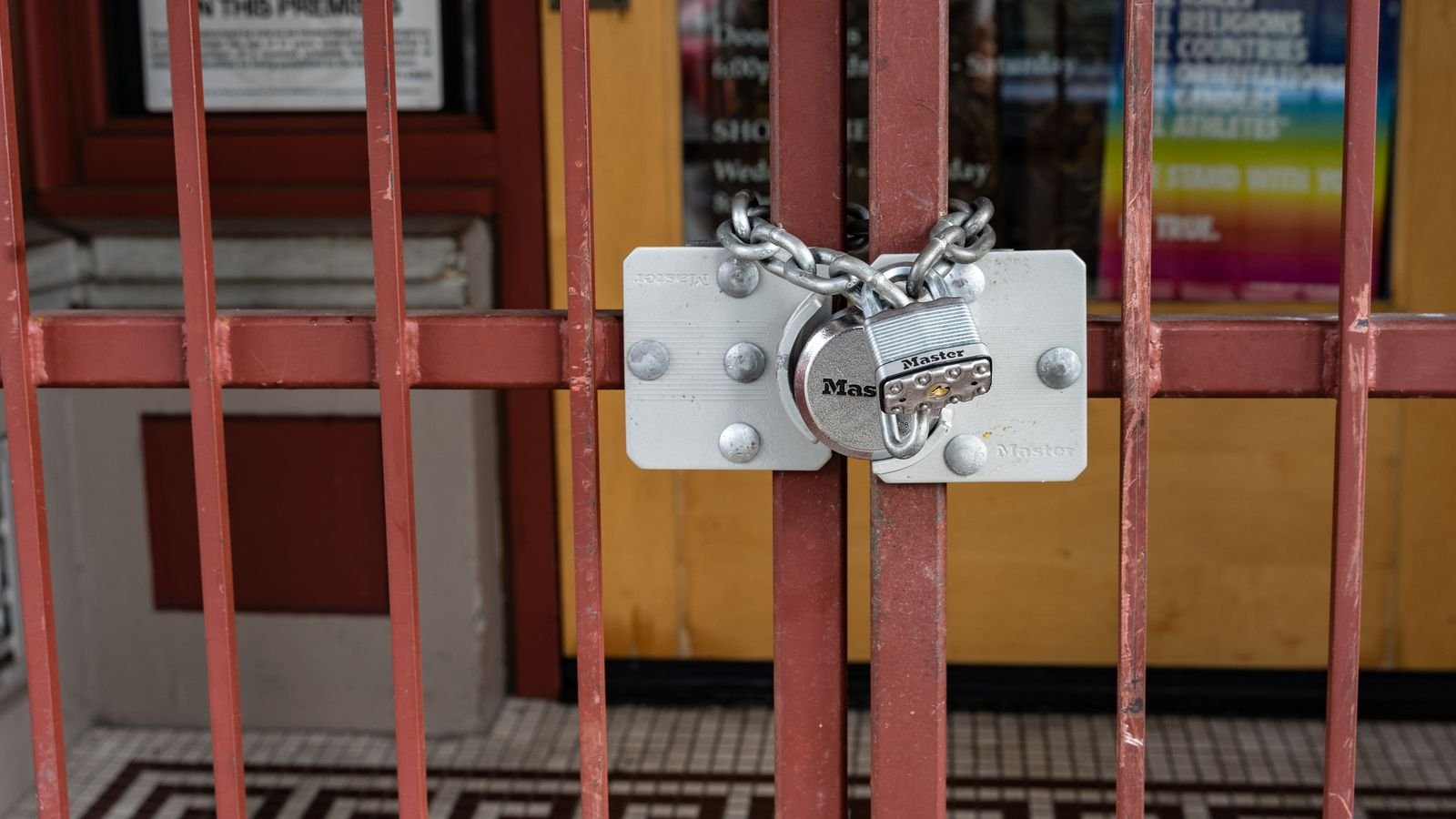
How to Program a Push-Button or Keypad Lock
Keypad locks follow a slightly different logic. Open the lock with the current code, then locate the reset button — usually recessed on the back of the housing and reachable only when the shackle is open. Press and hold it until an indicator light flashes or you hear a click. Enter your new sequence, which on directional-button models may be a pattern like up-up-right-down rather than digits. Press the reset button again or close the shackle to confirm. If the lock is battery-powered, verify the battery is fresh before reprogramming, because a brownout partway through can leave the code in an indeterminate state.
Choosing a Code That Is Both Memorable and Secure
The mechanics are the easy part; picking a good number matters more for real security.
- Avoid obvious sequences. Codes like 1-2-3, 0-0-0 and 1-1-1-1 are the first things anyone tries, and they account for a startling share of all locks in the field.
- Do not use a birth year or house number. Anyone who knows you can guess these in a handful of attempts.
- Use all the wheels. A four-wheel lock has 10,000 combinations; a three-wheel lock has 1,000. If you bought four wheels, do not waste one by repeating a digit pattern.
- Mix the digit range. Spread numbers across low, middle and high values so a partial glimpse of the dial reveals less.
- Rotate periodically. Change the code whenever someone who knew it no longer needs access — a departing housemate, a contractor, a former gym partner.
What to Do If You Forgot the Combination
Because almost every reset procedure requires the current code, a forgotten combination is a genuine problem. Work through these options in order. Check the packaging, warranty card or purchase email — many manufacturers print a serial number that can be redeemed for the factory code with proof of purchase. Look for a stamped serial on the back of the lock body and contact the manufacturer’s support line with it. If the lock is guarding something of modest value, a shrouded bolt cutter or an angle grinder is often the pragmatic answer. On low-security four-wheel luggage locks, gently pulling the shackle while turning each wheel individually reveals a slight resistance point at the correct digit, which is exactly why those locks should never guard anything important.
Common Mistakes to Avoid
- Programming while the lock is installed. Always reset it off the gate, locker or chest.
- Releasing the shackle too early. On wheel locks, the shackle must stay depressed until every digit is set, or the lock keeps the old code.
- Overshooting a number on a dial lock. Overshooting and backing up ruins the internal alignment. Start the sequence over from a full clearing spin.
- Not testing before walking away. Verify at least three times with the wheels fully scrambled between attempts.
- Recording the code on the lock itself. Writing it on tape stuck to the body defeats the entire purpose.
- Ignoring corrosion. An outdoor lock with gritty wheels can misalign during programming. Clean and lubricate with a dry graphite or silicone product first, never a wet oil that attracts dust.
Keeping the Lock Working After Programming
A reprogrammed lock lasts longest with a little maintenance. Wipe the wheels and dial face after exposure to rain or salt air. Apply a dry lubricant to the shackle once or twice a year and work it in by opening and closing the lock several times. Store spare locks indoors rather than in an unheated shed, since repeated freeze-thaw cycles are hard on internal springs. If you rely on several locks around a property, consider using distinct codes for different security tiers rather than one shared number, and check the range of the best combo locks for weather-sealed bodies if any of them live outdoors year round.
Frequently Asked Questions
Can every combination lock be reprogrammed?
No. Fixed-code locks, including most school-locker dial locks, are set at the factory. Only models advertised as resettable, or those supplied with a reset tool or lever, can be changed.
Do I need the old code to set a new one?
In almost all cases, yes. The reset mechanism only engages once the lock is open, and the only legitimate way to open it is with the current combination.
How many digits should my code have?
Use every wheel your lock provides. Four digits give ten times the possible combinations of three, and the extra second it takes to dial is trivial compared with the security gained.
Why does my lock open with a number one off from the code?
Mechanical tolerance. Inexpensive wheel locks often accept a neighbouring digit. It is normal, though it also indicates the lock is best used as a deterrent rather than serious security.
Is it safe to reuse the same code on several locks?
It is convenient but weakens you overall — one exposed code compromises everything. Reserve a unique code for anything genuinely valuable and reuse only on low-stakes items.
Final Thoughts
Programming a combination lock takes under two minutes once you know which mechanism you are dealing with. Identify the type, open it with the current code, engage the reset lever or hold the shackle down, dial the new number, and test it repeatedly with the wheels scrambled. Pick a code you have not used elsewhere, record it somewhere secure rather than on the lock, and give the hardware a wipe and a shot of dry lubricant now and then. Do that and the lock will still open smoothly on the first try years from now.