Owen Bradley
 A single power surge or unexpected outage can corrupt game saves, damage expensive components, or interrupt a ranked match at the worst possible moment. A UPS, or uninterruptible power supply, protects your gaming PC from these risks by filtering dirty power and providing enough backup runtime to save your progress and shut down safely. This guide explains how UPS units work, the different types available, how to size one correctly for your rig, and the features worth paying for.

Why Gaming PCs Need Power Protection
High-performance gaming PCs draw significant power, especially under load from a demanding GPU and CPU combination. This makes them more sensitive to voltage fluctuations, brownouts, and surges than typical household electronics. A poorly regulated power supply reaching your components can shorten their lifespan over time, while a sudden outage during gameplay risks corrupting save files or, in worse cases, damaging the motherboard or a storage drive mid-write.
Beyond outages, everyday power in many homes isn’t as clean as it appears. Minor sags and spikes happen constantly as large appliances cycle on and off, and over years these small events take a toll on sensitive electronics. A UPS smooths out these irregularities in addition to guarding against complete power loss, acting as a buffer between your expensive hardware and an unpredictable grid.
How a UPS Works
A UPS sits between the wall outlet and your PC, continuously monitoring incoming power. During normal operation, it passes clean power through while charging its internal battery. If the power drops or surges, the UPS instantly switches to battery power, giving you enough time to save your work and shut down safely, or in some cases, riding out a brief outage entirely without interruption. The whole transfer happens fast enough that your PC never registers a loss of power.
Standby UPS
Standby units are the most affordable option, switching to battery power only when an outage is detected. This switch happens quickly enough for most home electronics but may not be ideal for extremely sensitive equipment or for power supplies that are picky about transfer time.
Line-Interactive UPS
Line-interactive models add automatic voltage regulation, correcting minor sags or surges without switching to battery power at all. This makes them a strong middle-ground choice for gaming PCs, balancing cost and protection quality, and they’re generally the recommended type for most home gaming rigs.
Online (Double-Conversion) UPS
Online UPS units continuously convert incoming power to battery power and back, providing the cleanest possible power output with zero transfer time. These are typically reserved for extremely sensitive setups, servers, or areas with very unreliable power, and come at a higher price point than most home gamers need.

Sizing a UPS for Your Gaming PC
UPS capacity is measured in VA (volt-amps) and watts, and choosing the right size depends on your PC’s total power draw, including the monitor and any peripherals you want protected. High-end gaming rigs with powerful GPUs typically need a larger capacity UPS than budget or mid-range builds, since the goal is providing enough runtime to save and shut down safely, not to keep gaming through an extended outage.
As a rule of thumb, check your power supply unit’s wattage rating and estimate your system’s typical draw under load, then choose a UPS rated comfortably above that figure, leaving headroom for the monitor and any accessories you also want backed up. Running a UPS near its maximum capacity shortens both its runtime and its battery lifespan, so buying a size up from the bare minimum is usually wise. For curated options matched to gaming rigs, review the best UPS for gaming computers, which are selected specifically for handling the higher power draw of gaming hardware and providing meaningful runtime under load.
Additional Features Worth Considering
Automatic Voltage Regulation (AVR)
AVR corrects minor voltage fluctuations without draining the battery, extending the life of your UPS and providing smoother protection during common brownouts. It’s one of the most valuable everyday features, since it works constantly rather than only during full outages.
Pure Sine Wave Output
Some sensitive power supplies, particularly those with active PFC found in many gaming rigs, perform better with or specifically require pure sine wave output rather than the simulated sine wave found in cheaper UPS units. A mismatch can cause the PC to behave erratically when switching to battery. Check your PC’s power supply specifications if this matters for your build.
Software Integration and Auto-Shutdown
Many UPS units include software that can automatically trigger a safe shutdown of your PC if a prolonged outage occurs while you’re away, protecting your system and unsaved data even when you’re not there to react manually.
Number and Type of Outlets
Check that the UPS has enough battery-backed outlets for your PC and monitor, plus separate surge-only outlets for less critical devices. Some units also include USB charging ports and network line protection for added convenience.
Display and Monitoring
An informative front-panel display showing load, remaining runtime, and battery health helps you understand exactly how your UPS is performing and when it’s approaching its limits.
What to Plug In (and What Not To)
Reserve the battery-backed outlets for your PC, monitor, and networking gear so you can keep working or safely shut down during an outage. Avoid plugging high-draw devices like laser printers, space heaters, or lamps into the battery outlets, as they drain capacity that should protect your critical hardware. These can go into surge-only outlets or a separate surge protector instead.
Placement and Maintenance Tips
Keep your UPS in a well-ventilated area, since the internal battery generates heat during charging and use, and heat is the main enemy of battery lifespan. Test the unit periodically by briefly unplugging it from the wall to confirm it switches to battery power correctly, and replace the internal battery every few years, as UPS batteries degrade over time even without ever experiencing a real outage. Many units indicate when the battery needs replacement.
Understanding Runtime Expectations
It’s important to set realistic expectations about what a home UPS is designed to do. For a power-hungry gaming rig, most consumer UPS units provide only a handful of minutes of runtime, which is intentional. The goal is a graceful shutdown, not an extended gaming session through a long blackout. If you want the ability to keep playing or working through longer outages, you’ll need a substantially larger and more expensive unit, or an external battery pack, which is overkill for most home setups.
Runtime also shrinks as the load increases, so a UPS powering a demanding GPU under full load lasts less time than the same unit powering an idle system. When you check a manufacturer’s runtime ratings, look at the figures that correspond to a load close to your actual system draw rather than the best-case numbers for a light load. Planning around real-world figures ensures you actually have enough time to save your work and shut down safely when it counts.
Protecting More Than Just the PC
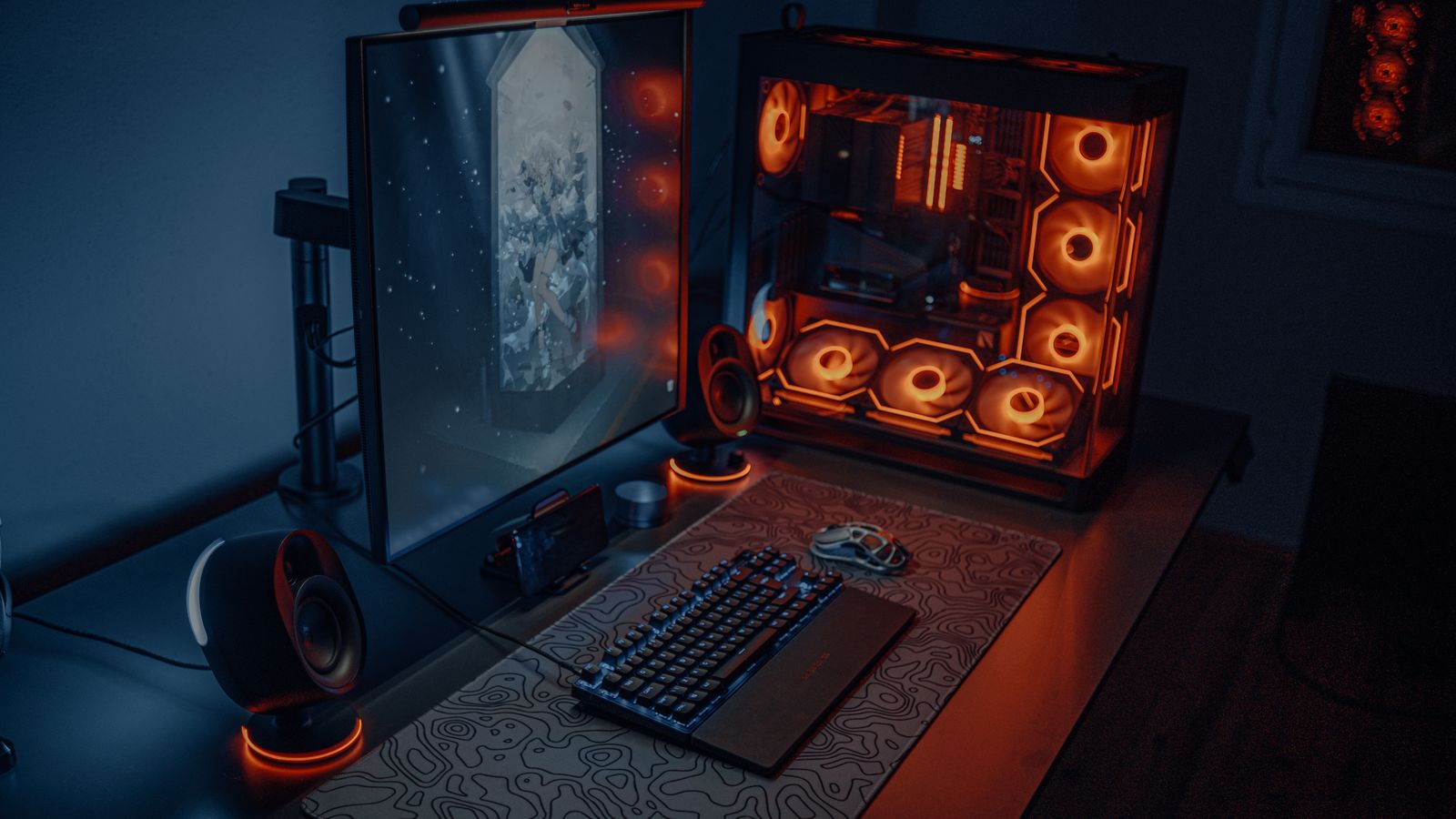
Your gaming setup includes more than the tower itself. A monitor mid-game is just as vulnerable to a sudden shutdown, and your router or modem going dark means losing connection even if the PC stays on. Prioritize the PC and monitor on battery-backed outlets, and if capacity allows, protect your networking gear too so an outage doesn’t drop your session before you can react. Peripherals like external drives that are actively being written to also benefit from protection, since an abrupt power loss during a write can corrupt data. Plan your outlet allocation around what truly needs to survive a brief outage versus what can safely lose power.
Common Mistakes to Avoid
A frequent mistake is undersizing the UPS, leaving too little runtime to safely shut down a power-hungry gaming rig during an outage. Another is plugging non-essential, high-draw devices into the battery-backed outlets, draining capacity that should be reserved for the PC and monitor. Choosing a cheap simulated sine wave unit for a PC that needs pure sine wave can cause instability. Finally, neglecting to test the UPS periodically means you may not discover a dead battery until the moment you actually need it.
Frequently Asked Questions
Do I really need a UPS for a gaming PC?
If you experience occasional power fluctuations or outages in your area, a UPS is a relatively inexpensive way to protect expensive hardware and avoid losing unsaved progress.
How long will a UPS keep my PC running during an outage?
Runtime depends on the UPS capacity and your system’s power draw, but most home UPS units are designed to provide several minutes, enough to save and shut down safely rather than continue gaming.
Can a UPS protect against power surges too?
Yes, most UPS units include surge protection in addition to battery backup, guarding against both outages and sudden voltage spikes.
Does a gaming PC need pure sine wave output?
Many modern gaming power supplies with active PFC work best with pure sine wave output, so it’s worth confirming your PSU’s requirements before buying.
How often should I replace the UPS battery?
UPS batteries typically last a few years and should be replaced when the unit indicates degradation or when runtime noticeably drops during testing.
Final Thoughts
A properly sized UPS is one of the most overlooked but valuable investments for any serious gaming setup, protecting both your hardware and your progress from the unpredictability of home power. Choose the right type, size it with headroom, prioritize features like AVR and pure sine wave output where needed, and maintain the battery so it’s ready the moment the lights flicker.