
 Owen Bradley
 Once you have paid for a VPN subscription, the next question is where to run it. You can install the provider’s app on each laptop, phone and tablet, or you can configure the tunnel once on your router so every device behind it is covered automatically. Both approaches encrypt your traffic and both hide your home IP address from the sites you visit, yet they behave very differently in daily use. Router-level VPN wins on coverage and consistency; device-level VPN wins on speed, flexibility and ease of troubleshooting. This guide compares the two honestly, explains the hardware limits that decide how fast a router tunnel can ever be, and helps you pick the setup that matches your household in 2026.
What Each Setup Actually Does
A device VPN runs as software on the machine itself. The app builds an encrypted tunnel from that single device to a server run by your provider, and only that device’s traffic travels through it. Everything else on your network keeps using your normal internet connection. Because the app sits inside the operating system, it follows the device everywhere: the same protection applies on hotel Wi-Fi, on mobile data and at a coffee shop.
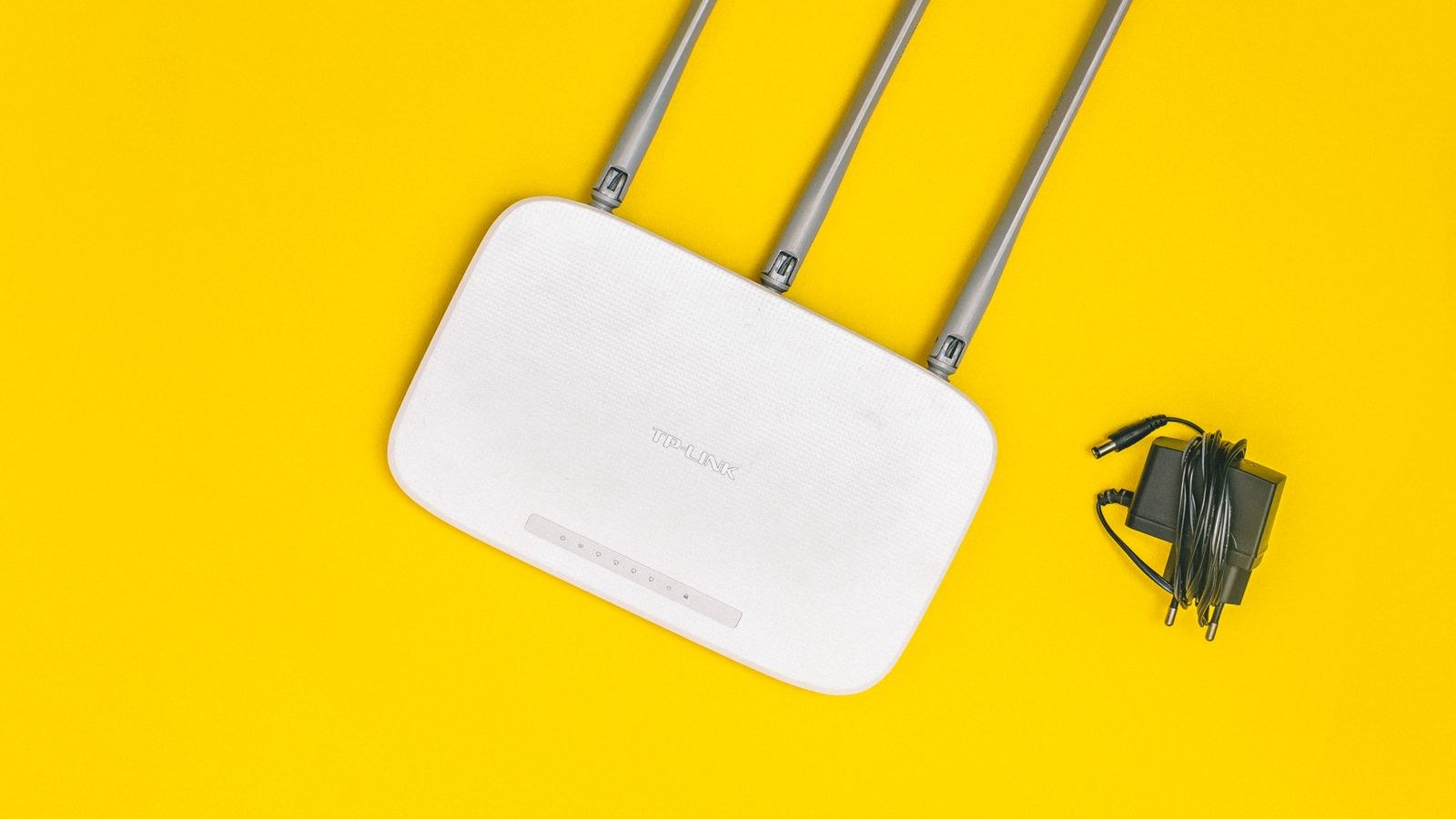
A router VPN moves the tunnel one level down. The router itself logs into the VPN server and forwards traffic for every device connected to it. Your laptop, your console, your smart TV and your printer all leave the house through the same encrypted pipe without knowing a VPN exists. The upside is total coverage. The downside is that the protection stops at your front door, and that a single small processor now has to encrypt traffic for the whole household.
Why the Difference Matters More Than It Sounds
The distinction is not just technical housekeeping. It changes which devices can be protected at all, how much speed you keep, how easily you switch server locations, and how hard it is to diagnose a broken connection. Most people who feel disappointed by a VPN chose the wrong layer for their situation rather than the wrong provider.
Coverage: Router VPN Protects What Apps Cannot
The strongest argument for a router VPN is the long list of devices that will never run a VPN app. Smart TVs, streaming sticks, games consoles, network printers, cameras, thermostats and most smart plugs have no VPN client and no way to install one. If you want their traffic encrypted or routed through another region, the router is the only practical place to do it.
A router VPN also removes the human factor. Nobody has to remember to press connect, and there is no gap between a device waking up and its app reconnecting. Every new gadget that joins the network inherits the tunnel automatically, which is genuinely useful in a busy household where guests and children add devices constantly. If that whole-home model appeals to you, our explainer on using a VPN router to secure a whole home network walks through what changes once the tunnel lives at the network edge.
Device apps, meanwhile, cover the things that leave the house. Your phone on mobile data, your work laptop at a client site, your tablet on airport Wi-Fi: none of those benefit from anything configured at home. For laptops and phones that travel, the app is not optional, it is the only thing that works.
Speed: Where Router VPNs Usually Lose
Encryption costs processing power, and this is the single biggest limit on router-based VPN. A modern laptop or phone has a fast multi-core processor with dedicated cryptographic instructions, so it can encrypt a gigabit stream without noticeably heating up. A typical consumer router runs a modest dual-core chip designed mainly for routing packets, not for scrambling them.
The practical result is a hard ceiling on throughput. Many mainstream routers manage somewhere between 20 and 100 Mbps over an OpenVPN tunnel regardless of how fast your broadband is. Faster models with stronger processors and hardware acceleration push higher, and the newer WireGuard protocol is dramatically lighter than OpenVPN, often multiplying router VPN speeds several times over on the same hardware. Still, if you pay for a 500 Mbps or gigabit line, a router tunnel will very likely throttle it.
Device apps have no such problem. The encryption happens on hardware built for it, so the loss is usually a small percentage rather than a hard cap. If you care about downloading large files or streaming at the highest bitrate, that difference is impossible to ignore.
Choosing Hardware That Can Keep Up
If you still want the router approach, the fix is buying for the job rather than hoping your existing box copes. Look at processor class, VPN protocol support and any published throughput figures for encrypted traffic rather than the headline wireless numbers on the box. Our roundup of the best routers with VPN support focuses on models with the processing headroom to run a tunnel without collapsing your line speed, and the best OpenVPN routers list covers units that handle that heavier protocol gracefully.

Control and Flexibility
Device apps are far easier to steer. You can switch server locations in two taps, connect to one country on your phone and another on your laptop, and turn the tunnel off entirely for a banking session that keeps flagging you as suspicious. Split tunnelling lets you exclude specific apps so your work software or local printer keeps working normally while everything else stays encrypted.
Router VPNs are more rigid by nature. Changing server usually means logging into the admin interface and editing a configuration, so nobody switches location casually. That said, better firmware offers policy-based routing, which sends only chosen devices or IP ranges through the tunnel while everything else uses the normal connection. That feature is the single most useful thing to look for, because it lets you protect the TV and the smart home gear while leaving the gaming PC on a direct, low-latency path.
The Selective Routing Sweet Spot
Policy-based routing effectively removes the all-or-nothing tradeoff. Put streaming devices and IoT gadgets inside the tunnel where the modest throughput ceiling does not matter, keep bandwidth-hungry or latency-sensitive machines outside it, and run apps on the phones and laptops that travel. This hybrid is what most experienced users end up with, and it explains why the question is rarely truly either-or.
Setup Effort and Ongoing Maintenance
Installing an app takes a couple of minutes: download, sign in, connect. Setting up a router tunnel means finding the correct configuration files for your provider, entering credentials in the right fields, choosing the protocol, and sometimes changing DNS settings to stop leaks. It is not difficult, but it assumes some comfort with an admin panel.
Providers vary enormously in how much they help. Some publish step-by-step router guides, generate ready-made configuration files and even ship dedicated firmware plugins. If you have already chosen a service, check its router documentation before buying hardware. Our guides to the best routers for NordVPN and the best routers for ExpressVPN highlight models with tested, well-documented compatibility, which saves hours of trial and error.
Maintenance is the quieter cost. Routers running VPN tunnels need firmware kept current, credentials refreshed when your provider rotates them, and occasional attention when a server goes offline. If the tunnel drops silently, every device in the house loses protection at once and nobody gets a notification.
Streaming, Banking and Everyday Annoyances
Encrypted traffic changes how services see you, and not always for the better. Streaming platforms detect and block many VPN servers, so a router tunnel can leave your TV showing an error with no obvious way to bypass it short of editing router settings. Banks and payment providers sometimes demand extra verification when your apparent location jumps countries. Some local functions break too: casting to a TV, finding a network printer, or reaching a smart hub can fail if devices end up on different sides of the tunnel.
With device apps these irritations are trivial to resolve because you can disconnect or exclude one app in seconds. With a router VPN you need either policy-based routing or a second wireless network that bypasses the tunnel. Plan for this before you commit the whole house.
Security Realities Worth Knowing
A VPN encrypts traffic between you and the VPN server and hides your address from destination sites. It does not stop malware, phishing, tracking cookies or an account being compromised by a weak password. Running it on the router does not make it stronger, only broader.
There is one meaningful security difference. Traffic between a device and your router is protected by your Wi-Fi encryption, not by the VPN, because the tunnel only begins at the router. On a well-secured home network with a modern encryption standard that is a non-issue, but it is a reason not to treat a router VPN as protection against someone already inside your network. Device apps encrypt from the device outward, which is strictly tighter.
Which Setup Fits You?
- Choose device apps if you mostly use laptops and phones, want maximum speed, travel often, or switch server locations regularly.
- Choose a router VPN if you need to cover TVs, consoles and smart home gear, want protection with no user action, or have more devices than your subscription allows connections for.
- Choose both if you want whole-home coverage at home plus protection on the move, which is what most providers permit under a single plan.
- Prioritise a capable router if you have fast broadband, because a weak processor turns a gigabit line into a slow one.
- Insist on policy routing so you can exempt gaming machines, work devices or a streaming stick without disabling everything.
Common Mistakes to Avoid
The most frequent error is flashing a VPN onto an underpowered router and blaming the provider for slow speeds that are actually a hardware limit. The second is assuming the router tunnel protects phones once they leave the house, which it never does. A third is forgetting DNS: if requests still go to your internet provider’s resolvers, your browsing destinations leak even though the traffic itself is encrypted. Finally, many people set up a tunnel once and never verify it, so a silent disconnect goes unnoticed for weeks. Test your visible IP address from a device on the network occasionally to confirm the tunnel is live.
Frequently Asked Questions
Does a router VPN count as one connection?
With most providers, yes. The router is a single client no matter how many devices sit behind it, which is a genuine advantage if your plan limits simultaneous connections and you own a lot of gadgets.
Can I run both at the same time?
You can, but stacking a device app on top of a router tunnel doubles the encryption overhead and usually slows things noticeably without adding meaningful protection. Use policy routing to exclude that device from the router tunnel instead.
Will WireGuard fix router VPN speed?
It helps a great deal. WireGuard is far lighter than OpenVPN and often delivers several times the throughput on identical hardware, so check that both your router firmware and your provider support it before buying.
Does a VPN slow down my whole network even when idle?
Only traffic passing through the tunnel is affected. Local traffic between devices, such as file transfers or casting, stays at full speed, though it may break if the devices are separated by the tunnel’s routing rules.
Is my existing router good enough?
Check whether it supports a VPN client at all, then look for published encrypted throughput. If it cannot exceed a fraction of your broadband speed, either upgrade the hardware or restrict the tunnel to devices that do not need bandwidth.
Final Thoughts
There is no universally better answer, only a better fit. Device apps give you speed, portability and fine-grained control, and they remain essential for anything that leaves your home. A router VPN gives you reach, covering the televisions, consoles and smart devices that can never run software of their own, and it does so without asking anyone to remember anything. The sensible plan for most households in 2026 is to combine them: put a capable router with policy-based routing at the centre, tunnel the devices that benefit from it, and keep provider apps installed on the laptops and phones that travel. Buy hardware that matches your line speed, verify the tunnel occasionally, and you get the coverage of one approach with the flexibility of the other.










