Owen Bradley
 When fiber arrives at a home, the installer leaves behind a small box on the wall that most people never think about again. It has a few lights, one Ethernet port, and no obvious purpose beyond looking important. That box is the optical network terminal, and it is the piece of equipment that makes everything else on your network possible. This guide has the fiber ONT explained in practical terms: what it does, how it differs from a modem, where your router plugs in, what bridge mode means, why some providers insist on their own hardware, and how to decide whether to keep the supplied gateway or buy your own. If you are new to fiber in 2026, understanding this one device removes most of the confusion around setting up your network.

What an ONT Actually Does
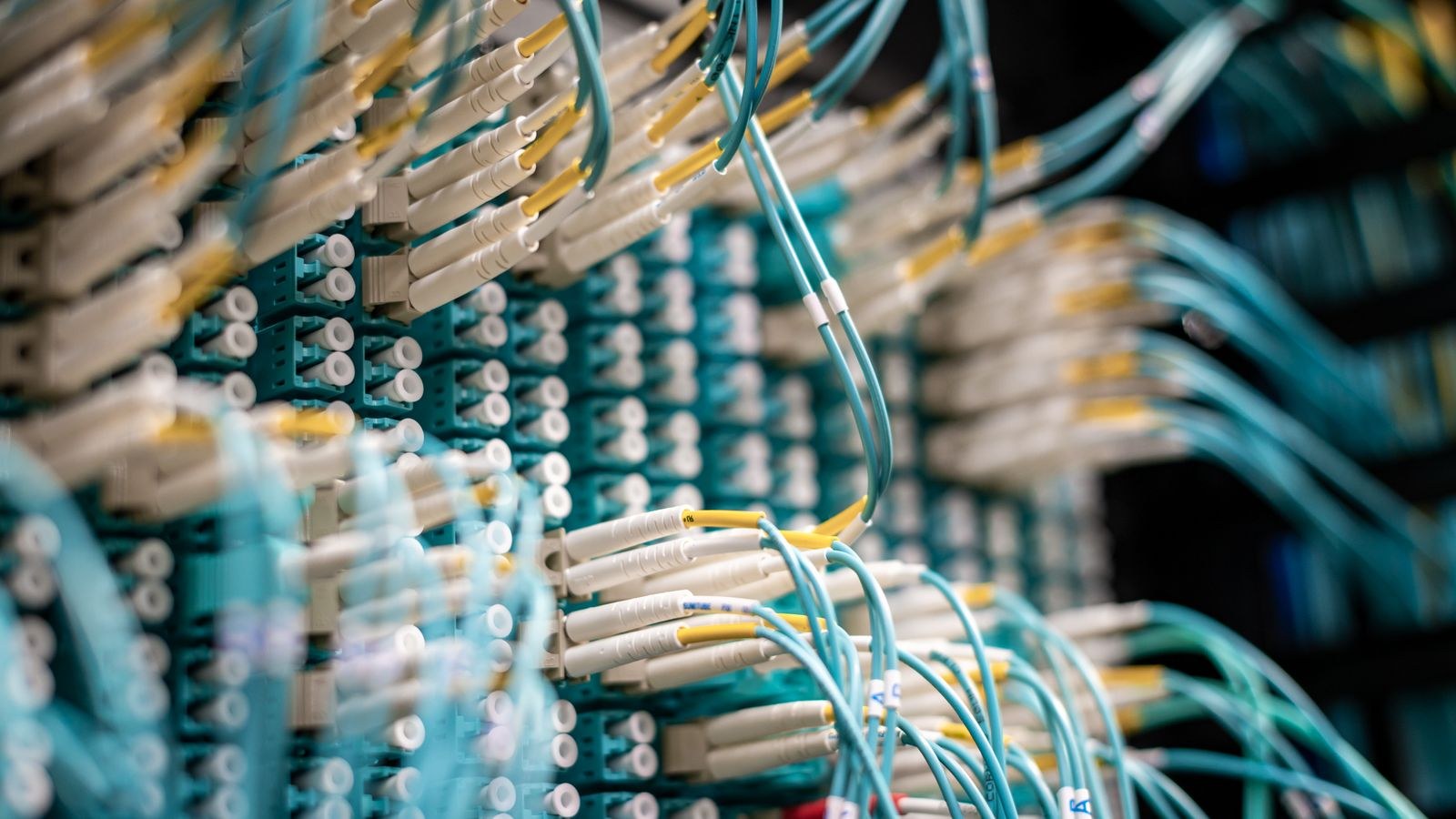
The fiber running to your home carries data as pulses of light. Your computers, phones, and televisions understand electrical signals over Ethernet or radio signals over Wi-Fi. The optical network terminal is the translator between those two worlds. Light arrives on the fiber, the ONT converts it into an electrical Ethernet signal, and the reverse happens for everything you send.
It performs a second job that is less visible but equally important. Most residential fiber uses a passive optical network, where a single fiber from the provider is split among many homes. Because everyone shares that strand, the ONT handles the timing and authentication that keep your traffic separate from your neighbours’. It only transmits during the slot assigned to it, and it is registered to your account with a unique serial number. This is why you cannot simply buy an ONT off a shelf and connect it; the provider must authorise the specific unit on their network.
ONT Versus Modem
People often call the ONT a fiber modem, and functionally the comparison holds: both convert an external transmission medium into Ethernet. The important practical difference is ownership. A cable modem is a device you can buy, own, and swap freely, provided it meets the provider’s standard. An ONT is almost always provider equipment, installed by a technician, tied to your service, and not something you replace yourself. Treat it as part of the network rather than part of your kit.
Where Your Router Plugs In
The layout is simple once you see it. Fiber enters the building and terminates at the ONT. A single Ethernet cable runs from the ONT’s LAN port to the WAN or internet port on your router. Everything else in your home connects to the router, either by Ethernet or over Wi-Fi.
Three variations are common. In the cleanest arrangement, the ONT is a standalone box and you connect whatever router you like. In the second, the provider supplies a combined ONT and router in one unit, so the fiber goes in and Wi-Fi comes out with no separate router at all. In the third, the ONT is standalone but the provider also supplies a gateway that must remain in place for television service or authentication, leaving you to decide whether to add your own router behind it.
Because the ONT is fixed wherever the fiber terminates, which is often a utility room, garage, or hallway cupboard, its position rarely suits Wi-Fi coverage. Running one Ethernet cable from the ONT to a better router location is usually the single most valuable thing you can do during installation, and it costs almost nothing if you ask the technician while they are still on site.
Understanding the Lights
The indicator lights on an ONT tell you where a fault sits, which saves time before calling support.
- Power confirms the unit has electricity. ONTs need mains power, so an outage takes your internet down even though fiber itself is passive.
- PON or Optical indicates the link to the provider network. Solid usually means healthy; flashing typically means it is searching; off or red generally means no light is arriving, which points to a fiber fault or a disconnected cable.
- LOS (loss of signal) lighting up red is an explicit signal that the optical path is broken. This is a provider issue, not something you can fix.
- LAN or Ethernet shows activity on the cable to your router.
If PON is solid and LAN is active but you have no internet, the problem is almost certainly your router configuration rather than the fiber service.
Bridge Mode and Using Your Own Router
If your provider supplies a combined gateway, bridge mode is the setting that turns off its routing and Wi-Fi functions so it passes the connection straight to your own router. Your router then handles addressing, firewall duties, port forwarding, and wireless, exactly as it would on a standalone ONT.
Bridge mode is worth using when the supplied gateway has weak Wi-Fi, lacks features you want, or cannot be positioned sensibly. It avoids double NAT, which otherwise complicates port forwarding, some gaming services, and VPN configurations. Before enabling it, configure your own router first, note the gateway’s reset procedure, and be aware that some providers restrict or hide the option.
Where bridge mode is unavailable, the usual workaround is to put the supplied gateway in a DMZ-style pass-through arrangement pointing at your router, or to run your own hardware as an access point and accept the gateway’s routing. Neither is as clean, but both are better than living with poor wireless coverage.
Why Some Plans Still Require ISP Hardware
Several legitimate reasons exist. Authentication may be tied to the gateway rather than the ONT. Television service often depends on multicast handling that only the supplied box performs correctly. Voice service may terminate on a port that exists nowhere else. Some networks tag traffic with a specific VLAN identifier that your router must replicate exactly, and providers rarely publish that detail.
If you want to use your own router, ask support directly for the VLAN ID and authentication method. Many will supply it. If the answer is that the gateway is mandatory, adding your own router behind it in a properly configured pass-through is the practical compromise.
Choosing a Router for Fiber
Fiber removes the bottleneck that older technologies imposed, which shifts the pressure onto your router. Three specifications matter more here than on any other connection type.
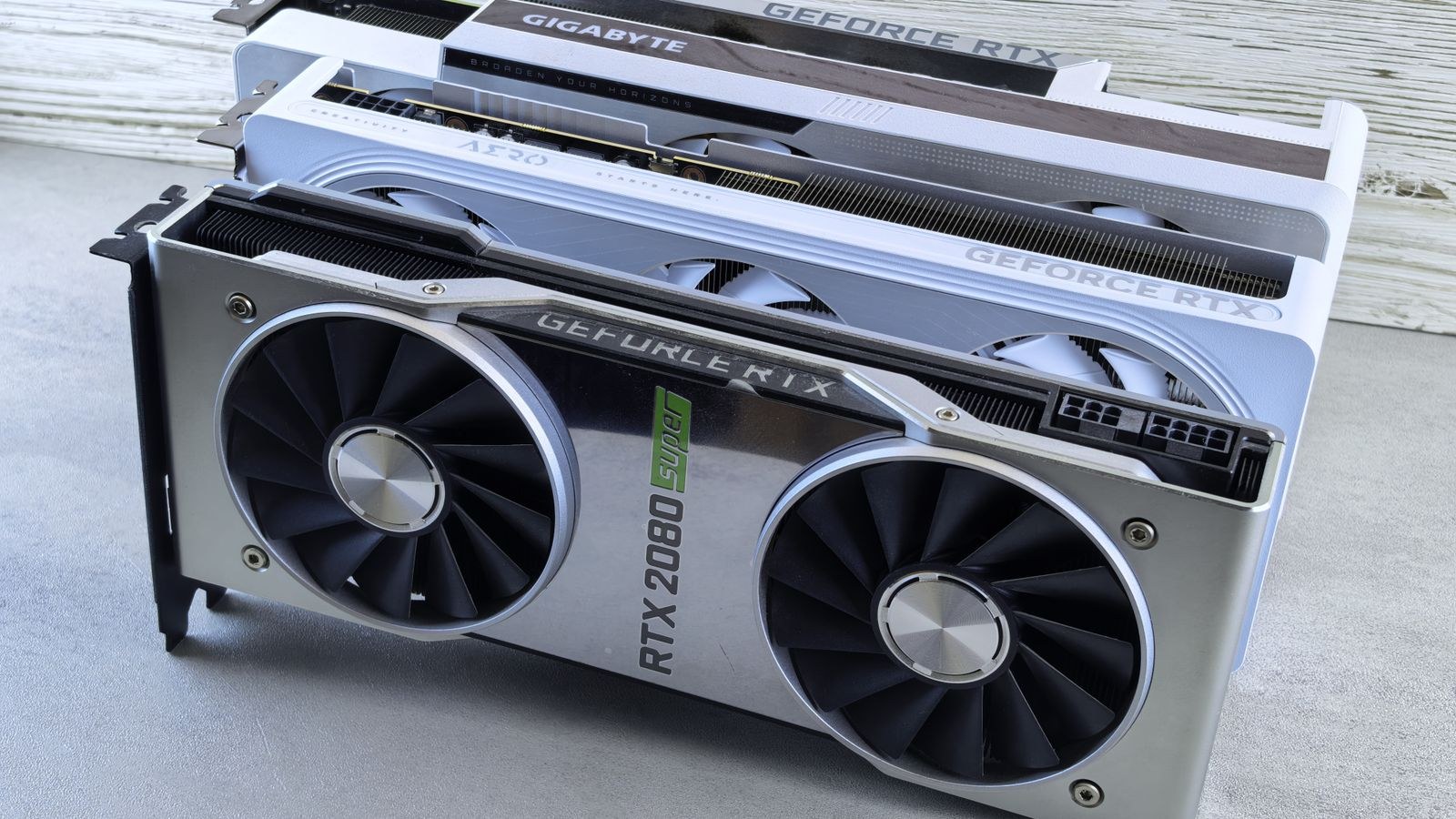
WAN port speed must match your plan. A gigabit WAN port caps you slightly below 1 Gbps in practice, so plans above that need a 2.5 Gbps or faster port. Processing capability determines whether the router can actually route at line rate with features like traffic inspection enabled; underpowered units fall well short of their advertised throughput once you switch anything on. Wireless capacity decides whether your devices can use the speed you are paying for, since Wi-Fi is usually the real limit in a gigabit home.
For a standard gigabit plan, our roundup of the best routers for 1 gig internet covers models that genuinely sustain full speed rather than only reaching it in short bursts. For a broader view of hardware suited to optical connections generally, the best routers for fiber internet guide compares WAN port options and processor classes side by side.
Provider-Specific Considerations
Fiber networks differ in how much they let you change. Some are entirely open once you know the VLAN configuration; others tie service tightly to their equipment. If you are on a network with particular requirements, provider-focused guides save considerable trial and error. Our comparisons of the best routers for Ziply Fiber and the best routers for Fios gigabit cover the configuration quirks and hardware that work reliably on those networks, and the general principles transfer to similar deployments.
Getting Full Speed From a Fiber Connection
Many households on gigabit plans measure a fraction of it and blame the provider. The bottleneck is usually inside the home.
- Test wired first. Connect a computer directly to the router with a good cable and measure. If this is slow, the issue is the router, the cable, or the service.
- Check your cabling. Cat 5e handles gigabit fine; anything above that needs Cat 6 or better. Old or damaged cable silently negotiates down to 100 Mbps.
- Check the device. Many laptops have gigabit Ethernet ports and older Wi-Fi radios that cannot exceed a few hundred megabits regardless of the connection.
- Use the 5 GHz or 6 GHz band for speed testing over Wi-Fi. The 2.4 GHz band cannot deliver gigabit under any circumstances.
- Confirm the WAN port rating matches your plan, particularly on multi-gigabit service.
- Disable features selectively if throughput drops sharply, since deep traffic inspection can halve the speed of a modest router.
If wired speed is correct and wireless is not, the fix is Wi-Fi hardware or placement rather than anything to do with the ONT. Our broader overview of fiber internet routers explains how to match wireless capability to plan speed so the two are not mismatched.
Practical Installation Advice
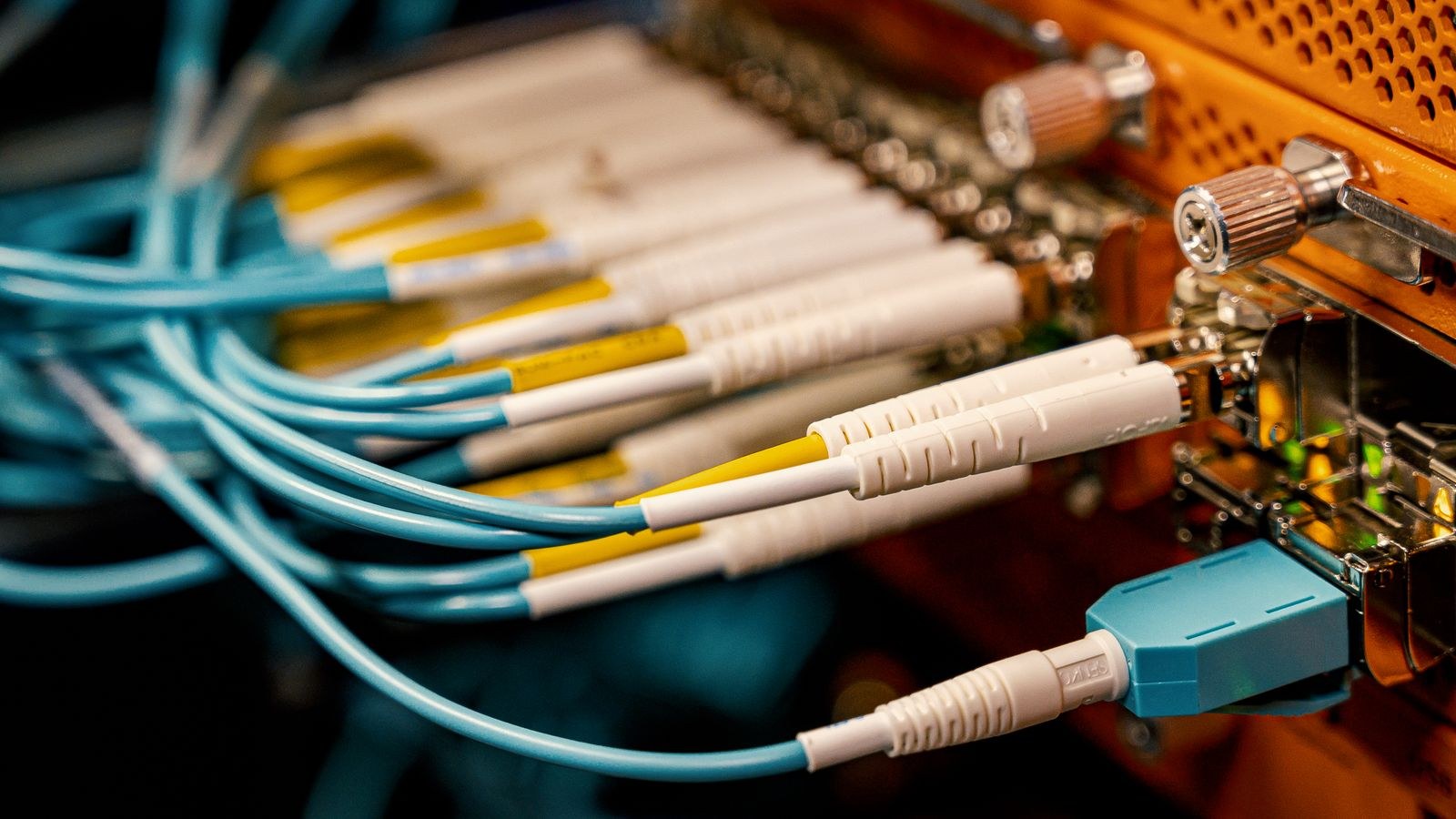
Ask the technician to place the ONT somewhere accessible and dry, ideally near a power outlet you will not accidentally unplug. Request an Ethernet run to a central location for your router if the ONT must live in a corner. Never bend or coil fiber tightly; the minimum bend radius is genuinely important, and a kinked fiber degrades or fails entirely. Keep the optical connector clean and capped when disconnected, since dust on the ferrule causes signal loss that looks like a network fault.
Because the ONT requires mains power, consider a small uninterruptible power supply if you rely on the connection for work or for voice service. Fiber itself keeps working during a power cut; your equipment does not.
Frequently Asked Questions
Can I buy my own ONT?
Generally no. The unit must be registered and authorised on the provider’s optical network, so it is supplied and owned by them. You can, however, usually choose your own router.
Do I still need a modem with fiber?
No. The ONT performs the equivalent function. Your setup is fiber, ONT, router, then your devices, with no separate modem involved.
What does a red LOS light mean?
Loss of signal, meaning no light is reaching the unit. Check the fiber cable is seated, then contact your provider, since this is almost always a network or physical fiber fault.
Will my old router work on fiber?
It will connect, but a gigabit plan needs a router capable of routing at that rate, and multi-gigabit plans need a faster WAN port. An older router becomes the bottleneck rather than the fiber.
Does fiber slow down at peak times?
Far less than cable, because the local capacity is much greater and the technology is less contended in practice. Any evening slowdown usually reflects backhaul or the destination server rather than the fiber itself.
Final Thoughts
The ONT is the least glamorous and most important box in a fiber home. Once you understand that it converts light to Ethernet, authenticates your service, and hands a single cable to your router, the rest of the network falls into place. Decide early whether you want the supplied gateway or your own router in bridge mode, get an Ethernet run to a sensible router location during installation, and match your router’s WAN port and processing power to the plan you bought. Do that and the connection will deliver what you are paying for, rather than leaving a gigabit service throttled by hardware that was never designed for it.