
 Owen Bradley
 Fiber internet delivers some of the fastest, most reliable connections available to home users, but only if your router can keep up. A router mismatched to your fiber plan becomes the bottleneck, quietly capping your speeds far below what you’re paying for every month. This guide explains what makes a router truly fiber-ready, how to match one to your specific plan, and how to set it up so your connection performs at its full potential.
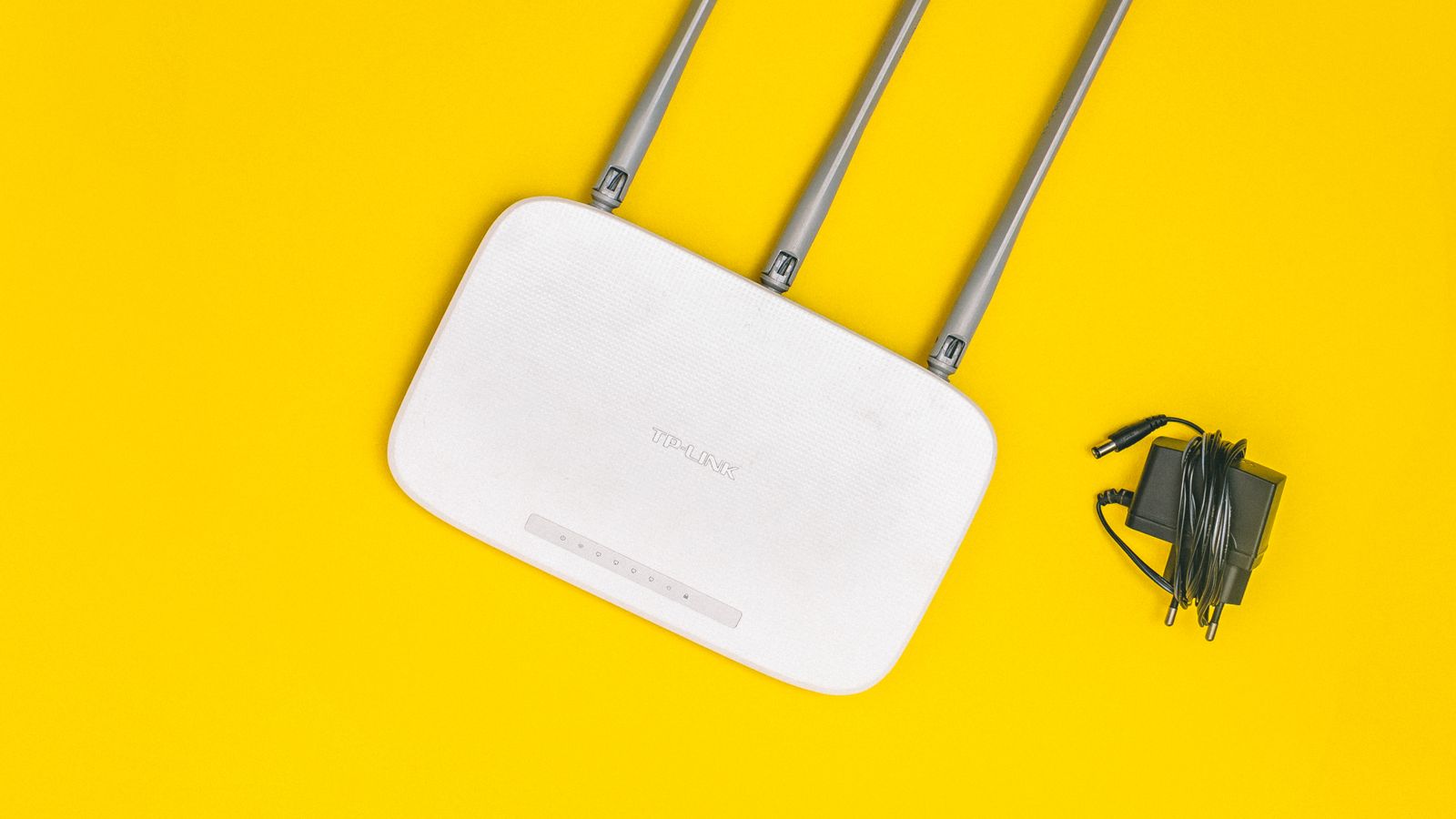
Why Fiber Internet Needs a Different Approach to Routers
Fiber connections often deliver symmetrical gigabit or multi-gigabit speeds, far beyond what many standard routers were designed to handle. Symmetrical means your upload speed matches your download speed, which is a major advantage for video calls, cloud backups, and content creators. Older or budget routers frequently include internal ports and processors rated well below gigabit throughput, meaning even a perfect fiber connection gets throttled the moment it passes through the router.
Choosing a router built for fiber ensures you’re not paying for bandwidth you can never actually use. The difference between a fiber-ready router and an aging one can be several hundred megabits per second of lost speed, entirely invisible unless you test for it.
Key Specifications to Check
WAN Port Speed
The WAN port is where your fiber ONT (optical network terminal) connects to the router. Confirm this port supports at least gigabit speeds, and look for 2.5G, 5G, or 10G WAN ports if your plan exceeds 1 gigabit. A gigabit WAN port physically cannot pass more than roughly 940Mbps of real throughput, so a multi-gig plan needs a faster port to be worthwhile.
Processor and RAM
High-speed internet requires real processing power to manage encryption, routing, QoS, and multiple simultaneous connections without slowing down. Routers with weaker processors often show noticeably reduced real-world speeds compared to their advertised maximum, even with a strong fiber connection feeding them. This is one of the most common and least understood fiber bottlenecks.
Wi-Fi Standard
To actually experience fiber speeds wirelessly, you need Wi-Fi 6 or Wi-Fi 6E, since older standards simply cannot move enough data per second to match a gigabit-plus connection, especially with multiple devices connected at once. Wi-Fi 6E adds access to the 6GHz band, which offers wide, uncongested channels ideal for high-speed fiber.
LAN Port Speeds
If you plan to wire a gaming PC, NAS, or streaming device directly, make sure the router’s LAN ports also support gigabit or multi-gigabit speeds, not just the WAN port. A fast WAN port paired with slow LAN ports still bottlenecks your wired devices.
Antenna Design and Coverage
Fast internet is only useful where you can reach it. Strong antenna design, beamforming, and adequate range ensure your fiber speeds are available throughout the home rather than only in the room housing the router.
Matching a Router to Your Fiber Plan
If you subscribe to a standard fiber plan around the 500Mbps to 1 gigabit range, a solid dedicated router is enough. Consider models curated among the best routers for fiber internet, which are chosen specifically for handling high-throughput fiber connections without bottlenecking speeds or straining under load.
Fios customers should pay close attention to compatibility, since some fiber providers use specific network configurations, authentication methods, or require handling of TV and phone services on the same line. The best routers for Fios gigabit plans are tested against these provider-specific requirements to avoid connectivity headaches and ensure all bundled services keep working after you swap the router.

For households with a 1 gigabit or faster fiber plan, it’s worth reviewing the best routers for 1 gig internet, since these are specifically benchmarked to sustain full gigabit throughput across both wired and wireless connections rather than only hitting peak speeds in ideal lab conditions.
Mesh Systems and Fiber
Large homes often need mesh Wi-Fi to cover every room, but not all mesh systems handle gigabit-plus fiber speeds well. Look for mesh systems explicitly rated for multi-gigabit backhaul, or use a wired ethernet backhaul connection between mesh nodes to avoid losing speed as the signal hops between units. A wireless backhaul that shares the same radio your devices use can cut effective speeds roughly in half, so a dedicated backhaul band or wired links matter for fiber.
Do You Need Your ISP’s Router?
Most fiber installations include a separate ONT provided by your internet service provider, and you can usually connect your own router to it. Some providers offer a combined gateway that handles both roles, but these are often less capable than a dedicated aftermarket router. Check whether your provider allows a bring-your-own-router setup and what configuration it requires before purchasing, since a few providers lock certain functions to their hardware.
Setting Up Your Fiber Router
Most fiber installations require connecting the router’s WAN port directly to the ONT. Some providers require specific VLAN tagging or PPPoE credentials, so check your provider’s documentation before assuming a new router will connect automatically. After setup, run a wired speed test directly from a laptop connected to the router to confirm you’re getting close to your plan’s advertised speed before troubleshooting Wi-Fi separately. Testing wired first isolates whether any shortfall is coming from the router or from wireless conditions.
Budget Guidance
Entry-level fiber-ready routers cover standard sub-gigabit plans affordably. Mid-range models add stronger processors, Wi-Fi 6E, and better range for whole-home gigabit coverage. Premium routers and mesh systems with multi-gig ports are worth it only if you actually subscribe to a multi-gigabit plan or have a very large home; otherwise the extra cost buys headroom you won’t use. Match your spending to your plan speed and home size rather than buying the fastest model on principle.
Maximizing Wireless Performance on Fiber
Even with a fiber-ready router, a few adjustments help you get the fastest possible wireless speeds. Position the router centrally and high off the floor, away from thick walls, metal appliances, and other electronics that cause interference. Keep your most demanding devices, like a work laptop or gaming console, on the faster 5GHz or 6GHz band, and reserve the 2.4GHz band for distant, low-bandwidth devices that need range more than speed.
Update your device drivers and network adapters too, since an old wireless card in a laptop can bottleneck an otherwise fast connection. A device that only supports older Wi-Fi standards will never reach fiber speeds no matter how capable the router is. For the fastest experience on high-speed fiber, pair a modern router with modern client devices that support the same Wi-Fi generation.
Wired Devices Get the Most From Fiber
While Wi-Fi has improved dramatically, a wired ethernet connection remains the surest way to experience your fiber plan’s full speed. Gaming PCs, home servers, workstations, and streaming boxes benefit noticeably from a direct cable, which delivers consistent, low-latency throughput unaffected by interference or distance. If you subscribe to a multi-gigabit fiber plan, make sure both the router’s port and the device’s network adapter support those higher speeds, otherwise the connection negotiates down to the slower of the two. Wiring even a couple of key devices lets you truly take advantage of what fiber offers.
Common Mistakes to Avoid
A frequent mistake is pairing a gigabit fiber plan with an older router that caps out well below that speed, effectively wasting money on unused bandwidth. Another common issue is expecting full wired speeds over Wi-Fi without accounting for signal loss through walls and distance. Some households skip checking LAN port speeds, leaving wired devices like gaming PCs bottlenecked even when the WAN connection is fast. Finally, using a wireless mesh backhaul on a multi-gig plan silently throws away much of the speed you’re paying for.
Frequently Asked Questions
Can any router work with fiber internet?
Technically yes, but only routers with gigabit or higher WAN ports and strong processors can actually deliver the full speed of most fiber plans.
Do I need a separate ONT and router?
Most fiber installations include a separate ONT provided by your ISP that connects to your own router, though some providers offer combined gateway units.
Will Wi-Fi ever match my fiber plan’s wired speed?
Wireless speeds are typically lower than wired due to signal interference, but Wi-Fi 6 or 6E routers get much closer to matching high-speed fiber connections than older standards.
Why is my fiber speed slower than advertised?
Common causes include an underpowered router, slow ports, Wi-Fi limitations, or provider configuration issues; testing over a wired connection helps pinpoint the source.
Is Wi-Fi 6E worth it for fiber?
For gigabit-plus plans, Wi-Fi 6E’s access to the wide, uncongested 6GHz band helps deliver the fastest possible wireless speeds to compatible devices.
Final Thoughts
Getting the full value from a fiber internet plan depends heavily on pairing it with a router built to match its speed, from WAN port capacity and processor power to Wi-Fi standard and coverage. Choosing the right router, matching it carefully to your plan, and setting it up correctly turns your fiber subscription into the fast, reliable connection you’re actually paying for every month.









