Owen Bradley
 The smart home hub is the least glamorous purchase in home automation and the one that most determines whether the rest of it works. Buy the wrong ecosystem and you spend years discovering that the light switch you want is incompatible, that half your devices need their own apps, and that nothing talks to anything else without a workaround. Buy the right one and everything you add afterwards simply appears and behaves. This guide explains what a hub actually does, how the major ecosystems differ in practice rather than in marketing, what the Matter and Thread standards changed, and how to choose the platform you will still be happy with once you own thirty devices instead of three.
What a Hub Actually Does
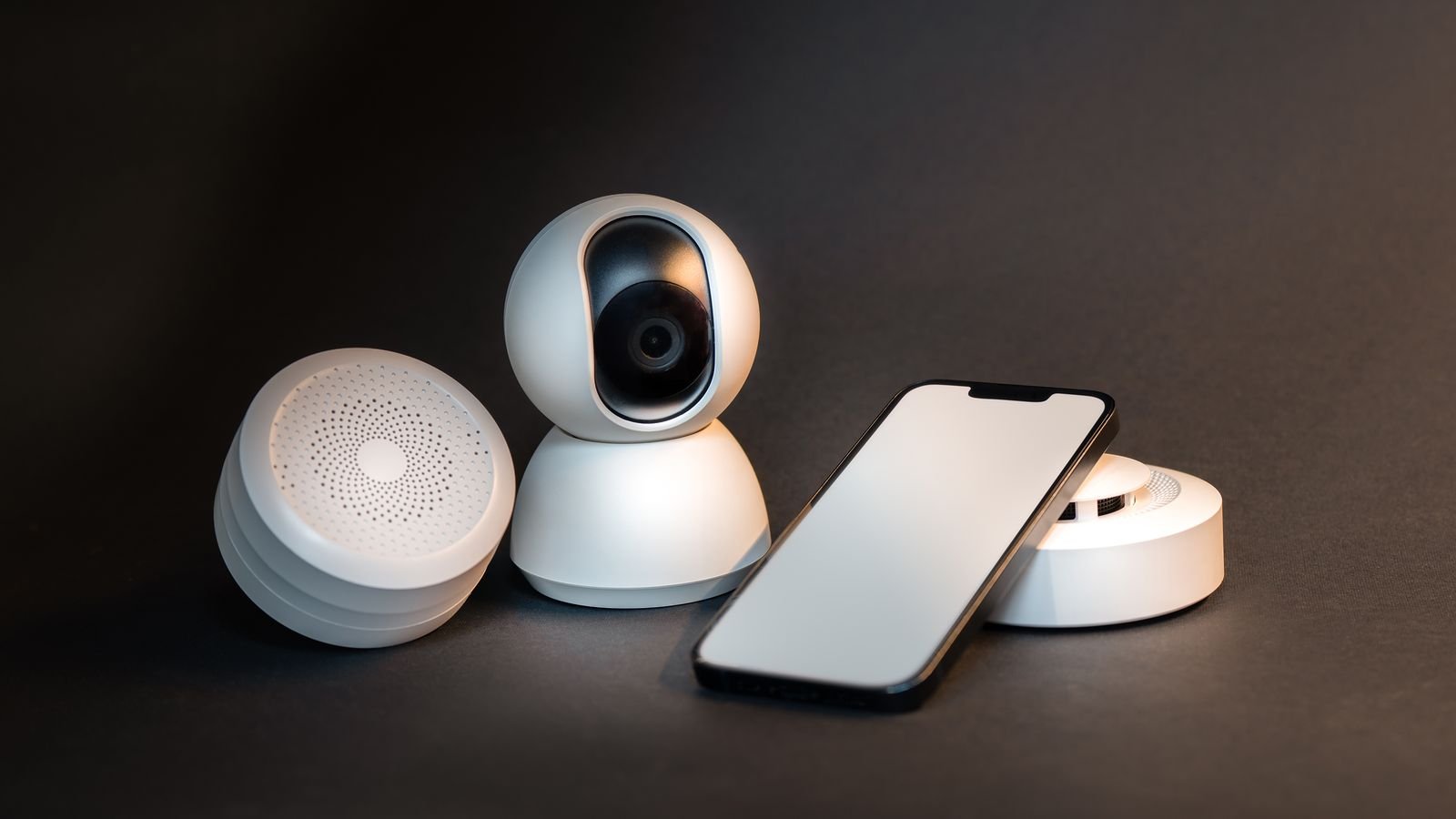
A hub performs three jobs that a collection of standalone devices cannot do for themselves.
First, protocol translation. Many smart devices do not speak Wi-Fi. Zigbee, Z-Wave and Thread are low-power mesh protocols designed for battery sensors and switches, and a hub with the right radios is what lets them appear on your phone at all.
Second, local coordination. Automations that run on a hub in your house continue working when the internet drops and respond in milliseconds rather than after a round trip to a distant server. Cloud-only setups fail whenever your broadband does, which is exactly when you most want the lights to work.
Third, a single control surface. Without a hub you accumulate one app per manufacturer and no way to make a door sensor from one brand trigger a light from another. The hub is what turns a pile of gadgets into a system.
Some ecosystems now blur the definition, embedding hub functions into a speaker, a display or a streaming device. That counts, and it is often the cheapest way in. Comparisons across dedicated and embedded options appear in our roundup of the best hubs for smart homes.
The Wireless Protocols, Briefly
- Wi-Fi. No hub required, high bandwidth, good for cameras and anything streaming video. Power-hungry, so poorly suited to battery sensors, and a large number of Wi-Fi devices burdens a consumer router.
- Zigbee. Low-power mesh, very widely adopted for bulbs, plugs and sensors. Mains-powered devices repeat the signal, so coverage improves as you add them. Operates in the crowded 2.4 GHz band alongside Wi-Fi.
- Z-Wave. Low-power mesh on a sub-GHz band, so it avoids Wi-Fi interference and penetrates walls better. Strict certification means excellent interoperability, but device choice is narrower and prices higher.
- Thread. A modern low-power mesh where every device is individually addressable on the network. Fast, resilient, self-healing, and the transport underneath much of Matter. Needs a border router, which most current hubs and many speakers provide.
- Bluetooth. Short range, used mainly for initial setup and for locks. Not a foundation for a whole-home system.
A capable hub carries several of these radios. If you already own Zigbee bulbs or Z-Wave sensors, radio support should weigh heavily in your choice, because replacing an existing fleet costs far more than a hub does.
What Matter Changed, and What It Did Not
Matter is an application-layer standard backed by every major platform, designed so that a certified device works with any certified controller. In practice it has genuinely reduced lock-in for the basics: bulbs, plugs, switches, sensors, thermostats and locks pair across ecosystems with far less friction than before.
Two caveats keep it from being a complete answer. Manufacturers frequently expose only core functionality over Matter, keeping advanced features such as complex scene effects, energy reporting or firmware updates inside their own app. And support arrived gradually, so plenty of perfectly good hardware still on sale predates it.
The practical reading is that Matter lowers the cost of choosing wrong without eliminating it. It is worth preferring Matter-certified devices and a hub that acts as a Thread border router, but the ecosystem you pick still shapes your daily experience.
The Major Ecosystems Compared
Voice-Assistant Platforms
The large assistant ecosystems have the widest device compatibility by a considerable margin, the lowest entry cost since a speaker often doubles as the hub, and the most natural voice control. Their weaknesses are a dependence on cloud services for many routines, automation logic that is simple compared with dedicated platforms, and privacy considerations that come with an always-listening microphone.
Phone-Centric Platforms
Ecosystems built around a phone manufacturer’s operating system tend to have the strongest privacy posture, genuinely local processing for most automations, and clean integration with the devices household members already carry. Device compatibility is narrower and certification requirements make accessories more expensive, though Matter has narrowed that gap substantially.
Dedicated Automation Hubs
Purpose-built hubs, including open-source software platforms running on a small computer, offer by far the most powerful automation logic, the widest protocol support and complete local operation. They are the right answer for complex setups and for anyone who wants conditional rules rather than simple triggers. The cost is a real learning curve and time spent configuring rather than using.
Detailed comparisons of these approaches, including how each handles scenes and multi-device routines, appear in our guide to the best smart hubs for home automation.
Local vs Cloud Processing
This deserves its own consideration because it affects reliability more than any specification on the box.
A cloud-dependent automation sends the trigger to a server, which evaluates the rule and sends a command back. That round trip introduces a delay of anywhere from a fraction of a second to several seconds, and it fails completely during an outage. It also means the manufacturer can change or discontinue the service.
Local processing keeps the logic on the hub. Motion-triggered lights respond fast enough to feel instant, security automations keep working when broadband fails, and nothing stops working because a company changed its business model. The tradeoff is that some cloud-only integrations and remote access features require a connection anyway.
If you plan to automate anything you genuinely depend on, lights on a dark staircase, a lock, a heating schedule, prioritize a hub that executes rules locally.
Features Worth Weighing
- Radio support. Zigbee, Z-Wave and a Thread border router in one box maximizes future device choice.
- Local automation engine. Confirm that rules run on the hub, not merely that the hub is “local network connected”.
- Automation depth. Look for conditions, not just triggers: time of day, presence, device state, and nested logic.
- Ethernet port. A wired hub is materially more reliable than one depending on Wi-Fi.
- Backup and restore. Re-pairing forty devices after a hub failure is a lost weekend. Configuration backup prevents it.
- Ongoing costs. Check whether remote access, camera storage or advanced automations sit behind a subscription.
- Update history. A manufacturer with years of consistent firmware updates is a better bet than a novel product with an impressive spec sheet.
How to Choose Without Regretting It
Work through these questions in order, and the answer usually presents itself.
- What do you already own? Existing bulbs, locks and sensors constrain the choice more than anything. Inventory them and their protocols first.
- Which phones does the household use? A platform half your family cannot control comfortably will not be used.
- What do you actually want automated? Voice control of a few lights needs far less than presence-based heating and camera-triggered routines.
- How much configuration are you willing to do? Be honest. A powerful platform you never finish setting up serves you worse than a simple one you finish in an evening.
- Does it need to work offline? If yes, local processing becomes a requirement rather than a preference.
- How large will this get? Ten devices behave differently from sixty. Mesh protocols and a wired hub matter more as the count climbs.
Building Out From the Hub
Once the hub is chosen, add devices in an order that produces useful automation early. Smart lighting is the usual starting point because it is inexpensive, immediately noticeable and works well with schedules and motion. Connected bulbs across the main ecosystems are compared among the best smart bulbs.
Climate control is typically the next addition and the one with a measurable payback, since a learning or scheduled thermostat reduces heating and cooling waste noticeably in most homes. Options are covered in our roundup of the best smart thermostats.
After that, contact sensors and motion sensors turn a collection of controllable devices into a home that responds by itself, and locks and cameras add security. If you would rather start from a coordinated package than assemble piece by piece, integrated bundles are compared in our guide to the best smart home systems.
Network Foundations
A smart home is only as reliable as the network beneath it, and this is where a surprising number of frustrating problems originate. Consumer routers can struggle once several dozen devices are connected, and 2.4 GHz congestion degrades Zigbee performance because they share the band.
Three practical measures help. Give the hub a wired Ethernet connection wherever possible. Choose Wi-Fi channels 1, 6 or 11 and set your Zigbee channel to avoid overlap with whichever you use. And ensure genuine coverage in the corners of the house where sensors live, because a device at the edge of range will drop out intermittently in ways that are maddening to diagnose.
Frequently Asked Questions
Do I need a hub if my devices are Wi-Fi?
Not to control them individually. You will want one as soon as you need devices from different manufacturers to interact, or want automations that survive an internet outage, or start adding battery sensors that do not use Wi-Fi.
Does Matter mean I can ignore ecosystems entirely?
Not yet. Matter makes basic control portable across platforms, but advanced features often remain in the manufacturer’s own app, and your daily experience still depends on the interface and automation engine you chose.
Can I run two ecosystems at once?
Yes, and many people do, particularly where different household members prefer different phones. Matter-certified devices can be shared between controllers. Keep one platform as the primary automation engine to avoid conflicting rules firing against each other.
Is Z-Wave still worth choosing over Zigbee?
It remains excellent where wall penetration and freedom from Wi-Fi interference matter, and its certification gives very consistent interoperability. Zigbee and Thread have wider and cheaper device availability, so for most new builds they are the more practical foundation.
What happens to my setup if the manufacturer shuts down?
Cloud-dependent devices can lose function entirely, which is the strongest argument for local processing and open standards. Choosing a hub with a local engine and preferring Matter or Z-Wave devices substantially limits the damage.
Final Thoughts
Choose the hub around three things: the protocols your existing and planned devices use, whether automations run locally, and how much configuration effort you genuinely want to invest. Everything else, voice assistant preference included, is easier to change later than any of those.
Prefer a hub with Zigbee, Z-Wave and Thread radios, a wired Ethernet port and a local rules engine, and prefer Matter-certified devices as you expand. Start with lighting, add climate, then sensors, then security, and give the network the same attention as the gadgets. Get the foundation right and a smart home becomes something you stop thinking about, which is the only sensible measure of success.