
 Owen Bradley
 Weak Wi-Fi in the back bedroom is one of those problems with three confident answers and no obvious winner. Buy a mesh system, says one forum. Just get a cheap extender, says another. Run it over your electrical wiring with powerline adapters, says a third. All three can work, and all three can fail badly, because each solves a different underlying cause. Powerline vs mesh vs extender is not really a question about products, it is a question about your house: how it is built, how it is wired, and where the signal actually dies. This guide explains what each technology does, where it wins, what it costs, and how to pick the one that fixes weak Wi-Fi instead of quietly moving the problem somewhere else.
First, Diagnose Why the Signal Is Weak
Before buying anything, work out which of three problems you have, because they need different fixes. The first is distance: the router is simply too far away, and the signal weakens gradually as you walk from it. The second is obstruction: a brick chimney breast, a foil-backed plasterboard wall, a concrete floor or a large mirror kills the signal abruptly at one boundary. The third is congestion: the signal is strong but slow, because dozens of neighbouring networks share the same channels or too many devices are contending for airtime.
Walk the house with a phone signal meter and note where the bars fall away. A gradual decline points to distance, a cliff edge points to an obstruction, and full bars with poor speed points to congestion. Extenders and mesh help with the first two; nothing wireless truly fixes the third except better channel planning or moving traffic to wires. It is also worth checking the simplest fix first: many routers sit in a hallway cupboard beside the front door, which is the worst possible position. Moving it central and high often gains more than any add-on device.
How a Wi-Fi Extender Works
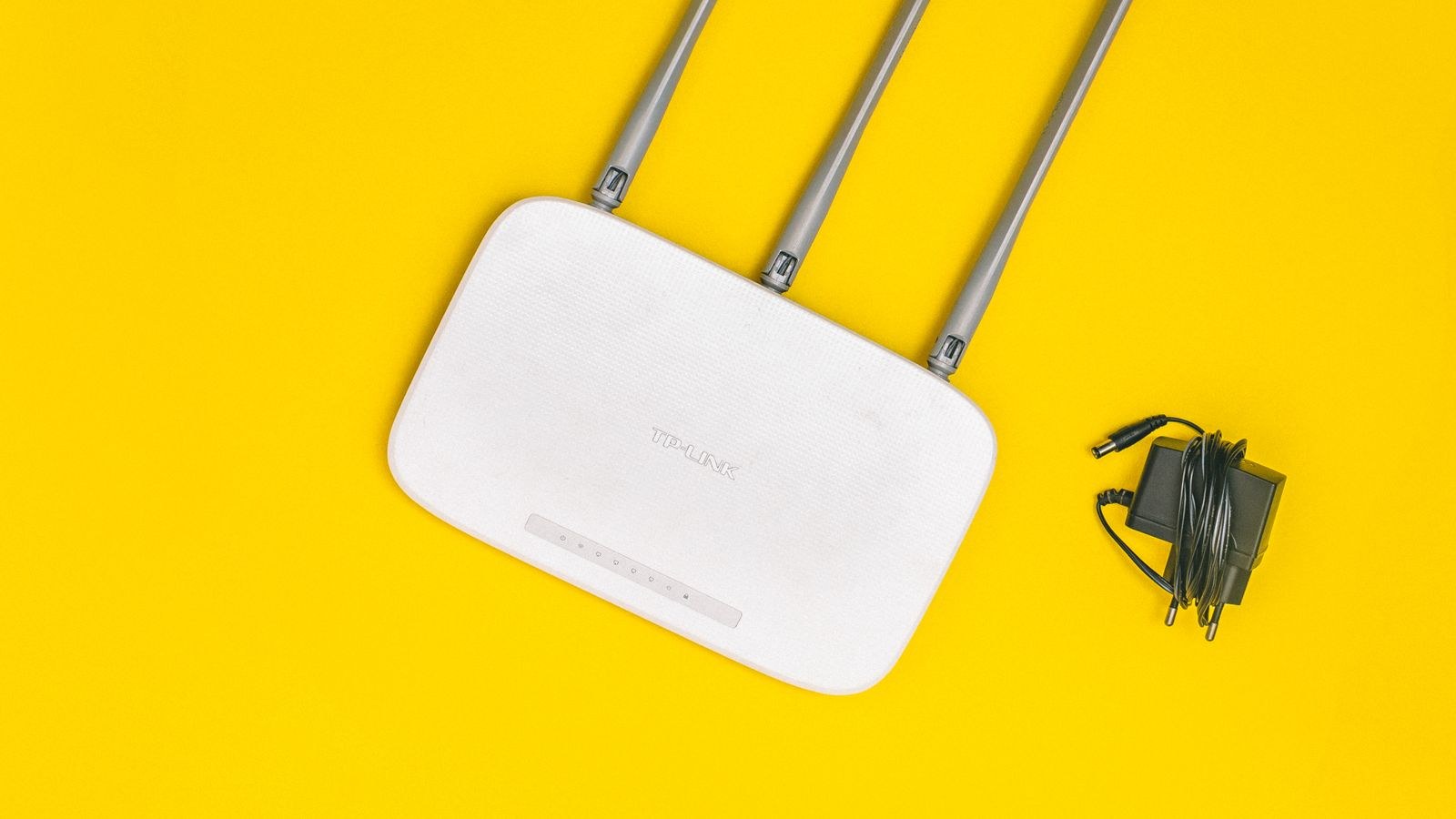
An extender, sometimes called a repeater or booster, listens to your router’s Wi-Fi and rebroadcasts it. It is the cheapest and simplest option: plug it into a socket roughly halfway between the router and the dead area, press a pairing button, and you are done in five minutes.
The catch is inherent to the design. A single-radio extender must receive and retransmit on the same radio, which roughly halves the throughput available to devices connected through it. Worse, the extender can only relay what it receives, so if you place it too far from the router it faithfully rebroadcasts a weak signal. Devices also tend to cling to the extender long after you have walked back into strong router coverage, because most extenders create a separate network name and clients do not roam intelligently between them.
Modern dual-band and tri-band extenders mitigate this by dedicating one radio to the router link, which recovers much of the lost speed. They remain the right choice when you have one specific weak spot, a modest budget, and a router that otherwise covers the house well. Our roundup of the best internet extenders is a practical shortlist if that describes your situation.
Where Extenders Go Wrong
Almost every disappointing extender story comes down to placement. Put it at the edge of good coverage, not in the dead zone itself, and confirm the link quality indicator shows a strong connection back to the router. If your extender lets you give it the same network name and password as the router, do that; it will not make roaming perfect but it beats manually switching networks as you move between rooms.
How a Mesh Wi-Fi System Works
A mesh system replaces your router with two or three coordinated nodes that present a single network and hand devices between them automatically. Instead of rebroadcasting a signal it barely hears, each node maintains a managed backhaul link to its neighbours, and the system decides which node should serve each device based on signal strength and load.
The practical result is that mesh feels different rather than just faster. You walk from the kitchen to the garden office and the handover happens without dropped video calls or manual reconnection. Tri-band systems reserve an entire radio band for node-to-node traffic, so client speed does not halve the way it does on a basic extender. Many systems also let you connect a node by ethernet, which is by far the best configuration if you have any usable cabling.
Mesh is the right answer for larger homes, multi-storey layouts, houses with several weak areas rather than one, and anyone who wants seamless roaming. The downsides are cost, since you are replacing the router rather than supplementing it, and complexity, because some systems bury useful settings behind a phone app. Comparing the best mesh wifi systems against a simpler add-on approach usually comes down to whether you have one problem area or several.
Mesh Extenders and Hybrid Setups
There is a middle ground worth knowing about. Many router manufacturers now sell nodes that add mesh-style roaming to an existing compatible router, giving you single-network behaviour without replacing hardware you already own. These mesh extenders sit between a dumb repeater and a full system in both price and behaviour, and they are an excellent option if your current router is recent and capable but simply cannot reach far enough. Compatibility is the thing to verify: mixing brands usually drops you back to plain extender behaviour.
How Powerline Adapters Work
Powerline sends network data over your home’s existing electrical wiring. You plug one adapter near the router and connect it by ethernet, then plug a second adapter in the distant room, where it provides an ethernet port and, on Wi-Fi models, a fresh access point.
The appeal is obvious: it walks straight through the brick wall that stops Wi-Fi dead, because it is not using radio at all. For a garage, a loft conversion, a basement or a room behind a stone chimney, powerline frequently succeeds where wireless solutions fail regardless of how much you spend. It also gives you a proper wired port at the far end, which is ideal for a games console, a desktop PC or a smart TV.
The risk is that performance depends entirely on wiring you cannot see. Adapters must be on the same consumer unit and, ideally, the same ring circuit; old wiring, long runs and separate circuits all reduce speed sharply. Never plug an adapter into an extension lead or a surge-protected strip, since the filtering will strangle the signal. Real-world throughput typically lands at a fraction of the number on the box, so treat advertised figures as ceilings rather than expectations. Buy from a retailer with a return policy and test it in the first week.
Head-to-Head: Which One Fits Your House
- One weak room, small home, tight budget: an extender. Cheapest, quickest, and adequate when the router already covers most of the property.
- Several weak areas, larger or multi-storey home: mesh. It is the only option that gives you seamless roaming and consistent coverage everywhere.
- A hard barrier such as thick masonry, a detached garage or a basement: powerline. Radio will not solve a problem that is physical.
- You need wired speed at the far end: powerline, or a mesh node with an ethernet port fed by cable.
- Congestion rather than coverage: none of the above. Change channels, move devices to the 5GHz band, or upgrade the router.
On cost, extenders are the cheapest, powerline pairs sit in the middle, and mesh systems are the most expensive by a clear margin. On complexity, extenders and powerline are plug-and-play, while mesh takes longer to set up but needs less attention afterwards. On future flexibility, mesh wins comfortably, since adding a node is straightforward, whereas stacking extenders compounds the speed penalty.
Can You Combine Them?
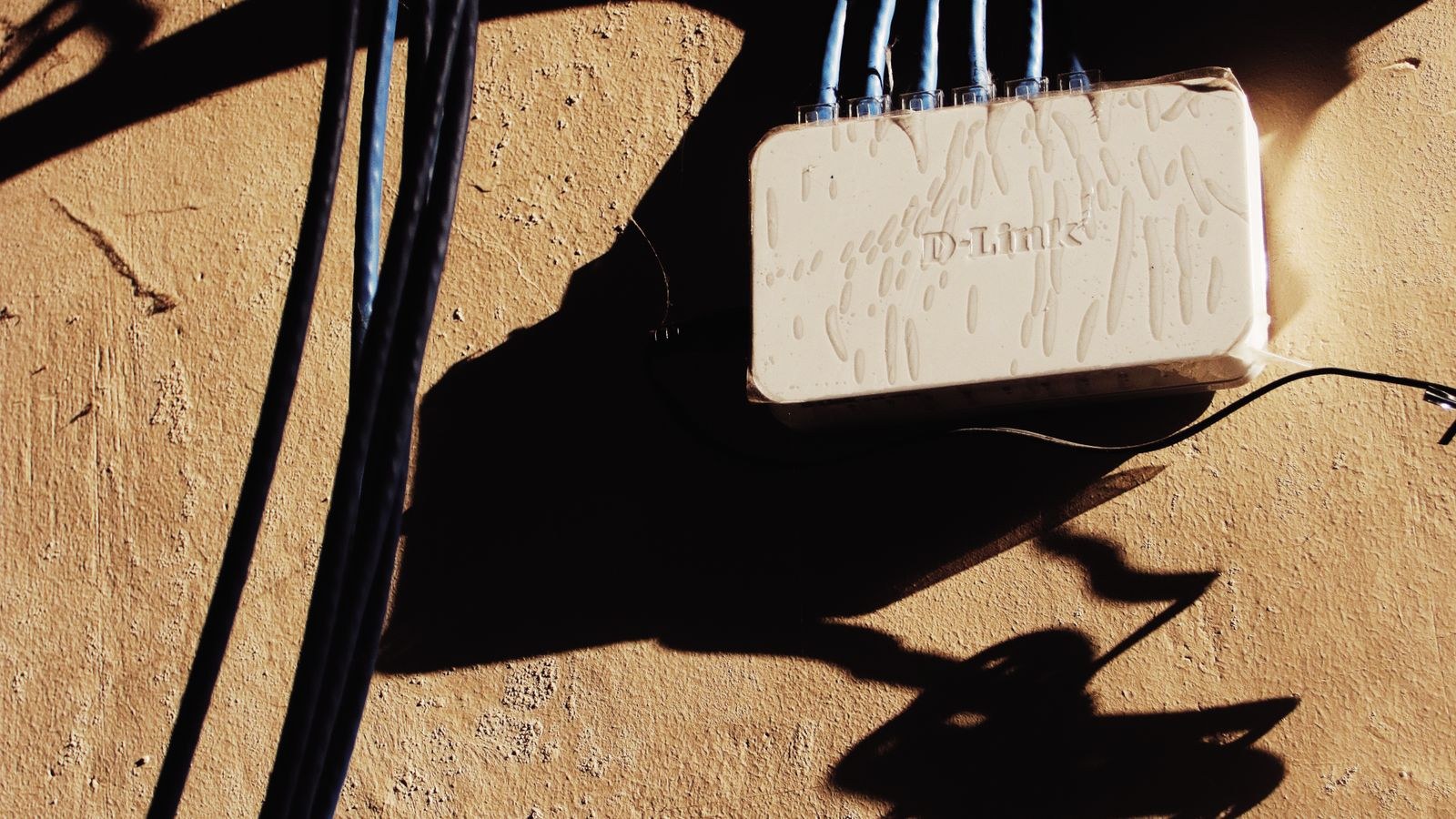
Yes, and hybrids are often the best real-world answer. A common and highly effective pattern is to use a powerline pair to carry data through the wall that blocks Wi-Fi, then plug a mesh node or access point into the far adapter’s ethernet port. You get the wired backhaul that makes mesh perform properly without lifting floorboards, and the far end broadcasts a strong local signal on the same network name.
Avoid the opposite pattern: chaining one extender off another. Each hop compounds the throughput penalty and adds latency, and the resulting network is fragile and hard to diagnose. If you find yourself needing a second extender, that is the signal to move to mesh. Where genuine ethernet is available, a dedicated access point rather than a repeater is always the stronger choice, and it is worth reading how router repeaters compare with proper wired access points before deciding.
Common Mistakes That Waste Money
- Placing the extender in the dead zone. It can only rebroadcast what it receives, so put it at the edge of good coverage.
- Buying based on the headline speed figure. Advertised numbers combine bands and assume perfect conditions you will never see.
- Plugging powerline into a surge strip. Always use the wall socket directly, or the filtering destroys throughput.
- Ignoring router placement. Moving the router central and high is free and often makes the purchase unnecessary.
- Solving a congestion problem with more coverage. Adding devices to a crowded channel makes things worse, not better.
Frequently Asked Questions
Is mesh always better than an extender?
Not always. Mesh is better at roaming and whole-home coverage, but if you have one weak room and a decent router, a well-placed dual-band extender does the job for a fraction of the cost. Buy mesh when you have several problem areas or when devices keep clinging to the wrong access point.
Does powerline work in an old house?
Sometimes very well and sometimes poorly, and the only way to know is to test. Older wiring, multiple circuits and long cable runs all reduce throughput. Buy from somewhere with an easy return process and try it in the first few days.
Will an extender halve my internet speed?
A single-band extender roughly halves throughput for devices connected through it. Dual-band and tri-band models that dedicate a radio to the router link avoid most of that penalty, which is why they are worth the modest extra cost.
Can I use powerline adapters on different circuits?
They must share the same consumer unit to communicate at all, and performance is best on the same circuit. Adapters on separate circuits often connect but at much reduced speed, and adapters on separate meters generally will not connect.
Do I need to replace my router as well?
Only if it is old enough to lack modern standards or if you are moving to a mesh system, which replaces it by design. If the router is recent and the problem is purely reach, a mesh extender or a powerline pair keeps your existing hardware in play. For stubborn coverage problems it is worth reading a full walkthrough of fixing Wi-Fi dead zones before spending anything.
Final Thoughts
Choose by cause, not by category. Map where the signal fails and why, try the free fixes first, then match the tool to the problem: an extender for a single weak room, mesh for a whole house that needs consistent coverage and clean roaming, and powerline when a physical barrier makes radio a losing battle. Combining powerline backhaul with a mesh node at the far end solves the hardest cases without pulling cable through walls. Diagnose properly and you will spend once in 2026 and stop thinking about your Wi-Fi altogether, which is the only outcome that really counts.









