Owen Bradley
 Choosing a lighting theme for a new build sounds trivial until you plug everything in and watch your motherboard glow one shade of red, your memory pulse a slightly different red, and your case fans stubbornly cycle through a rainbow no software seems able to stop. The problem is rarely the hardware itself. It is that the PC RGB world is carved up into competing ecosystems, each with its own controller, its own app, and its own idea of how lighting should behave. Committing to one ecosystem early is the single most effective way to get lighting that cooperates instead of clashing. This guide compares the major PC RGB ecosystems on the things that actually matter day to day, so you can decide which one is worth building around.
What an RGB Ecosystem Actually Is
An RGB ecosystem is the combination of a lighting controller, a control app, and the connector standard that ties addressable devices together. When people say a part is compatible with a given ecosystem, they mean its lighting can be read and driven by that brand’s software rather than by a separate app. The goal is a single source of truth: one program that sets color, brightness, and effects across the motherboard, memory, cooler, fans, and strips at the same time.
Two connector standards underpin most of this. The 3-pin 5V addressable header (often labeled ARGB) lets each LED be controlled individually, which is what makes flowing and reactive effects possible. The older 4-pin 12V header drives a whole strip as one color at a time. Most modern parts use the 3-pin addressable standard, but mixing the two on the wrong header will destroy LEDs, so matching headers is the first compatibility check before you even think about software.
Motherboard-Led Ecosystems
The most common approach is to let the motherboard be the hub. Every major board vendor ships a lighting platform that reads the addressable headers on the board and controls any compatible part plugged into them. The appeal is that you may already own the controller: it is baked into hardware you had to buy anyway, so there is no extra box to mount and no separate power draw.
The trade-off is software polish. Motherboard lighting suites have a reputation for heavy background processes, occasional profile resets after a driver update, and uneven support for third-party parts. If you go this route, weigh the board partly on its lighting reputation, not just its VRM and connectivity. When you are shopping, the roundup of best RGB motherboards for synchronized lighting is a useful shortlist because it flags which boards have generous header counts and reliable sync. More headers up front means fewer splitters and hubs later.
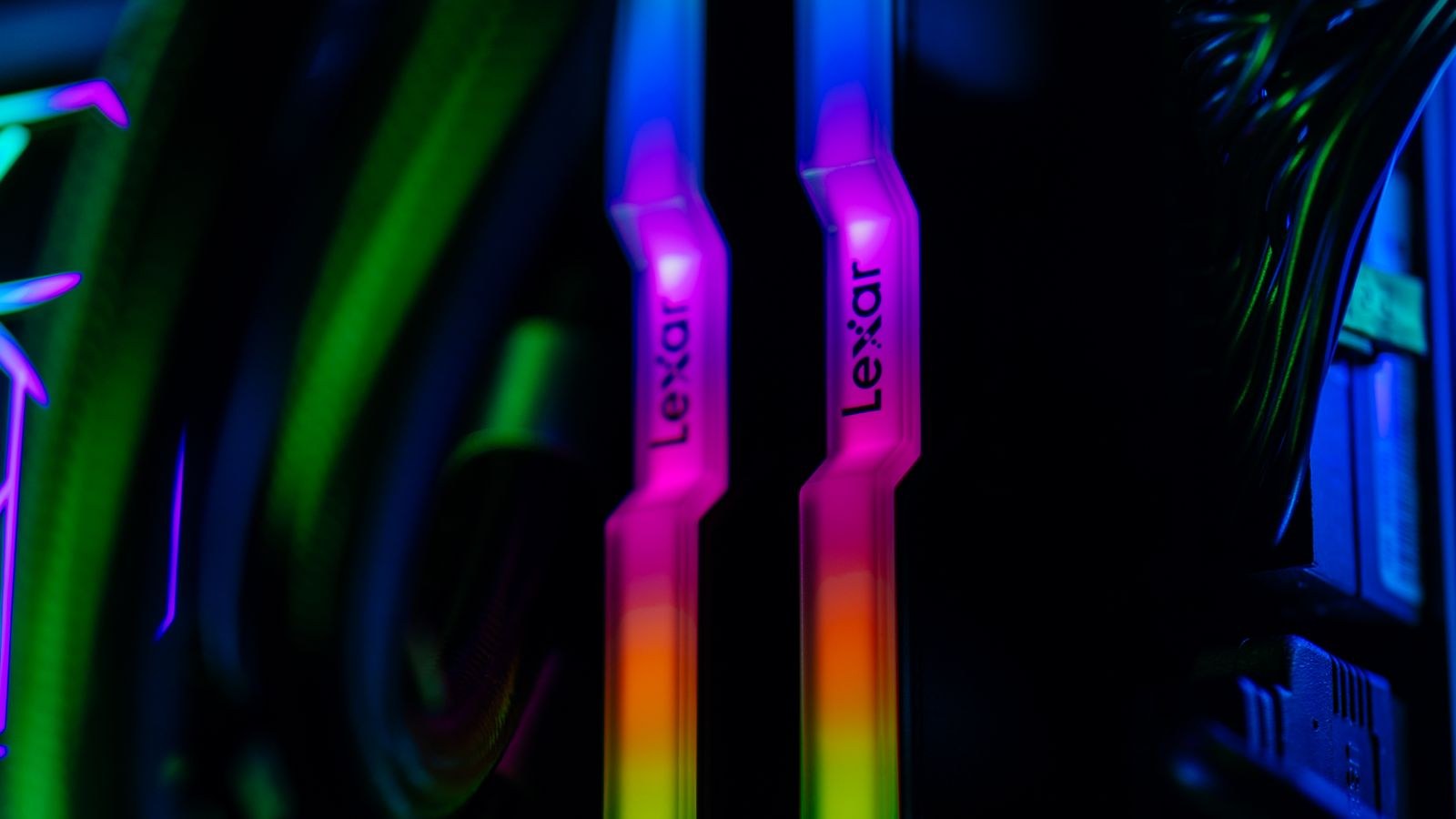
Memory is where motherboard-led sync most often breaks down. Lighting on RAM is driven over the memory bus rather than a physical header, so the motherboard app has to recognize the specific module. That recognition is inconsistent across brands. Before committing, cross-check your intended kit against the board, and lean toward widely supported modules such as those in the best RGB RAM kits for sync support guide, which highlights modules known to play nicely with multiple lighting suites.
Peripheral-First Ecosystems
The other major model is built by companies that started with keyboards, mice, and headsets and expanded lighting into the case. Here the hub is usually a dedicated commander or a proprietary fan controller rather than the motherboard. The strength of this model is software. Because these vendors sell a whole family of devices, their apps tend to be more mature, with cleaner effect editors, per-device layering, and lighting that can react to in-game events or system temperatures.
The cost is lock-in. Peripheral-first ecosystems generally light up their own fans, coolers, and strips best, and treat outside parts as second-class. If you buy into one of these, plan to source most of your lit components from the same family. That is less limiting than it sounds, because these families are broad, but it does mean the ecosystem decision effectively picks your fans and cooler for you.
The Parts That Make or Break Sync
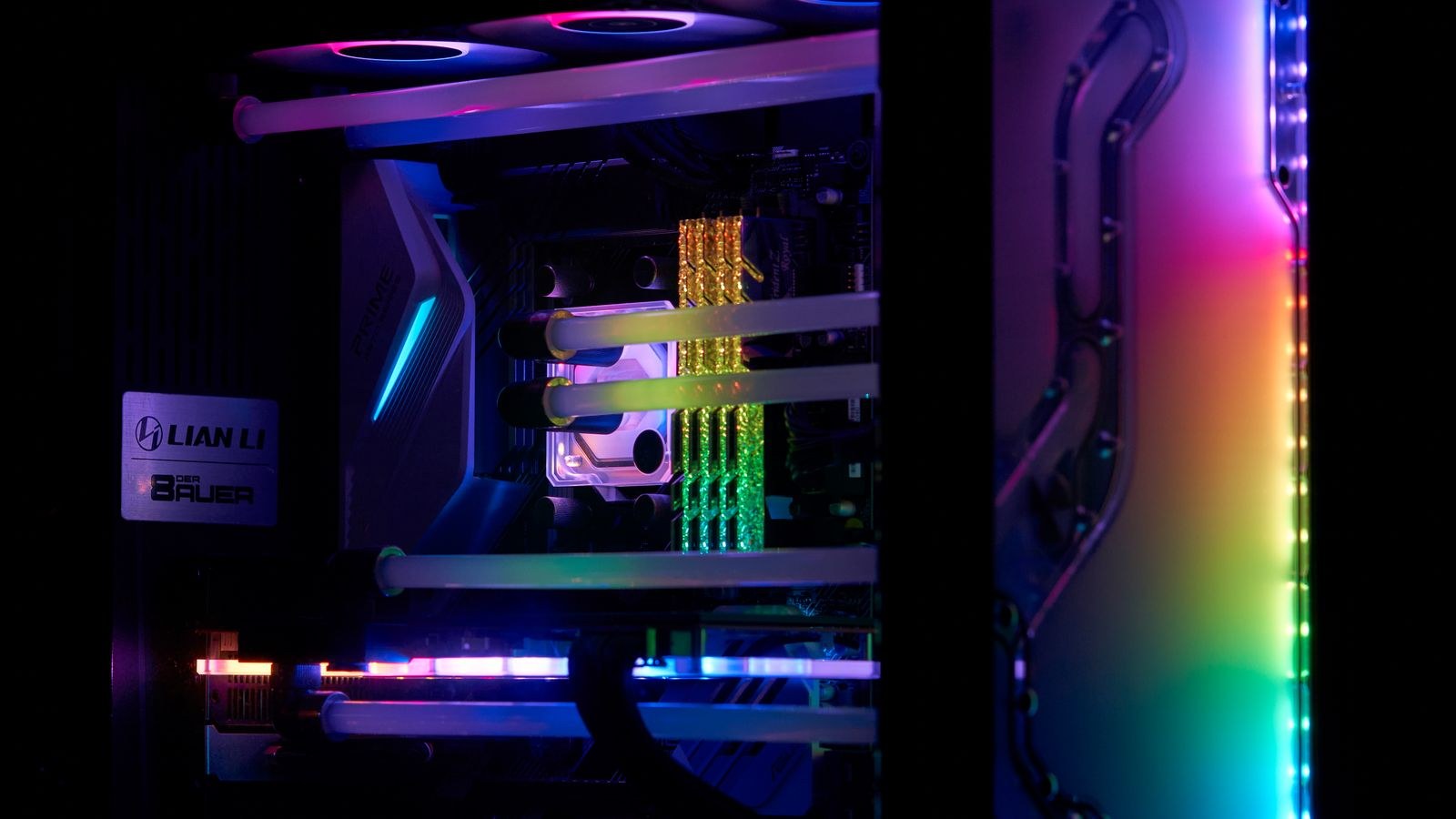
Some components are far more likely to fight the ecosystem than others, and knowing which ones lets you spend your compatibility attention where it counts.
The Case
A case with pre-installed lit fans or a built-in hub effectively commits you to whatever standard those fans use. If you want ecosystem freedom, choose a case that either ships with no lighting or uses standard addressable headers you can repurpose. The best RGB PC cases for a clean build comparison is worth reading with connector type in mind, not just looks, because the wrong bundled hub can quietly override the theme you set everywhere else.
The CPU Cooler
Coolers are a frequent sync casualty because the pump or fan lighting often runs through its own tiny controller. An air or liquid cooler that exposes a standard addressable connector will fold into your chosen app; one with a locked proprietary controller may need its own software running alongside everything else. When evaluating options in the best CPU coolers with RGB lighting roundup, favor models that explicitly advertise support for the ecosystem you are committing to rather than only their own utility.
Strips and Accents
Addressable strips are the most flexible pieces because they simply plug into a spare header. They are the easiest way to extend a theme into corners the fans do not reach. If your build is coming together and you want to plan the accent layer, the walkthrough on RGB LED lighting for gaming PC setups shows how to route strips cleanly so the wiring disappears and only the glow remains.
Software Quality Is the Real Deciding Factor
Hardware compatibility gets you a picture that lights up. Software quality decides whether living with that picture is pleasant. Judge a lighting app on a few concrete things: how much memory and CPU it uses idling in the background, whether profiles survive a reboot and a driver update, how granular the effect editor is, and whether it can react to temperature or audio if that matters to you. A gorgeous synced build controlled by an app that crashes or resets is a daily annoyance, while a slightly less flashy setup on stable software is something you stop thinking about, which is the goal.
Also weigh update cadence. An ecosystem that ships regular fixes and adds support for new parts will age far better than one that has been effectively abandoned, because every future component you buy has to be recognized by that same aging app.
Third-Party Bridge Software
There is an escape hatch worth knowing about. Independent, community-built lighting software can drive many devices from different brands under one interface, sidestepping the walled gardens entirely. When it works, it is the cleanest possible answer to the mismatched-red problem, because everything obeys one program regardless of who made it. The caveat is that support is device-specific and can lag when vendors change firmware, so treat bridge software as a powerful bonus rather than a guarantee. Building mostly within one ecosystem and using a bridge to pull in the occasional outlier is a pragmatic middle path.
How to Actually Commit
Work in this order. First, decide whether you want the motherboard or a peripheral family to be your hub, because that single choice constrains everything downstream. Second, count addressable headers or controller ports and make sure you have enough for every lit part plus a spare for strips. Third, verify your memory and cooler specifically, since those are the two parts most likely to refuse to sync. Fourth, buy the rest of your lit components from within the ecosystem where practical. If you follow that sequence, the theme you set in software is the theme you actually get.
Resist the temptation to buy the best-looking version of each individual part from five different brands. That is exactly how you end up with five apps, five slightly different reds, and fans that will not stop cycling. Coherence beats individual brilliance in lighting almost every time.
Frequently Asked Questions
Can I mix parts from different ecosystems?
You can physically install them, and standard addressable parts will often light up, but each brand’s proprietary controller usually needs its own app. Mixing is where mismatched colors and duplicate background processes come from. Limit the mixing to standard addressable strips and fans that any host can drive.
Do I need a separate lighting controller?
Not if your motherboard has enough addressable headers for your build. A dedicated controller or hub becomes worthwhile when you exceed the board’s header count, want to split power across many fans, or you are committing to a peripheral-first ecosystem that ships its own commander.
Will RGB hurt performance?
The lighting itself draws negligible power and has no effect on frame rate. The only measurable cost is the control software running in the background, which is another reason software quality, not the LEDs, should drive your ecosystem choice.
Is addressable lighting worth it over single-color?
If you want flowing effects, reactive lighting, or the ability to set different zones, addressable is the only option. If you simply want one steady accent color, older single-color lighting is cheaper and far simpler to keep consistent.
Final Thoughts
The best PC RGB ecosystem is not the one with the flashiest demo reel. It is the one whose software you trust to hold a profile through a reboot, that supports the memory and cooler you actually want, and that has enough headers or ports to run your whole build from a single app. Pick that hub first, buy your lit parts around it, and keep any cross-brand mixing to standard addressable accents. Do that and your lighting will finally match instead of fighting itself, which is the entire point of going RGB in the first place.