Owen Bradley
 A powerful gaming PC deserves a monitor that can keep up with it, and the display you choose has an enormous impact on how your games actually look and feel. Refresh rate and resolution are two of the most important specifications to understand when shopping for a gaming display, since they directly affect how smooth, sharp, and responsive your games appear. Yet these numbers are often misunderstood, leading buyers to overspend on specs their hardware can’t use or underspend and miss out on a dramatically better experience. This guide breaks down what these numbers mean and how to choose the right combination for your setup and budget.
Understanding Refresh Rate
Refresh rate, measured in hertz, describes how many times per second your monitor updates the image on screen. A 60Hz monitor refreshes 60 times per second, while a 144Hz or 240Hz monitor refreshes far more often, resulting in noticeably smoother motion, especially in fast-paced games. Higher refresh rates reduce perceived motion blur, make on-screen movement feel more fluid, and can give competitive players a genuine edge in reaction-based titles by displaying new information a fraction of a second sooner.
How Much Refresh Rate Do You Actually Need?
For casual single-player gaming and relaxed sessions, 60 to 75Hz remains perfectly enjoyable. Competitive shooters and fast-action games benefit noticeably from 144Hz, which is widely considered the sweet spot for most gamers today. Dedicated esports enthusiasts chasing every possible advantage may prefer 240Hz or higher. Keep in mind that your graphics card must be powerful enough to actually produce frame rates high enough to take advantage of a fast refresh rate, otherwise the extra hertz go unused.
Understanding Resolution
Resolution determines how sharp and detailed the image appears, described by the number of pixels displayed, such as 1920×1080 for 1080p, 2560×1440 for 1440p, or 3840×2160 for 4K. Higher resolutions produce crisper images, more visible detail, and more screen real estate, but they require significantly more GPU power to run games smoothly at good frame rates. The right resolution balances visual quality against the performance your graphics card can realistically deliver.
1080p, 1440p, and 4K Compared
1080p remains an excellent choice for competitive gamers who prioritize very high frame rates over pixel density, and it’s the least demanding on your GPU. 1440p offers a strong middle ground, delivering noticeably sharper visuals and more detail while remaining achievable for mid-range to high-end graphics cards. 4K delivers the most detail and immersion but demands a powerful graphics card to maintain smooth frame rates, especially when combined with a high refresh rate, making it best suited to high-end builds.
Balancing Refresh Rate and Resolution
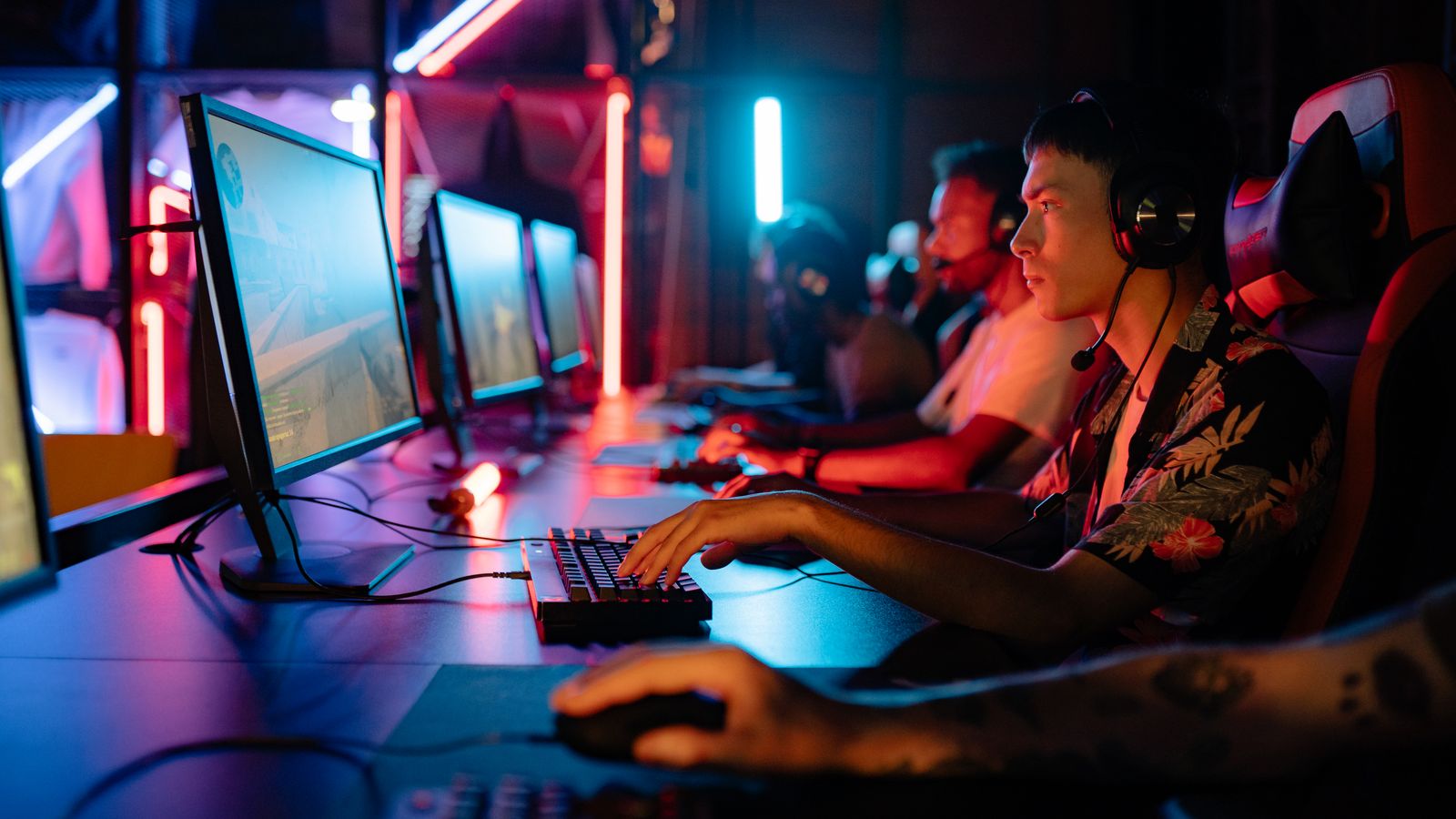
Your GPU has to render enough frames per second to fill your monitor’s refresh rate at your chosen resolution, and this is where many buyers go wrong. A monitor capable of 240Hz at 4K is only useful if your graphics card can actually produce that many frames at that resolution, which requires very high-end and expensive hardware. Match your monitor choice to your GPU’s realistic capabilities, or plan a GPU upgrade around your monitor goals. A common and satisfying balance for many gamers is 1440p at 144Hz, which most mid-to-high-end cards can drive well. Exploring the best computer monitors for gaming can help you see which resolution and refresh rate combinations are most popular and well-reviewed for different types of players.
Panel Types and Their Tradeoffs
Beyond refresh rate and resolution, the panel technology affects color accuracy, viewing angles, contrast, and response time. TN panels offer the fastest response times at the cost of color quality and viewing angles, making them a niche choice for pure competitive play. IPS panels balance strong color accuracy and good viewing angles with fast response times, making them a popular all-around choice. VA panels offer deep contrast and rich blacks but can have slightly slower response times. Consider which qualities matter most for the games and content you enjoy.
Response Time
Response time, measured in milliseconds, indicates how quickly pixels change color. Lower numbers reduce motion blur and ghosting, where moving objects leave a faint trail. For fast-paced gaming, a low response time complements a high refresh rate to keep motion crisp and clear.
Adaptive Sync Technology
Variable refresh rate technologies synchronize your monitor’s refresh rate with your GPU’s frame output in real time, eliminating screen tearing and reducing stuttering when your frame rate fluctuates. Look for a monitor with adaptive sync compatibility that matches your graphics card, as this delivers a noticeably smoother experience during the inevitable frame rate variations that occur in demanding games. It’s a feature well worth having on any gaming display.

Screen Size, Curvature, and Desk Setup
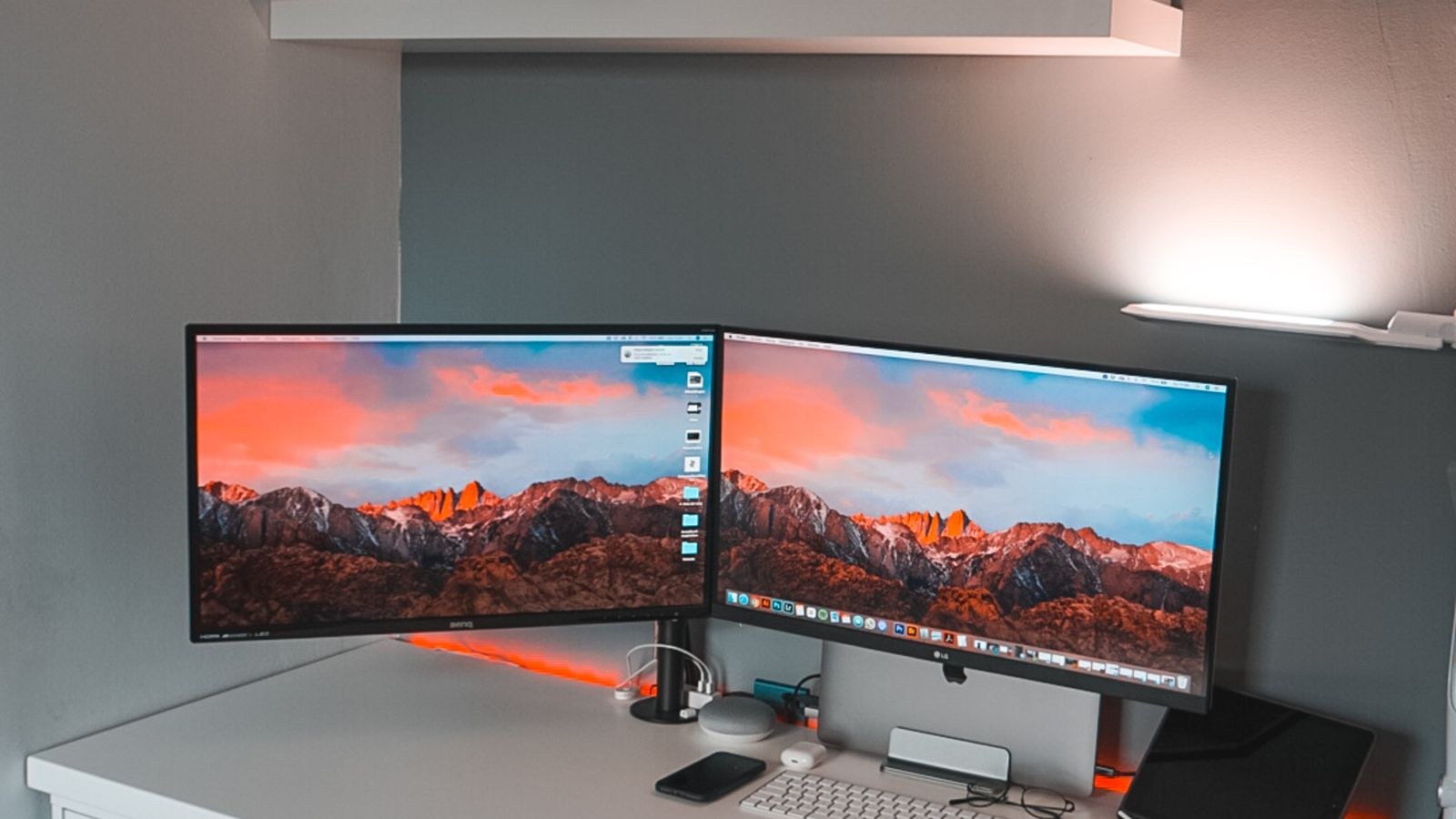
Consider your available desk space and preferred viewing distance when choosing screen size, since a screen that’s too large for your setup can force uncomfortable head movement, while one that’s too small may feel cramped. Curved displays can enhance immersion on larger screens by keeping the edges within your field of view. If you’re building a broader workstation that handles both gaming and everyday productivity, browsing the best desktop computer monitors can help you find displays that balance gaming performance with comfort for daily tasks like browsing and document work.
HDR and Color for Immersion
High dynamic range support can enhance visual impact by expanding the range of brightness and color, making highlights pop and shadows more detailed in games that support it. Quality HDR requires a capable panel to look its best, so treat strong HDR as a premium feature rather than assuming every monitor labeled with it delivers a dramatic effect. For many gamers, refresh rate and resolution remain the higher priorities.
Connectivity and Ports to Check
The ports on a gaming monitor determine which devices you can connect and what performance you can achieve, so they deserve attention before you buy. Modern display connections carry different maximum resolutions and refresh rates, and using the wrong cable or port can silently cap your monitor below its full capability. Confirm that your graphics card and monitor share a connection standard capable of delivering your target resolution and refresh rate together. Extra ports are useful if you plan to connect multiple devices, such as a console alongside your PC, and built-in USB hubs can help tidy a busy desk by consolidating peripherals.
Matching Your Monitor to Your Games
Different genres reward different monitor priorities, so consider what you play most. Fast competitive shooters and racing games benefit most from high refresh rates and low response times, where every millisecond of responsiveness counts. Story-driven single-player games, open-world adventures, and visually rich titles reward higher resolution, strong contrast, and good color for a more immersive experience. If you play a broad mix, a balanced monitor such as a 1440p high-refresh IPS display covers all these bases well, delivering both smooth motion and attractive visuals without forcing you to choose one extreme.
Planning for Your Next GPU Upgrade
A monitor typically outlasts several graphics card upgrades, so it can be worth buying a display with slightly more capability than your current GPU can fully drive. This gives you room to grow into the monitor as you upgrade your graphics card over time, avoiding the need to replace the display too. Just be realistic about the gap, since a monitor far beyond your hardware’s reach will leave much of its capability unused for now. Balancing present performance with a modest amount of future headroom helps your monitor remain a satisfying centerpiece of your setup for years.
Frequently Asked Questions
Is 144Hz worth it over 60Hz for casual gamers?
Many casual gamers notice and genuinely appreciate the smoother motion of 144Hz, even in slower-paced games, though the benefit is most pronounced in fast-paced or competitive titles. For most people, the jump from 60Hz to 144Hz is one of the most noticeable upgrades available.
Do I need a 4K monitor to enjoy modern games?
No. 1440p offers an excellent balance of sharpness and performance for most gamers, and 1080p remains a strong, affordable choice for high refresh rate competitive play. 4K is best reserved for those with powerful GPUs who prioritize maximum visual detail.
What GPU do I need for 1440p at 144Hz?
A mid-to-high-end graphics card is typically required to consistently reach 144 frames per second at 1440p in demanding modern titles, though the exact requirement varies significantly by game and settings. Less demanding and competitive titles are far easier to run at these targets.
Does panel type really matter for gaming?
It matters for the qualities you value. IPS panels suit those who want great color and viewing angles, VA panels appeal to those wanting deep contrast, and TN panels serve pure competitive speed. Most gamers are well served by a good IPS display.
Is adaptive sync necessary?
It isn’t strictly necessary, but it noticeably improves smoothness by eliminating screen tearing during frame rate fluctuations, so it’s a highly recommended feature on any modern gaming monitor.
Final Thoughts
Choosing between refresh rate and resolution ultimately comes down to matching your monitor to your GPU’s real-world capabilities and your personal gaming priorities. Competitive players often favor higher refresh rates at lower resolutions for maximum responsiveness, while those chasing visual fidelity may prefer 1440p or 4K. For most gamers, a balanced combination like 1440p at 144Hz with adaptive sync and a quality IPS panel delivers a smooth, sharp, and satisfying experience. Balance both key specifications against your hardware and budget, and your new display will do full justice to the games you love.