Owen Bradley
 Hot-swappable keyboards solve a problem that used to have only one expensive answer. If you disliked how your switches felt, your options were to live with it or to desolder every key individually. A hot-swap board replaces solder joints with tiny mechanical sockets, so switches pull out and push in with nothing more than a cheap plastic tool. The feature has spread from enthusiast builds to mainstream keyboards, and it now appears on boards at almost every price. This guide explains how the sockets work, what genuinely goes wrong with them, and whether the feature earns the premium for the way you actually use a keyboard in 2026.
What Hot-Swappable Actually Means
On a traditional mechanical keyboard, each switch has two metal pins that pass through the circuit board and are soldered permanently in place. That connection is electrically excellent and mechanically very strong, but changing a switch means melting the solder, extracting it, and repeating the process 60 to 104 times.
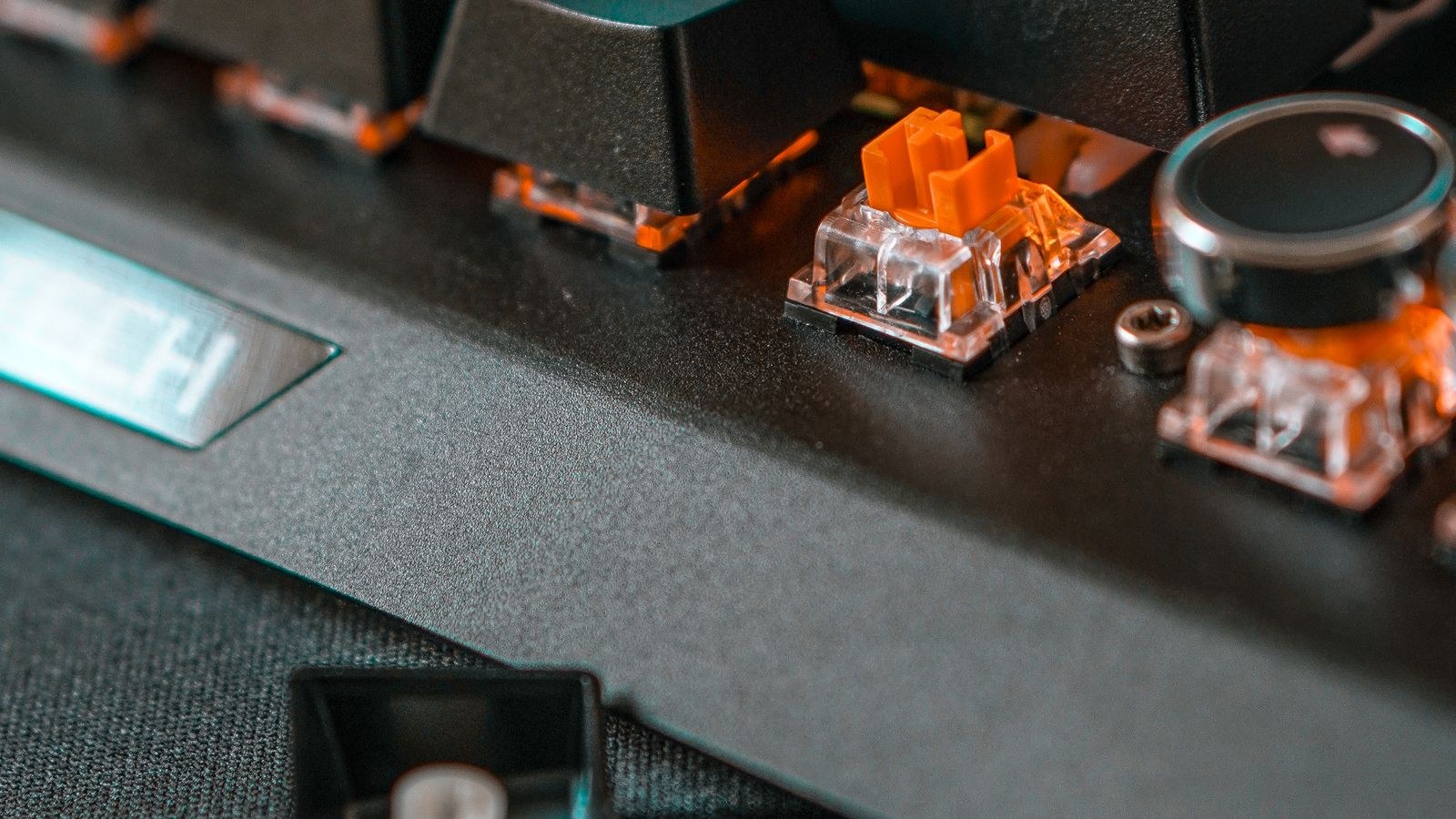
A hot-swap board solders small spring-loaded sockets to the circuit board instead. The switch pins slide into those sockets and are gripped by metal contacts. Removing a switch means pulling it straight up with a puller tool; installing one means lining up the pins and pressing down until it clicks. No heat, no tools beyond the puller, and no risk of damaging traces on the board.
The name causes some confusion. Hot-swappable does not mean you can change switches while the keyboard is powered and typing. Always unplug the board first, both to avoid shorting a socket and because the operating system can register phantom presses while pins make and break contact.
How Switch Replacement Works Step by Step
- Unplug the keyboard from power, or switch off a wireless board completely.
- Remove the keycap with a keycap puller, pulling straight up rather than at an angle.
- Position the switch puller so its jaws grip the small tabs at the top and bottom of the switch housing.
- Squeeze gently and lift straight up. The switch should release with light, even resistance.
- Check the new switch’s pins. If either is bent, straighten it carefully with tweezers before installing.
- Align the switch with the socket, confirm it is the right way around, and press down firmly until it seats flush against the plate.
- Replace the keycap and test the key before moving on to the next one.
The whole process takes about fifteen minutes for a full board once you find a rhythm, and there is no meaningful skill barrier. That is precisely the appeal.
The Real Benefits
The obvious benefit is experimentation. Switch feel is deeply subjective, and no amount of reading tells you whether a 45g tactile suits your hands better than a 50g linear. With a hot-swap board you can buy a small batch of switches, try them, and change your mind without wasting the keyboard. That converts an expensive guess into a cheap one.
The second benefit is repair. When a single switch develops a fault, and eventually one will, replacing it costs about a dollar and a minute. On a soldered board the same repair requires a soldering iron, desoldering braid or a pump, and a steady hand near delicate traces. Many people simply replace the whole keyboard instead, which is both expensive and wasteful.
The third is adaptability. You can fit heavier switches under the keys your strongest fingers press, lighter ones under the pinkies, or silent switches only under the noisiest keys. You can run linears while gaming in the evening and swap to tactiles for a week of heavy writing. If that flexibility appeals, our roundup of the best hot-swappable keyboards is the natural starting point, and the loose switches to fill them are covered in our guide to the best switches.
What Can Actually Go Wrong
Sockets are the weak point, and it is worth being clear-eyed about that. Each socket has spring contacts rated for a limited number of insertion cycles, commonly quoted somewhere between 50 and 100. That is far more than most people will ever use, but it is not unlimited, and enthusiasts who swap monthly can wear a socket out over years.
Bent pins are the most frequent real problem. Switch pins are thin and soft, and if one is slightly bent when you press down it will fold under the switch instead of entering the socket. The key then simply does not register, and the fix is to remove the switch, straighten the pin with tweezers, and try again. Always inspect pins before installing, especially on switches that have been shipped loose in a bag.
Loose sockets happen when repeated insertions spread the contacts, producing keys that work intermittently or stop working if the board is knocked. This is a genuine failure and usually requires resoldering the socket, which ironically needs the soldering skills the feature was meant to avoid. Buying a board from a manufacturer using reputable sockets substantially reduces the risk.
Three-Pin Versus Five-Pin Switches
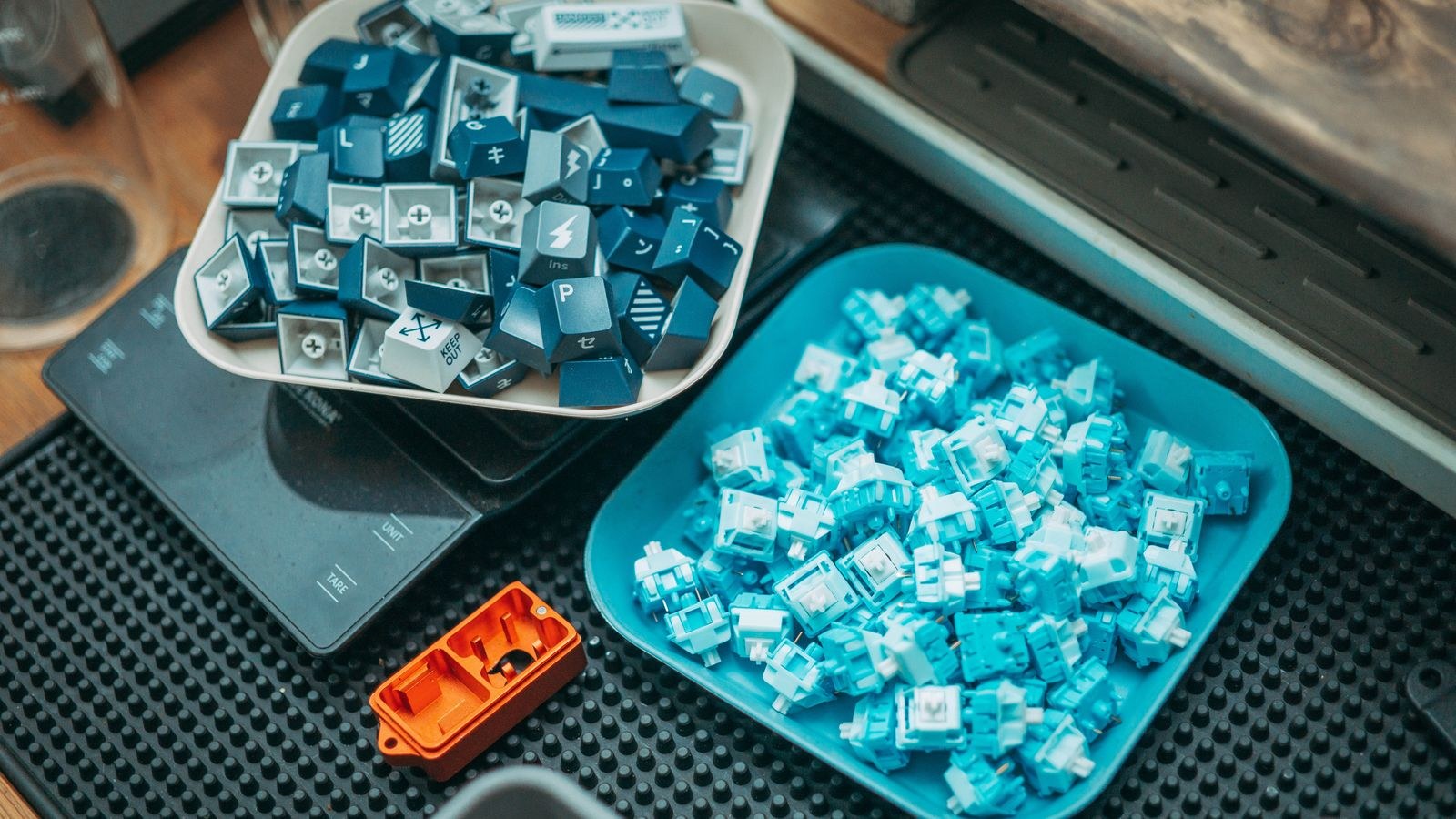
Switches come in two pin configurations and this trips up a lot of first-time buyers. Three-pin switches, sometimes called plate-mount, have two electrical pins and one central plastic post. Five-pin switches, or PCB-mount, add two extra plastic legs that locate the switch precisely and improve stability.
Most hot-swap boards accept both, because their sockets and plates include holes for the extra legs. Some do not. If your board only has three holes and you buy five-pin switches, you can clip the two plastic legs off with flush cutters in a few seconds per switch, which is harmless but tedious across a full board. Check the board’s specification before ordering a hundred switches.
It is also worth confirming socket compatibility with optical or magnetic switches, which use entirely different mechanisms. Boards built for optical switches will not accept standard mechanical ones and vice versa, regardless of whether the sockets look similar.
Does Hot-Swap Affect Sound or Feel?
Slightly, and this is one of the few genuine arguments against the feature. A soldered switch is anchored rigidly to the circuit board, while a socketed switch sits in a mount with a fraction of a millimetre of play. Some enthusiasts report a marginally hollower or less crisp sound as a result, and boards designed around a specific acoustic profile sometimes forgo hot-swap for that reason.
In practice, case construction, mounting style, foam, and stabiliser quality all influence sound far more than the sockets do. A well-built hot-swap board with a gasket mount and proper damping sounds better than a poorly built soldered one by a wide margin. Unless you are chasing a very specific acoustic result, the difference is not worth weighing heavily.
Who Should Pay the Premium
- First-time mechanical buyers: yes, because you do not yet know what you like and the ability to change is worth more to you than to anyone else.
- People who type and game on the same board: yes, since you can retune the board for whichever activity dominates.
- Anyone who keeps hardware for years: yes, because a single failed switch will not retire the keyboard.
- Buyers who already know their exact switch preference: optional, and the money may be better spent on case quality.
- People wanting the absolute cleanest sound profile: possibly not, though the difference is small.
- Office buyers purchasing in volume: usually not, since fleet keyboards are rarely customised.
The premium itself has shrunk considerably. Hot-swap used to add a meaningful amount to the price and now often costs very little extra, appearing even on boards in our list of the best keyboards under 150. When the feature is close to free, there is little reason to refuse it.
Getting Started After You Buy
Do not order a full set of one switch type immediately. Buy a switch tester or a handful of samples across the linear, tactile, and clicky families and live with each for a few days on a small group of keys. Preferences shift once you are typing real work rather than pressing a demo unit in a shop.
When you settle on a type, order a few spares beyond the exact key count. Switches occasionally arrive with bent pins or a gritty spring, and having replacements saves waiting on another delivery. Many people start with a smooth linear because it is the most forgiving introduction, and our guide to the best linear keyboards explains that feel in more depth. If you are still weighing whether to go mechanical at all, the broader best mechanical keyboards overview covers the fundamentals.
Common Mistakes to Avoid
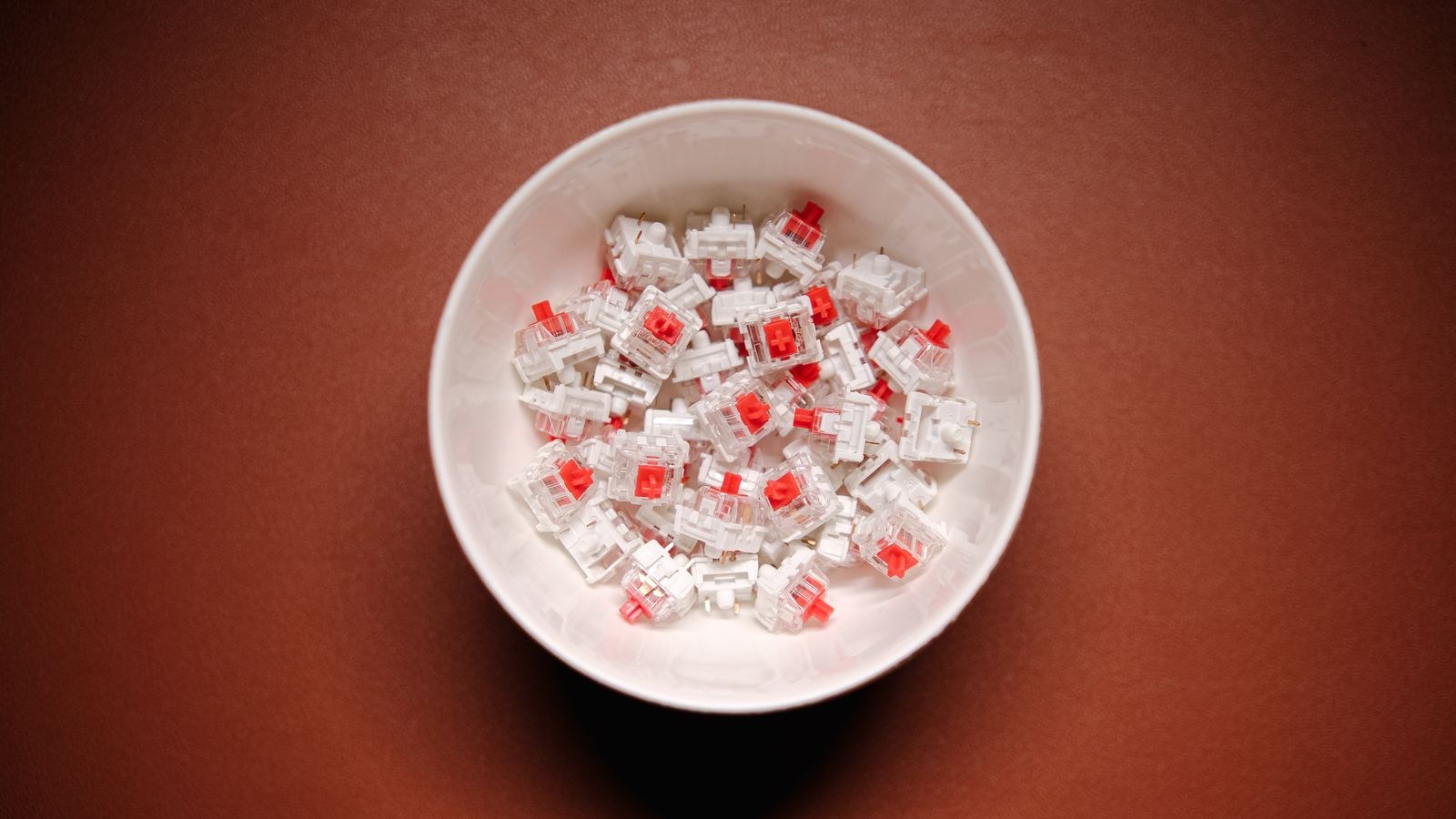
The most damaging mistake is pulling a switch at an angle. Levering sideways puts force directly on the socket and can lift it off the circuit board, which is a repair requiring soldering. Always grip both tabs and lift straight up.
The second is pressing a switch home without checking the pins first. A folded pin can also damage the socket contacts, turning a two-second inspection into a permanent problem. The third is treating hot-swap as an invitation to swap constantly, since every cycle wears the sockets slightly. Settle on a preference and leave it alone. Finally, do not buy a hot-swap board purely for the feature while ignoring case quality, stabilisers, and layout, because those determine how the keyboard feels every day regardless of what switches you put in it.
Frequently Asked Questions
Can I change switches while the keyboard is plugged in?
You should not. Despite the name, always disconnect power first to avoid shorting a socket or registering stray inputs while the pins make contact.
Do hot-swap sockets wear out?
Eventually, after roughly 50 to 100 insertions per socket depending on quality. Normal use involves a handful of swaps in a keyboard’s lifetime, so most people never approach the limit.
Will any mechanical switch fit a hot-swap board?
Any standard cross-stem mechanical switch will, provided the pin count matches what the board supports. Optical and magnetic switches use different mechanisms and are not interchangeable with standard ones.
Does hot-swap make a keyboard sound worse?
Marginally, in theory, because the switch is held slightly less rigidly. In practice the case, mounting style, and foam matter far more, and a good hot-swap board sounds excellent.
Is it worth buying hot-swap if I already know my preferred switch?
It is still useful for repair, since a single failed switch becomes a one-minute fix. Whether that justifies a large premium depends on how much extra the feature costs on the board you want.
Final Thoughts
Hot-swap sockets turn a keyboard from a fixed product into something you can tune and maintain. For anyone new to mechanical keyboards, that removes the biggest risk in the purchase, because a switch choice you dislike costs a few dollars to correct rather than the price of a new board. For long-term owners, it converts an eventual switch failure from a replacement into a repair. The technology has real limits worth respecting, chiefly finite socket life and fragile switch pins, but both are easily managed with careful handling. Given how small the price premium has become, buying a hot-swappable board in 2026 is the sensible default unless you have a specific reason not to.