Owen Bradley
 RGB and LED lighting has become a defining feature of modern gaming PC setups, turning a simple tower into a personalized centerpiece. But with dozens of lighting products, sync ecosystems, and mounting options available, planning a cohesive lighting setup takes more thought than just buying the flashiest strip you find. This guide covers the different types of RGB lighting, how to sync them, and how to design a setup that looks intentional rather than chaotic.
Why RGB Lighting Is About More Than Looks
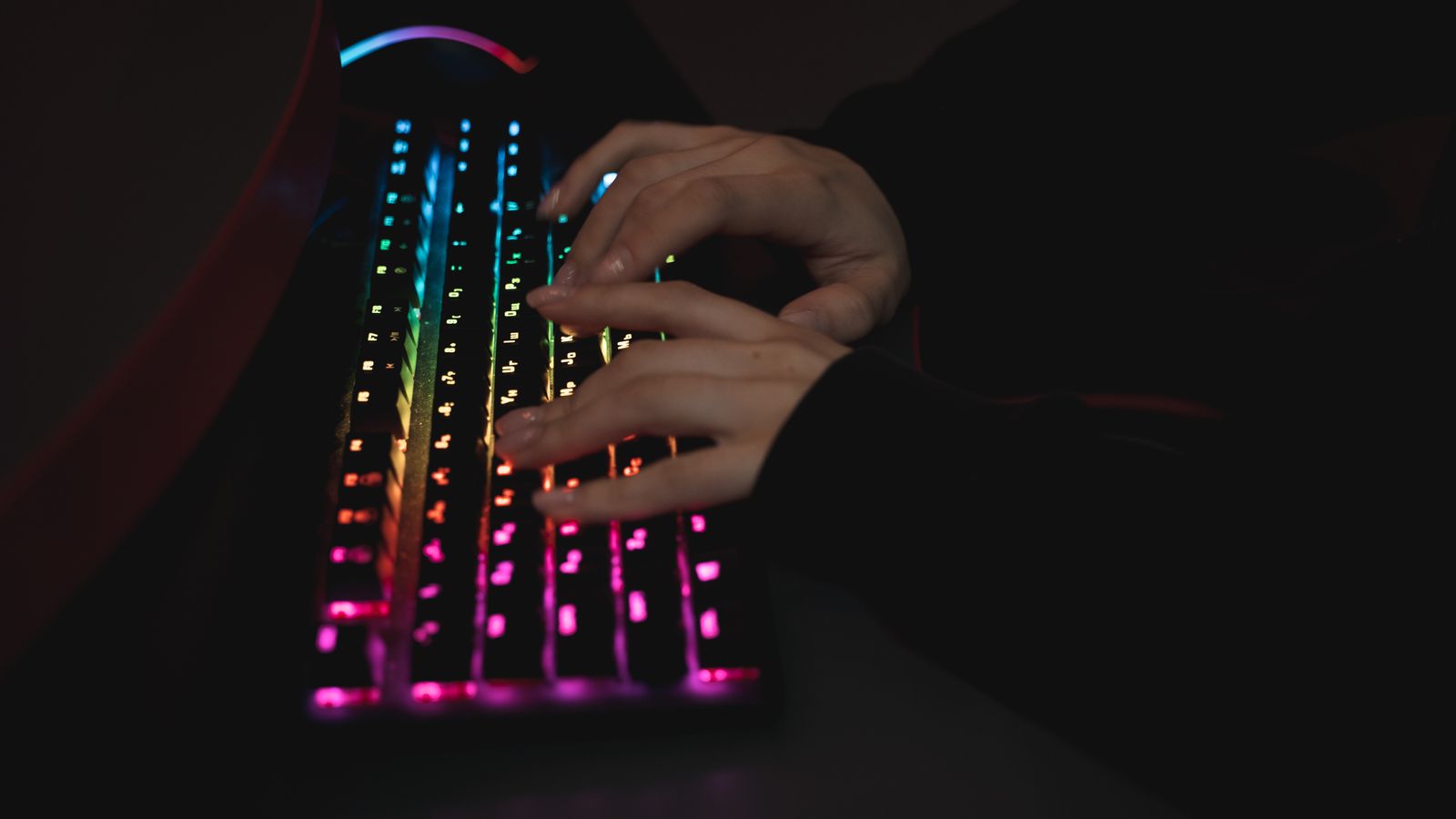
While the obvious appeal of RGB is aesthetics, thoughtful lighting serves practical purposes too. Subtle interior case lighting makes it easier to see your components when troubleshooting or cleaning, and bias lighting behind a monitor genuinely reduces eye strain during long sessions in a dark room by softening the contrast between a bright screen and a dark wall. Some setups also use lighting functionally, assigning specific colors to indicate system status, temperature, or which peripheral is active. Understanding that lighting can be both decorative and useful helps you plan a setup that earns its place rather than just adding visual noise. The best results come from treating RGB as a design element integrated into your whole workspace, coordinated with your desk, walls, and peripherals.
Types of RGB Lighting for a PC Setup
Case Fan Lighting
Many gaming cases now ship with or support RGB fans, which combine cooling function with ambient light. Because fans are already positioned inside the case for airflow, they provide an easy first layer of lighting without extra mounting work.
LED Strips
Adhesive LED strips can be mounted along case edges, behind a monitor, under a desk, or along the back of a PC case to create indirect ambient glow. Strips are extremely flexible in placement and are often the most cost-effective way to add a large amount of color to a space.
Component-Integrated RGB
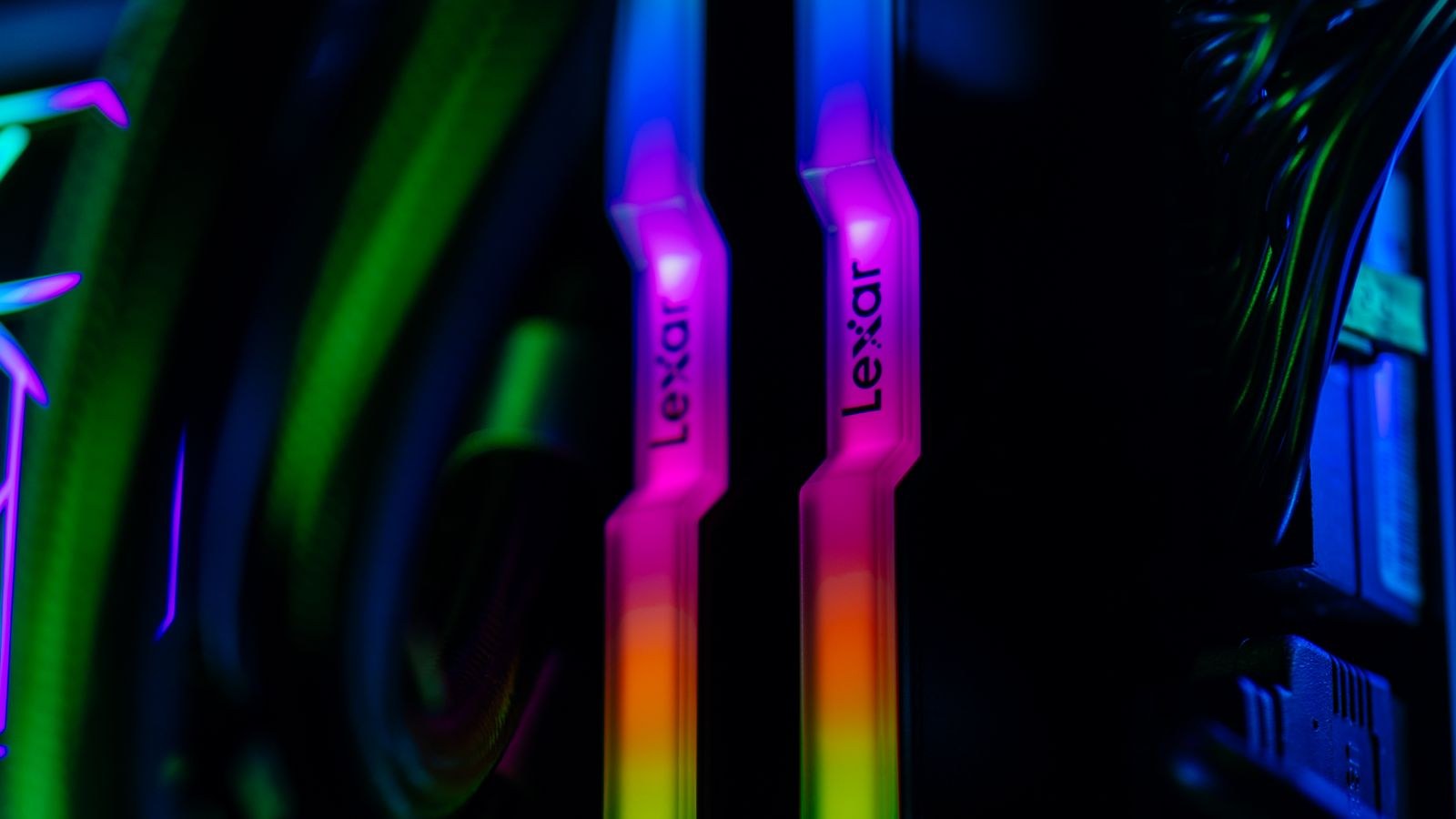
Many motherboards, RAM modules, coolers, and power supplies now include built-in addressable RGB. These built-in lights are convenient since they need no separate mounting, but they can be limited to fixed positions inside the case.
Understanding RGB Headers and Sync Software
Before buying any lighting product, check your motherboard’s RGB headers. Most modern boards include both a standard 12V RGB header (fixed colors, all LEDs move together) and an addressable 5V ARGB header (individually controllable LEDs for effects like color waves and chases). Mixing up the two can damage components, so always match your lighting product to the correct header type.
Each major motherboard brand has its own sync software (such as manufacturer-specific RGB control apps) that lets you control brightness, effects, and color across compatible components from one interface. Many third-party lighting products also support these ecosystems, letting fans, strips, and peripherals all sync together rather than blinking independently.
Designing a Cohesive Lighting Setup
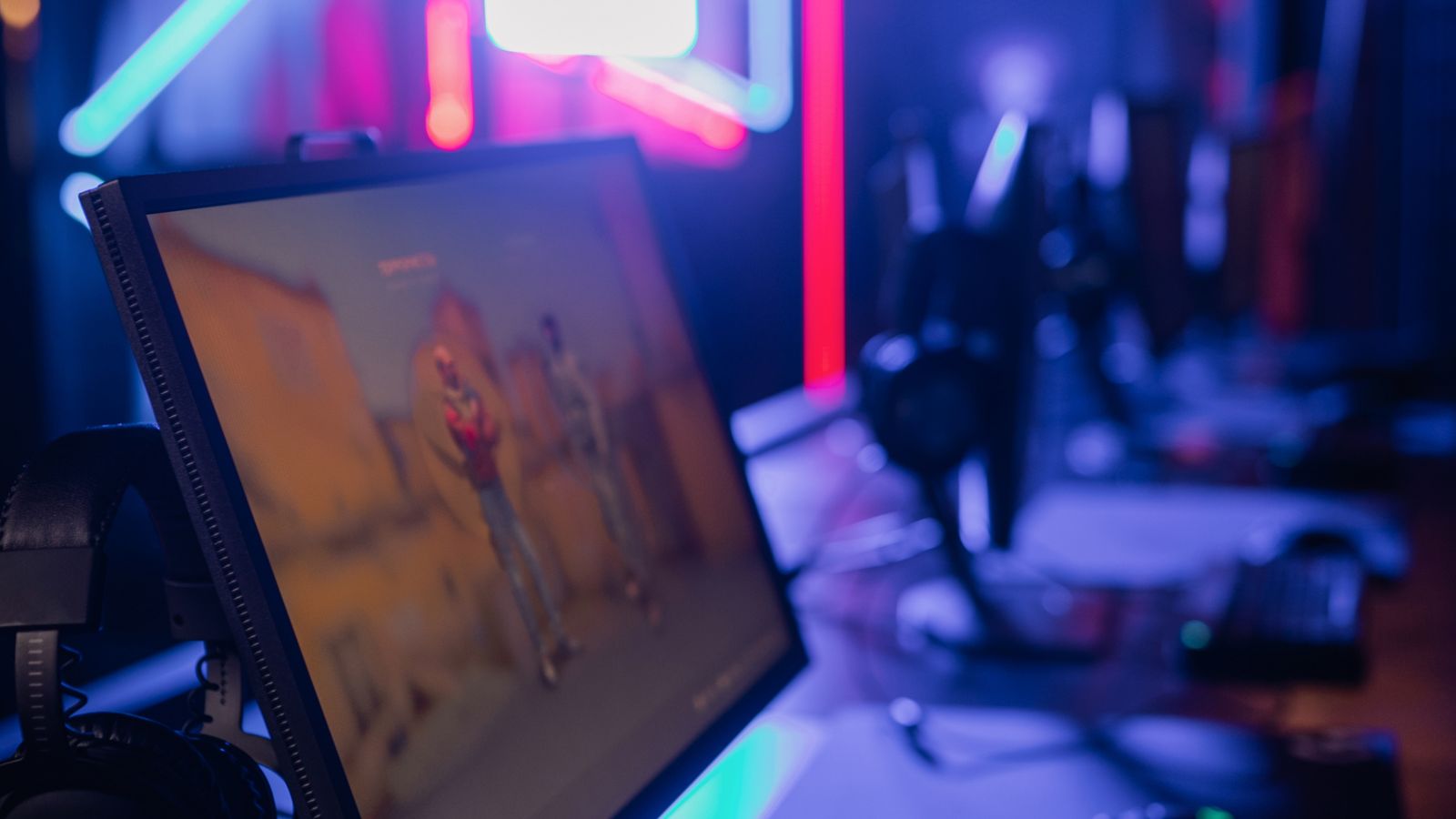
The most visually appealing setups tend to use restraint rather than maximum brightness. Consider these principles when planning your lighting:
- Pick a color theme: Two or three complementary colors look far more intentional than random cycling through every hue.
- Layer light sources: Combine interior case lighting with under-desk or behind-monitor strips for depth, rather than concentrating all light in one spot.
- Match brightness to your room: Bright, saturated colors work well in dim rooms, while a well-lit office may call for softer, more subtle lighting.
- Keep cable management tidy: Visible RGB looks much better when it isn’t competing with a tangle of cables in the background.
Browsing a curated selection of RGB lights for PCs can give you a sense of the range of effects and mounting styles available before committing to a specific setup.
Where to Add Strip Lighting Beyond the Case
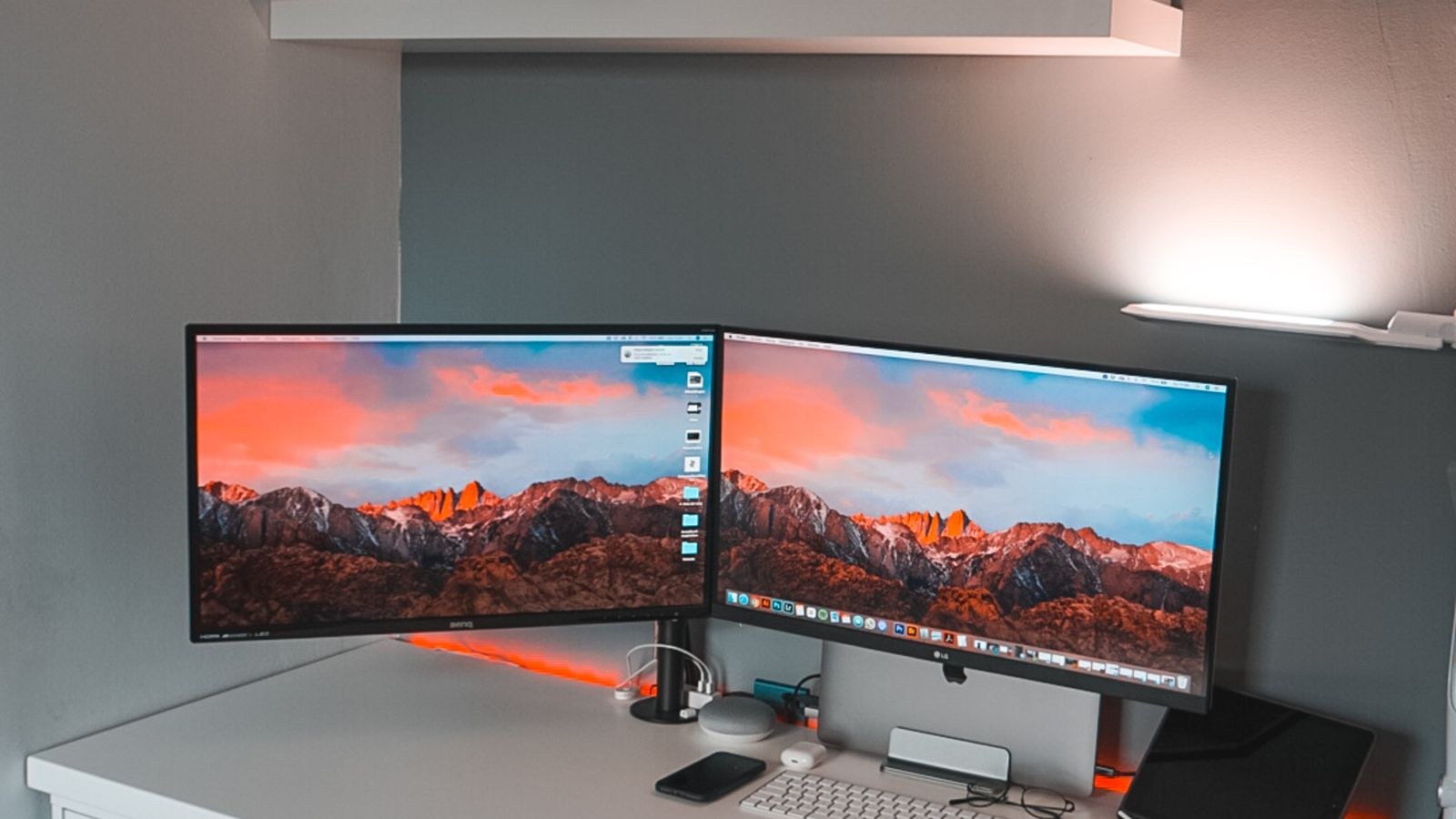
Once your case lighting is set, extending RGB to the desk and monitor area creates a much more immersive battlestation. Strips mounted behind a monitor add a bias-lighting effect that reduces eye strain in dark rooms, while strips run along the underside of a desk or shelf create ambient floor glow. For flexible placement in tight spaces, many gamers choose slim adhesive options among the best LED strips for PCs, which are easy to cut to length and reposition.
Addressable RGB Strips Inside the Case
For lighting mounted directly inside the case, addressable strips allow individual LED control for smoother gradients and chase effects synced to your other components. When comparing options, look for magnetic or adhesive backing for easy repositioning, and confirm the connector type matches your motherboard’s ARGB header. A well-reviewed set of PC RGB strips can make it much easier to achieve a clean, synchronized look without a rat’s nest of extra wiring.

Controllers, Hubs, and Power Considerations
As you add more lighting, you’ll quickly run out of motherboard headers, since most boards only offer two or three ARGB and RGB connectors. This is where an RGB hub or controller becomes essential. A hub splits a single header into multiple ports, letting you connect many fans and strips while still controlling them through one synchronized signal. Some hubs connect back to the motherboard for full software sync, while standalone controllers with physical buttons or remotes work independently for setups where you don’t want to rely on software.
Power is another consideration. Addressable LEDs draw current, and daisy-chaining too many strips or fans on a single header can exceed its power limit, causing dimming or flickering. A powered hub that draws directly from the power supply (via a SATA connector) solves this by providing dedicated power rather than pulling everything through the motherboard header. Planning your controller and power setup before buying dozens of LEDs prevents frustrating troubleshooting later.
Matching Lighting to Your Room and Mood
Your gaming space isn’t just the PC itself; the surrounding room shapes how your lighting is perceived. In a fully dark room, even modest lighting reads as dramatic and saturated, so you can dial brightness down and still get a striking effect. In a brighter room, you’ll need more intensity for the colors to register, but be careful not to create harsh glare on your monitor. Consider how your lighting changes throughout the day: a cool blue theme might feel crisp and focused during daytime gaming, while a warmer amber or purple palette can make late-night sessions feel more relaxed. Many sync applications let you schedule lighting profiles or tie them to activities, so your setup can shift automatically from a calm work palette to an energetic gaming scene. Thinking about mood and context, rather than just maximum color, is what separates a thoughtfully designed battlestation from one that simply blinks.
Common RGB Mistakes to Avoid
- Mismatching header voltage: Plugging a 5V ARGB device into a 12V header (or vice versa) can permanently damage the LEDs. Always double-check before connecting.
- Overloading a single header: Too many devices on one connector can exceed its power limit; use a powered hub for large setups.
- Ignoring cable management: Visible connector cables cheapen the look; route them behind the motherboard tray or along case edges.
- Using too many colors: A rainbow of clashing hues looks chaotic; a tight palette reads as intentional and premium.
- Forgetting airflow: Don’t let RGB cables block fan intakes or exhausts in pursuit of aesthetics.
Beyond the PC: Completing the Ambiance
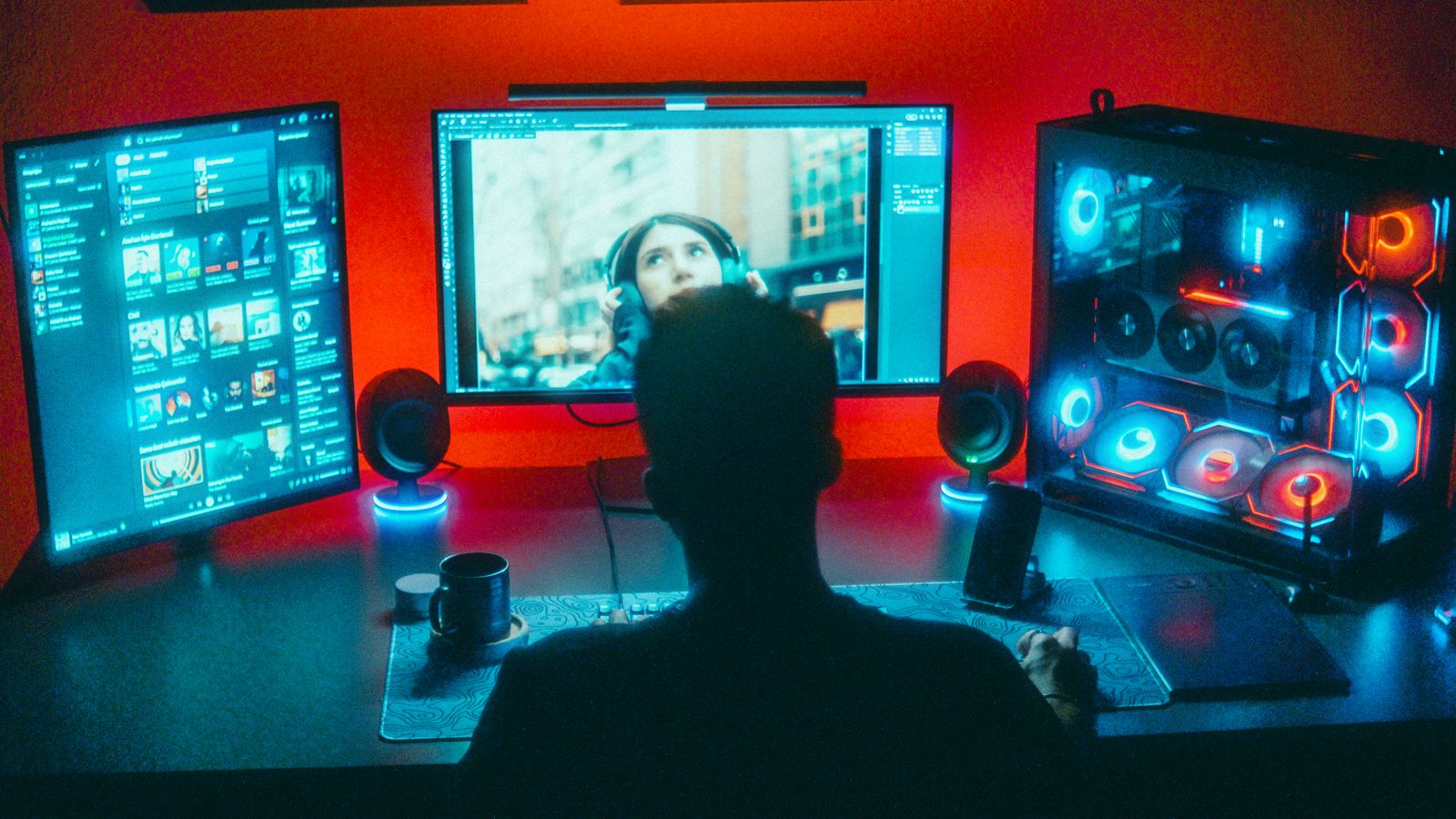
A truly cohesive setup extends lighting to the whole desk area, not just the tower. Consider bias lighting behind your monitor, RGB peripherals like keyboards and mice that sync to the same ecosystem, and even smart bulbs in the room that match your color theme. The goal is a unified atmosphere where every light source complements the others rather than competing. When everything from your case fans to your desk strips pulls from the same palette and sync software, the result feels like a designed space rather than a random collection of glowing parts. Exploring versatile LED strips for PCs that can be cut and placed flexibly makes it easier to extend your theme wherever you need it.
Installation Tips
Clean surfaces thoroughly with isopropyl alcohol before applying adhesive-backed strips, since dust and oils drastically reduce adhesive lifespan. Plan your cable routing before sticking anything down, and use zip ties or included clips to keep connector cables out of the case’s airflow path. If your case doesn’t have a built-in ARGB controller, a small standalone controller with a remote is an affordable way to add sync capability to non-motherboard-connected lighting. Test each strip and fan before permanently mounting it, so you can catch a dead LED or wrong connector before the adhesive is set.
Frequently Asked Questions
Can I mix RGB products from different brands?
Yes, as long as the connector types and voltage match (5V ARGB vs 12V RGB). Many brands support open standards, but always verify compatibility before connecting.
Does RGB lighting affect PC performance?
No, RGB lighting draws minimal power and has no meaningful impact on performance, though addressable strips do use a small number of motherboard headers or fan hub ports.
How do I stop my RGB effects from looking chaotic?
Use sync software to apply one unified effect or color palette across all connected devices rather than leaving each component on its default random cycling mode.
Do I need a hub to add lots of RGB?
Yes, once you exceed your motherboard’s limited number of ARGB headers, a powered hub lets you connect and synchronize many more strips and fans without overloading a single connector.
Can RGB lighting be turned off completely?
Absolutely. Sync software lets you set all lighting to off or to a static dim color, which is handy for late-night sessions or when you want a distraction-free workspace.
Final Thoughts
A great RGB lighting setup is about thoughtful layering and color coordination, not simply adding as many lights as possible. Start with your case, extend lighting to your desk and monitor area, and use sync software to tie everything together into one cohesive, personalized battlestation.