Owen Bradley
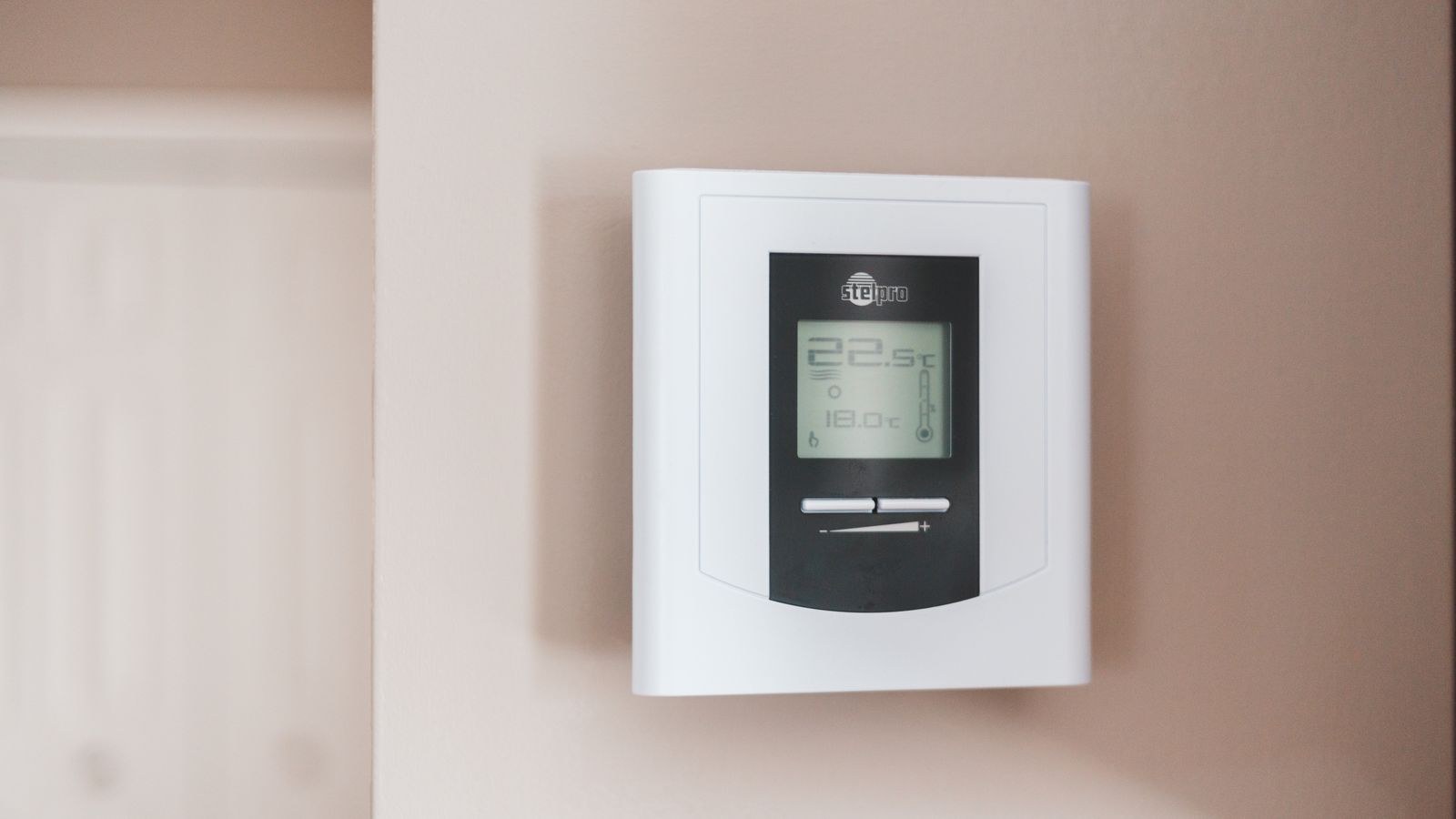
 The C-wire is the quiet gatekeeper of modern heating controls. Old mercury and bimetal thermostats needed no power of their own, so builders ran four conductors and called it done. Today’s digital and connected models need a constant 24-volt supply to run a display, a radio and a processor, and that supply is the common wire — the C-wire. If your new thermostat blinks, reboots, drops off Wi-Fi or refuses to power up at all, a missing common is the likely culprit. The good news is that you rarely need to pull new cable. This guide walks through every practical way to get a thermostat C wire working, in the order you should try them, along with how to test the circuit safely before you trust it.
What the C-Wire Actually Does
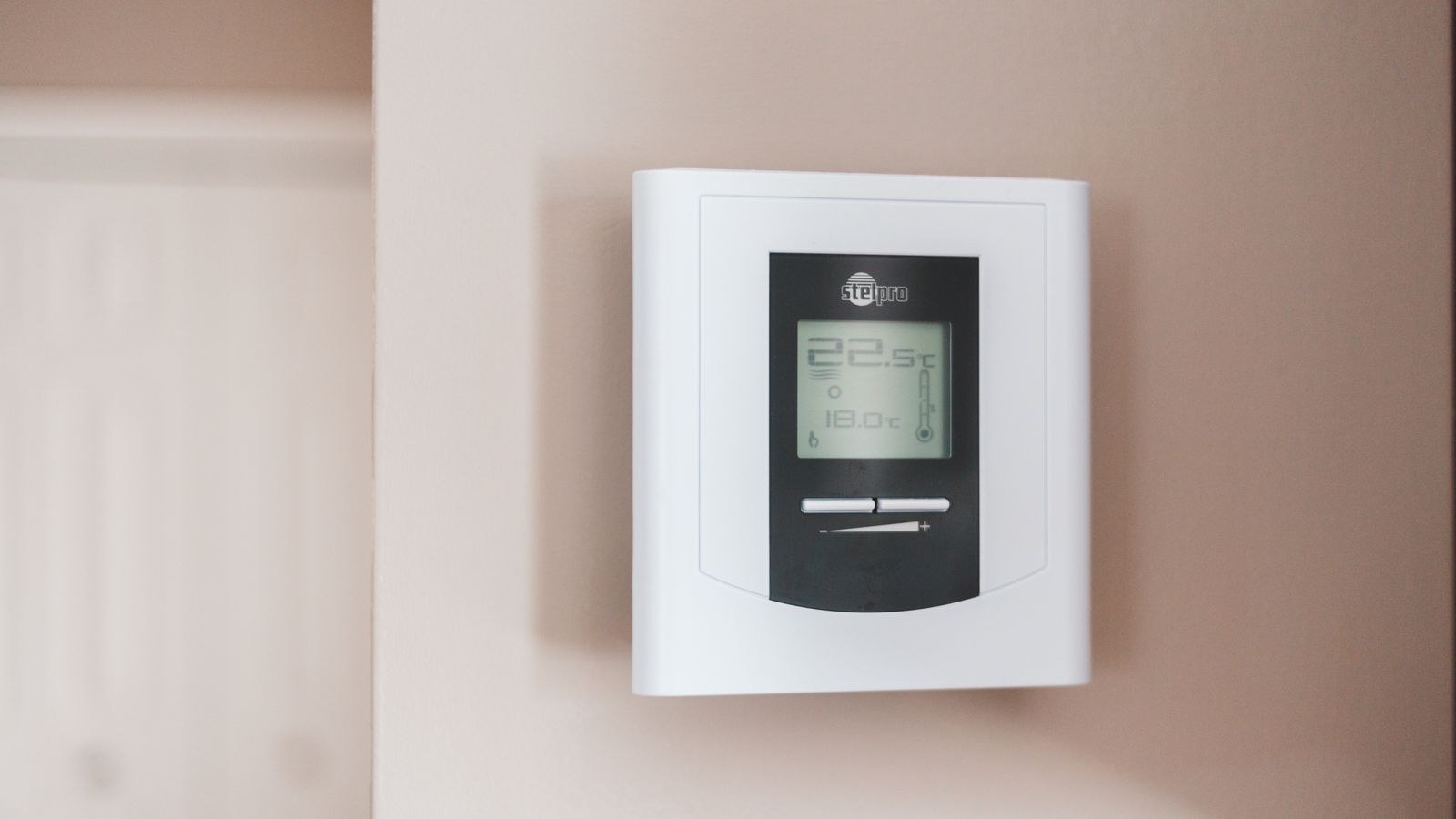
Your HVAC system’s control transformer produces 24 volts AC. One side of that transformer feeds the R terminal, which is the hot leg. The other side is the common, which returns to the transformer and completes the circuit. A traditional thermostat is just a switch: it closes R to W to call for heat, R to Y for cooling, or R to G for the fan. Because it only ever switches the hot leg, it never needs a return path of its own.
A digital thermostat is a device, not just a switch, and a device needs both sides of the supply to draw current continuously. Without a common, the thermostat has to steal power by leaking a trickle through the heating or cooling relay — a technique called power stealing that works on some low-draw models but causes furnace short-cycling, relay chatter and random reboots on power-hungry connected units.
Tools and Materials You Will Need
- Non-contact voltage tester and a multimeter that reads AC volts.
- Small flat and Phillips screwdrivers, plus a nut driver for furnace panel screws.
- Smartphone camera for photographing existing wiring at both ends.
- Masking tape and a pen for labelling conductors.
- Wire strippers and a small pick to release push terminals.
- A C-wire adapter kit if the other methods do not apply — most cost around $25 to $40.
- Flashlight or headlamp for working inside the air handler cabinet.
Step by Step: Adding a C-Wire to Your Thermostat
- Cut the power at the breaker, not just the switch. Turn off the furnace or air handler at its dedicated breaker, then confirm with a voltage tester at the unit’s service switch. The 24-volt control circuit is not dangerous in the way line voltage is, but the blower and igniter circuits inside the cabinet absolutely are. Never work in the air handler with the breaker on.
- Photograph the existing thermostat wiring. Pull the thermostat face from its base and take a clear, well-lit photo showing which colour lands on which terminal. Colours are conventional, not guaranteed, so the photo is your only reliable record. Label each conductor with tape before you disconnect anything.
- Look for a spare conductor in the wall. This is the best-case outcome and it is more common than people expect. Gently pull the cable sheath out of the wall a little and count the conductors. If you see five wires but only four in use, or an unused blue or brown conductor tucked behind the plate, you already have your common — it just was never connected. Note its colour and move to the next step.
- Find the same spare conductor at the furnace end. Open the air handler’s low-voltage compartment and locate the control board where the thermostat cable terminates. The board will have labelled terminals: R or Rc, W, Y, G and C. Identify the far end of your spare wire — it will be the conductor of the same colour hanging loose or coiled beside the board.
- Land the spare conductor on both ends. Strip about a quarter inch of insulation, connect the spare wire to the C terminal on the control board, and connect the other end to the C terminal on the thermostat base. Tug each connection gently to confirm it is seated. If the board has two commons, either will work.
- If there is no spare, consider the G-wire conversion. Many homeowners never use manual fan control. You can repurpose the green fan conductor as a common by moving it to the C terminal at both ends, then telling the thermostat during setup that there is no G connection. You lose the ability to run the fan independently of heating and cooling, which some households consider a fair trade and others do not. Do not attempt this on a system with a variable-speed blower that relies on fan signalling.
- If neither applies, fit a C-wire adapter kit. These small modules install at the furnace control board and multiplex a common signal onto the existing conductors, splitting it back out at the thermostat. Wiring is a matter of moving four board wires onto the adapter and running the adapter’s outputs back to the same terminals. Follow the kit diagram exactly, since terminal naming differs slightly between manufacturers. An adapter is the right answer whenever the cable in the wall is genuinely a four-conductor run with nothing spare.
- Reassemble and restore power. Close the air handler panel, snap the thermostat onto its base, and switch the breaker back on. Most units take 30 to 60 seconds to boot and may run a brief self-test.
- Verify the voltage before trusting the install. With power on and the thermostat face removed, set a multimeter to AC volts and probe between R and C at the base. You should read roughly 24 to 28 volts AC. A reading near zero means the common is not landed at the furnace end; a reading well under 20 volts suggests a weak or overloaded transformer.
- Test every call the system can make. Set the thermostat to heat and raise the setpoint until the burner or heat strip fires. Then switch to cool and lower the setpoint, allowing the compressor’s built-in delay of up to five minutes. Finally run the fan alone if you still have a G connection. Watch for relay chatter or a display that dims during a call, both of which indicate the common is not doing its job.
Choosing a Thermostat Around Your Wiring
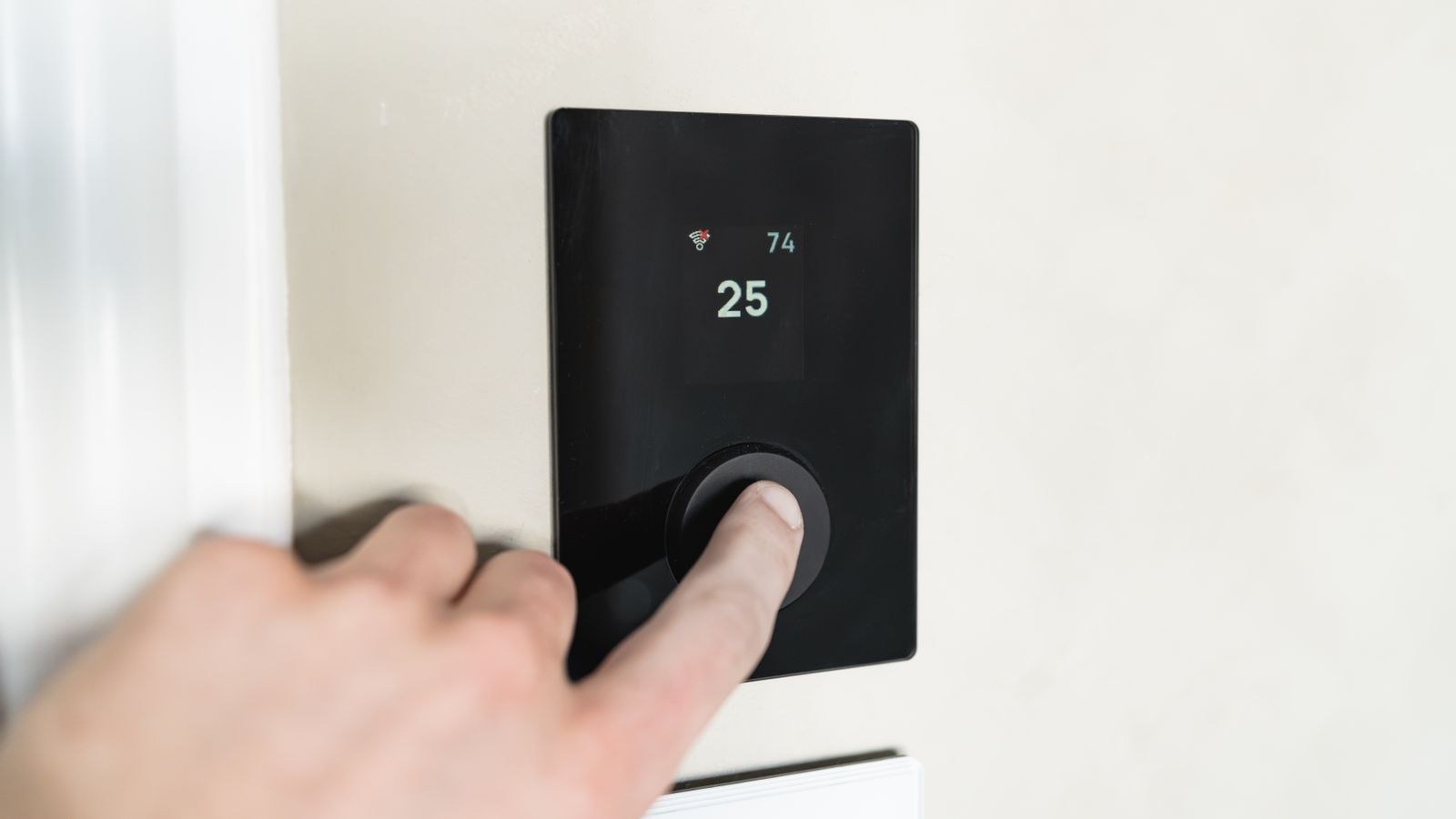
The wiring you have should shape the thermostat you buy, not the other way around. If your home has a four-conductor run behind plaster walls and no accessible cable path, a battery-powered model with modest power draw sidesteps the whole problem. Our roundup of the best non-smart thermostats covers units that run happily for a year or more on two AA cells with no common at all.
If you want scheduling, remote control and energy reporting, a common wire becomes close to mandatory. The best smart thermostats vary widely in how tolerant they are of power stealing, and several ship with an adapter in the box specifically because the problem is so widespread. Brand ecosystems matter too if you already have compatible equipment — the best Honeywell thermostats are a common starting point in homes with existing zoning panels.
Heat pumps deserve special mention because they add reversing valve and auxiliary heat terminals, meaning more conductors in use and less chance of a spare. If that describes your system, the best heat pump thermostats handle the extra staging correctly, and our smart thermostat buying guide explains which wiring configurations each control style expects.
Safety Notes Worth Repeating
Low voltage lulls people into carelessness. The 24-volt control circuit will not hurt you, but shorting R to C directly blows the control board fuse and sometimes the transformer, turning a free fix into a service call. Keep bare conductor ends separated and never let a stripped wire touch the metal cabinet while power is on.
Systems with two transformers use Rc and Rh terminals joined by a removable jumper. If you separate them, the commons must match their respective transformers, or you will create a dead short between two supplies. Older boilers and millivolt systems have no 24-volt transformer at all and cannot supply a common under any circumstances — those need a battery-powered thermostat or a separate transformer.
Troubleshooting Common Problems
If the thermostat is dead after wiring, check the control board’s small blade fuse first, usually a 3 or 5 amp automotive-style fuse near the terminal strip. A blown fuse is the classic sign of a momentary short during installation. If it reads 24 volts at the base but the unit still reboots, confirm the conductor you connected is actually continuous — staples through a cable during construction can nick a wire that only fails under load.
Short cycling that started after the swap usually means the thermostat is still power stealing because the common was configured in software but never physically landed. Systems that heat but will not cool typically have a jumper problem between Rc and Rh rather than a common fault.
Mistakes to Avoid
- Working without photos. Colour conventions vary between installers and eras.
- Assuming blue always means common. Blue is conventional but frequently used for something else entirely.
- Connecting only one end. A common must land at both the board and the thermostat.
- Repurposing G on a variable-speed system. You may lose required fan staging.
- Leaving the breaker on while inside the cabinet. The control circuit is safe; the blower circuit is not.
- Skipping the voltage test. A quick R-to-C reading catches most errors in seconds.
Frequently Asked Questions
Can I use a thermostat without a C-wire?
Yes, if it is battery powered or explicitly designed for power stealing. Most connected models with a bright display and a constant radio need a real common to run reliably.
What colour is the C-wire?
Blue is the usual convention, with brown as a frequent alternative, but there is no guarantee. Always verify by tracing the conductor at the furnace control board rather than trusting colour alone.
Does a C-wire adapter work with every system?
Most conventional and heat pump systems are supported, but check the kit’s compatibility list first. Systems with proprietary communicating controls or a millivolt gas valve often need a different solution.
How do I know if my C-wire is working?
Measure between R and C at the thermostat base with power on. Roughly 24 to 28 volts AC means the circuit is complete; near zero means the common is not connected at the furnace end.
Final Thoughts
Getting a thermostat C wire in place is one of the most satisfying small electrical jobs in a house because the fix is almost always simpler than it first appears. Work through the options in order: look for a spare conductor in the existing cable, then consider repurposing the fan wire if manual fan control is expendable, and only reach for an adapter kit when the run is truly full. Photograph everything, kill the breaker before opening the air handler, and confirm 24 volts between R and C before you close it all up. Do that and any thermostat you install in 2026 will hold its Wi-Fi connection, keep its display lit and stop tormenting your furnace with phantom calls.