
 Owen Bradley
 Storage is one of the easiest parts of a gaming PC to underestimate. You pick a drive that felt generous a couple of years ago, install a handful of blockbuster titles, and suddenly Windows is nagging you about free space before you have even finished your library. Working out how much storage a gaming PC really needs is less about chasing the biggest number and more about matching drive capacity to how you actually play, download and keep games around.
Why Game Install Sizes Keep Growing
Modern games have ballooned in size, and the trend shows no sign of slowing. High-resolution textures, uncompressed audio, cinematic cutscenes and sprawling open worlds all eat disk space. A single flagship title can now demand 100 GB to 200 GB, and a few outliers push past that once you add day-one patches and optional 4K texture packs.
That matters because your storage math is driven by a small number of large games, not by dozens of tiny ones. If you keep three or four AAA titles installed at once, you can burn through 500 GB before touching anything else. Add the operating system, drivers, a launcher or two and background app caches, and the usable space shrinks faster than the label on the box suggests.
Account for the Space You Never See
A drive advertised as 1 TB gives you roughly 931 GiB once formatted, and Windows reserves a chunk for system files, recovery and the page file. It is realistic to lose 60 GB to 80 GB before you install a single game. Plan your capacity with that overhead baked in rather than assuming the full sticker figure is yours to fill.
How Much Storage Do You Actually Need?
There is no single right answer, but there are sensible tiers. Think about how many games you want installed simultaneously and whether you are the type to uninstall after finishing a campaign or hoard your whole library.
- 500 GB: A tight starting point. Fine if you play one or two games at a time and are happy to uninstall regularly. It fills up quickly and leaves little breathing room for updates.
- 1 TB: The mainstream sweet spot for most builds. It holds the OS, a rotating shelf of four to six games and everyday apps without constant housekeeping. If you want a single drive, a quality 1TB SSD for gaming builds is the safe default.
- 2 TB: The comfortable choice for enthusiasts. You can keep a large rotating library, several competitive shooters and capture footage without micromanaging space. Many builders now start here, and a well-chosen 2TB SSD with room to grow removes most of the anxiety.
- 4 TB and up: For content creators, streamers and collectors who refuse to uninstall. If you record gameplay, edit video or keep entire franchises installed, a high-capacity 4TB SSD stops storage from ever being the bottleneck.
Why an SSD Is Non-Negotiable for the Boot Drive
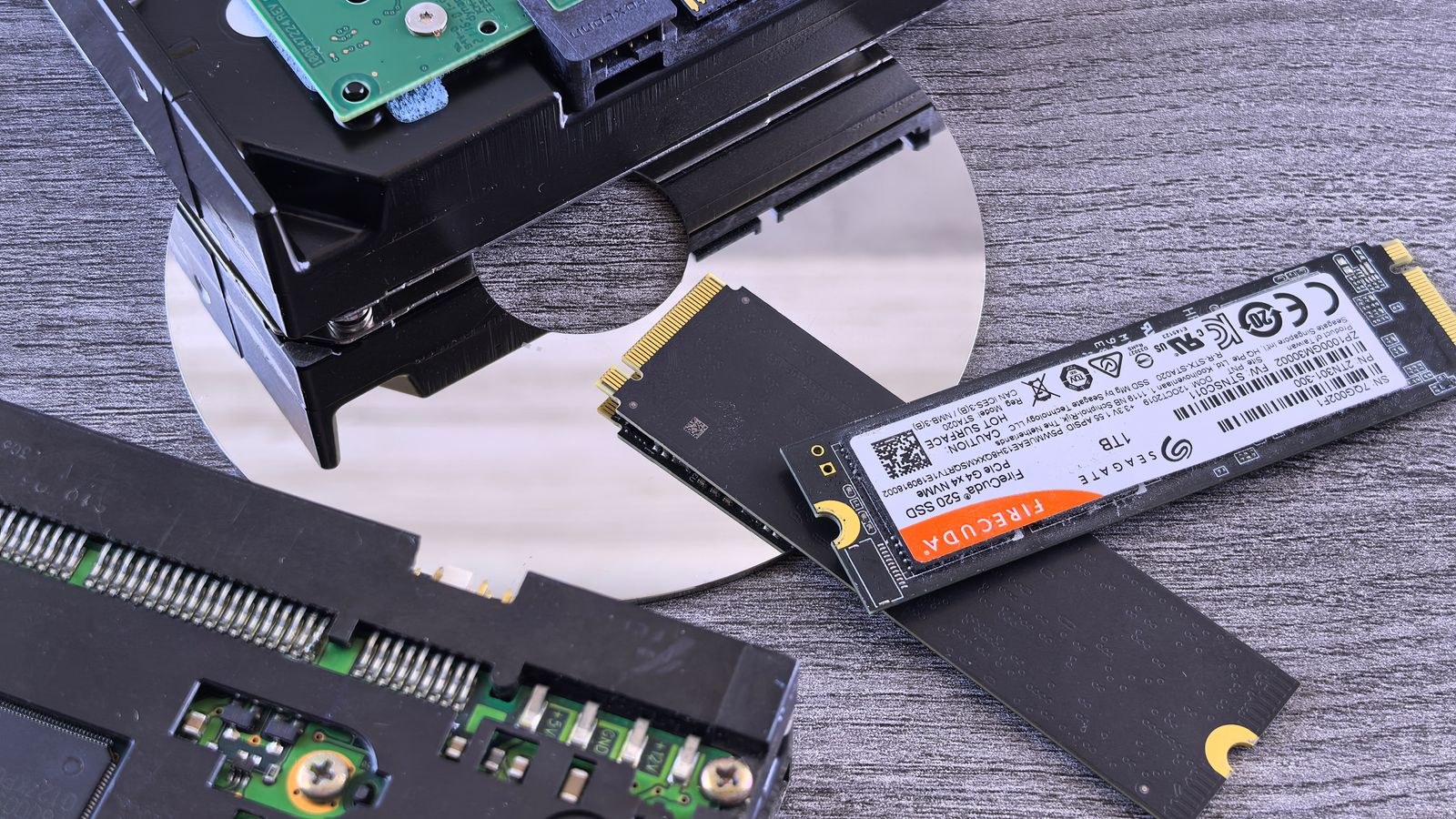
For gaming, the type of drive matters as much as the size. A mechanical hard drive can still hold data cheaply, but it has no place as your primary game drive anymore. Solid-state drives load levels faster, cut stutter when streaming assets and let modern games use technologies that pull data directly from storage into the GPU.
The gap is dramatic. Games that took a minute to load from a hard drive can open in a handful of seconds from a fast NVMe drive. Fast travel, respawns and world streaming all feel snappier. If you are buying one drive and want it to feel quick everywhere, a purpose-built SSD tuned for gaming workloads is the component that makes the whole system feel responsive.
NVMe vs SATA: Does the Interface Matter?
Most current SSDs use the NVMe standard over a PCIe connection, and they are far quicker than older SATA drives on paper. In practice, the difference in real-world game load times between a good SATA SSD and an NVMe drive is smaller than the raw numbers suggest, because games are rarely limited purely by sequential read speed. Both are night and day faster than a hard drive. Where NVMe pulls ahead is in newer titles built around direct storage streaming, large file transfers and general system snappiness, so it is the better long-term pick.
When a Second SSD Beats One Huge Drive
Once you decide you need more than 1 TB, a natural question follows: buy one large drive, or split storage across two? Both approaches work, and the right call depends on your priorities.
A single large drive keeps things simple. There is one place for everything, no need to decide where each game lives and one drive letter to manage. It also frees up a spare slot on the motherboard for a future upgrade.
Adding a second SSD, however, has real advantages. You can pair a fast, premium NVMe drive for your operating system and most-played titles with a larger, more affordable drive for your overflow library. That often works out cheaper per gigabyte than buying one huge premium drive, and it spreads wear across two devices. A second drive also makes it easy to keep a clean OS install untouched while games come and go on a dedicated storage disk.
The Case for External Storage
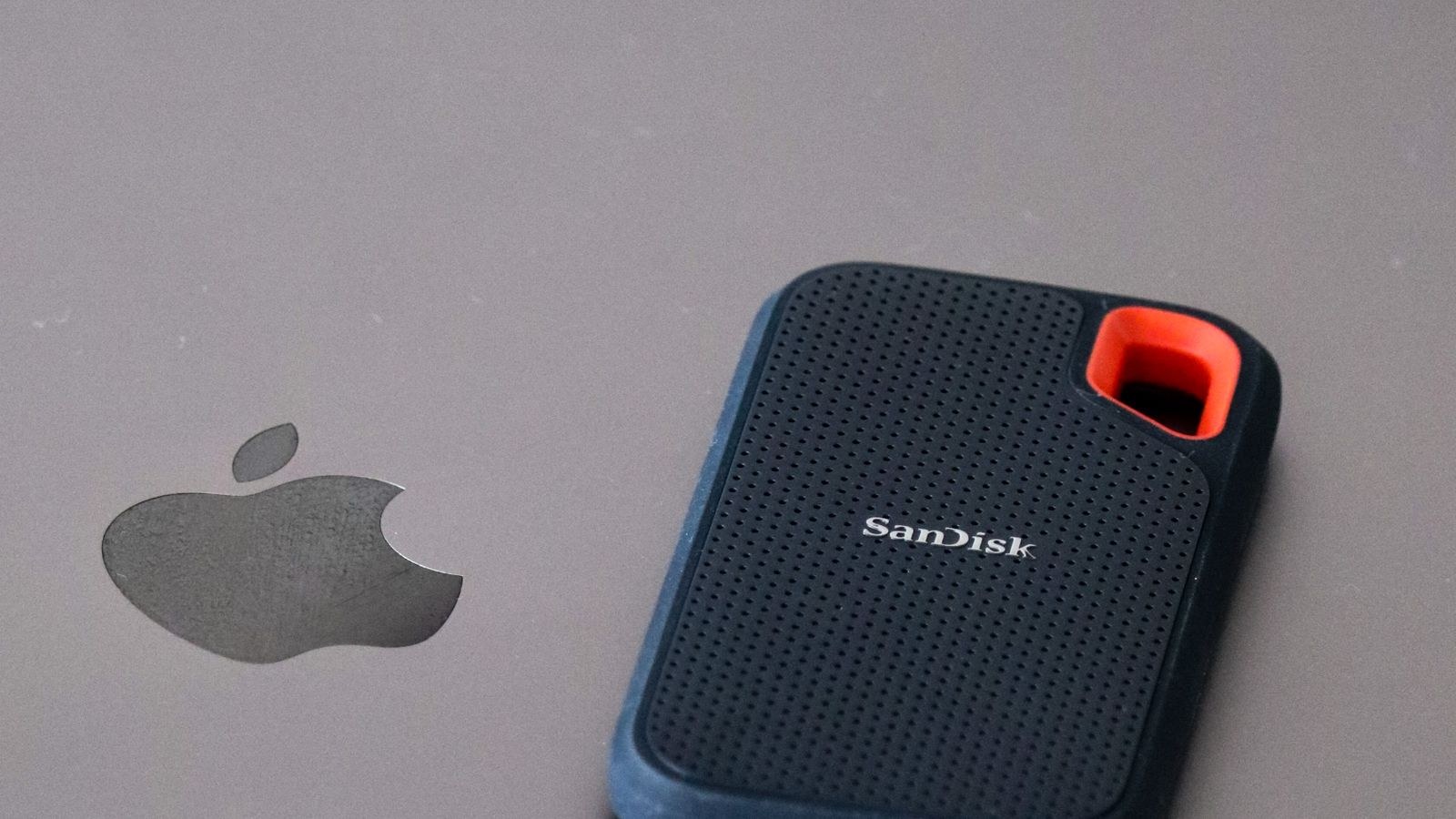
Not every game needs to sit on your fastest internal drive. Titles you have finished but might revisit, or games you rotate seasonally, can live on external storage and be copied back when you want them. A good portable external SSD is fast enough to play many games directly and doubles as backup and transfer space between machines. For laptop gamers or small-form-factor builds with limited internal slots, external storage is often the simplest way to expand.
Matching Storage to Your Type of Gamer
The tidiest way to settle on a capacity is to be honest about your habits.
- The focused player: You play one or two games for months at a time. 1 TB is plenty, and you rarely brush the ceiling.
- The variety gamer: You jump between genres and want a big library ready to launch. 2 TB keeps six to ten games installed without juggling.
- The creator or streamer: You record, edit and upload. Reserve a fast drive for scratch space and a large one for footage; 4 TB or a two-drive setup is worth it.
- The collector: You never uninstall. Plan for 4 TB or more, and expect to add drives over time.
Planning for Future Upgrades
Storage is one of the friendliest components to upgrade later, so you do not have to solve everything on day one. Check how many drive slots your motherboard offers and whether they run at full speed when populated together. Leaving one slot free means you can drop in another SSD when prices fall or your library outgrows the original drive, without cloning or reinstalling anything already in place.
It is also worth confirming your case and cooling can accommodate the drives you plan to add. NVMe drives can run warm under sustained load, and a simple heatsink keeps performance steady during long transfers or extended sessions.
A Simple Storage Budget You Can Follow
If you want a repeatable method rather than a gut feeling, build a quick storage budget before you buy. Start by listing the games you expect to keep installed at the same time and note their rough install sizes, remembering that patches and optional high-resolution packs push those figures up over a game’s life. Add the space Windows and your everyday apps consume, then add the formatting and system overhead that quietly disappears from every drive.
Once you have that total, add a comfort margin on top so the drive is never running near full. A drive that sits above roughly 80 percent capacity can slow down and leaves no room for the next big release or a surprise update. Rounding your budget up to the next sensible tier is almost always cheaper and less stressful than squeezing into a drive that is technically large enough but practically cramped.
This exercise usually reveals that the honest answer is one tier larger than instinct suggested. It also clarifies whether a single drive or a two-drive split makes more sense: if your budget lands near the top of one capacity tier, splitting across a fast primary and a larger secondary drive often costs less per gigabyte while giving you room to grow. Treat the number you calculate as a floor to build from, not a ceiling to fill.
Frequently Asked Questions
Is 1 TB enough for a gaming PC in 2026?
For most people, yes. A 1 TB SSD comfortably holds Windows, everyday apps and four to six games. If you keep many large titles installed at once or create content, step up to 2 TB or add a second drive.
Should I still use a hard drive for games?
Not as your main game drive. A hard drive is acceptable only as cheap bulk storage for media, backups or games you rarely touch. Anything you actively play should live on an SSD.
Does a bigger SSD load games faster?
Capacity itself does not change load speed, but larger drives sometimes have faster controllers and more cache. The bigger factors are the interface and the drive’s sustained performance, not raw size.
Can I add storage later without reinstalling Windows?
Yes. Adding a second drive for games leaves your OS untouched. You simply install new games to the new drive and point launchers at it.
Final Thoughts
How much storage a gaming PC needs comes down to your library and your habits, not a magic number. For most builders, 1 TB is a sensible floor and 2 TB is the comfortable middle ground, with 4 TB reserved for creators and collectors. Prioritise a fast SSD for your boot drive, leave room to expand, and consider a second internal or external drive once you outgrow the first. Get those choices right and storage becomes the part of your build you never have to think about again.









