
 Marcus Bell
Shopping for a new drive can get confusing fast once you start comparing read speeds, capacities, and rugged ratings side by side. If you’re searching for the best external SSDs, you’re probably trying to back up photos, move game libraries between machines, or free up space on a laptop that’s constantly running low. Maybe your current flash drive just isn’t fast enough anymore, or you’re tired of waiting on a spinning hard drive to finish a transfer. This guide breaks down what actually matters when you compare portable SSDs, then points you toward the drives that fit specific situations, from budget backups to rugged field work.
Quick answer: Our pick for most shoppers in 2026 is the Samsung T7 Portable SSD — a fast, reliable drive with a track record that’s hard to beat among portable options. Check the full ranked list and buying advice below before you decide.
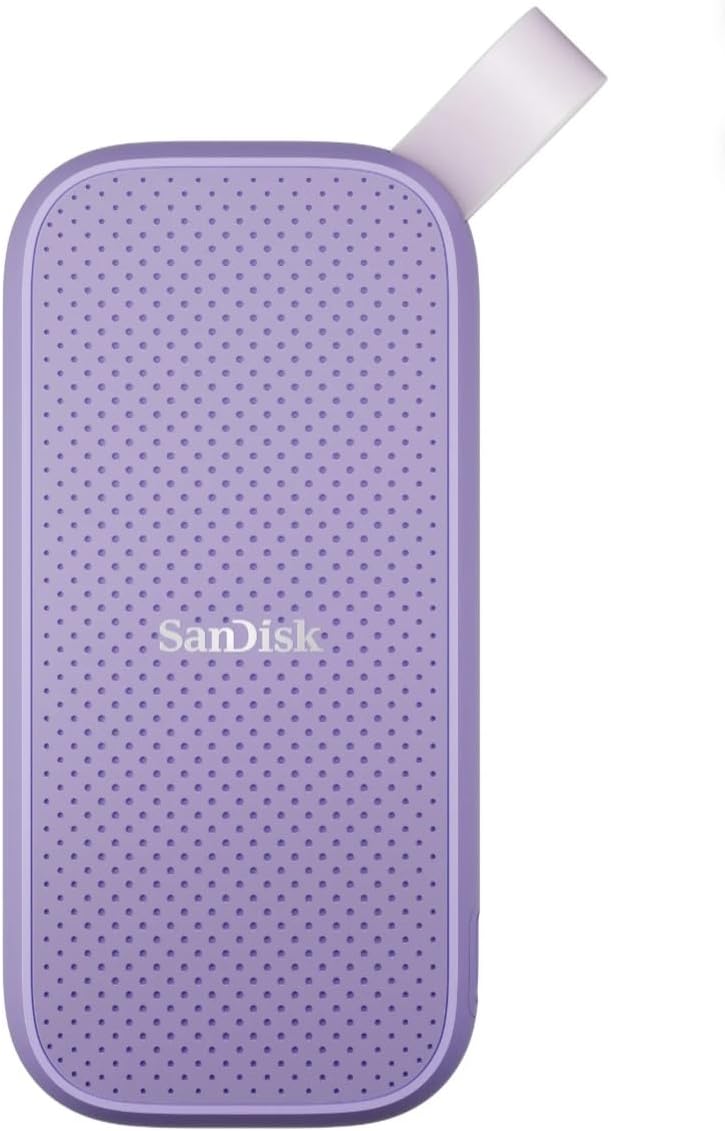
Pros
- Rapid Performance Delivers solid-state performance with read speeds up
- Secure Portability Includes a tough rubber hook for secure attachment
- Trusted Brand Manufactured by SanDisk, a brand relied upon by
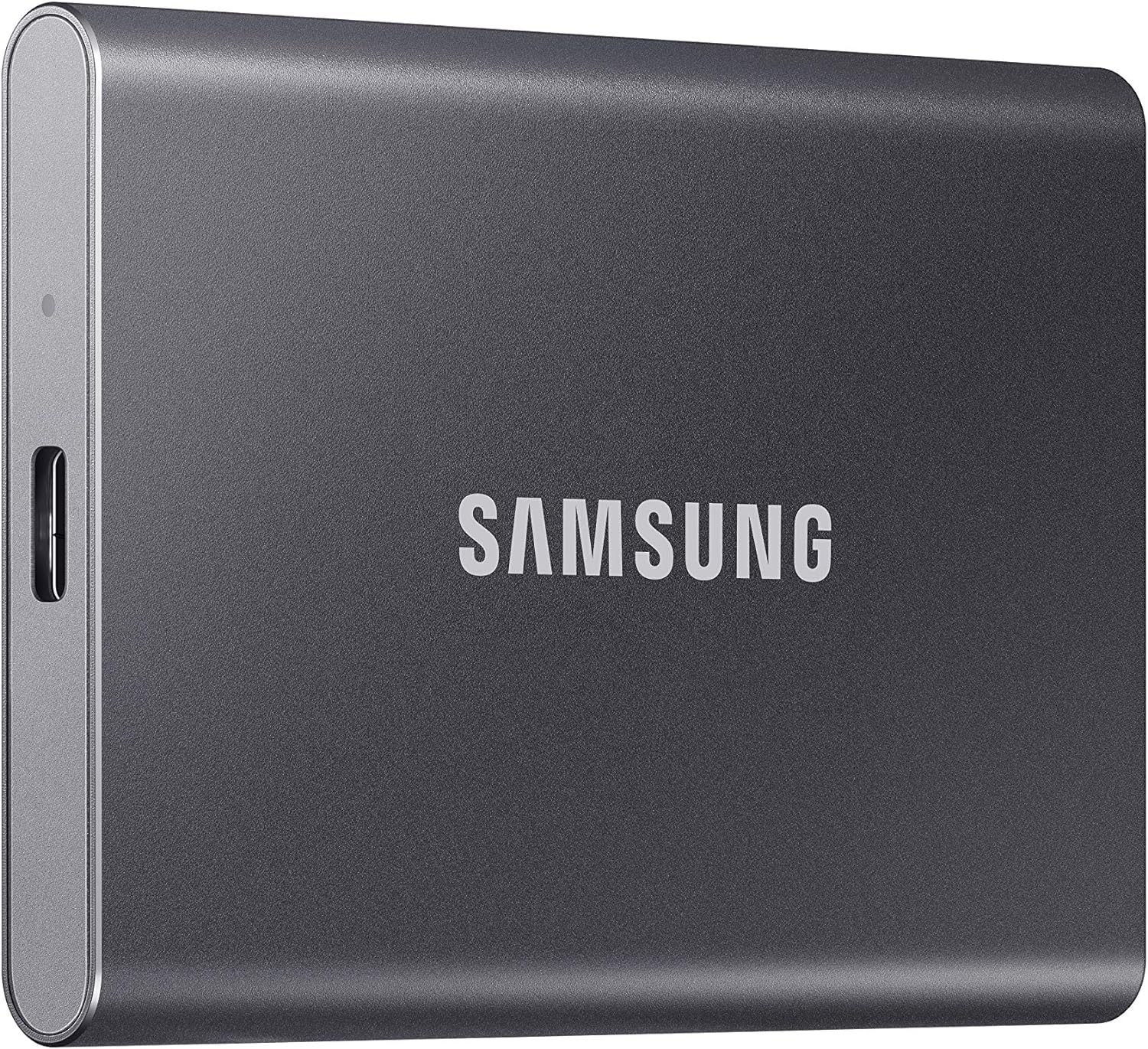
Pros
- Sequential reads to 1,050MB/s and writes to 1,000MB/s over USB 3.2 Gen 2
- Solid aluminium unibody shell survives drops from up to 6 ft in internal fall testing
- Ships with both USB-C to C and USB-C to A cables, covering modern and older hosts out of the box
- Works with Windows, macOS, Android, consoles and cameras that record 4K at 60fps to external storage
- Casing held below 118.4 F in normal ambient conditions, so it stays comfortable in the hand
Cons
- Needs a USB 3.2 Gen 2 host with UASP enabled to reach full speed; a USB 2.0 port drops it to a fraction
- No IP-listed dust or water sealing, so it is drop-tough rather than weatherproof
- Sustained multi-hour transfers slow once the internal cache fills
The drive pairs PCIe NVMe flash with a USB 3.2 Gen 2 bridge, giving sequential reads to 1,050MB/s and writes to 1,000MB/s. That is roughly twice the previous T5 generation and far beyond what a portable spinning disk can manage.
- Reads to 1,050MB/s and writes to 1,000MB/s at full interface speed
- 1TB capacity in this configuration, with the family reaching 4TB
- Quick enough to edit 4K timelines directly from the drive
- Records Ultra High Resolution 4K 60fps straight from supported cameras and phones
Reaching those figures depends entirely on the host. The port must be USB 3.2 Gen 2, the cable must support it, and UASP must be enabled. Plugged into an older USB 3.0 or USB 2.0 port the drive still works, just at a fraction of the quoted throughput.
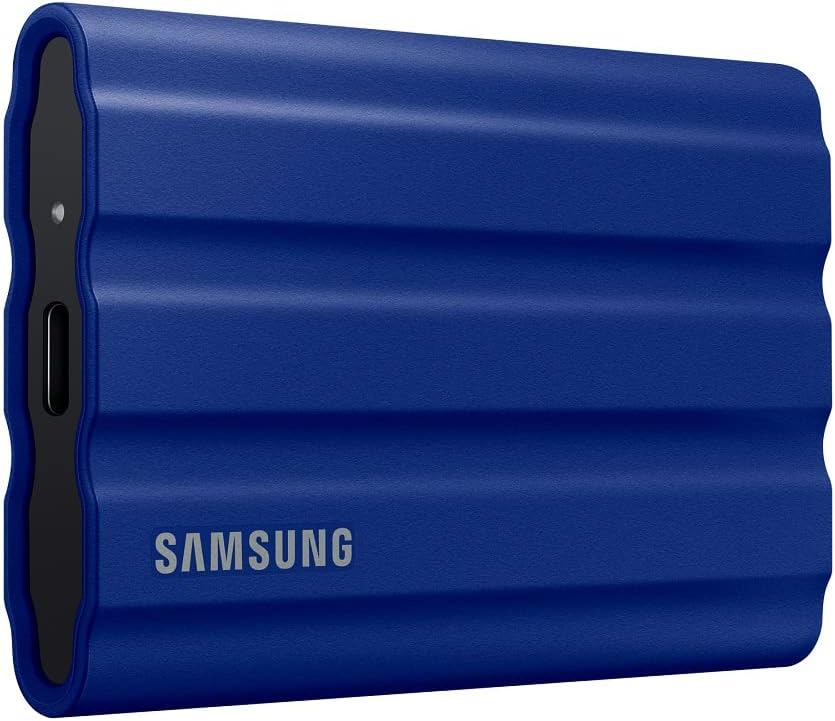
Pros
- GO THE DISTANCE Withstand whatever adventure with the wildly reliable
- It s designed for the elements with water1, dust2 and drop3 resistance
- YOUR CONTENT CAPTURED Take on the project, then transfer all your heavy
- Compatible with PC, Mac, Android devices, gaming consoles and more
- SHARE IDEAS IN A FLASH The T7 is embedded with PCIe NVME technology

Pros
- USB 3.2 Gen 2 delivers up to 1,050MB/s read and 1,000MB/s write speeds
- IP65-rated housing resists water and dust, and is shockproof to a 3m drop height
- Includes both USB-C and USB-A compatible connections for PC, Mac, smartphone and console use
- AES 256-bit hardware encryption available for password-protected storage
- Rubber housing runs cooler under sustained transfer thanks to its low heat conductivity
Cons
- 1TB capacity in this listing is fixed; a higher capacity requires choosing a different SKU at purchase
- No physical write-protect switch, so file protection relies entirely on the software-based password lock
- Companion software is required for firmware updates and full feature access, adding a software dependency beyond plug-and-play use

Pros
- Read speeds up to 540 MB/s over the USB Type-C, USB 3.1 Gen 2 connection
- 256-bit AES hardware encryption with password protection secures data at the drive level
- Backward compatible with USB 3.0, USB 2.0 and USB-A ports for use with older computers
- Shock-resistant, compact housing is built for a bag or pocket rather than a desktop enclosure
- Companion software bundles backup, drive utilities, and cloud/social media import tools in one app
Cons
- 2TB capacity is fixed on this model, so larger media libraries will need a higher-capacity SSD or a second drive
- Top 540 MB/s speed requires a USB Type-C, USB 3.1 Gen 2 port; older USB-A connections run slower

Pros
- Sequential read/write speeds up to 2,000 MB/s via USB 3.2 Gen 2x2 for fast large-file transfers
- Drop-resistant from up to 3 meters, adding durability for a drive carried daily
- Weighs just 122g with a compact 88 x 60 x 14mm housing
- Backed by a 5-year limited manufacturer's warranty
- Ships with both USB Type-C to C and Type-C to A cables, covering newer and older host ports
Cons
- Reaching the full 2,000 MB/s speed requires a USB 3.2 Gen 2x2 port; older USB ports will bottleneck throughput
- No hardware encryption keypad or biometric lock built into the drive itself
- 2TB is the fixed capacity of this listing, with no card slot to expand storage further
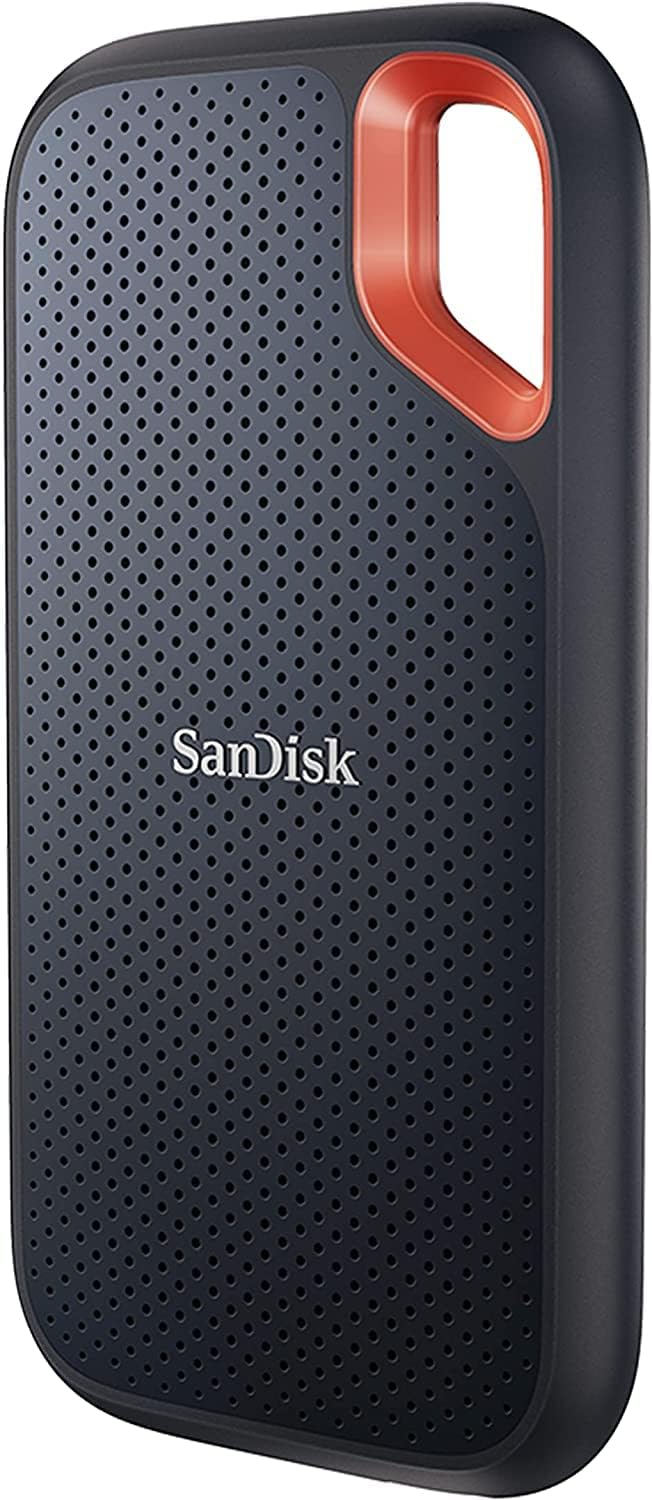
Pros
- Reads up to 1050MB/s and writes up to 1000MB/s over USB 3.2 Gen 2, fast enough to cut 4K footage straight off the drive
- IP65 sealing plus 3-metre drop protection, up from IP55 and 2 metres on the previous revision
- 256-bit AES hardware encryption with password protection keeps client files locked if it goes missing
- Moulded carabiner loop clips to a rucksack strap or belt loop
- 2TB capacity backed by a five-year limited warranty
Cons
- USB 3.2 Gen 2 tops out at 10Gbps, so it cannot approach the 2000MB/s-plus of Thunderbolt or USB4 enclosures
- Password software supports Windows 8, Windows 10 and macOS 10.9 or newer only, with no Linux client
- Storage temperature limits run -20C to 85C, so a car boot in a hard frost sits outside spec
An NVMe solid state drive sits inside a USB 3.2 Gen 2 shell, quoted at up to 1050MB/s read and 1000MB/s write. In practice that is enough to edit 4K video directly from the drive rather than copying to internal storage first, and a large card dump lands in roughly a minute on a host that can keep up.
- USB-C connector, with an adapter for older USB-A machines
- 2TB capacity counted at 1TB = 1,000,000,000,000 bytes, so the figure your computer shows will be lower
- Speeds fall back to the host ceiling on USB 3.0 and USB 2.0 ports
Sustained writes of very large files settle below the headline figure once the cache fills, which is normal behaviour for portable NVMe storage rather than a fault.
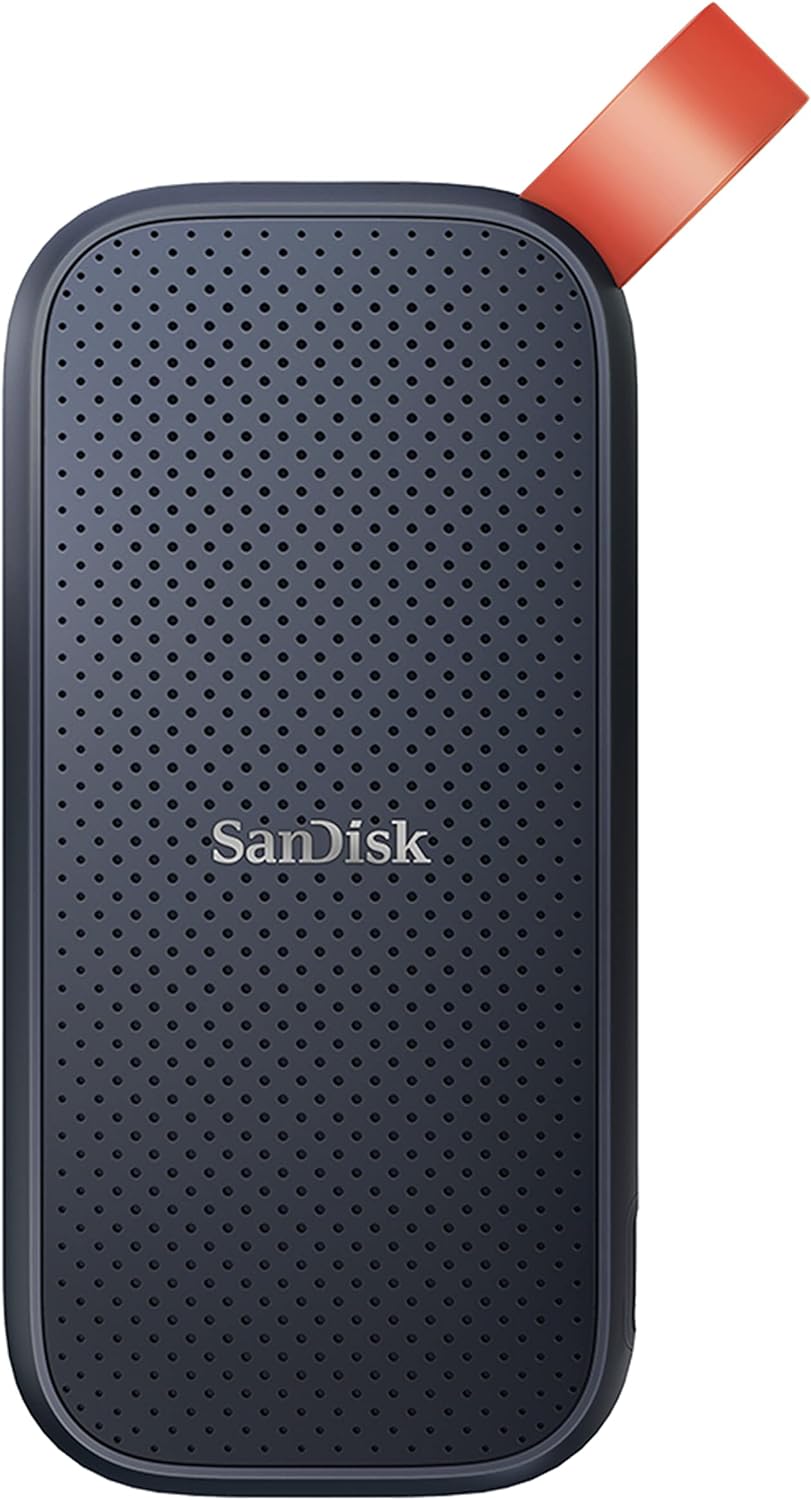
Pros
- Solid state performance with up to 800MB s read speeds in a portable
- performance may be lower depending on host device, interface, usage
- Back up your content and memories on a storage solution that fits
- Take it with you on your adventures up to two-meter drop protection

Pros
- High-speed Performance Designed for casual gamers and everyday use,
- Built to Last Perfect for travel and all types of weather with IP55
- Broad Compatibility External drive connects effortlessly with Windows,
- High-Capacity Storage Store all your photos, videos, backups, and more
- Bonus Software Included Enjoy three months of Mylio Photos plus and

Pros
- Sustained read/write speeds up to 2,000 MB/s over USB 3.2 Gen 2x2, well above typical USB 3.0 external drives
- Built-in thermal guard keeps the drive from throttling during long transfer or render sessions
- Compatible with desktops, cameras, and gaming consoles, not locked to a single platform
- Supports iPhone 15 Pro Res 4K recording at 60fps, useful for video shooters filming directly to external storage
- Available in 1TB, 2TB, and 4TB capacities, so this listing's 1TB can be sized up for larger footage libraries
Cons
- Reaching the full 2,000 MB/s figure requires a host and cable that both support USB 3.2 Gen 2x2 with UASP enabled, so older ports fall back to slower speeds
- Firmware updates and drive health monitoring require installing a separate companion app
- Sold only in black, with a single 1TB capacity in this listing
This listing covers the 1TB capacity, with 2TB and 4TB versions available in the same product line for larger storage needs.
- A companion desktop app handles firmware updates, encryption setup, and ongoing drive health monitoring
- Software installation is optional for basic file transfer but required to keep firmware current
- Compact form factor makes it easy to carry alongside a laptop without added bulk
Buyers who expect to outgrow 1TB of footage or game installs can step up within the same product series rather than switching to a different drive family.
What to Look for in the Best External SSDs
Not every portable drive is built the same way, and the spec sheet can be overwhelming if you don’t know which numbers actually matter. Focus on these four areas before you compare specific models.
Speed and Interface
Look at the USB standard first, since it caps how fast your files can move no matter how good the SSD inside is. USB 3.2 Gen 2 tops out around 1,050MB/s, while USB 3.2 Gen 2×2 drives can push past 2,000MB/s on a compatible port. If your work also involves an internal drive upgrade, it’s worth comparing options in our best NVMe SSDs guide for even faster transfer speeds.
Storage Capacity
1TB works fine for documents, photos, and a modest game library, but video editors and gamers with large libraries should lean toward 2TB or more. Buying more capacity than you need wastes money, while buying too little means you’ll be shuffling files constantly to make room.
Durability and Build Quality
If the drive travels with you, an IP65 rating for dust and water resistance and a drop-resistance spec of at least one meter are worth paying extra for. Rugged models add a rubberized shell that protects the drive from the occasional drop off a desk or out of a backpack.
Compatibility and Portability
Check that the drive works with your operating system without reformatting, and confirm the included cable matches your laptop’s ports. Pocket-sized drives under three ounces are easy to toss in a bag, while some rugged models add bulk in exchange for extra protection.
Price per Gigabyte
Bigger drives usually cost less per gigabyte than smaller ones, so it’s often worth stepping up a capacity tier if the price gap is small. Compare the total price against the storage you get rather than judging a drive as expensive or affordable in isolation.
Best External SSDs for Every Situation
Once you know your priorities, matching them to a specific drive gets much easier. Here’s how the top picks in this roundup stack up for common needs.
Best Overall: Samsung T7 Portable SSD
With over 21,000 reviews and a 4.7-star average, the Samsung T7 Portable SSD earns its reputation through consistency rather than flashy specs. It delivers up to 1,050MB/s over USB 3.2 Gen 2, fits in a shirt pocket, and costs less than most rugged alternatives. If you just need one reliable drive for everyday backups, this is the safest bet on the list.
Best for Rugged or Outdoor Use: Samsung T7 Shield
Photographers and field workers need a drive that survives more than a desk drop. The Samsung T7 Shield 2TB carries an IP65 rating and a rubberized case built to shrug off dust, splashes, and drops up to three meters. It’s heavier than the standard T7, but that trade-off makes sense once you’re shooting outdoors or working on a job site.
Best for Speed: Samsung T9 Portable SSD
Video editors and content creators moving large 4K files benefit most from the extra bandwidth of USB 3.2 Gen 2×2. The Samsung T9 Portable SSD reaches up to 2,000MB/s on a compatible port, cutting export and transfer times significantly compared to standard Gen 2 drives. Gamers who also want quick load times for a portable library should compare it against our best SSDs for gaming picks.
Most Affordable Pick: SanDisk Portable SSD
You don’t need to spend hundreds of dollars to get a dependable external drive. The SanDisk Portable SSD offers up to 800MB/s and a compact design at one of the more accessible price points in this lineup. It’s a smart choice for students or anyone who mainly needs extra room for documents and photos rather than huge video files. See more budget-friendly options in our best 1TB SSDs roundup.
Best for Large Backups: Crucial X9 Portable SSD
If you’re backing up an entire photo library or multiple devices, extra capacity matters more than raw speed. The Crucial X9 Portable SSD offers 2TB of space at a competitive price with speeds up to 1,050MB/s, striking a solid balance for anyone who wants headroom without paying rugged-drive prices. Compare it against other high-capacity options in our best 2TB SSDs guide.
Best Splurge Pick: WD My Passport SSD
If budget isn’t the main concern and you want maximum headroom without switching brands later, the WD My Passport SSD 2TB delivers dependable transfer speeds up to 540MB/s in a compact, travel-friendly shell. It costs more than most of the other picks here, but it’s a reasonable option for anyone consolidating several older drives into one larger backup.
External SSD vs. External Hard Drive
If you’re still deciding between an SSD and a traditional hard drive, the choice usually comes down to speed versus price per gigabyte. External hard drives still offer more storage for less money at the very high end, but they’re slower, heavier, and far more likely to fail if dropped since they rely on spinning platters. External SSDs have no moving parts, so they handle bumps during travel much better and transfer files noticeably faster. For most people who move a laptop or backpack around daily, the extra reliability and speed of an SSD are worth the higher price per gigabyte.
Common Mistakes to Avoid When Buying an External SSD
Even reliable brands ship models with trade-offs, so it helps to know where buyers usually go wrong before checkout. A little research now can save you from returning a drive that doesn’t fit your workflow.
- Ignoring the cable and port. A drive rated for 2,000MB/s can’t hit that speed over an older USB-A port or a Gen 1 cable.
- Buying capacity you’ll never use. Paying for extra terabytes you use once a year ties up money that could go toward a faster or more rugged drive.
- Skipping durability for a lower price. A drive without drop protection is riskier if it travels in a bag daily, even if it saves you a little upfront.
- Assuming all portable SSDs work the same with consoles. Some gaming consoles have specific formatting or speed requirements, so check compatibility before assuming a drive works for game storage.
- Overlooking warranty length. A shorter warranty can be a sign of lower build confidence, even when the specs look similar on paper.
- Choosing style over substance. A drive’s color or shape shouldn’t outweigh its speed rating and durability if it’s going to be your main backup device.
None of these drives are the right choice for every situation. If you need to install an operating system or run demanding software directly from the drive, an internal NVMe SSD will outperform any portable option. External SSDs also aren’t ideal as your only backup — pairing one with cloud storage or a second drive gives you real redundancy if something fails.
Frequently Asked Questions
Are external SSDs faster than external hard drives?
Yes. External SSDs use flash memory instead of spinning platters, so they transfer files faster, launch external programs quicker, and handle drops far better than traditional hard drives. The difference is most noticeable when you’re moving thousands of small files at once.
How much capacity do I actually need?
1TB covers most everyday users, but video editors, gamers with large libraries, or anyone backing up multiple devices should look at 2TB or higher to avoid running out of room quickly.
Can I use an external SSD with a gaming console?
Many consoles support external SSDs for storage expansion, but check your specific console’s requirements first, since some need particular formatting or minimum speed ratings.
Do external SSDs need a separate power source?
No. Nearly all portable SSDs in this size range draw power directly from the USB port, so you won’t need a separate charger or power cable to use them.
How long do external SSDs typically last?
With normal use, a quality external SSD should last several years. Look for a warranty of at least three years as a signal of how confident the manufacturer is in long-term durability, and avoid leaving the drive in extreme heat for extended periods.
The right external SSD comes down to matching your workflow rather than chasing the highest spec on paper. Compare the picks above against how you’ll actually use the drive, whether that’s daily backups, rugged fieldwork, or heavy content creation, and check the current price on Amazon before you decide. Think about how often the drive travels with you and how much data you actually generate in a typical month. You can browse the full ranked list above anytime you want to compare specs side by side.


