
 Owen Bradley
 A great office chair and desk are only part of building a truly ergonomic workstation. The right desk accessories fill in the gaps, improving posture, reducing strain, and making your workspace more comfortable and productive over the course of a long day. Whether you work from home full time or just spend a few focused hours at your desk, thoughtfully chosen accessories can be the difference between finishing the day energized or aching. This guide covers the essential accessories worth adding to your home office and how to choose them wisely.
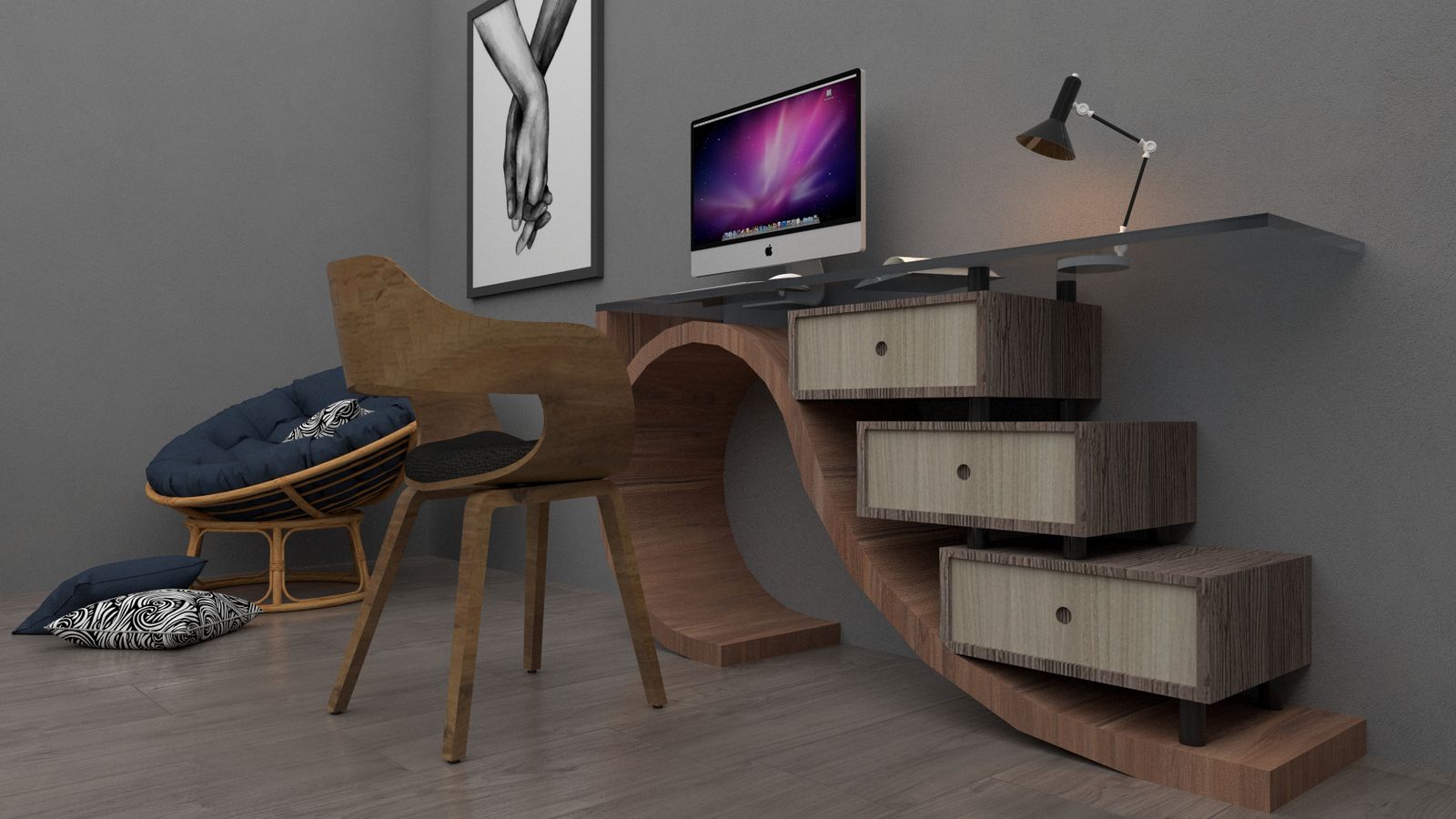
Why Desk Accessories Matter
Ergonomics is about more than just your chair. It is about how your entire workstation supports your body throughout the day. Small additions like proper lighting, monitor risers, and anti-fatigue mats can significantly reduce eye strain, neck tension, and fatigue, especially for anyone spending eight or more hours at a desk. Building out these accessories thoughtfully turns a basic desk into a genuinely supportive workstation that protects your health over the long term.
The cumulative effect matters. A slightly low monitor, harsh lighting, and a hard floor underfoot might each seem minor on their own, but together they add up to real discomfort day after day. Addressing each one incrementally produces a workspace that feels effortless to use.
Monitor Height and Positioning
One of the most common ergonomic mistakes is having a monitor positioned too low, forcing you to tilt your head downward for hours at a time. Over months and years, this posture contributes to neck and shoulder pain. A monitor riser or adjustable arm raises your screen so the top of the display sits roughly at eye level, keeping your neck in a neutral position.
If you use two monitors, positioning matters even more. Place your primary screen directly in front of you and the secondary one immediately beside it at the same height. An adjustable monitor arm makes fine-tuning easy and frees up desk space underneath for a cleaner setup.
Keyboard and Mouse Ergonomics
Wrist strain is a common complaint among desk workers, often caused by keyboards and mice positioned at awkward heights or angles. An ergonomic keyboard tray or wrist rest helps keep your wrists in a neutral position while typing, reducing the risk of repetitive strain injuries. Pairing this with an ergonomic mouse designed to reduce wrist rotation further supports healthy hand positioning throughout the workday.
Aim to keep your elbows at roughly a 90-degree angle with your forearms parallel to the floor. If your desk is too high to allow this, a keyboard tray mounted underneath can bring your input devices to the correct height without replacing the whole desk.
Lighting for Reduced Eye Strain
Poor lighting is one of the most overlooked contributors to workday fatigue. Harsh overhead lighting, glare on your monitor, or working in dim conditions can all lead to eye strain and headaches. A dedicated desk lamp with adjustable brightness and color temperature lets you fine-tune your lighting to match the time of day and reduce glare on your screen.
The best desk lamps for home office setups offer adjustable settings designed specifically to reduce eye fatigue during long work sessions. Position your lamp to the side rather than directly behind or in front of your screen to avoid casting glare or shadows across your work surface.
Standing Desk Accessories
If your workstation includes a standing desk, additional accessories can make transitioning between sitting and standing smoother and more comfortable. Cable management trays keep cords organized as desk height changes, while monitor arms allow your screen to move fluidly with the desk. Programmable height presets, where available, make switching positions effortless so you actually do it throughout the day.
The best standing desk accessories are specifically designed to complement height-adjustable desks and make the sit-stand transition seamless, encouraging you to change posture regularly rather than staying locked in one position.

Anti-Fatigue Mats
Standing for extended periods, even with a great standing desk, can lead to foot, leg, and lower back fatigue if you are standing on a hard floor. An anti-fatigue mat provides cushioning that encourages small, natural movements in your feet and legs, improving circulation and reducing discomfort during standing work sessions.
The best anti-fatigue mats for standing desks are designed with supportive foam and textured surfaces that make standing work far more comfortable over time. A good mat can be the deciding factor in whether you actually use your standing desk or quietly abandon it after a week.
Footrests for Seated Work
Not everyone’s chair and desk combination allows their feet to rest flat on the floor while maintaining a proper knee angle. A footrest bridges this gap, supporting proper leg positioning and reducing pressure on the thighs and lower back. This is a particularly valuable accessory for shorter individuals or for desks that cannot be lowered enough for a perfect fit. Some footrests also rock or tilt, encouraging gentle movement that keeps your legs from stiffening up.
Document Holders and Desk Organization
If your work involves referencing papers, a document holder positioned beside your monitor keeps materials at eye level, preventing the repeated downward neck bending that comes from reading flat papers on the desk. Beyond ergonomics, keeping frequently used items within easy reach reduces awkward twisting and stretching, keeping your movements comfortable and efficient throughout the day.
Chair and Desk Foundations
While accessories fill important gaps, they work best on top of a solid foundation of a supportive chair and an appropriately sized desk. Before investing heavily in accessories, make sure your chair provides good lumbar support, adjustable height, and armrests that let your shoulders relax. Your desk should allow your forearms to rest parallel to the floor while typing. Once these fundamentals are in place, accessories refine and complete the setup rather than compensating for a poor starting point. Thinking of your workstation as a system, where the chair, desk, and accessories all work together, leads to far better results than piecing together components in isolation.
Reducing Eye Strain Beyond Lighting
Good lighting is a major factor in comfort, but several other adjustments help reduce eye strain during long work sessions. Positioning your monitor at arm’s length reduces the effort your eyes make to focus, while adjusting screen brightness to match the surrounding room prevents your eyes from constantly adapting to contrast. Following the common guidance of looking at something far away periodically gives your eye muscles a chance to relax. An anti-glare screen filter can also help in bright rooms where repositioning the monitor is not possible. Combined with a quality desk lamp, these habits and tools keep your eyes comfortable through even the longest workdays.
Cable Management
While not directly ergonomic, good cable management reduces visual clutter and trip hazards around your workstation, contributing to a calmer, more organized workspace. Cable trays, clips, and sleeves keep cords tidy and out of the way, which is especially important for standing desks where cables need enough slack to move safely with the desk as it rises and lowers.
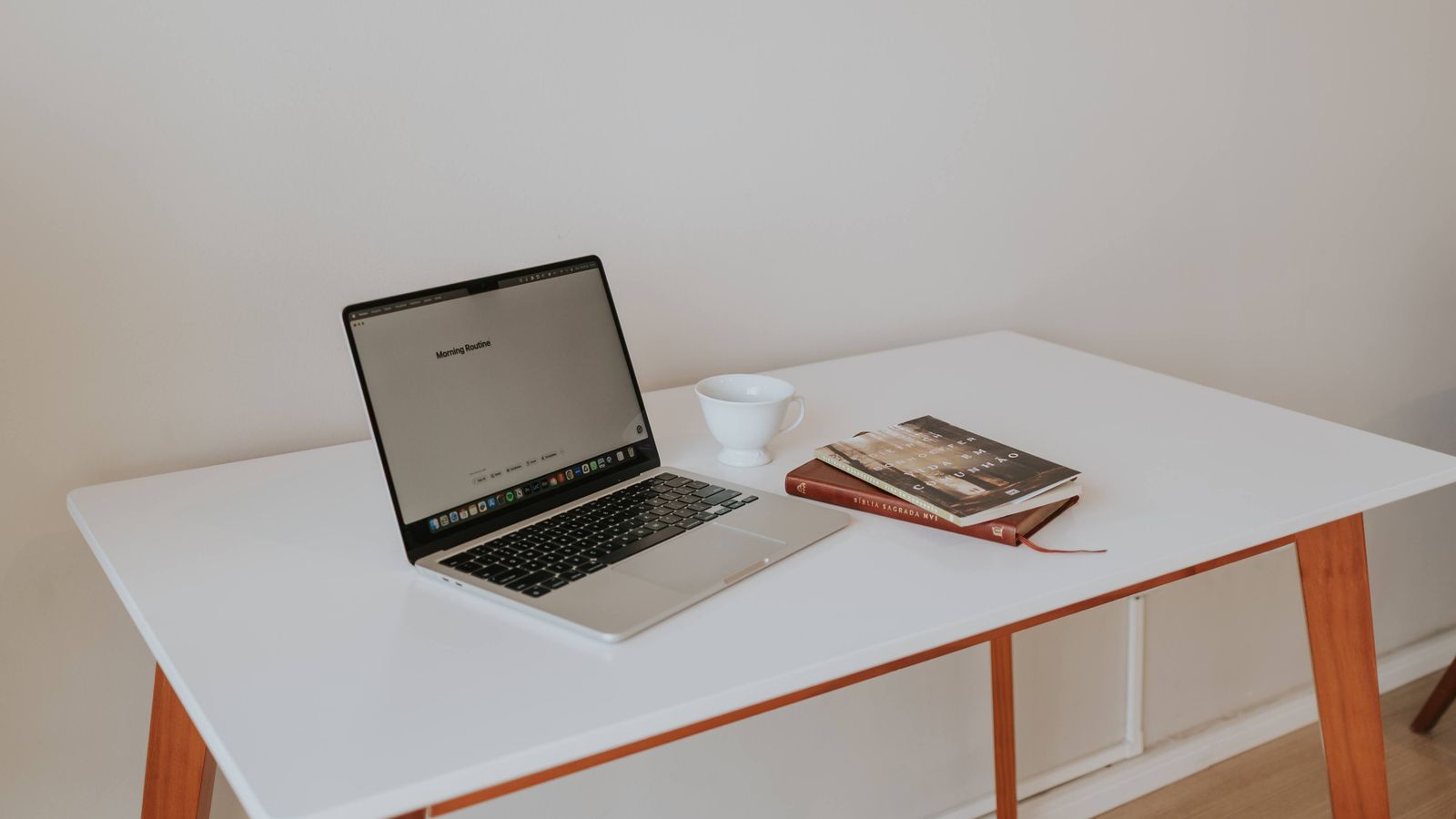
Building Your Workstation Step by Step
Start with the accessories that address your biggest pain points. If neck strain is your main issue, prioritize a monitor riser or arm first. If you struggle with eye fatigue, invest in proper desk lighting. Add accessories incrementally rather than all at once, giving yourself time to notice the impact of each change on your comfort and posture before deciding what to add next.
Budget Considerations
You do not need to buy every accessory at once to see meaningful ergonomic improvements. Even one or two well-chosen additions, such as a monitor riser and a good desk lamp, can noticeably improve comfort. As your budget allows, continue building out your setup with standing desk accessories, an anti-fatigue mat, a footrest, and other supportive tools until your workstation fully fits your body and working style.
What is the single most important desk accessory for ergonomics?
For most people, proper monitor height is the highest-impact change, since it directly addresses one of the most common causes of neck and shoulder strain.
Do I need a standing desk to benefit from these accessories?
No, many accessories like monitor risers, footrests, and desk lamps benefit any workstation, whether you sit, stand, or alternate between both throughout the day.
How often should I use an anti-fatigue mat?
Use it whenever you are standing at your desk for extended periods; even short standing sessions benefit from the added cushioning and gentle movement it encourages.
Can accessories really replace a good chair?
No, accessories complement rather than replace a supportive chair. The best results come from combining a quality chair and desk with well-chosen ergonomic accessories.
Final Thoughts
A truly ergonomic workstation is built from the combination of a good chair, a suitable desk, and thoughtfully chosen accessories that support your body throughout the day. By addressing monitor height, keyboard positioning, lighting, standing comfort, and cable organization, you can transform a basic desk setup into a workspace that genuinely supports long-term comfort, health, and productivity.










Comments are closed.
No reviews yet. Be the first to share your experience!