Owen Bradley
 Voice control is the rare piece of smart home technology that gets easier as people age, not harder. There are no menus to navigate, no tiny buttons to press, and no need to remember which app does what. Yet most smart home for seniors setup attempts fail for the same reason: the person who installs everything builds it around their own habits rather than around the parent who will actually live with it. This guide walks through a setup designed specifically for elderly parents, where device names are obvious, routines are short, help arrives remotely, and nobody is expected to open a phone screen to turn on a lamp.

What You Need Before You Start
Keep the shopping list short. A cluttered setup is the fastest way to lose a hesitant user. For a first installation you need reliable home internet, one voice assistant device per main room, and a small number of controllable devices that solve real daily frustrations.
- A stable Wi-Fi connection reaching the living room, bedroom and kitchen without dead spots.
- Two or three voice speakers placed where your parent already spends time. Comparing the best smart speakers helps you match microphone sensitivity to a quieter speaking voice.
- One display device for the main room if video calling matters. The best home hubs with screens add photo calls and visible reminders without requiring a tablet.
- Smart plugs for lamps, fans and kettles, the simplest possible upgrade to existing appliances.
- Your own smartphone, which becomes the remote control and support tool, not your parent’s.
Budget an afternoon. Rushing through installation and leaving without a teaching session is why so many of these systems end up unplugged within a month.
Step-by-Step: Building a Voice Setup That Actually Gets Used
- Create the account on your own phone, in your parent’s name. Use an email address you can both access and a password you store safely. Doing this properly at the start means you can fix problems later without needing physical access to the house or asking your parent to read a code aloud from a screen.
- Place the main speaker before you power anything on. The best spot is a side table near the chair your parent sits in most, roughly at chest height, away from a television or noisy appliance. Voice recognition suffers badly when a speaker is tucked behind a sofa, and among the best Alexa speakers the larger models handle a quiet voice from across a room far better than the compact ones.
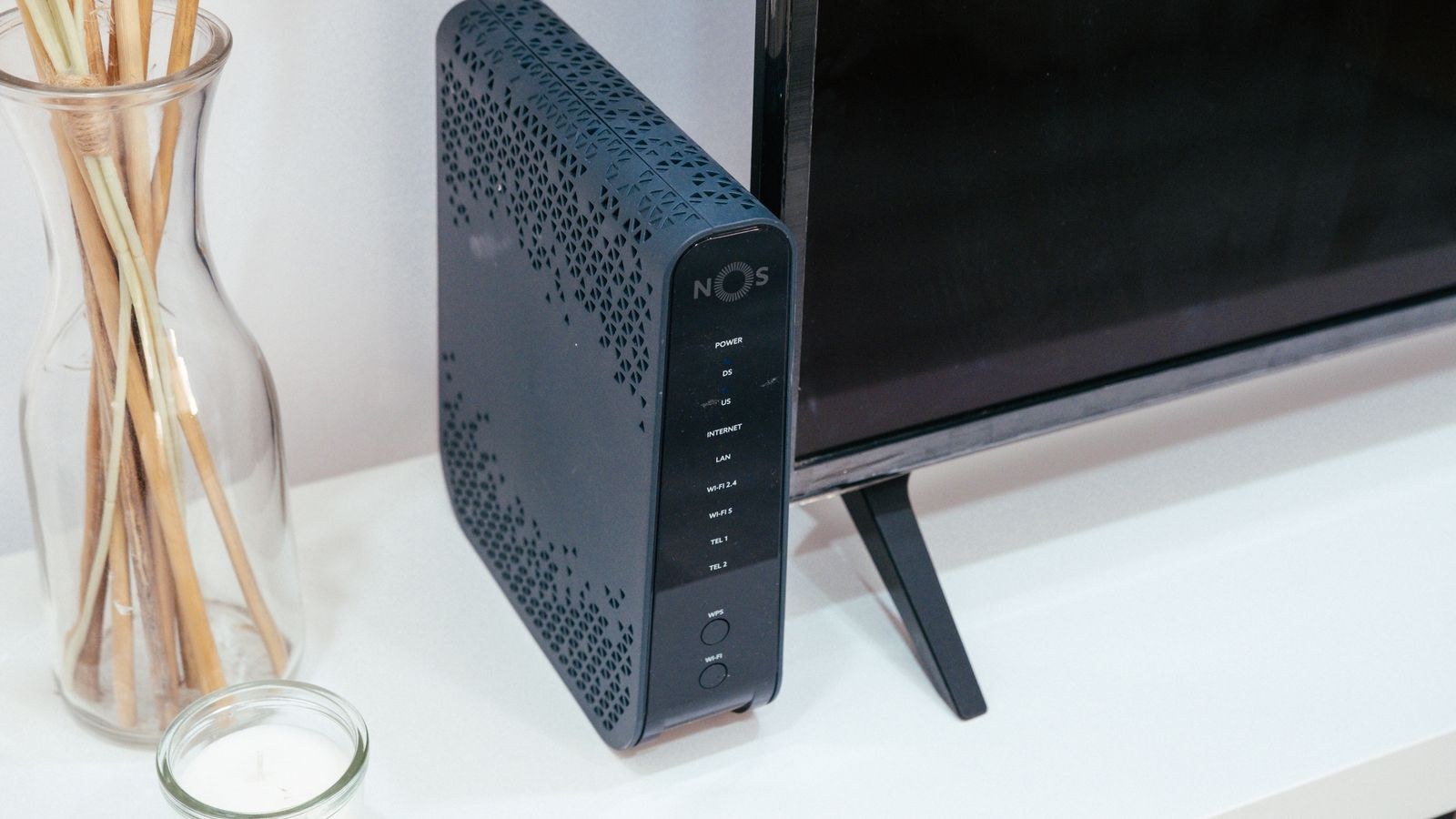
- Connect each device to Wi-Fi and confirm the signal is solid. Walk to the furthest room with a phone and check the connection there. If a bedroom speaker drops out at night, the whole system loses trust. Fix weak coverage now rather than blaming the speaker later.
- Rename every device in plain language. This is the single most important step. Replace names like “Plug 1” or “Hall Node A2” with the words your parent already uses: “the reading lamp”, “the kettle”, “the bedroom light”. If they call the living room “the front room”, use that. The assistant should respond to their vocabulary, not the manufacturer’s.
- Group devices by room. Assign each plug and bulb to the room it lives in so that “turn off the lights in here” works without naming individual devices. Room grouping quietly halves the number of phrases anyone has to remember.
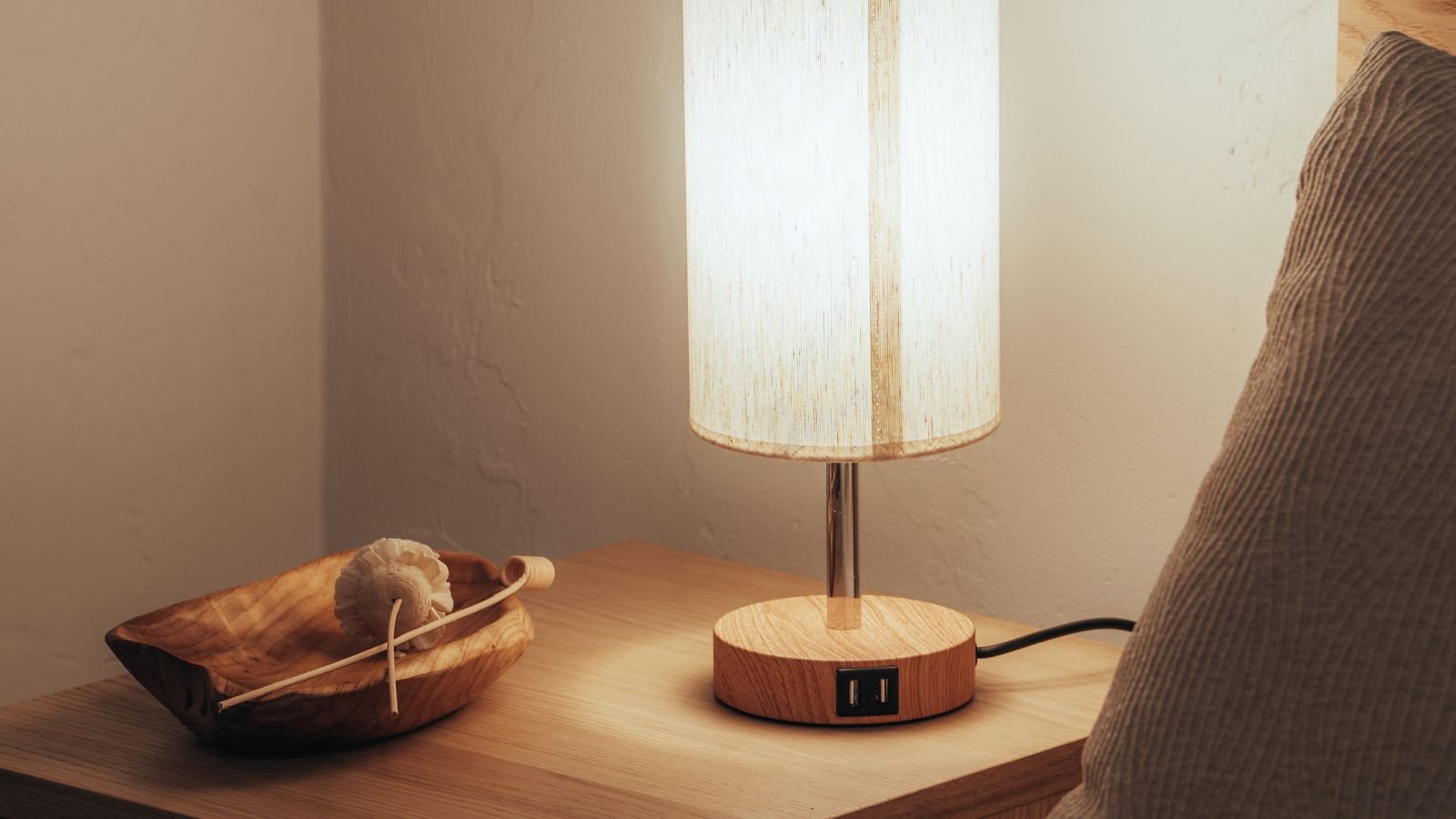
- Add smart plugs to the appliances that cause the most bending or walking. Floor lamps behind furniture, a fan on a high shelf, a radio in the corner. Choosing from the best smart plugs with a physical button on the housing matters here, because a plug that can still be switched by hand is far less intimidating than one that only responds to voice.
- Build three routines, no more. A morning routine that turns on lamps and reads the weather. An evening routine that dims lights and starts a radio station. A bedtime routine that shuts everything off. Give each one a phrase your parent chooses themselves, such as “good morning” or “I am going to bed”. Self-chosen phrases are remembered; assigned ones are not.
- Set up a hands-free calling contact for yourself. Configure the assistant so a single spoken phrase reaches you directly. Test it from the other side of the house so you know the microphone picks up a raised voice from an adjoining room, which is the situation that matters most.
- Turn off everything that adds noise. Disable promotional announcements, shopping through voice, and unnecessary notification chimes. Every unexpected sound from a speaker erodes confidence, and unwanted purchase prompts are a genuine risk for an unfamiliar user.
- Add lighting that works without any voice command at all. Hallway and bathroom routes at night should not depend on remembering a phrase. Fitting a few of the best motion sensor night lights along those paths gives a safety layer that functions even when the internet is down.
- Teach with a written card, not a demonstration. Print the exact phrases in large text on a single card and leave it beside the speaker. Watch your parent use each phrase once, in their own words, and correct the device name if they naturally say something different from what you programmed.
Choosing Device Names Your Parent Will Remember
Naming deserves more attention than any other part of the process. The assistant only understands what it has been told, so a mismatch between the programmed name and the natural word creates repeated failure. Sit down and ask directly: what do you call this lamp? What do you call this room? Then use those exact words, including regional terms and shortened forms.
Avoid names that sound alike. “Bedroom light” and “bathroom light” are easily confused by both the assistant and a person with reduced hearing. Rename one of them to something distinct, such as “the bed lamp”. Avoid numbers entirely, and avoid brand names, which mean nothing to someone who did not buy the device. Short names of two or three syllables work best, and a name that describes what the device does beats one describing where it sits.
Keep Phrases Short and Consistent
Long commands invite mistakes. “Turn on the reading lamp” is reliable. “Could you please switch on the lamp near my chair” often is not. Standardise on one verb for each action across the whole house so there is a single pattern to learn: turn on, turn off, set, call. Consistency matters more than elegance.
Setting Up Remote Help So You Can Fix Things From Afar
The assumption that you will drive over for every hiccup is what makes these systems fragile. Configure yourself as a household member or administrator in the app so you can rename devices, rebuild routines, and check whether something is offline without leaving your own home. When your parent says “the lamp stopped working”, you should be able to see within seconds whether the plug lost its connection or the bulb simply burned out.
Set up a recurring check on your own calendar, perhaps monthly. Open the app, confirm every device shows as online, verify the routines still run, and glance at whether any device has been left switched off at the wall. Five minutes of maintenance prevents the slow decay that makes people give up on a system they once liked.
Safety and Privacy Considerations
Voice devices listen for a wake word, and that fact deserves an honest conversation rather than being glossed over. Explain plainly where the microphone is, show the physical mute switch, and demonstrate that muting stops the light and the listening together. Many older users become far more comfortable once they can see a control they operate with their own hand.
Disable voice purchasing without exception. Require confirmation for anything involving money, and remove stored payment details from the account if they are not needed. Consider switching off the ability to unlock any door by voice alone, since a phrase overheard through an open window is not the security model you want. Finally, review the voice history settings and set recordings to delete automatically rather than accumulate indefinitely.

Troubleshooting the Problems That Come Up Most
The speaker keeps mishearing. Move it closer to seating and away from hard walls and televisions. Reduce the speaker volume slightly, which counterintuitively helps because the device stops competing with its own output. If a specific word fails repeatedly, rename the device rather than trying to retrain the person.
A device stopped responding. Nine times out of ten the plug was switched off at the wall socket or the Wi-Fi dropped. Check the wall switch first, then reboot the router. Label wall sockets that must stay on with a small sticker.
Routines fire at the wrong time. Verify the time zone and confirm sunrise or sunset triggers use the correct home address.
Common Mistakes to Avoid
- Installing too much at once. Three devices used daily beat twelve devices ignored. Add more only after the first set becomes habit.
- Keeping manufacturer device names. Nobody remembers “Smart Plug 4C7”. Rename everything immediately.
- Removing the manual switch. Always leave a physical way to operate lights and appliances. Voice should be an addition, never a replacement.
- Teaching by doing it yourself. Hand over the room and let your parent speak the commands while you watch. Anything they cannot do unprompted needs simplifying.
- Skipping the written card. A phrase list in large print beside the speaker is used far more than any tutorial you deliver in person.
- Forgetting the internet outage plan. Make sure lights still work at the wall and that emergency contact does not depend solely on the smart system.
Frequently Asked Questions
How many speakers does a small home need?
Start with two: one in the main living area and one in the bedroom. Add a kitchen unit later if timers and reminders prove useful. More speakers in a small space can cause several to answer at once, which confuses everyone.
Does my parent need a smartphone for this to work?
No. The setup can be completed entirely from your phone, and daily use is voice only. Keeping the phone out of the process is usually the reason the system succeeds.
What happens if the internet goes down?
Voice commands stop working until the connection returns, which is exactly why every light and appliance should keep its manual switch and why motion-activated night lighting is worth installing alongside.
Can voice control replace a medical alert device?
It should not. A speaker can place a hands-free call and is genuinely useful, but it cannot be reached from the floor in every room and depends on power and internet. Treat it as a helpful supplement to a dedicated alert system, not a substitute.
Final Thoughts
A voice setup for an elderly parent succeeds or fails on restraint. Fewer devices, plainer names, shorter phrases and a printed card outperform an ambitious installation every time. Build the system around the words your parent already uses, keep every manual switch in place, make yourself a remote administrator so problems get fixed in minutes rather than weekends, and turn off anything that makes noise without being asked. Do that, and voice control stops being another gadget to worry about and becomes what it should be: a quiet way to make an ordinary day at home a little easier in 2026 and the years after it.