Owen Bradley
 Sharing one code with the whole household is the easiest way to set up a smart lock and the fastest way to lose every benefit it offers. When everyone types the same digits, the entry log becomes a meaningless list of identical events, revoking access for one person means changing it for everyone, and the code inevitably gets passed to a neighbour, a babysitter, and a friend of a teenager. Individual smart lock user codes fix all of that. Each person gets their own credential, the log names who came and went, and removing one person takes ten seconds and disturbs nobody else. This guide covers how to plan your codes, create them for family members and guests, use schedules and one-time access, read the history, and keep the whole system tidy as the household changes.
Why Individual Codes Matter More Than You Think
A shared code gives you keyless entry and nothing else. An individual code turns the lock into a small access control system. You can see that your daughter came home at 4:12pm without asking her, remove the dog walker’s access the week they stop coming, and give a contractor a code that expires on Friday afternoon without a single conversation about handing keys back.
There is a security dimension too. Codes leak the way keys get copied, slowly and invisibly. When each person has their own, a leak is contained to one credential you can identify and delete. When everyone shares one, a leak means changing the code for the entire family and hoping nobody writes the new one on a note by the door.
Plan Your Codes Before You Program Anything
Ten minutes of planning saves a lot of reprogramming. Sit down and list every person who needs access, then decide what kind of access each one gets.
- Permanent household members. Adults and older children who live there full time. These get standing codes with no expiry.
- Recurring visitors. Cleaners, dog walkers, tutors, grandparents who help on weekdays. These suit scheduled codes limited to specific days and hours.
- One-off guests. A delivery, a tradesperson, a friend collecting a parcel. Use a temporary or single-use code that disappears on its own.
- Emergency access. One trusted person outside the household who can get in if something goes wrong. Give them a permanent code and tell them it exists.
Check your lock’s limits before you finalise the list. Basic keypad models often store somewhere between 20 and 30 codes, while connected models frequently support hundreds. If the household is large or you run a rental, code capacity should influence which hardware you buy in the first place, and the roundup of the best smart locks for short-term rentals covers models built for high code turnover.
Choosing Digits That Are Actually Secure
Most locks accept four to eight digits, and longer is meaningfully better. Avoid house numbers, birth years, and anything printed on mail that arrives at the door. Avoid obvious patterns like 1234, 0000, or 2580, which runs straight down the middle column of the keypad. Also avoid giving family members codes that differ by only one digit, because a mistyped entry then unlocks under someone else’s name and corrupts your log.
Worn keypads give the game away. On a rubber or painted keypad, the four digits in constant use eventually look different from the rest, which narrows an attacker’s guessing enormously. Spreading your codes across all ten digits helps, and periodically wiping the keypad with a soft cloth keeps wear even. Touchscreen models sidestep the issue by requiring a swipe across the whole surface before entry.
How to Add a Code for Each Family Member
The exact menu names differ between brands, but almost every connected lock follows this sequence.
- Open the app and select your lock. Make sure you are signed in as the owner or an administrator, since guest accounts usually cannot create codes.
- Find the access section. It is typically labelled Access, Users, Guests, or Keypad Codes.
- Add a new user and name them properly. Use a real name, not “Code 3”. The name you type here is exactly what appears in the entry log for the next several years, so a lazy label now means a useless history later.
- Enter the code. Choose the digits yourself or accept a generated one. Type it twice and read it back before confirming.
- Set the access type. Permanent for household members, scheduled for recurring visitors, temporary with a start and end time for guests.
- Enable notifications for that user if you want them. Many people turn alerts on for children and contractors and off for adults, so the phone only buzzes for arrivals that matter.
- Wait for the code to sync. Connected locks push new codes over the network, which can take a minute or two. If the lock is offline, the code will not work until it reconnects.
- Test at the door. Walk out, enter the code, and confirm it opens and appears in the log under the right name. Never hand out an untested code.
Programming Codes Without an App
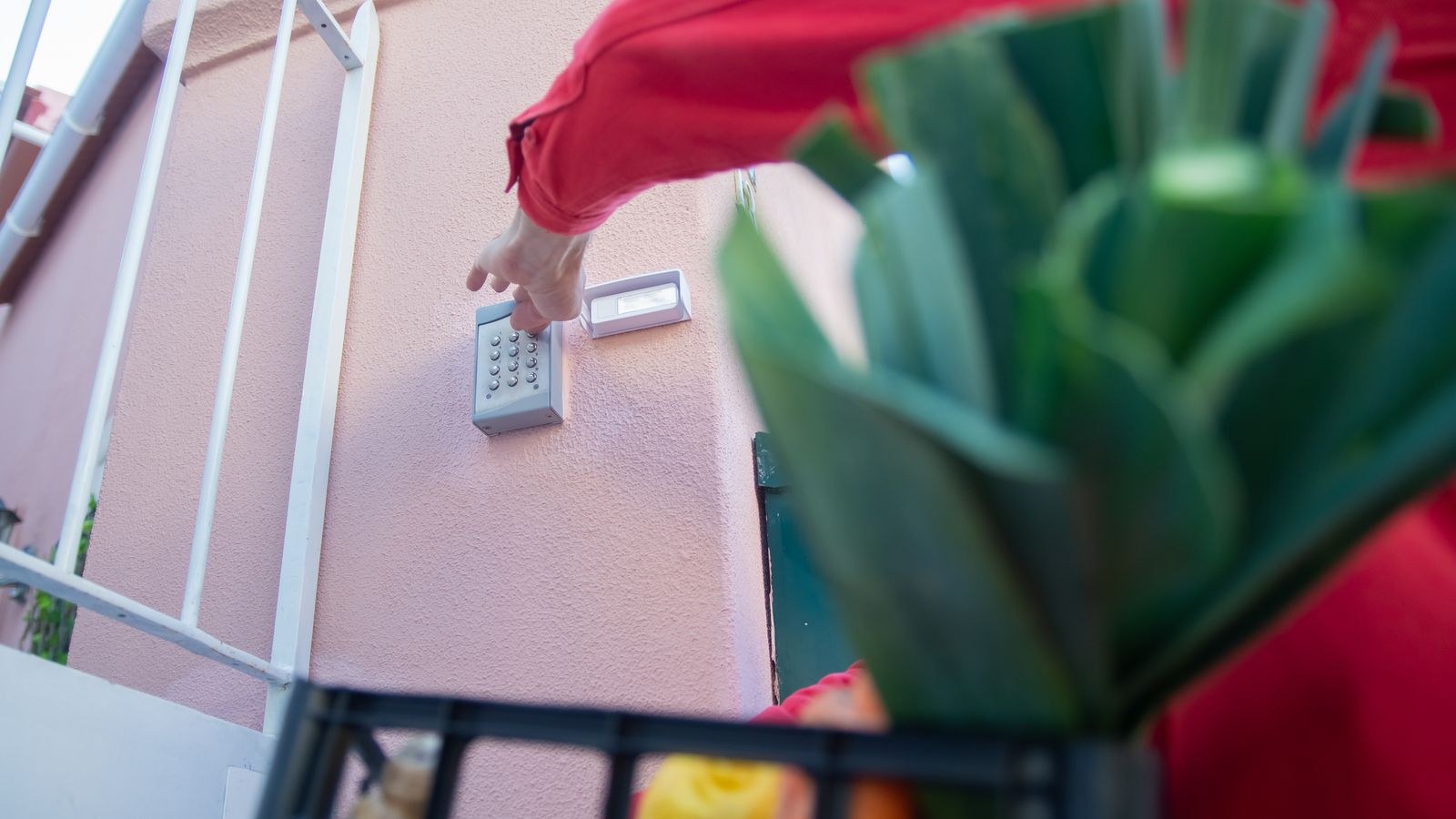
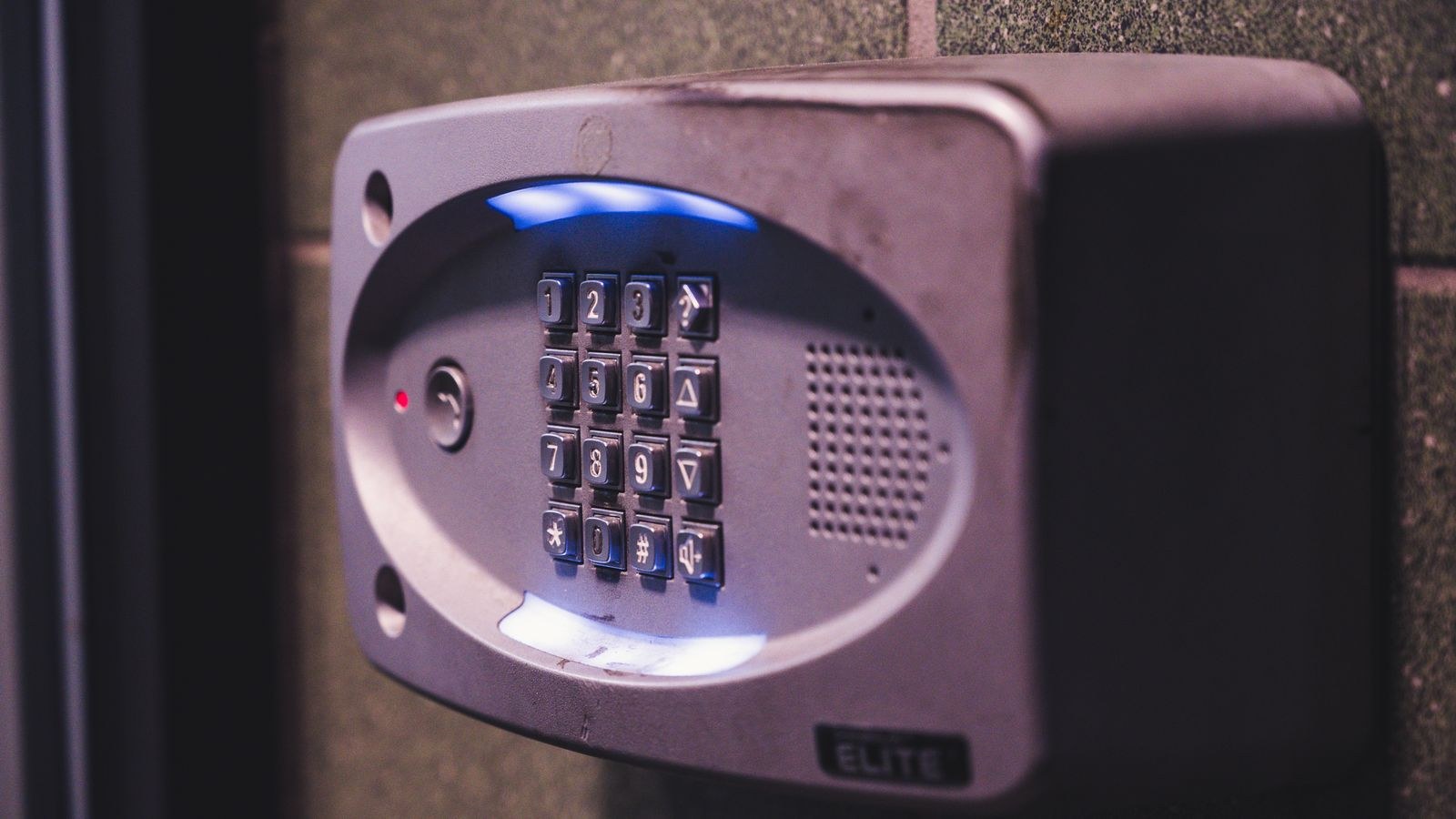
Standalone keypad deadbolts store codes on the lock itself. The usual procedure is to press a program button on the interior body, enter the master code, press a key that selects the add-user function, type the new code, and confirm. The lock signals success with a beep or a light. Because there is no app, you must keep a written record of which code belongs to whom, stored somewhere other than beside the door. If you are comparing standalone units, our overview of the best keypads and the best digital door locks explains how code capacity and programming differ across designs.
Temporary and Scheduled Access for Guests
Temporary codes are where a smart lock earns its keep. Three options cover almost every situation.
- Time-limited codes work between a start and end date you choose, then stop functioning automatically. Ideal for house guests, holiday cover, and contractors on a fixed job.
- Recurring schedules allow entry only during set windows, such as Tuesdays and Fridays from 9am to noon. Perfect for cleaners and regular helpers, because access outside those hours simply fails.
- One-time codes work for a single entry and then delete themselves. Useful for deliveries and viewings where you want no lingering credential at all.
Set expiry dates generously but not indefinitely. A code that ends the evening a guest leaves is tidy; one that ends at the exact minute their taxi was booked strands them on the doorstep if the flight moves. When in doubt, add a day and delete it manually.
Reading the Entry Log Usefully
The log records which credential was used and when, and on most locks it also distinguishes between a keypad entry, an app command, an auto-lock event, and a manual turn from inside. Learning to read those distinctions turns a list into information.
Look for a few specific patterns. Repeated failed attempts in a short window suggest someone guessing, and most locks respond by temporarily disabling the keypad, which is worth confirming is enabled. An unexpected “unlocked by app” event means someone with account access acted remotely, so check who is on the account. Long gaps where a code that should be used daily shows nothing often mean the household has quietly reverted to leaving the door unlocked.
Be transparent about the log with everyone who has a code, especially teenagers. Access history is far less contentious when it is disclosed up front as a household safety feature than when it surfaces during an argument.
Housekeeping That Keeps the System Trustworthy
An access list only stays useful if you maintain it. Put a recurring reminder in your calendar twice a year and run through this short routine.
- Open the user list and delete anyone who no longer needs access, including finished contractors and expired guests.
- Rotate any code that was shared verbally in a public place or written down.
- Confirm every remaining entry has a real name attached and no duplicates exist.
- Review who has administrator rights on the account, not just who has a keypad code. App access is the more powerful credential.
- Check battery level and firmware while you are in the app, since a lock that dies takes every code with it until power is restored.
Rotate household codes after any significant change: a move, a breakup, a lost phone, or a contractor you had doubts about. Changing one person’s code costs nothing and disturbs nobody else, which is exactly the advantage individual codes were meant to deliver.
Common Mistakes to Avoid
- Naming users generically. “Guest 1” tells you nothing six months later. Names are the whole point of the log.
- Reusing a code you deleted. Anyone who memorised it still knows it, and the log will now credit their entry to someone new.
- Sending codes over open group chats. Send them directly, and prefer the app’s built-in sharing where available.
- Forgetting to remove an old code after a schedule ends. Some locks disable rather than delete expired codes, leaving them one toggle away from working again.
- Giving everyone administrator access. Most family members need a code, not the ability to create and delete codes for others.
- Skipping the door test. A code that did not sync fails at the worst possible moment.
Frequently Asked Questions
How many codes can a smart lock store?
It varies widely. Simple keypad deadbolts often hold 20 to 30, while connected models commonly support hundreds. Check the specification before planning access for a large household.
Can I give a code to someone without giving them app access?
Yes, and you usually should. A keypad code lets someone in. App access lets them manage the lock and see the log. Keep those separate unless the person is genuinely a co-administrator.
Do temporary codes still work if the lock loses internet?
Codes already synced to the lock keep working offline, but new codes and edits will not apply until the lock reconnects. Always create guest codes in advance rather than while the visitor is waiting outside.
Should each child have their own code?
Yes, once they are old enough to use it reliably. Individual codes let you see who arrived home and when, and let you change one child’s code without disrupting the rest of the family.
What if I forget the master or administrator code?
Most locks require a factory reset to recover, which wipes every stored code. Keep the master code somewhere safe and separate from the door. For step-by-step programming detail on a standalone unit, see our guide to programming smart deadbolt codes.
Final Thoughts
Individual codes take a little longer to set up and repay that time every week afterwards. Plan the list before you touch the keypad, use real names, match the access type to how each person actually visits, and test every code at the door before you hand it over. Then keep the list clean with a twice-yearly review. Done that way, a keypad stops being a convenient way to skip your keys and becomes a genuine record of who comes and goes. If you are still choosing hardware, the roundup of the best smart locks for home use compares the code management features that matter most.