
 Owen Bradley
 Streaming your gameplay to an audience adds a whole workload on top of running the game itself, and how you handle that extra load defines your setup. The central question every streamer eventually faces is whether to do everything on one machine or split the job across two. A single-PC setup is simpler and cheaper; a dual-PC setup isolates the streaming workload so your game never takes a hit. Between those two poles sit encoder choices and the specific CPU, GPU and storage specs that keep both your gameplay and your broadcast smooth. This guide compares the two approaches and lays out the hardware that makes each one work, so you can build a stream that looks professional without stuttering your game.
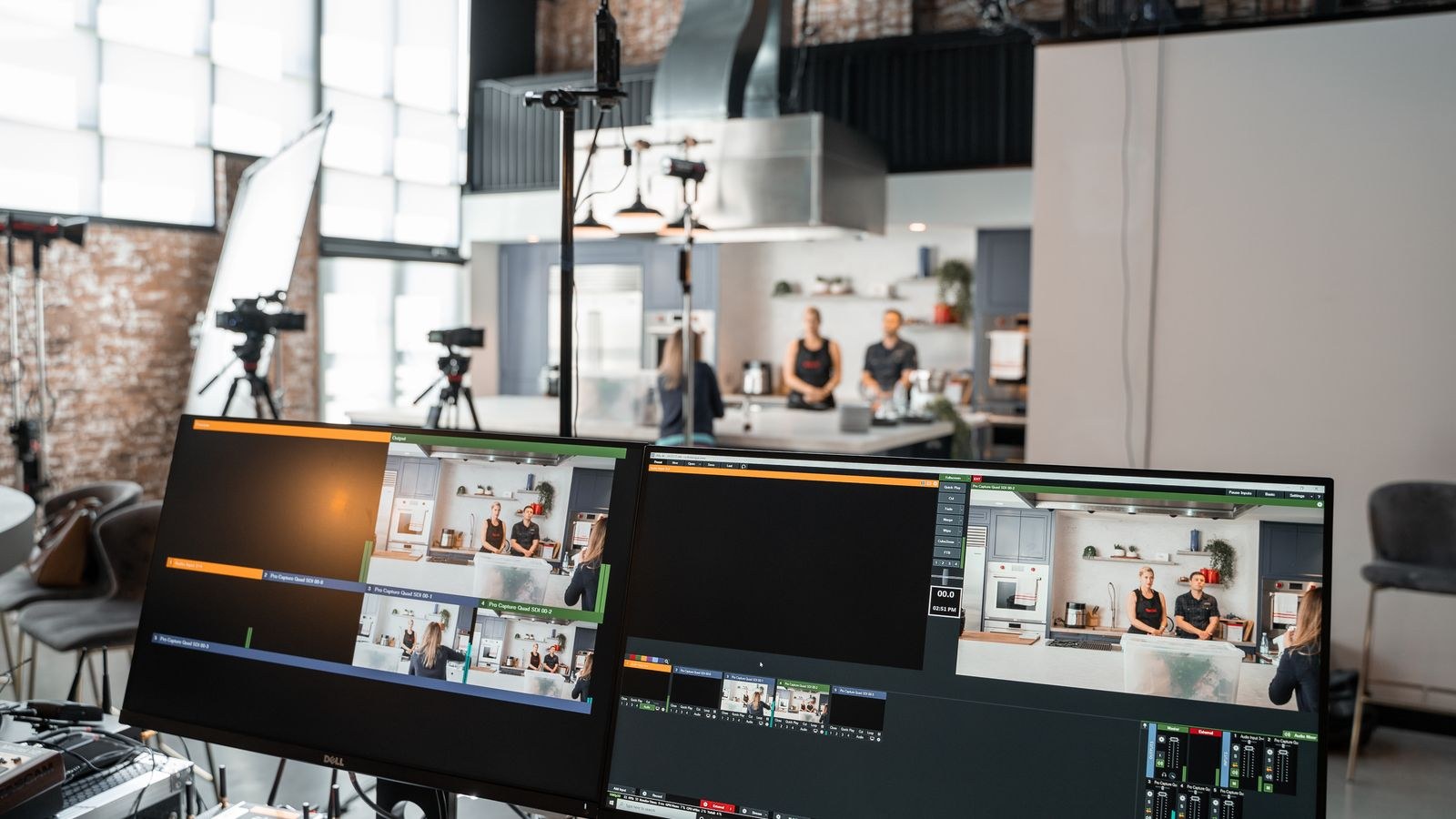
Single-PC vs Dual-PC: The Core Trade-off
A single-PC setup does exactly what it sounds like: one machine runs the game and encodes the stream at the same time. It is cheaper, simpler to set up, and takes up less space. The downside is that encoding steals resources from the same components running your game, which can lower your in-game frame rate or introduce dropped frames on the stream if the machine is pushed too hard. Modern hardware has made single-PC streaming far more viable than it once was, but there is still a ceiling.
A dual-PC setup dedicates one machine to gaming and a second to capturing and encoding the stream. The gaming PC does nothing but run the game, so its performance is untouched, while the streaming PC handles encoding, overlays, alerts and chat. This isolation delivers the smoothest possible experience for both game and broadcast, at the cost of more money, more space and a more complex setup involving a capture card. The right choice depends on your budget, how demanding your games are, and how seriously you take stream quality.
Which Setup Is Right for You?
- Single-PC: Best for most streamers, especially those starting out or on a budget, when paired with a capable modern processor and a GPU encoder.
- Dual-PC: Best for established streamers running demanding games at high settings who want zero compromise on either gameplay or broadcast quality.
Encoder Choices: Hardware vs Software
The encoder is what compresses your gameplay into a stream, and your choice here shapes the whole setup. Software encoding uses the CPU and can produce excellent image quality, but it is demanding and competes directly with your game for processor resources, which makes it a poor fit for single-PC gaming rigs under heavy load. Hardware encoding uses the dedicated media engine built into modern graphics cards, offloading the work from the CPU with a minimal performance hit and image quality that has become very good.
For most single-PC streamers, a modern GPU hardware encoder is the clear choice because it barely touches your gaming performance. Dual-PC setups have more freedom to use CPU-based software encoding on the dedicated streaming machine, since that machine is not also running the game. Matching the encoder to your setup is one of the most important decisions you will make, and it drives your hardware priorities.
CPU: Headroom for Game and Stream
On a single-PC setup, the processor is doing double duty, running the game logic and, depending on your encoder, potentially handling stream tasks too. A higher core count gives you the headroom to run both without either one starving. Even when you offload encoding to the GPU, extra cores help the system juggle the game, capture software, overlays and background applications smoothly. This is why streamers benefit from more cores than a pure gaming build would need.
For dual-PC setups, the gaming machine can prioritize gaming performance while the streaming machine’s processor handles encoding and production. If you use CPU software encoding on the streaming PC, a strong multi-core chip there pays off. To pick a processor with the right balance of cores and speed for your streaming approach, compare the best CPUs for streaming against the games you plan to run.

GPU: Gaming Power and the Encoder
The graphics card carries two responsibilities for streamers. First, it drives your game at the frame rate and resolution you want. Second, its built-in hardware encoder handles the stream in most single-PC setups. That dual role makes the GPU arguably the most important single component in a streaming build, since a weak card compromises both your gameplay and your broadcast quality at once.
A card with a strong, up-to-date media engine encodes your stream with minimal impact on gaming performance, letting you play at high settings while broadcasting cleanly. For demanding games at high resolutions, you want enough raw power that giving up a small slice to encoding still leaves plenty for smooth gameplay. Review the best GPUs for streaming and prioritize models with a modern encoder alongside the gaming performance you need.
Motherboard and Connectivity
The motherboard matters more for streamers than casual gamers because a streaming setup connects a lot of devices. Microphones, capture cards, audio interfaces, cameras and multiple storage drives all need connectivity, and dual-PC setups add a capture card into the mix. A board with ample USB ports, expansion slots and solid networking keeps everything connected and stable during long broadcasts.
Reliable networking deserves special attention, since a stream depends on a steady connection to reach your audience. Quality onboard networking and good power delivery for sustained loads make a real difference over hours-long sessions. To build a foundation that handles all your streaming peripherals and stays stable under load, compare the best motherboards for streaming with an eye toward connectivity and reliability.
Storage: Fast Access for Games and Recordings
Storage is easy to overlook, but it plays a real role in a streaming setup. Games load faster from a fast solid-state drive, reducing dead air while you wait between matches. More importantly, if you record your streams locally for later editing or clips, you need fast storage with enough capacity to hold large video files without filling up mid-session. Recording high-bitrate footage generates a lot of data quickly.
A sensible layout uses a fast NVMe SSD for your operating system and active games, with a separate high-capacity drive for storing recordings and archived content. Keeping recordings off your system drive prevents write-heavy capture from interfering with game performance. To size and speed your storage for both gaming and local recording, look at the best SSDs for streaming and favor sustained write performance for recording duties.
Tuning and Optimization
Hardware is only half the battle; how you configure your setup determines how well it performs. Bitrate, resolution, encoder presets and scene complexity all affect both stream quality and system load, and dialing them in for your specific hardware and internet connection is essential. A well-tuned single-PC setup can outperform a poorly configured dual-PC one, so it pays to invest time in your settings. For a deeper walkthrough of settings and workflow adjustments, see this guide on how to optimize your PC setup for live streaming and refine your configuration once the hardware is in place.
Quick Optimization Priorities
- Choose the encoder that fits your setup, GPU hardware encoding for most single-PC rigs.
- Set a bitrate your internet upload speed can sustain reliably.
- Match your stream resolution and frame rate to your hardware’s headroom.
- Record locally to a separate drive to protect game performance.
Frequently Asked Questions
Do I need two PCs to stream well?
No. Most streamers do very well on a single capable PC using a modern GPU hardware encoder, which barely affects gaming performance. A second PC becomes worthwhile mainly for established streamers running demanding games who want zero compromise on either gameplay or broadcast.
Is GPU or CPU encoding better for streaming?
For single-PC setups, GPU hardware encoding is usually better because it offloads the work from your processor with minimal performance impact and strong image quality. CPU software encoding can look excellent but competes with your game, making it better suited to a dedicated streaming machine.
How much internet speed do I need to stream?
Upload speed is what matters, and it must comfortably exceed your chosen bitrate with room to spare for stability. A reliable, consistent connection matters more than a high peak speed, since dropped frames come from instability as much as from low bandwidth.
Do I need a capture card for a single-PC setup?
No. Capture cards are primarily used in dual-PC setups to send the gaming PC’s output to the streaming PC. On a single-PC setup, your streaming software captures the game directly, so a capture card is unnecessary unless you are bringing in an external console or camera.
Final Thoughts
Building a streaming PC in 2026 comes down to matching your ambition to your budget. Most creators are best served by a well-specced single-PC setup with a modern GPU encoder, enough CPU cores for headroom, and fast tiered storage for games and recordings. Serious streamers running demanding titles can graduate to a dual-PC rig that isolates the broadcast entirely. Whichever path you choose, get the encoder, processor, graphics card and storage aligned with your goals, spend a little time tuning your settings, and your audience will see a smooth, professional stream while your game stays every bit as playable as it should be.










