Owen Bradley
 Renting used to mean giving up on home automation entirely. Every good guide seemed to assume you owned the walls, the wiring, and the front door, and that you were happy to drill into all three. That is no longer true. A modern smart home for renters can cover lighting, security, climate, entertainment, and even door locks without a single new hole, without touching the breaker panel, and without a conversation with your landlord that ends badly. The trick is choosing devices that live in outlets, sit on surfaces, or clip over existing hardware rather than replacing it. This guide walks through what actually works in a rental, what to avoid, and how to pack the whole system into a box on moving day and rebuild it somewhere else in an afternoon.
The Golden Rule: Nothing Permanent, Nothing Missed
Before you buy anything, adopt a single filter: if removing the device would leave visible damage or a non-functioning fixture, it does not belong in a rental. That one rule eliminates most of the decisions people agonize over. Hardwired switches, in-wall dimmers, replacement thermostats with new wiring, and doorbells that require running low-voltage cable all fail the test unless your lease explicitly permits them.
The second half of the rule matters just as much: keep every original part. Bulbs, switch plates, thermostat covers, deadbolt thumb turns, and mounting screws all go in a labeled bag in a closet the day you swap them out. Deposits are lost far more often over missing hardware than over the modification itself. A five dollar zip bag protects a deposit that may run well over a thousand dollars.
Finally, read your lease for language about alterations, cameras, and network equipment. Most standard leases say nothing about smart devices, which is generally good news, but a few explicitly ban door hardware changes or exterior-facing cameras. Knowing this up front saves you from buying gear you cannot use.
Start With Smart Plugs: The Renter’s Swiss Army Knife
If you buy one category first, make it plugs. A smart plug turns any device with a physical on-off switch into a scheduled, voice-controlled, remotely monitored appliance. Lamps, fans, coffee makers, space heaters, holiday lights, aquarium pumps, and window air conditioners all become automatable for the price of a takeout meal. Nothing is modified, nothing is installed, and removal takes one second.
Look for a compact body that does not block the second outlet in a duplex receptacle, since rentals rarely have outlets to spare. Energy monitoring is worth the small premium if you pay your own electricity, because it shows exactly which old appliance is quietly draining your budget. If you plan to control anything with a heating element, check the amperage rating carefully rather than assuming every plug handles a 1500W heater. Browsing the current field of best smart plugs is the fastest way to see which models stay slim enough for crowded outlet strips.
Where Plugs Beat Everything Else
Plugs are the answer to a surprising number of renter problems. No overhead light in the bedroom? Two lamps on plugs, both triggered by one routine, beats any ceiling fixture you cannot install. Landlord-supplied window AC with a dumb dial? A plug plus a schedule gets you most of the benefit of a smart thermostat. Worried about leaving a curling iron on? A plug with a countdown timer solves it permanently.
Lighting Without Touching a Single Fixture
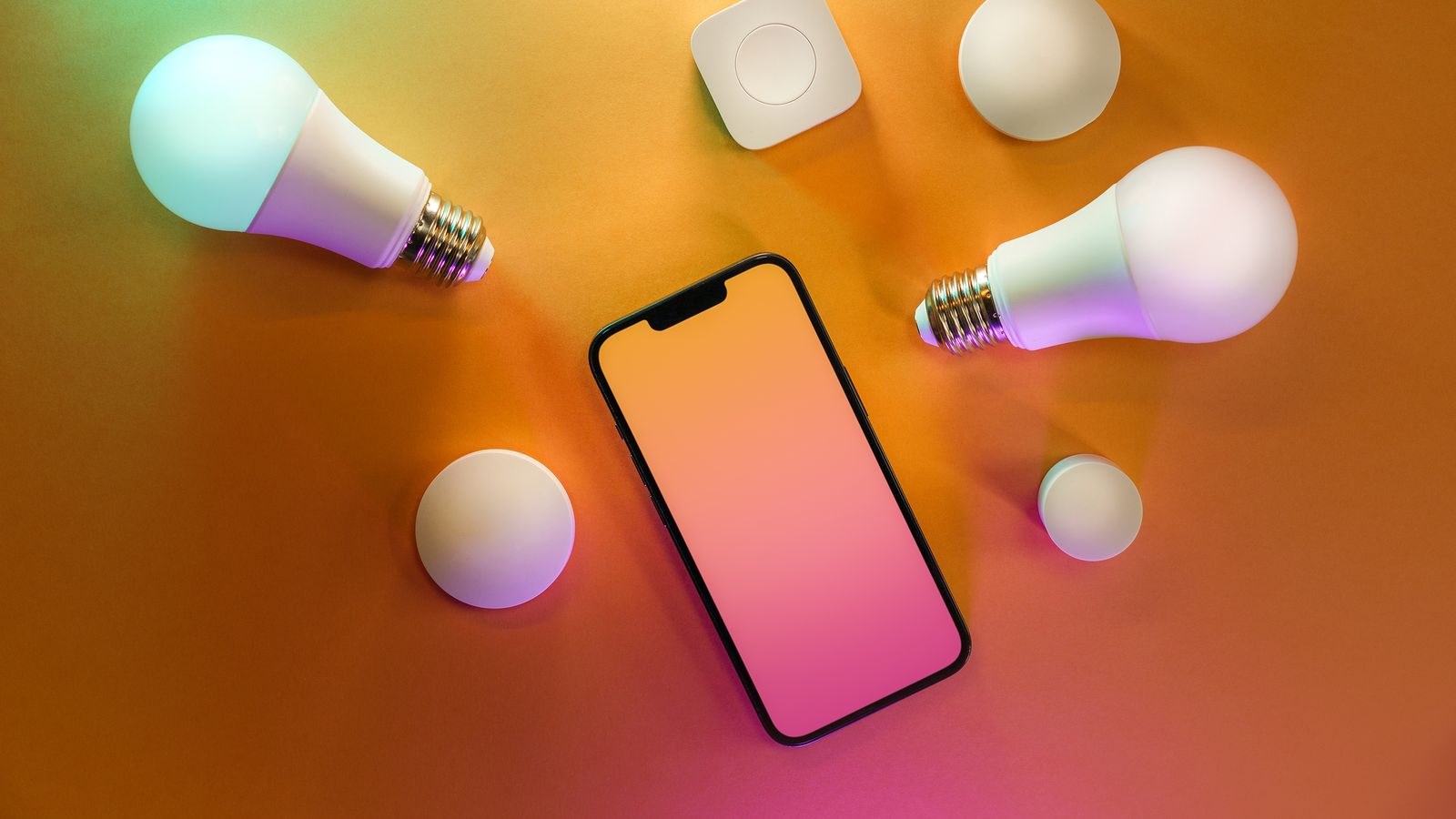
Smart bulbs are the second pillar, and they are the purest renter product ever made. You unscrew the existing bulb, screw in the new one, and the fixture is untouched. Tunable white bulbs let you run cool bright light during the day and warm dim light at night, which is a genuine quality-of-life upgrade in apartments with harsh builder-grade fixtures. Color bulbs are fun but optional; most people use two or three presets and ignore the rest. Compare the field of best smart bulbs and pay attention to the brightness figure in lumens, not just the wattage equivalent.
The one catch is the wall switch. If someone flips it off, the bulb loses power and stops responding to commands. The permanent fix in an owned home is a smart switch; in a rental, the fix is a battery-powered wireless remote that sticks over or beside the existing switch with removable adhesive. It looks like a light switch, feels like a light switch, and sends a wireless command instead of cutting power. Guests use it without instructions. A quick look at the best wireless light switches shows how many form factors now exist, from single paddles to four-button scene controllers.
Door Locks You Can Legally Install
Locks feel like the forbidden category, but retrofit designs changed that. Instead of replacing the whole deadbolt, a retrofit smart lock mounts on the interior side and turns the existing thumb turn for you. The exterior is completely unchanged, the original key still works, and the landlord’s master key still works. Installation is two or three screws into the existing mounting holes, and reversal takes five minutes.
That said, ask first. Many landlords approve retrofit locks precisely because nothing about the door or the keyway changes, but doing it unannounced in a building with maintenance access can cause real friction. If you want keypad entry on the exterior, that requires a full replacement, which means keeping the original lock and reinstalling it before you leave. Review the tradeoffs across the best smart locks before committing, and prioritize models with a physical key override so a dead battery never locks you out of your own apartment.
Security and Sensors Without Drilling
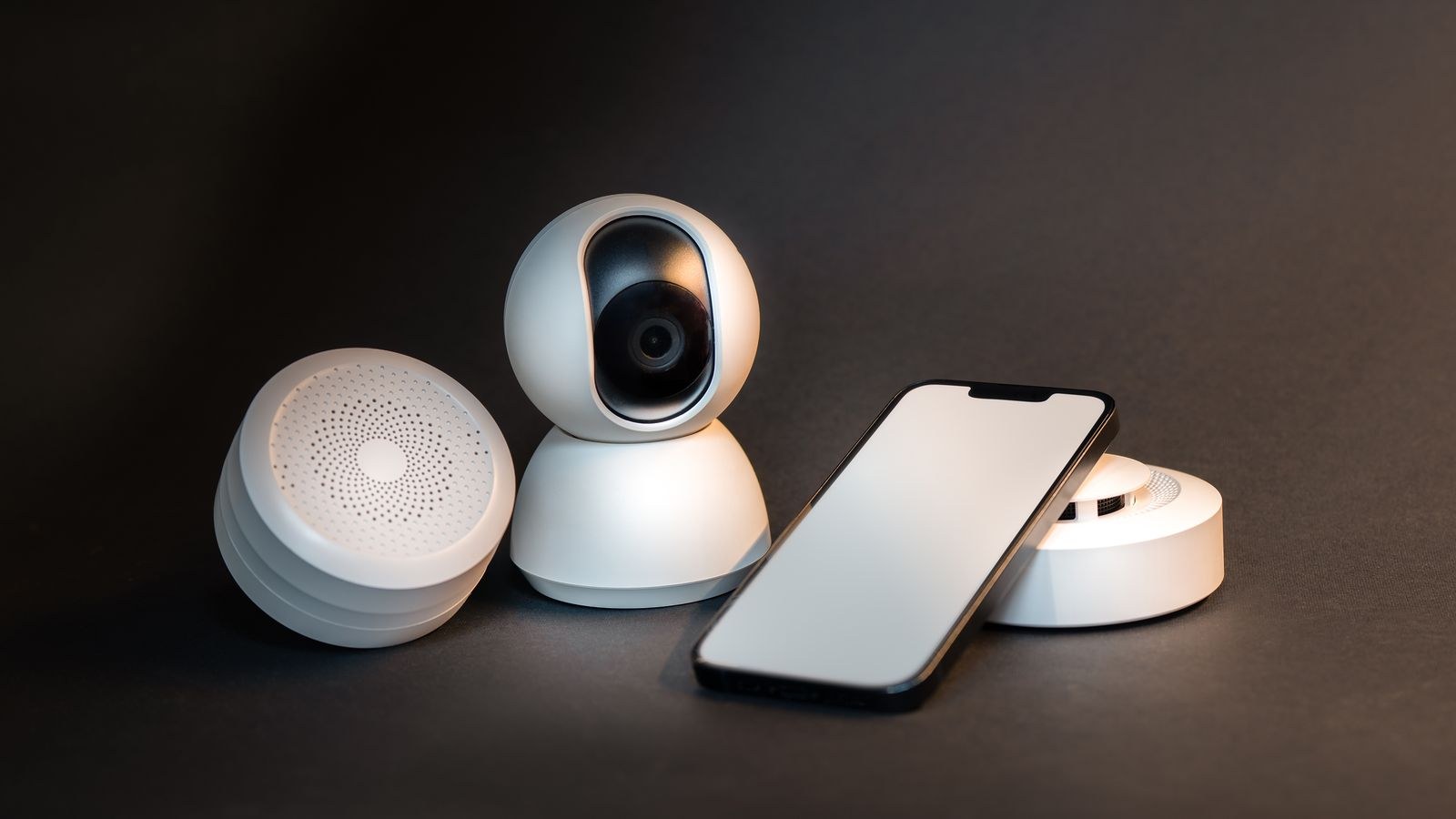
Renters can build a surprisingly complete security layer using adhesive and gravity alone. Contact sensors stick to doors and windows with foam tape. Motion sensors sit on bookshelves or corner mounts. Indoor cameras stand on furniture. Water leak sensors drop under the sink and behind the toilet, where they are arguably more valuable to a renter than anyone, since a slow leak you did not cause can still turn into a dispute about who pays for the floor.
For exterior coverage, battery video doorbells that mount with adhesive plates or clamp onto existing peepholes let you see visitors without wiring. Be careful about pointing cameras into shared hallways, which some buildings prohibit and which can create genuine privacy complaints from neighbors. Angle exterior cameras down at your own doorway rather than across a corridor.
The Adhesive Question
Use removable mounting strips rated well above the device weight, and clean the surface with alcohol first. On painted drywall, pull the tab slowly and straight down; yanking outward is what tears paint. Avoid adhesive entirely on textured wallpaper, freshly painted surfaces less than a month old, and any wall you suspect has been painted over glossy trim paint.
Climate Control in a Rental
Thermostat replacement is usually off the table, but you have options. Smart AC controllers replicate any remote-controlled unit’s infrared signals, giving scheduling and phone control to a window or mini-split unit without touching it. Smart plugs handle fans, space heaters, and older AC units with mechanical switches. Radiator valve controllers work in older buildings with steam or hot water heat, and they screw onto existing valve stems.
If your unit has a standard wall thermostat and your lease allows it, a replacement is genuinely simple in most cases, but keep the original in the closet and photograph the wiring before you disconnect anything. That photo is the single most valuable thing you can do for your future self on move-out day.
Choosing a Platform That Travels With You
Rentals change, so pick an ecosystem rather than a pile of unrelated apps. The practical decision is which voice assistant you want to talk to, since that determines which speakers and displays make sense. Beyond that, look for devices supporting a common interoperability standard so a future move, roommate, or platform switch does not orphan your hardware.
Avoid anything that requires a professionally installed hub or a proprietary wired backbone. Bundles designed as complete starter systems are often the cheapest path in, and comparing best smart home kits against buying piecemeal frequently shows a meaningful discount for the same devices. If you are entirely new to automation, the broader smart home starter guide covers how hubs, protocols, and routines fit together before you spend anything.
A Practical Buying Order
- Two or three smart plugs for lamps and the coffee maker. Immediate payoff, zero risk.
- Smart bulbs in the rooms with bad overhead lighting, plus a wireless switch so the wall control still works.
- A speaker or display for voice control, timers, and as the hub for simple routines.
- Leak and contact sensors under sinks and on entry doors. Cheap insurance against expensive disputes.
- A retrofit lock or video doorbell once you have confirmed your lease and landlord are fine with it.
- Climate control last, since it is the most building-dependent and the least portable.
Mistakes Renters Make
The most common one is buying hardwired gear on sale and assuming it can be installed anyway. In-wall switches and dimmers frequently require a neutral wire that older rental buildings lack, and the install is a lease violation in many cases regardless. The second mistake is throwing away original bulbs and hardware, which turns a reversible upgrade into a deduction. The third is over-automating: routines that fire in ways roommates or partners cannot override create daily friction, so always leave a manual control path.
A quieter mistake is ignoring the router. Cheap devices load a network with dozens of always-connected clients, and landlord-supplied internet equipment often struggles past twenty or thirty devices. If lights start responding slowly, the network is usually the culprit rather than the bulbs.
Packing It All Up on Move-Out Day
Give yourself two hours. Unscrew bulbs and reinstall the originals. Peel adhesive mounts slowly with a hair dryer warming the strip for ten seconds first. Reinstall the original lock hardware and test the key. Photograph every wall where something was mounted. Then factory reset every device before it goes in the box, because a device still bound to an old network is a frustrating puzzle at the new place. Keep the original packaging for anything with an odd shape; it saves the sensors from getting crushed.
Reassembly at the new apartment is mostly a naming exercise. Set up the hub or speaker first, then add devices room by room with clear names, then rebuild routines last. Most renters find the second setup takes a third of the time of the first.
Frequently Asked Questions
Do I need permission for smart bulbs and plugs?
No. Neither modifies the property in any way. They are treated exactly like any lamp or appliance you bring with you.
Can my landlord make me remove a smart lock?
They can require that the door hardware match the lease terms, which usually means their key must work. Retrofit locks satisfy that easily; full replacements may not. Ask before installing, and keep the original lock.
Will smart devices raise my electricity bill?
Barely. A smart plug or bulb draws a fraction of a watt in standby. In practice most people save money, because scheduling and energy monitoring reveal appliances that were running far longer than necessary.
What happens to my automations if the internet goes out?
It depends on the protocol. Devices that route through a local hub often keep working; purely cloud-dependent devices stop responding to app and voice control but still work from their physical switch. This is one more reason to keep manual controls in place.
Is it worth buying a kit or individual devices?
Kits usually win on price for the first purchase and guarantee compatibility. Once you know which ecosystem you like, buying individual devices lets you match each room’s real needs rather than accepting whatever the bundle included.
Final Thoughts
A rental is not a limitation on home automation so much as a design constraint, and it is a healthy one. Forcing yourself to choose reversible, portable devices produces a system that is cheaper, easier to troubleshoot, and genuinely yours rather than attached to a building you will leave. Start with plugs and bulbs, add a voice assistant and a handful of sensors, and only then consider locks or climate hardware. Do that and by the time your lease is up in 2026, you will have a smart home that fits in two boxes and reassembles in an afternoon, with your deposit fully intact.