
 Owen Bradley
 Every reliable home network eventually runs into the same wall: wireless can only do so much, and pulling new ethernet through an existing house is expensive, disruptive or simply impossible in a rental. That is the exact gap MoCA and powerline adapters fill. Both turn cabling you already own into a network link, one using the coaxial cable installed for television and the other using the mains electrical wiring. They look similar on a shelf and are marketed almost identically, yet they behave very differently in practice. This MoCA vs powerline guide compares real throughput, latency, wiring requirements and reliability so you can pick the right wired backhaul for an older home instead of buying twice.
What Each Technology Actually Does
Both systems work in pairs and both are transparent to your devices. You plug one adapter near the router, connect it with a short ethernet patch lead, then plug a second adapter in the distant room where it presents an ethernet port. Everything downstream simply sees a network connection.
The difference is the medium. MoCA sends data over the coaxial cable already run to your television points, using frequencies well above those used by cable television or satellite so both can share the same wire. Powerline sends data over the mains wiring, modulating a signal onto circuits that were designed to carry nothing but 50 or 60 hertz electricity. That distinction explains almost every practical difference that follows: coax is a shielded, controlled-impedance cable purpose-built to carry radio frequency signals, while household electrical wiring is an unshielded, electrically noisy environment full of branches, junctions and appliances.
Real-World Throughput
Marketing figures on both product categories are theoretical maximums that combine both directions of travel and assume laboratory conditions. Treat them as ceilings you will never reach.
MoCA is the more predictable of the two. A current-generation MoCA link commonly delivers close to gigabit-class actual throughput between two points in a typical house, and the number barely moves whether the adapters are in adjacent rooms or at opposite ends of the building. The newest generation pushes considerably higher again, though few home users will saturate it.
Powerline is far more variable. In a modern house with short runs on a single circuit, a good pair can deliver a few hundred megabits per second, which is more than enough for streaming, gaming and general work. In an older property with long runs, several circuits and old cabling, the same adapters can drop to a small fraction of that. Some installations deliver excellent results and some are barely faster than the weak Wi-Fi they were meant to replace, and there is no reliable way to predict which you have without testing. If solid wired speed to a specific room is your goal, pairing a strong link with the right hardware at each end matters; browsing the best ethernet routers is a sensible way to make sure the router is not the bottleneck.
Latency and Jitter
For gaming and video calls, consistency matters more than peak speed. MoCA typically adds only a few milliseconds and holds that figure steadily, because the coax path is clean and interference-free. Powerline latency is usually acceptable but noticeably less stable, and it can spike when a motor-driven appliance such as a fridge compressor, vacuum cleaner or power tool switches on and injects noise onto the circuit. If a link needs to be dependable during a competitive match or a client call, this difference alone often decides the choice.
What Your House Needs to Support Each One
MoCA has one hard prerequisite: coaxial cable running to the rooms you care about, connected to a common splitter tree. Homes wired for cable television or satellite usually have exactly that, sometimes with unused outlets sitting behind furniture. You also need to check the splitters. A splitter must pass the frequency band MoCA uses, and older or cheaper splitters often do not, so an inexpensive replacement rated for the higher band is a common part of installation. If your service arrives over coax from a provider, you should also fit a point-of-entry filter, which keeps your MoCA signal inside your house and stops it leaking onto the shared network.
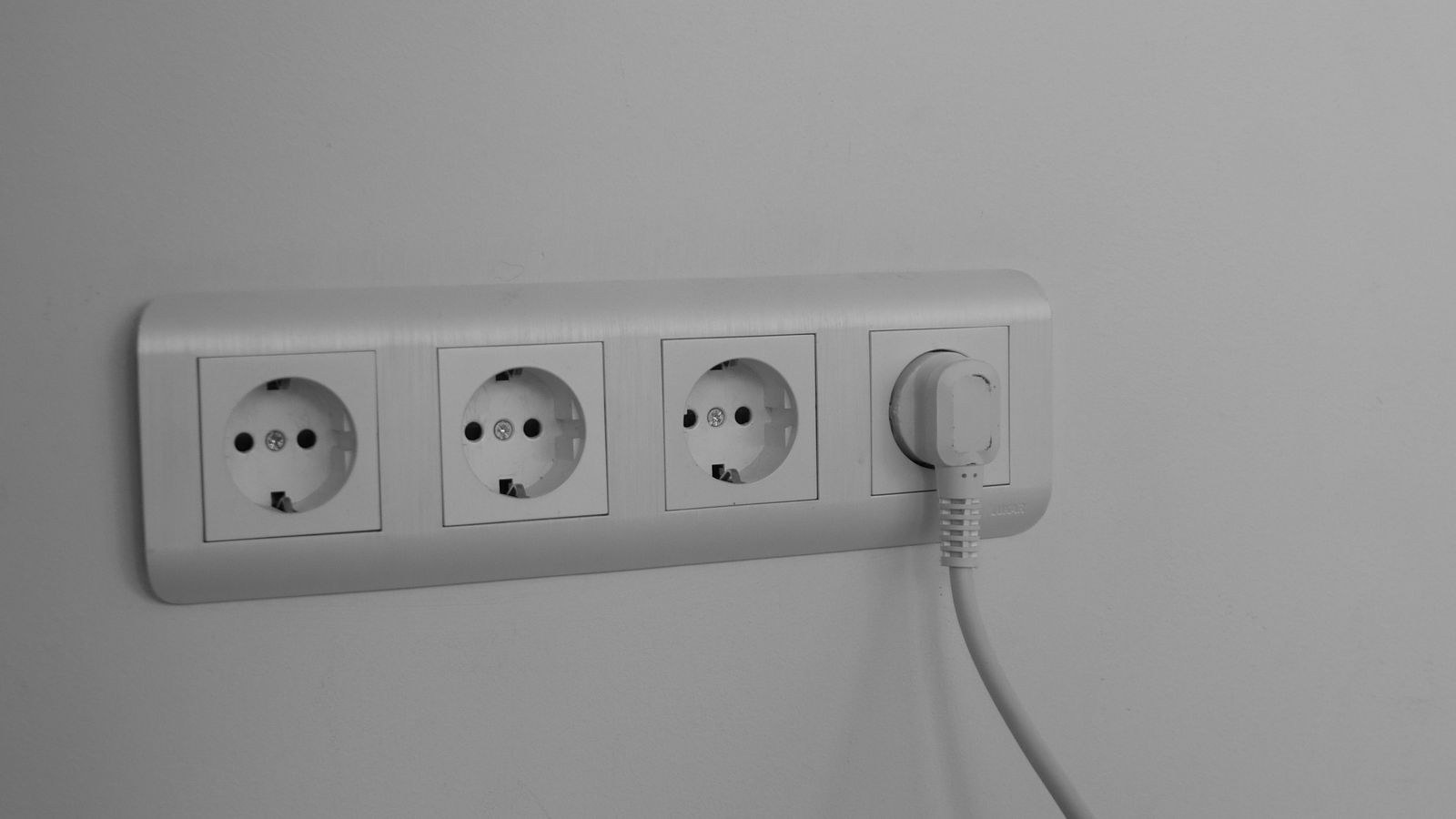
Powerline needs only electrical sockets, which every room has, and that convenience is its main advantage. But the wiring must all trace back to the same consumer unit, ideally on the same circuit. Adapters on separate circuits typically still connect but at greatly reduced speed, and adapters on genuinely separate supplies will not connect at all. Never plug a powerline adapter into an extension lead or a surge-protected strip; the filtering inside is designed to remove exactly the kind of high-frequency signal the adapter is trying to send. Use the wall socket directly, every time.
Reliability and Interference
Coaxial cable is shielded, which is the whole point of its construction, so a MoCA link is largely immune to the electrical noise generated inside a house. Once it works, it tends to keep working at the same speed for years without attention. The failure modes are structural rather than intermittent: a splitter that blocks the band, an amplifier in the path that does not pass MoCA, or a break in a run.
Powerline is the opposite. It generally installs in two minutes and then behaves inconsistently over time as the electrical environment changes around it. Adding an LED lighting driver, a phone charger with a cheap switching supply, or a new appliance on the same circuit can measurably reduce throughput. This is not a fault in the adapters, it is a consequence of using a medium never designed to carry data. Plenty of people run powerline happily for years; plenty of others chase a mysterious slowdown that turns out to be a new device three rooms away.
Security Considerations
Both technologies encrypt traffic, but you should confirm it is enabled. Powerline adapters ship paired to each other with a default key, and pressing the pair button on both units generates a private one. This matters more than people expect in flats and terraced houses, where electrical wiring can be shared closely enough for a neighbour’s adapters to see yours. MoCA has the same consideration on shared coax, which is why the point-of-entry filter is genuinely important rather than optional. Set a custom password or key on whichever system you choose during setup.
Cost and Value
Powerline pairs are usually the cheaper entry point, and the gap widens if you buy a basic pair rather than a high-throughput model. MoCA adapters cost more per pair, and you may need to add a splitter or a filter, so the total installed cost is higher.
Value depends on how much you rely on the link. For an occasional connection to a smart TV that streams video, powerline is often perfectly adequate and the saving is real. For a home office, a NAS, a games console or anything where a stall is genuinely disruptive, MoCA’s consistency justifies the extra outlay comfortably. Consider too what sits at each end: if you are feeding several devices in the far room, a small switch there costs very little and makes better use of the link, and our guide to the best switches covers what to look for in a compact unit.
Which One Should You Choose?
- You have coax outlets in the right rooms: choose MoCA. It is faster, steadier and far less sensitive to what else is plugged in.
- You have no coax, or none where you need it: choose powerline. It is the only option that works with sockets alone.
- You are gaming competitively or working on video calls: choose MoCA for the stable latency.
- You need a cheap link to a streaming box: powerline is usually sufficient and considerably cheaper.
- You rent and cannot alter anything: either works, since both are entirely reversible, but powerline needs no splitter changes.
- You can run even one new ethernet cable: do that instead. Neither technology beats a real cable.
- You only need better wireless coverage, not a wired port: neither. A well-placed unit from our list of the best internet extenders is cheaper and simpler for that job.
It is also worth remembering that the adapter is only the transport. Whatever you choose, the far end usually feeds either a wireless access point or a cluster of wired devices, and matching that hardware to your connection speed matters. If your setup revolves around a media server or shared storage, the requirements are higher than for casual browsing, and our roundup of the best routers for NAS explains which features actually affect file transfer performance.
Getting the Best From Either System
A few habits improve results substantially. Test before committing, using a large file transfer between two computers rather than an internet speed test, since the internet connection may be slower than the link and hide the true figure. Keep patch leads short and use a known-good cable at each end. On powerline, plug directly into the wall and avoid sockets shared with high-draw appliances. On MoCA, minimise the number of splitters in the path and replace any that do not pass the required band.
Update the firmware on both adapters when you install them, since early units of any model often shipped with performance problems that were later fixed. Finally, label the adapters. A powerline unit tucked behind a sofa looks exactly like a charger and gets unplugged by well-meaning visitors more often than you would believe.
Common Mistakes to Avoid
- Believing the box speed. Both categories quote aggregate theoretical maximums that no home installation reaches.
- Using a surge strip with powerline. The filtering kills the signal. Wall sockets only.
- Leaving an incompatible splitter in the coax path. One old splitter can stop MoCA working entirely.
- Skipping the point-of-entry filter. It protects both performance and privacy on shared coax.
- Buying before testing. Powerline performance is house-specific, so always purchase somewhere you can return it.
Frequently Asked Questions
Is MoCA always faster than powerline?
In almost every real installation, yes, and more importantly it is far more consistent. Powerline can occasionally match it on short runs with modern wiring, but it will rarely beat it and cannot match its stability.
Can MoCA and cable television share the same wire?
Yes. MoCA operates in a frequency band above the one used for television and broadband service, so both coexist on the same coax provided the splitters in the path pass the higher frequencies.
Do I need a special modem or router?
No. Both systems present a standard ethernet port and work with any router. Some cable modems and gateways include MoCA support built in, which saves you one adapter, so check before buying a pair. A combined modem router with MoCA on board is worth looking for if you are replacing that hardware anyway.
How many adapters can I add?
Both technologies support several nodes on the same medium, so you can add a third or fourth point later. Bear in mind that all nodes share the available bandwidth, so heavy simultaneous use across many points reduces the speed each one sees.
Will powerline interfere with my other equipment?
Powerline injects a signal onto your wiring and can, in rare cases, cause interference with sensitive radio equipment. It is uncommon in normal households but worth knowing if you have an amateur radio setup or high-end analogue audio gear.
Final Thoughts
If your house has coaxial outlets where you need network points, MoCA is the better wired backhaul in nearly every respect: faster, steadier, quieter on latency and largely indifferent to what else you plug in. Powerline earns its place when there is no coax to use, when the budget is tight, or when the link only has to feed a streaming device. Test whichever you choose with a real file transfer in the first week, keep the path as simple as possible, and remember that both are stand-ins for a cable rather than replacements for one. Get that decision right in 2026 and the rest of your network stops being a source of frustration.









