Owen Bradley
 Link aggregation is one of the most misunderstood features in home networking. The pitch sounds irresistible: bond two gigabit ports together and get a two-gigabit connection to your NAS. Then people set it up, copy a large video file, and watch the transfer sit stubbornly at the same 110 MB/s it managed before. Nothing is broken. Aggregation simply never promised what most people assumed it did. This article is link aggregation explained properly: how bonded links actually distribute traffic, why a single file will not go faster, and the specific NAS, switch and client setups where it delivers genuine benefit. If you are weighing it against a straight upgrade to faster ports in 2026, this will help you spend the money in the right place.

What Link Aggregation Actually Does
Link aggregation, also called bonding, teaming, LAG or LACP depending on the vendor, combines two or more physical Ethernet links into one logical link. The operating system and the switch both treat the bundle as a single interface with one address, and traffic is spread across the member ports.
The critical detail is how traffic is spread. It is not split packet by packet, because packets arriving out of order would wreck TCP performance. Instead the switch runs a hashing algorithm over fields in each packet, typically the source and destination MAC addresses, IP addresses, or port numbers. The hash result selects one member link, and every packet in that conversation then takes the same path. This guarantees ordering, and it is the reason for the limitation everyone runs into.
Why One File Will Not Go Faster
A single file copy from one client to one NAS is a single conversation. Same source address, same destination address, often a single TCP connection. The hash returns the same answer every time, so every packet travels down one physical link. That link is gigabit, so the transfer is gigabit, roughly 110 to 118 MB/s in practice. The second port sits idle, doing nothing, no matter how the bond is configured.
This is not a misconfiguration and no amount of tuning fixes it. Aggregation increases aggregate capacity, not the speed of any individual stream. Anyone promising otherwise is describing something aggregation does not do.
Where Aggregation Genuinely Helps
The benefit appears whenever there are several independent conversations at once, because different conversations hash to different links. Realistic examples include a NAS serving three or four family members simultaneously, a media server streaming to multiple televisions while a backup runs, a hypervisor host running virtual machines that each talk to different clients, or a NAS accepting a backup from one machine while serving files to another.
In those cases the second link carries real traffic and total throughput climbs meaningfully. The rule of thumb is straightforward: aggregation helps servers with many clients, not clients with one server. If your NAS mostly talks to a single workstation, bonding is the wrong tool.
The Redundancy Benefit Is Often the Better Reason
Even when throughput never improves, a bonded link keeps working when one cable, port or switch fails. For a NAS holding household backups or a home server running services other people depend on, that resilience alone can justify the setup. Some bonding modes exist purely for failover and do not attempt any load spreading at all, which is a perfectly sensible choice.
The Modes You Will Encounter
Naming varies, but the practical options come down to a handful:
- LACP (802.3ad) — the standards-based dynamic mode. Both ends negotiate the bundle. Requires a managed switch configured to match. This is the mode to use when you can.
- Static LAG — the same idea without negotiation. Both ends must be configured identically and there is no protection against a miswired port, so it is easier to break.
- Active-backup — one link carries everything, the other waits. No throughput gain, pure redundancy, and it works with any switch including unmanaged ones.
- Adaptive load balancing — a software-side mode that spreads outgoing traffic without needing switch support. Useful when a managed switch is not available, but less predictable.
Hash policy matters too. A layer 2 hash uses MAC addresses only, which means all traffic to devices beyond your router lands on one link. A layer 3+4 hash includes IP addresses and port numbers, which distributes far better because separate connections from the same client can take different paths. If your switch offers the choice, layer 3+4 is almost always the better setting.
What You Need to Set It Up
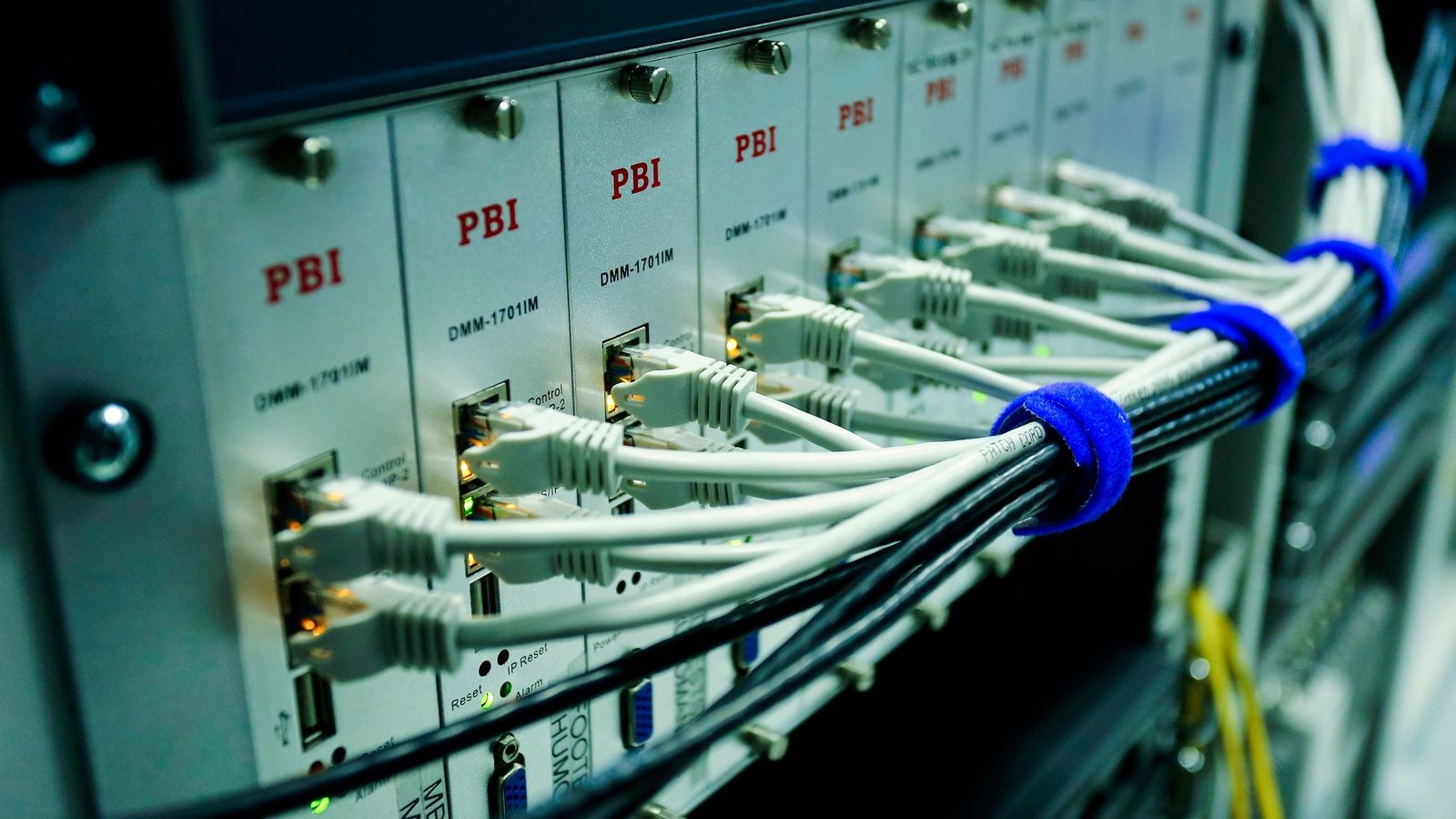
Three things must line up. First, a device with two or more Ethernet ports, which most mid-range and higher NAS units have. Second, a switch that supports the mode you want, which for LACP means a smart or fully managed model rather than an unmanaged one. Third, a configuration on both ends that matches exactly, including mode, hash policy and the specific port group.
Managed switching is the piece most homes are missing, and it is the component worth choosing carefully because it also unlocks VLANs and port mirroring. Our roundup of the best network switches identifies which models support LACP properly rather than merely listing static trunking. On the storage side, the router and gateway matter for how internal traffic is handled, and the best routers for a NAS comparison focuses on models that sustain high internal transfer rates without choking.
A Sensible Setup Order
- Configure the switch side first, creating the LAG group and assigning the two ports, but leave only one cable connected.
- Configure the bond on the NAS or server, matching mode and hash policy.
- Connect the second cable and confirm both ends report the bundle as up and negotiated.
- Test with several simultaneous transfers from different machines, not one large copy.
- Pull one cable and confirm traffic continues, then reconnect it.
Bringing both cables up before the switch group exists can create a loop, and on a switch without spanning tree that will flood the network. Wiring one cable at a time avoids the problem entirely.
The Alternative Almost Everyone Should Consider First
Before bonding two gigabit ports, price a single 2.5G or 10G link. A 2.5G connection gives roughly 280 MB/s to a single client, which is more than double what a bonded gigabit pair delivers for that same one-to-one transfer. It runs over existing Cat 5e cable, uses one port at each end, needs no LACP configuration, and cannot be misconfigured into a loop.
The economics have shifted decisively. Multi-gigabit ports now appear on mid-range consumer hardware, and the cost difference against a managed switch capable of LACP is often small. If your goal is faster single transfers, faster ports are simply the correct answer; if your goal is serving many clients or surviving a cable failure, aggregation still earns its place. Our comparisons of the best gigabit routers and the best high speed routers cover both ends of that decision, while the best Ethernet routers guide focuses on models with generous wired port counts for lab and storage use.
Do Not Forget the Storage Bottleneck
None of this matters if the disks cannot keep up. A single mechanical hard drive sustains roughly 150 to 250 MB/s at best on sequential reads and far less on random access. A gigabit link already saturates it. Adding network capacity in front of a mechanical array changes nothing measurable. Aggregation and multi-gigabit upgrades pay off with SSD-backed storage, large RAID arrays with many spindles, or heavy caching, and not otherwise.
Measuring Whether It Worked
Test correctly or you will conclude that aggregation is broken. Run transfers from at least three separate physical clients at the same time and add up the throughput. A single-client test is meaningless. Watch the per-port statistics on the switch during the test; if one port shows heavy traffic and the other is near zero across several clients, your hash policy is likely stuck at layer 2 and should be changed.
Also verify the negotiation state rather than trusting the cable lights. Both the switch and the NAS should explicitly report the aggregation group as active with all members participating. A half-configured bond frequently still passes traffic on one link, which hides the fault until a failover test exposes it.
Common Mistakes
- Expecting a single file copy to double in speed. It never will, by design.
- Mismatched configuration between switch and NAS, leaving the bond half-formed.
- Leaving the hash at layer 2 so nearly all traffic lands on one member link.
- Cabling both ports before creating the group on a switch without spanning tree, causing a broadcast storm.
- Bonding in front of a single mechanical disk that cannot fill even one gigabit link.
- Buying a managed switch solely for LACP when a multi-gigabit port would have been cheaper and faster.
Frequently Asked Questions
Will link aggregation double my NAS transfer speed?
No. It doubles the total capacity available across multiple simultaneous conversations. Any single transfer remains limited to the speed of one member link.
Can I use aggregation with an unmanaged switch?
Not for LACP or static LAG. You can use an active-backup or adaptive mode configured entirely on the server side, which gives you redundancy but limited or unpredictable load spreading.
Is 2.5G better than bonded gigabit?
For single-client speed, clearly yes, and it is simpler to configure. Bonded gigabit still wins on redundancy and can serve more concurrent clients if you have four ports rather than two.
Do I need special cables?
No. Standard Cat 5e or Cat 6 patch leads work for both bonded gigabit and 2.5G. Cat 6 or better is worth using for 10G over any meaningful distance.
Does aggregation help Wi-Fi clients?
Indirectly at best. Wireless devices rarely exceed the capacity of a single gigabit link individually, so the benefit only appears when many wireless clients hit the NAS at once.
Final Thoughts
Link aggregation is a genuinely useful tool aimed at a specific problem: a server with many simultaneous clients, or a link that must survive a failure. It is not a speed upgrade for one person copying one file, and framing it that way is why so many people set it up and feel cheated. Diagnose your actual bottleneck first. If the disks are the limit, fix storage. If single-transfer speed is the limit, buy multi-gigabit ports. If concurrency or resilience is the limit, bond the links and configure a layer 3+4 hash. Matching the tool to the problem is the whole skill here, and it saves both money and a weekend of confused troubleshooting.