Owen Bradley
 Overclocking once felt like free performance, a rite of passage that turned a mid-range chip into something close to the flagship above it. That world has changed. Modern processors and graphics cards already run close to their limits out of the box, boosting themselves aggressively whenever temperature and power allow. So the honest question for 2026 is not whether overclocking is possible, but whether the real gains justify the extra heat, power, risk, and time. This guide looks at what tuning actually delivers today, what it costs you, and which parts still reward the effort so you can decide where your money and hours are best spent.
What Overclocking Means Today
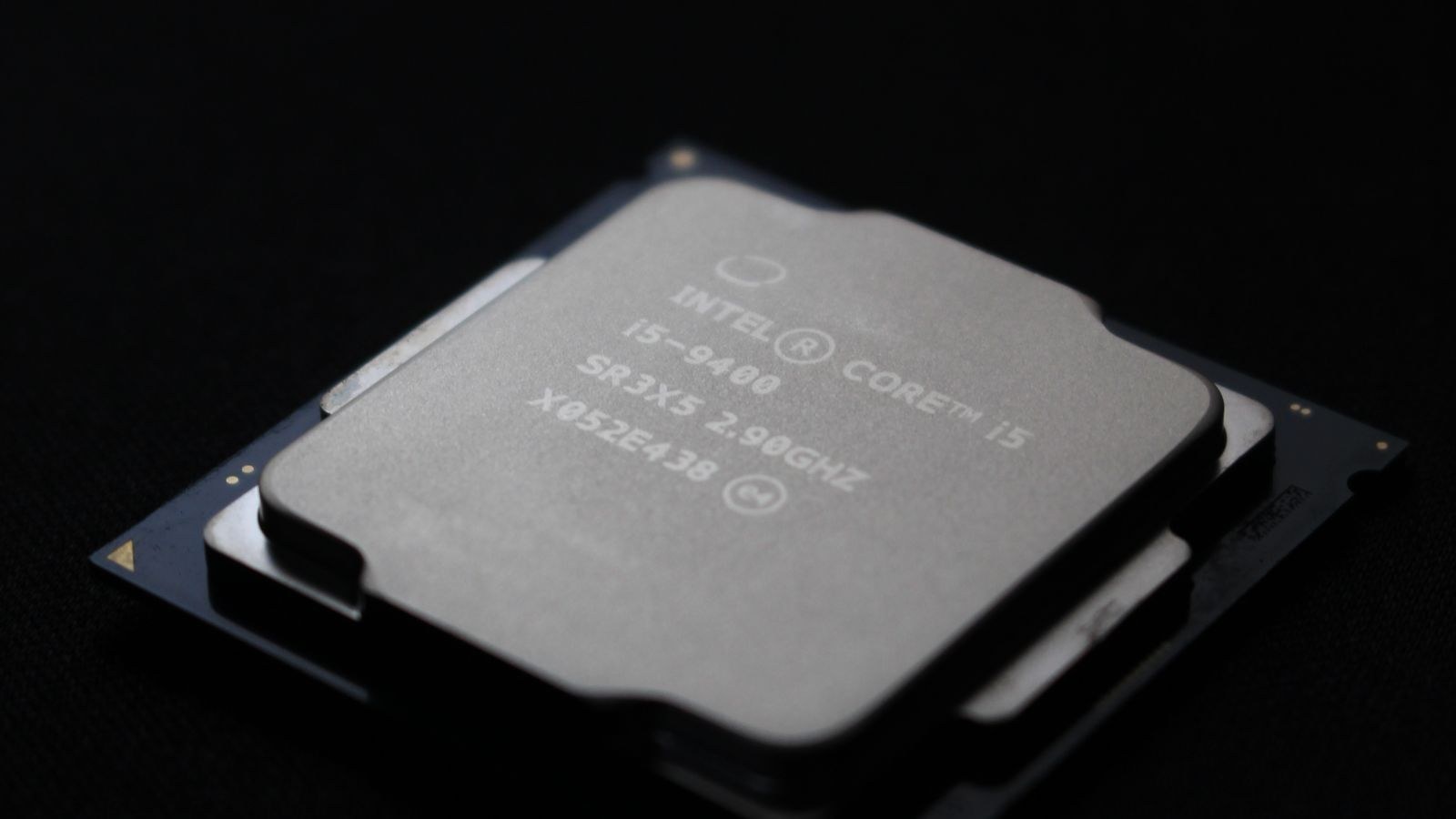
Overclocking is the practice of running a component faster than its default settings, usually by raising clock speeds and often the voltage that feeds them. In the past this meant large manual gains, because manufacturers left generous headroom on the table. Now that headroom is mostly gone. Chips ship with sophisticated boost algorithms that already push frequency as high as thermal and power conditions permit, meaning your processor is, in a sense, overclocking itself every time it senses room to do so.
That shift reframes the whole discussion. Manual overclocking today is less about unlocking a hidden gear and more about giving the automatic boost system better conditions to work with: more cooling, more power headroom, and cleaner settings. The result is often a smaller, steadier improvement rather than a dramatic leap. Understanding that upfront keeps expectations realistic and helps you judge whether the process is worth your evening.
The Real Performance Gains
Let’s talk numbers, or at least ranges, since exact figures depend on your specific silicon. A typical modern CPU overclock might yield somewhere in the region of 5 to 10 percent more all-core performance in tasks that can use it, and often less in gaming, where the graphics card is usually the limiting factor. In many games you may see only a handful of extra frames, which can matter for a high-refresh competitive player but is invisible to most people.
Memory tuning is the quiet exception. Adjusting RAM speed and timings often delivers a better return than raw CPU clocks, particularly for gaming and for processors sensitive to memory bandwidth, because it improves how quickly the chip is fed data. If you enjoy the tuning process, pairing a capable board with fast, well-binned modules from our list of the best RAM for overclocking can produce gains that feel more meaningful than chasing the last 100 MHz on the core.
The Costs: Heat and Power
Every bit of extra speed has to come from somewhere, and that somewhere is usually heat and electricity. Pushing higher clocks generally requires more voltage, and power draw rises roughly with the square of voltage, so a modest frequency bump can cause a disproportionate jump in wattage and temperature. A chip that ran comfortably cool at stock can suddenly need serious cooling to stay stable, and that cost is easy to underestimate.
This is why cooling is not optional for anyone serious about tuning. A large air cooler or a capable liquid loop is the price of admission, because the moment your processor hits its thermal limit it simply throttles back, erasing your gains. If you plan to overclock, budget for a heatsink with real headroom from the best CPU coolers for overclocking rather than reusing a stock cooler, since thermal capacity, not clock speed, is usually what caps your final result.
The Risk to Your Warranty and Hardware
There are two kinds of risk to weigh: to your warranty and to the hardware itself. On the warranty side, policies vary, and some manufacturers consider overclocking outside their coverage. It is worth reading the terms for your specific parts before you start, because a component that fails after being pushed may not be covered even if the overclock was not the direct cause.
On the hardware side, modern components are more protective than older ones. They monitor voltage and temperature and will throttle or shut down before serious damage occurs, so a catastrophic failure from a sensible overclock is uncommon. The genuine long-term concern is degradation: sustained high voltage can shorten a chip’s lifespan and slowly erode its stability over years. Staying within moderate voltage limits keeps that risk low, but chasing extreme numbers accelerates wear, which is a trade every tuner should make consciously.
The Hidden Cost: Time and Stability
The cost that rarely gets mentioned is your time. A stable overclock is not set in five minutes; it involves adjusting settings, running stress tests for hours, watching for crashes, and repeating the cycle until the system is reliable under every workload. An overclock that seems fine in a quick benchmark can crash during a long game or a heavy render, and chasing that instability can eat entire weekends.
There is also an ongoing reliability tax. A machine tuned to the very edge may throw occasional errors that a stock system never would, and diagnosing whether a crash is a game bug or your overclock becomes a recurring chore. For a computer you rely on for work, that uncertainty may not be worth a few percent. For a hobbyist who enjoys the tinkering, the process itself is part of the reward, and that is a perfectly valid reason to do it.
Which Parts Still Reward Tuning
Not everything responds equally, so it pays to know where the effort lands. Unlocked processors designed with overclocking in mind still offer the most direct control, and paired with a strong board and cooler they can gain useful multi-threaded performance. If a CPU overclock appeals to you, starting with an unlocked chip from the best CPUs for overclocking on a capable board from the best motherboards for overclocking gives you the robust power delivery that makes stable tuning possible.
Graphics cards are often the best value for effort. GPU tuning is lower-risk and increasingly automated, and undervolting in particular can hold or even raise performance while cutting heat and noise, which is arguably a better outcome than raw speed. Memory, as noted earlier, rewards timing work handsomely. The components that reward tuning least are locked processors and anything already running hot at stock, where there is simply no thermal room to give.
Don’t Forget the Power Supply
An overclocked system draws more power, sometimes considerably more under load, and a strained power supply undermines everything else you have tuned. Voltage that sags or fluctuates during peaks can cause the exact instability you are trying to eliminate, sending you chasing a problem in the wrong component entirely. Clean, steady power is a foundation, not an afterthought.
Choose a supply with meaningful headroom above your peak draw so it stays in its efficient, stable range even during spikes, and favor units with tight voltage regulation. Our picks for the best PSUs for overclocking deliver the consistent output that keeps a tuned system reliable, which removes one of the most frustrating variables from the stability-testing process.
Frequently Asked Questions
Will overclocking damage my CPU?
A sensible overclock within moderate voltage limits is unlikely to cause sudden damage, because modern chips protect themselves by throttling or shutting down. The real risk is gradual degradation from sustained high voltage over years. Stay conservative on voltage and keep temperatures in check, and the hardware risk stays low.
How much extra performance will I actually get?
Expect a modest amount, often in the range of 5 to 10 percent in tasks that can use it, and frequently less in gaming where the GPU sets the pace. Memory tuning and GPU undervolting sometimes feel more worthwhile than chasing raw CPU clocks for the same effort.
Is undervolting better than overclocking?
For many people, yes. Undervolting lowers voltage to cut heat and noise while holding performance, and on graphics cards it can even improve sustained speed by avoiding thermal limits. It carries almost none of the degradation risk of pushing higher, making it a smart choice for quiet, efficient systems.
Do I need a special motherboard to overclock?
For CPU overclocking, yes, you generally need a board with an unlocked chipset and strong power delivery to feed the extra current reliably. Memory tuning also benefits from a capable board. Trying to overclock on a basic board with weak power circuitry often leads to instability regardless of the chip.
Final Thoughts
So, is overclocking worth it? The honest answer in 2026 is: sometimes, and less often than it used to be. The gains are real but usually modest, and they come attached to more heat, more power, some hardware risk, and a meaningful amount of your time. If you rely on your PC and just want performance, buying a faster part outright is often the more sensible path. But if you enjoy the process, have the cooling and power to support it, and target the components that still respond, tuning can be a genuinely rewarding hobby that squeezes a little extra from hardware you already own.