Owen Bradley
 Gaming keyboards are sold on numbers, and most of those numbers stopped mattering years ago. An 8000Hz polling rate, a one-millisecond response claim and a 100-million-keystroke rating all look impressive on a box, but only a handful of specifications change what actually happens between your finger moving and your character reacting. This gaming keyboard buying guide separates the features worth paying for from the ones that exist to fill a comparison table. It covers switches, actuation, polling, rollover, connectivity, build quality and software, and it finishes with a straightforward way to decide how much to spend based on the games you genuinely play rather than the ones in the advertisement.
Start With the Switch, Because Everything Else Is Secondary
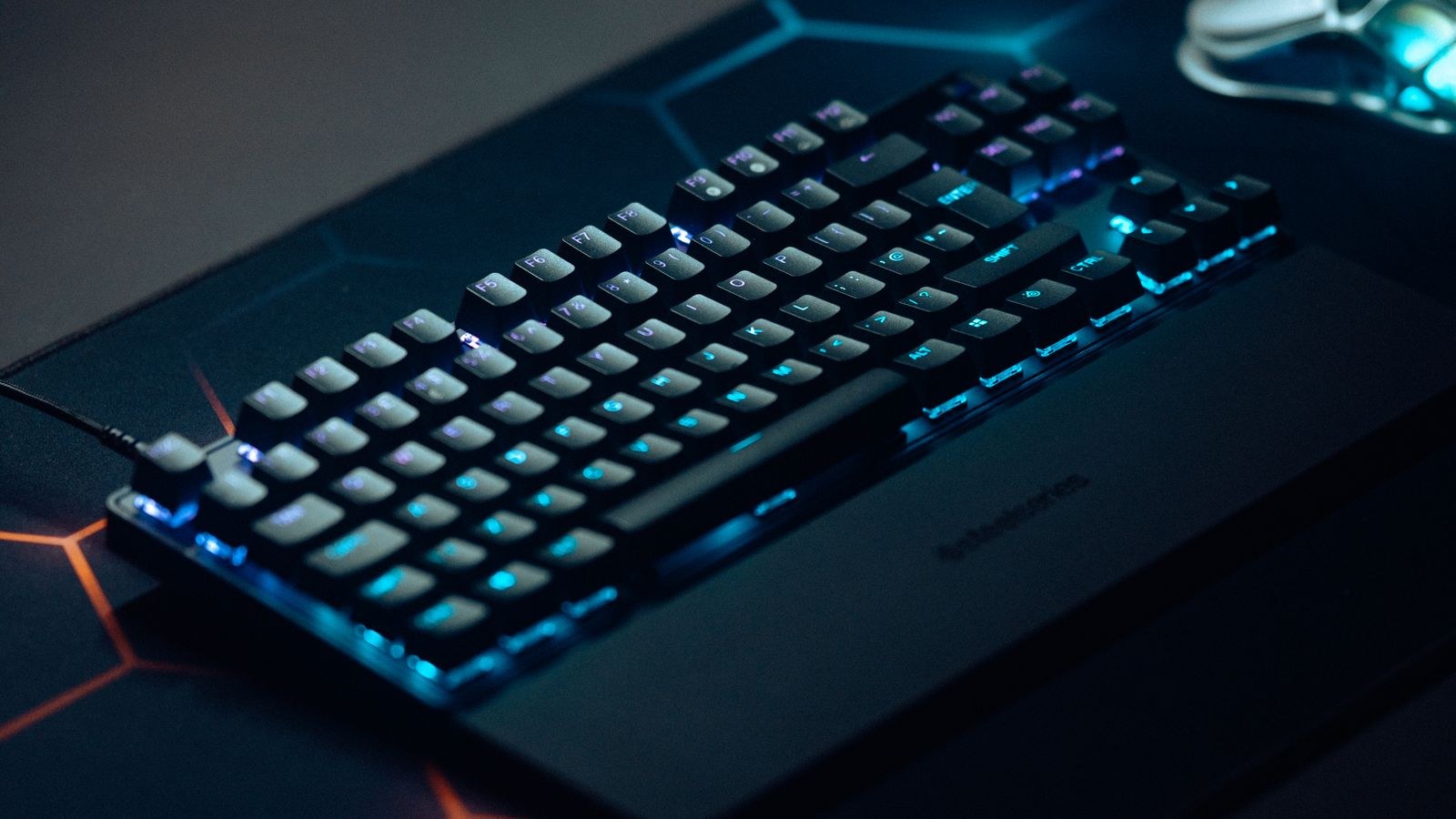
The switch under each key determines how the board feels for the thousands of hours you will use it, and no amount of lighting or software compensates for the wrong choice. Three families cover almost everything on the market.
Linear switches move straight down with no bump and no click. They are the default recommendation for gaming because there is nothing interrupting a fast repeated press and nothing to overcome when you feather a key. Tactile switches add a bump at the actuation point so you feel registration, which many players prefer for games that mix typing and movement, and which most people find better for writing between matches. Clicky switches add an audible snap; they are satisfying and unmistakably loud, which makes them a poor choice for voice chat, shared rooms and streaming.
Weight matters as much as type. Lighter springs around 45 grams reduce finger fatigue during long sessions but make accidental presses more likely if you rest your hand heavily. Heavier springs near 60 grams give more control at the cost of more work per press. There is no correct answer, only a match to your hand, and this is the specification most worth testing in person before committing. Our roundup of the best gaming keyboards groups models by switch character to make that comparison faster.
Hot-Swap Sockets Are the Real Insurance
Hot-swappable sockets let you pull a switch out with a puller and drop a different one in without soldering. They matter for two reasons. First, if a single switch fails after two years, you replace one part instead of the board. Second, they let you correct a switch choice you got wrong without buying a whole new keyboard. On a mid-range or better board, hot swap is worth more than any lighting feature.
Actuation Distance and Rapid Trigger
Standard mechanical switches register at roughly 2mm of travel, and that point is fixed. Analogue switches, which sense position magnetically or optically rather than by metal contact, let you set the actuation depth yourself, often anywhere from about 0.2mm to 3.5mm. A shallower setting means the key registers sooner, which shaves a small amount of time off each press.
Rapid trigger is the more meaningful feature built on that technology. Instead of requiring the key to return past a fixed reset point before it can fire again, rapid trigger resets the moment you begin lifting, then fires again the moment you begin pressing. For counter-strafing in tactical shooters and for fast directional changes in rhythm games, this is a genuine mechanical advantage, not a marketing claim. For almost everything else, including most role-playing, strategy and single-player games, it changes nothing you will notice.
The honest summary is that analogue switches are worth the premium for competitive shooter players and rhythm-game players, and are an expensive novelty for everyone else. If competitive play is your focus, the models in our list of the best keyboards for esports are where these features are most fully implemented.
Polling Rate, Latency and What Is Marketing
Polling rate is how often the keyboard reports its state to the computer. At 1000Hz that is once every millisecond. Boards now advertise 4000Hz and 8000Hz, cutting the theoretical interval to a quarter or an eighth of a millisecond. In practice, the gain over 1000Hz is far smaller than the variation introduced by your monitor’s refresh interval, the game’s network tick rate and your own reaction time. Very high polling also increases CPU overhead, which on a modest processor can cost more performance than it gains.
The latency figures that actually matter are the ones nobody prints on the box: debounce delay, firmware scan interval and, on wireless boards, radio latency. A well-engineered 1000Hz board with a short debounce beats a badly engineered 8000Hz board every time. Rather than chasing the headline number, look for independent end-to-end latency measurements. Our roundup of the best low latency keyboards focuses on measured response rather than advertised polling.
N-Key Rollover and Anti-Ghosting
Rollover describes how many simultaneous key presses the board reports correctly. Anti-ghosting prevents phantom inputs from key combinations. Full N-key rollover over USB is now standard on almost every mechanical board above the budget tier, and it genuinely matters when you are holding movement keys, a modifier and an ability key at once. Treat it as a checkbox: confirm it is present, then stop thinking about it, because more than full rollover is not a thing.
Size and Layout for Gaming
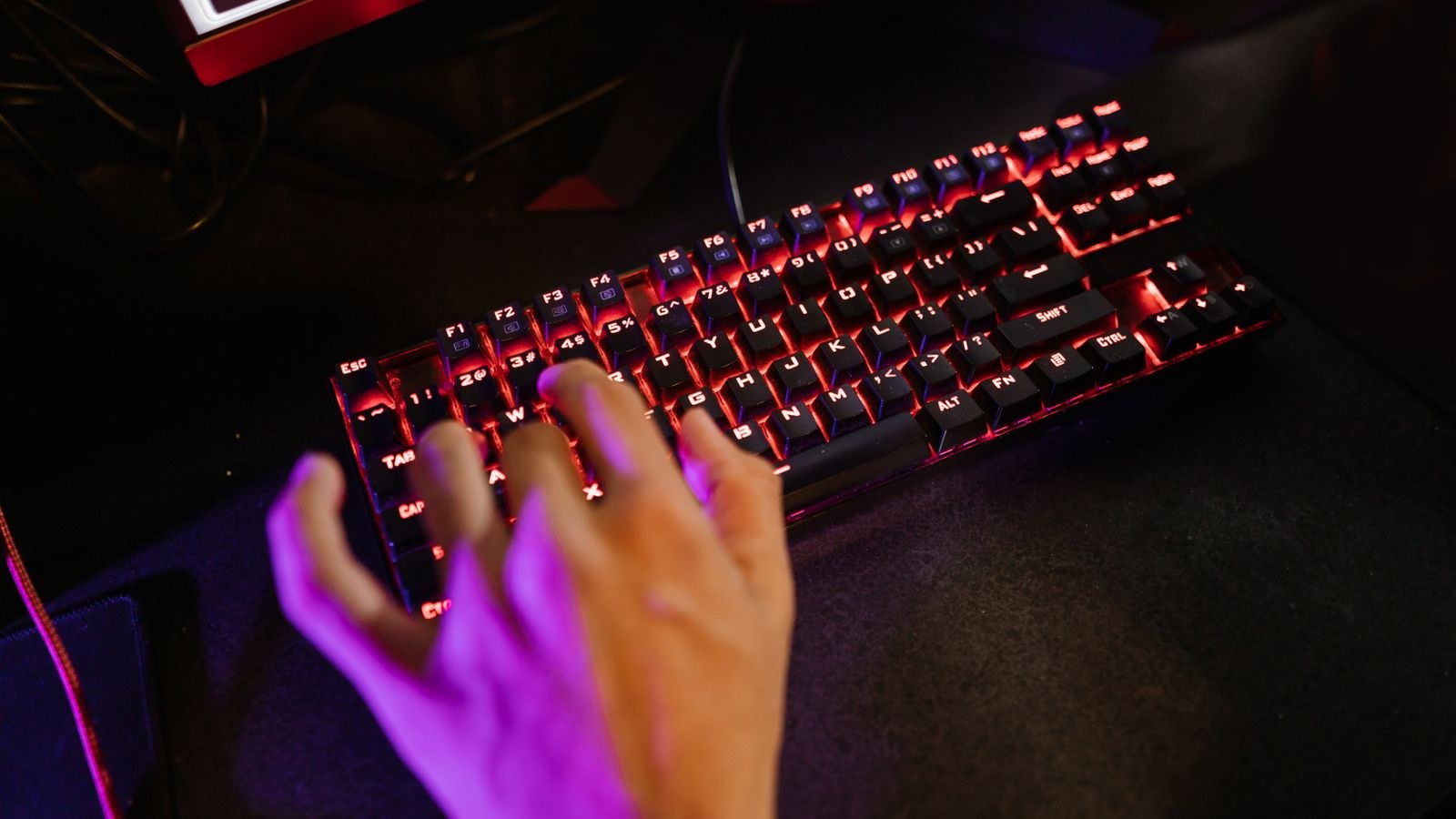
Layout affects aim more than any switch does, because it decides how far your mouse hand sits from your body. A full-size board pushes the mouse a whole number pad further right, forcing your shoulder outward and limiting how much room you have for low-sensitivity arm movement. Dropping to tenkeyless recovers roughly 15cm of desk. Going further to 65 or 60 percent recovers more, at the cost of moving arrows and function keys onto a hold-to-access layer.
For shooter players using low sensitivity, tenkeyless or smaller is close to a straight upgrade. For strategy, simulation and role-playing games that lean on function keys and number entry, a full-size board still earns its space. Some players keep a compact board for competitive sessions and a separate number pad for everything else, which is a reasonable compromise if your desk allows it. You can compare footprints and layouts across the category in our picks for the best keyboards for gaming.
Macro Keys and Programmability
Dedicated macro columns are genuinely useful in games with deep ability rotations, crafting queues or complex builds, and in creative work between sessions. They are dead weight in a twitch shooter, where the extra width pushes your hands outward for no benefit. Decide by genre rather than by feature count. If you play games where a bank of one-touch commands pays off, our list of the best keyboards with macro keys covers layouts that place those keys sensibly rather than where they get hit by accident.
Wherever you land, prefer onboard memory over software-only profiles. A board that stores its own macros and lighting works identically on a second machine, at a tournament, or after a system reinstall, with no background application running and consuming resources.
Wired, Wireless and Connection Choices
Modern 2.4GHz wireless with a dedicated receiver is fast enough for competitive play; the latency penalty against a cable is now small enough to be invisible in normal use. Bluetooth is not in the same category, adding both higher and less consistent delay, and should be treated as a convenience mode for a tablet or laptop rather than the way you game.
If you go wireless, check battery life with lighting on rather than the headline figure measured with lighting off, since RGB is by far the biggest drain. Confirm the board keeps working while charging over USB-C, and prefer a receiver that stows inside the case so it does not go missing. If you never move the keyboard, a cable removes charging from your life entirely and usually costs less for the same build quality.
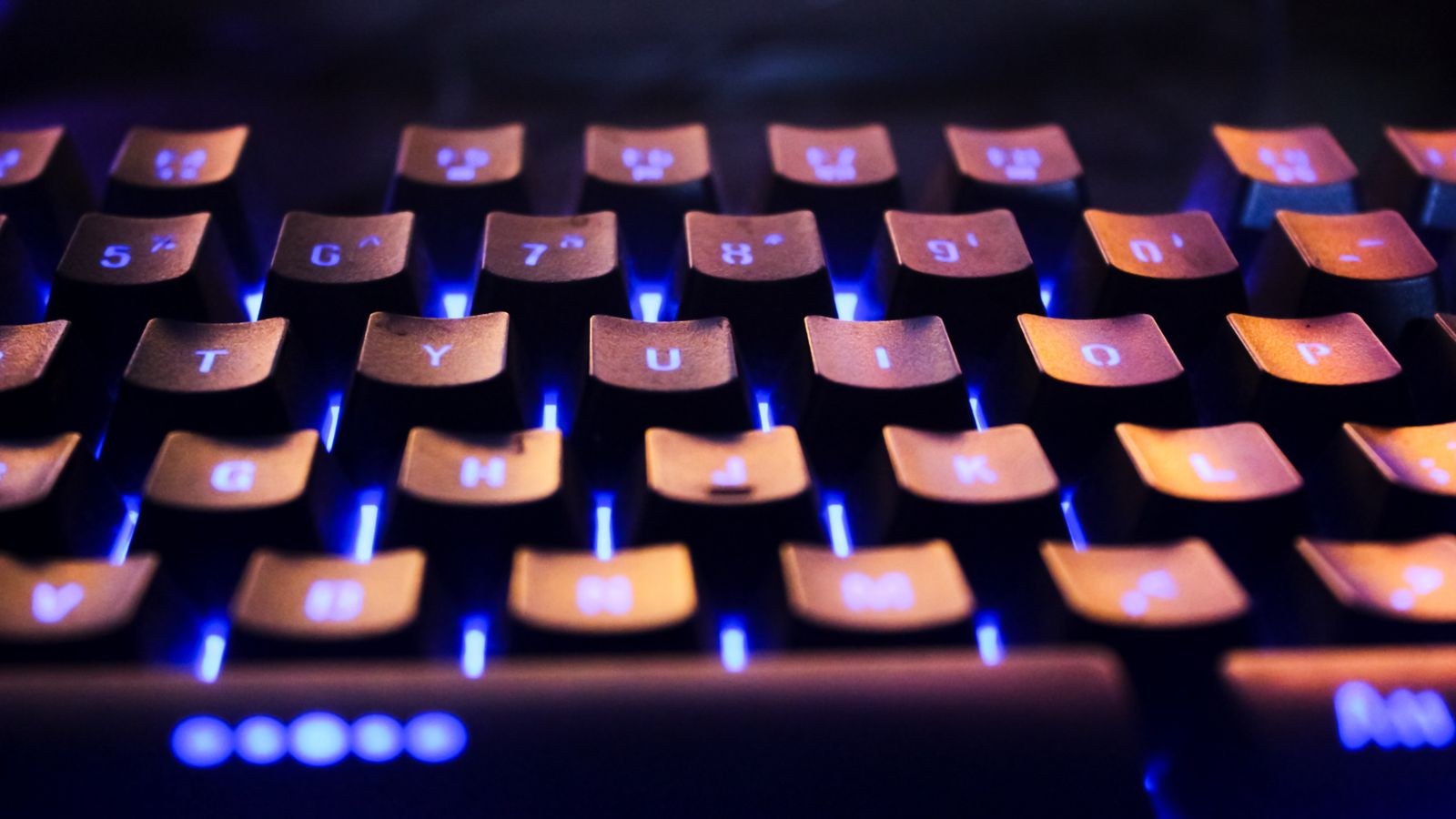
Build Quality, Sound and the Parts You Feel
Build quality is where price differences show most clearly and where spec sheets say least. Look for a steel or aluminium plate rather than bare plastic, because it removes the flex you feel when pressing hard in the centre of the board. Internal foam between the plate and the case damps hollow resonance, turning a cheap-sounding board into a solid-sounding one for very little manufacturing cost.
Stabilisers on the space bar, enter, shift and backspace deserve specific attention. Poorly tuned stabilisers rattle on every space bar press, and that rattle is the single most common complaint about otherwise good gaming keyboards. Also check the keycaps: doubleshot or dye-sublimated PBT resists the shiny wear that appears on WASD within months on cheap ABS caps. Finally, weight and rubber feet matter, because a light board that slides during a tense moment is a real problem.
Lighting, Software and Extras
Per-key RGB is genuinely useful when it is functional: highlighting the keys bound in the current game, showing cooldowns, or marking a layer. As pure decoration it is fine, but it should never outrank switch feel or case rigidity in your decision, and it costs battery on wireless models. Single-colour backlighting is enough for playing in a dark room.
Software quality is an underrated buying criterion. Some manufacturer suites are heavy, require accounts, run several background services and push updates you did not ask for. Before buying, search for recent user reports on the software rather than trusting the feature list. A board with modest features and clean onboard configuration will annoy you far less over three years than a feature-packed board tied to a bloated application.
Budget Tiers and Where the Money Goes
At the entry level you get plastic cases, basic switches, no hot swap and single-zone lighting. These boards work, and a well-chosen budget mechanical beats a mid-range membrane easily, but expect stabiliser rattle, thin keycaps and a hollow sound. The mid tier is the value sweet spot: hot-swap sockets, a metal plate, decent foam, PBT caps, full rollover and either a solid cable or reliable 2.4GHz wireless.
The premium tier buys analogue switches with adjustable actuation and rapid trigger, gasket-mounted cases, tuned stabilisers, high-end wireless and screens or knobs. Pay it if you play competitive shooters seriously or if you want a board you will keep for many years. Do not pay it for lighting effects. A useful rule is to spend the difference on switches and case construction first, and treat every software feature as a bonus.
Common Mistakes
The biggest mistake is buying by polling rate. The second is choosing clicky switches without considering the microphone on your headset or the people in your house. The third is buying a full-size board when you play low-sensitivity shooters, then wondering why your mouse keeps hitting the keyboard. A fourth is ignoring stabiliser quality, which you will hear on every single space bar press for the life of the board. A fifth is buying into a proprietary ecosystem you will have to abandon later because caps and switches are not standard.
Frequently Asked Questions
Does a gaming keyboard actually make me better?
Marginally, and mostly through comfort and consistency rather than raw speed. A board that fits your hand and does not fatigue you over a three-hour session helps more than any advertised millisecond.
Is 8000Hz polling worth it?
For nearly everyone, no. The gain over 1000Hz is smaller than other sources of delay in the chain, and it adds CPU overhead that can hurt frame rates on modest systems.
Are wireless gaming keyboards fast enough?
With a 2.4GHz receiver, yes. Bluetooth is not; use it for productivity on a second device rather than for competitive play.
Do I need rapid trigger?
Only if you play tactical shooters where counter-strafing matters, or rhythm games with very fast repeated inputs. Elsewhere it changes nothing you can perceive.
How long should a gaming keyboard last?
A well-built mechanical board should serve five years or more. Hot-swap sockets extend that further, since a single failed switch becomes a cheap repair instead of a replacement.
Final Thoughts
Buy switches you enjoy pressing, a case that does not flex or rattle, a layout that leaves your mouse room to move, and a connection that suits how you play. Add hot-swap sockets if the budget stretches, and treat polling rate, lighting effects and keystroke lifetime ratings as tiebreakers rather than deciding factors. Judged that way, most players find their ideal board in the mid tier, keep it for years, and spend the savings on a mouse or a monitor where the upgrade is far easier to feel in 2026.