
 Owen Bradley
 Every smart home eventually reaches the same fork in the road. On one side sit the cloud apps that came free with your speaker or your first smart plug, promising a five-minute setup and voice control that just works. On the other side sits a self-hosted platform that runs on hardware you own, keeps your data inside your walls, and lets you build automations no consumer app would ever allow. The home assistant vs alexa debate is not really about which is better in the abstract. It is about how much control you want, how much time you are willing to invest, and what happens to your house on the day your internet connection goes down. This guide walks through both approaches honestly, including where each one quietly disappoints, so you can commit to a direction before you buy another twenty devices you may have to replace.
What Each Approach Actually Is
Cloud smart home apps are the ecosystems built by large platform companies. You plug in a device, open the manufacturer’s app, link it to Alexa or Google Home, and the heavy lifting happens on remote servers. Your voice command travels to a data centre, gets interpreted there, and comes back as an instruction to your device. The appeal is obvious: nothing to maintain, automatic updates, and a support line to call when something breaks.
A self-hosted platform inverts that model. Software runs on a small computer in your house, talks to devices directly over your local network or over radio protocols like Zigbee, Z-Wave, and Thread, and only reaches out to the internet when you specifically ask it to. There is no monthly fee, no remote server deciding whether a feature stays alive, and no hard limit on how complicated your automations can get. The cost is that you are now the administrator of a small piece of infrastructure.
Most people who end up self-hosting did not start there. They started with a cloud app, hit a wall, and went looking for a way around it. Understanding where those walls are is the fastest route to picking correctly the first time.
Setup Effort: An Honest Comparison
Cloud ecosystems win the first hour decisively. Scan a QR code, join your Wi-Fi network, name the device, and you are done. A complete starter setup with a speaker, a few bulbs, and a plug can be running in under half an hour with no technical knowledge at all. Nothing in the self-hosted world matches that.
A local platform asks for more up front. You need a small always-on computer, an initial install, and usually a radio dongle so the system can talk to Zigbee or Z-Wave gear directly rather than through a manufacturer’s bridge. Budget an afternoon for the first setup and a few evenings of tinkering after that. Once it is running, adding devices is often faster than in cloud apps because everything lives in one interface instead of six manufacturer apps.
The realistic middle ground is a hybrid. Many households run a local controller as the automation brain and keep a cloud speaker purely for voice input. If that sounds appealing, start by comparing the best smart hubs to understand which units can bridge both worlds without locking you into a single vendor.
Reliability and What Happens Offline
This is where the gap becomes emotional rather than technical. In a cloud-first setup, a broadband outage can leave you unable to turn on a light with your voice, even though the bulb and the speaker are three feet apart. Some devices retain local fallbacks, many do not, and manufacturers rarely advertise which is which. Server maintenance on the provider’s end can produce the same effect on a perfectly healthy home network.
A locally hosted system keeps running. Automations fire, schedules hold, motion sensors still trigger lights, and only remote access from outside the house is lost. For anything safety-adjacent such as door locks, garage doors, or heating in a cold climate, that difference matters more than any feature list.
Latency follows the same pattern. Cloud round trips typically take one to three seconds from spoken command to action. Local execution is usually well under half a second, which is the difference between a motion-triggered hallway light feeling instant and feeling broken.
Automation Power and Flexibility
Consumer apps offer routines: a trigger, maybe a condition, and a list of actions. That covers a genuinely large share of everyday needs, and it is easy to build on a phone screen while sitting on the sofa.
Self-hosted platforms offer proper conditional logic. You can write an automation that only runs if nobody is home, the outdoor temperature is below a threshold, the washing machine has finished its cycle, and it is after sunset, then have it notify a specific phone with a photo attached. You can chain automations, build helper variables, create custom dashboards per room, and pull in data sources the platform vendors will never support.
The test to apply is simple. Write down the three most useful automations you actually want. If they fit the pattern “when X happens, do Y”, a cloud app will serve you fine for years. If any of them needs multiple conditions or data from a device outside the ecosystem, you will end up self-hosting eventually.
Privacy and Data Ownership
Cloud ecosystems function by sending information off site. Voice snippets, device states, presence patterns, and usage history live on servers you do not control, governed by policies that can change. For many households that is an acceptable trade for convenience, and the major platforms have improved local processing and made recordings easier to delete.
Local platforms keep sensor history, camera footage, and presence data on a drive in your house by default. Nothing leaves unless you enable a specific integration. If you have cameras indoors, or you find it uncomfortable that a company can infer your sleep schedule from your light usage, this alone justifies the extra setup work.
There is also a longevity argument. Cloud-dependent devices can be discontinued, and when the servers switch off, the hardware becomes scrap. Locally controlled devices keep working indefinitely because nothing external is required for them to function.
Device Compatibility and Vendor Lock-In
Cloud platforms support an enormous catalogue of certified devices, but support depth varies. A device may connect and switch on and off while its energy monitoring, colour temperature, or scene memory stays trapped in the manufacturer’s own app. Mixing brands often means running several apps in parallel.
A self-hosted controller usually exposes more of each device than the official app does, especially with local protocols. Zigbee and Z-Wave devices bind directly to your controller with no manufacturer cloud in the chain, which is why enthusiasts gravitate towards them. Wi-Fi devices are a mixed bag: some can be controlled locally out of the box, others insist on phoning home.
If you are building around a local controller, choosing hardware that is known to work well is more important than chasing the cheapest option. Our roundups of the best smart plugs for Home Assistant and the best smart switches for Home Assistant focus on devices that expose full local control rather than partial cloud-only support.
Climate Control: The Deciding Category for Many Homes
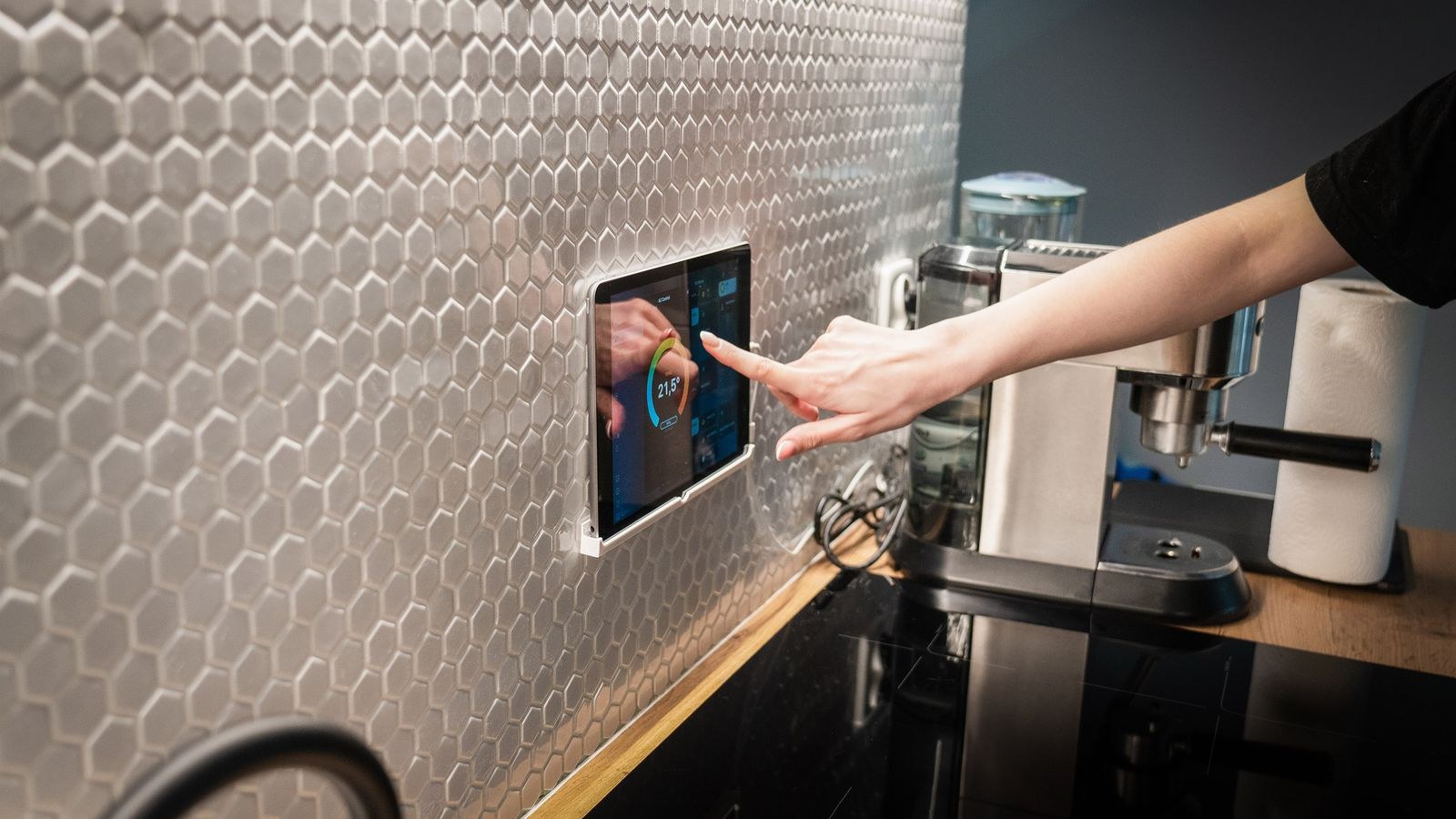
Heating and cooling is where the two philosophies produce the most visible difference in outcome. A cloud thermostat gives you a schedule, remote access, and a monthly energy report. A locally controlled thermostat can be driven by any data your system knows about: window sensors that pause heating when a window opens, room-level temperature averaging so the cold bedroom is weighted properly, or occupancy that lowers the target when the house empties.
Because thermostats are expensive and semi-permanent, this is the one category worth deciding on before you buy. If you already lean towards a local setup, our guide to the best thermostats for Home Assistant covers models with genuine local APIs rather than cloud-only integrations that break when a service changes.
Cost Over Five Years
Cloud ecosystems look free because the app costs nothing. The real spending shows up in subscriptions for camera storage, advanced detection, or professional monitoring, and those recur indefinitely. A household with three cameras and a security package can easily spend more on subscriptions over five years than on the hardware itself.
A self-hosted setup has a modest upfront cost for a small computer and a radio dongle, and effectively zero recurring cost after that. Local camera recording to your own storage is included rather than metered. The hidden expense is time, and that is genuinely a cost. If your evenings are already full, paying a subscription to avoid maintenance is a rational choice, not a defeat.
Which One Should You Choose?
Choose a cloud ecosystem if you want voice control as the primary interface, your automation needs are simple schedules and routines, you have no interest in maintaining software, and you are comfortable with a subscription for camera features. It is the right answer for a large majority of households, and picking it is not settling.
Choose a self-hosted platform if you want the house to keep working offline, you plan to mix brands heavily, you care about keeping data local, or you have automation ideas that consumer apps refuse to express. It rewards curiosity and punishes neglect in equal measure.
Choose a hybrid if you want both, which most experienced users eventually do. Run the local controller as the brain, keep speakers for voice, and let the two talk. If you are still mapping out the hardware layer, comparing the best smart home controllers is the most useful next step, since the controller determines which protocols and which future devices stay open to you.
Common Mistakes When Choosing
- Buying devices before choosing a platform. A drawer of incompatible Wi-Fi gadgets is the most common regret in smart home ownership.
- Assuming a compatibility badge means full support. Certification often covers only basic on and off control, not every feature.
- Standardising on Wi-Fi for everything. Dozens of Wi-Fi devices strain a home router and are almost always cloud dependent. Zigbee, Z-Wave, and Thread scale far better.
- Underestimating maintenance on a self-hosted system. Updates occasionally break integrations, so keep backups and avoid updating the night before you travel.
- Ignoring what happens when a service shuts down. Before buying, ask whether the device still functions with no internet at all.
Frequently Asked Questions
Can I run a local platform and still use voice assistants?
Yes. Self-hosted systems can expose their devices to major voice ecosystems, so you keep spoken control while the automation logic stays local. Voice recognition still travels to the cloud unless you add a local voice pipeline.
Do I need to replace my existing devices to switch?
Usually not. Most popular devices have local or API-based integrations, and Matter has widened compatibility considerably. Cloud-only cameras and a handful of proprietary appliances are the usual exceptions.
What hardware do I need to self-host?
A small single-board computer or a low-power mini PC is enough for most homes, ideally booting from an SSD rather than a memory card. Add a USB radio dongle if you plan to use Zigbee or Z-Wave devices directly.
Is a self-hosted setup less secure because it is exposed to the internet?
Only if you expose it carelessly. Using a VPN or an encrypted remote access service instead of forwarding ports keeps it closed to the outside world while remaining accessible to you.
Is Matter making this decision irrelevant?
Matter helps a great deal by standardising local communication and letting one device work across several ecosystems. It does not, however, give cloud apps the advanced automation logic of a self-hosted platform, so the core trade-off remains.
Final Thoughts
There is no universally correct answer here, only a correct answer for your household. Cloud ecosystems trade control for convenience and deliver a smart home that anyone in the family can operate on day one. Self-hosted platforms trade convenience for control and deliver a house that keeps its promises during an outage and grows with your ambitions. The expensive mistake is not picking the wrong one, it is picking neither and accumulating devices from both camps until nothing talks to anything else. Decide which trade-off you prefer in 2026, buy hardware that fits that decision, and your smart home will feel deliberate rather than accidental.









