Owen Bradley
 Almost everyone who buys a height-adjustable desk follows the same arc. Week one, they stand for four hours a day and feel virtuous. Week two, their feet and lower back ache. Week three, the desk quietly settles at sitting height and never moves again. The problem was never motivation; it was the absence of a plan. A sit-stand schedule is what turns an expensive piece of furniture into a genuine change in how your body spends the day, and the schedules that survive are far more modest than the ones people start with. This guide covers the ratios that hold up over months, the timers and cues that make transitions automatic, and how to build the habit without the foot pain that ends most attempts.
Why Standing All Day Is the Wrong Goal
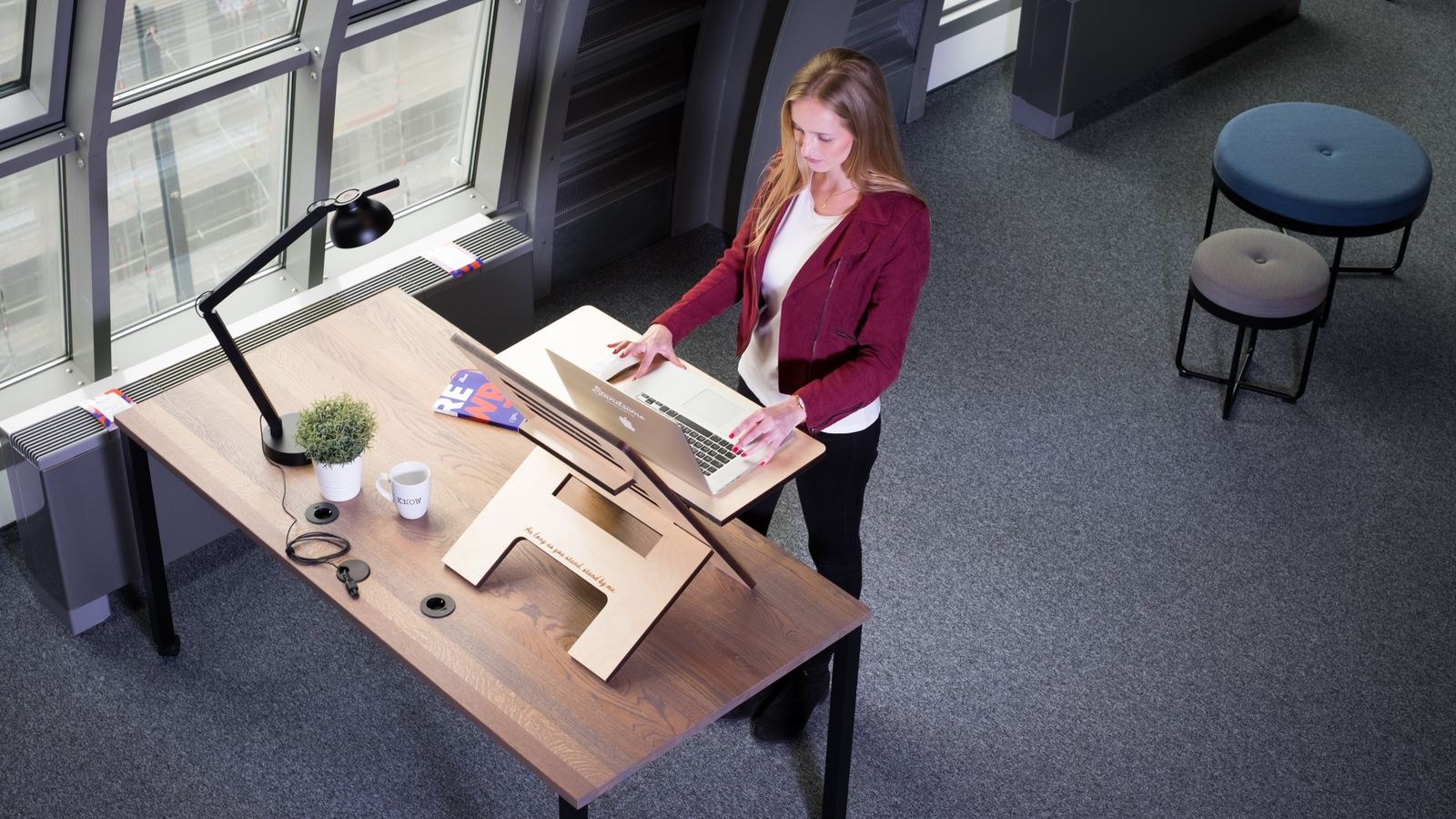
The health benefit of a height-adjustable desk does not come from standing. It comes from changing position. Prolonged static standing produces its own well-documented problems: foot and leg fatigue, lower back compression from a swayed posture, and venous pooling in the legs that can be worse than what sitting causes. Swapping one motionless posture for another motionless posture is not progress.
What the body actually wants is variation in loading. Different postures distribute pressure across different tissues, and no single tissue accumulates enough stress to complain. That is why the most useful metric is not hours standing but number of transitions. Six position changes with modest standing time beats two long standing blocks, even if the total minutes are identical. The broader physiological case is covered in our overview of sit-stand desk health benefits.
What You Need Before You Start
- A height-adjustable desk with memory presets, which matter more than most people expect, because a slow manual adjustment kills the habit within a week.
- An anti-fatigue mat, which is not optional if you have hard flooring.
- Supportive flat shoes, or at minimum something better than bare feet on tile.
- A perching stool or leaning seat for the middle ground between sitting and standing.
- A timer or calendar system you will not immediately learn to ignore.
Building Your Schedule, Week by Week
The ramp matters more than the destination. Tissue adaptation takes weeks, and the single biggest cause of abandonment is starting at week-eight volume on day one.
- Week one: 15 minutes standing per hour. Roughly a 3:1 sit-to-stand ratio. This feels almost trivially easy, and that is the point. You are building the transition habit, not the standing endurance. Do it every hour, including the hours you do not feel like it.
- Week two: 20 minutes per hour. Add five minutes and hold there for the full week. If your feet or lower back complain at any point, drop back to week one volume rather than pushing through. Soreness is information, not weakness.
- Weeks three and four: 30 minutes per hour. This is a 1:1 ratio and it is where most people find a sustainable ceiling. Many stay here permanently, and that is a perfectly good outcome.
- Beyond week four: adjust to your work, not to a target. Some people settle at 20 minutes an hour, others at 35. The ratio that matters is the one you still follow in month six. Chasing a number you read online is how good habits become abandoned ones.
- Cap any single standing block at 45 minutes. Beyond that, fatigue accumulates faster than the benefit accrues, and the postural quality of your standing degrades into leaning and hip-shifting. Sit down before you start slumping over the desk.
- Never sit for more than 60 minutes unbroken. This is the more important half of the rule, and the one people forget once they are focused on standing targets. Even if you do not raise the desk, stand up and move.
Matching Position to Task
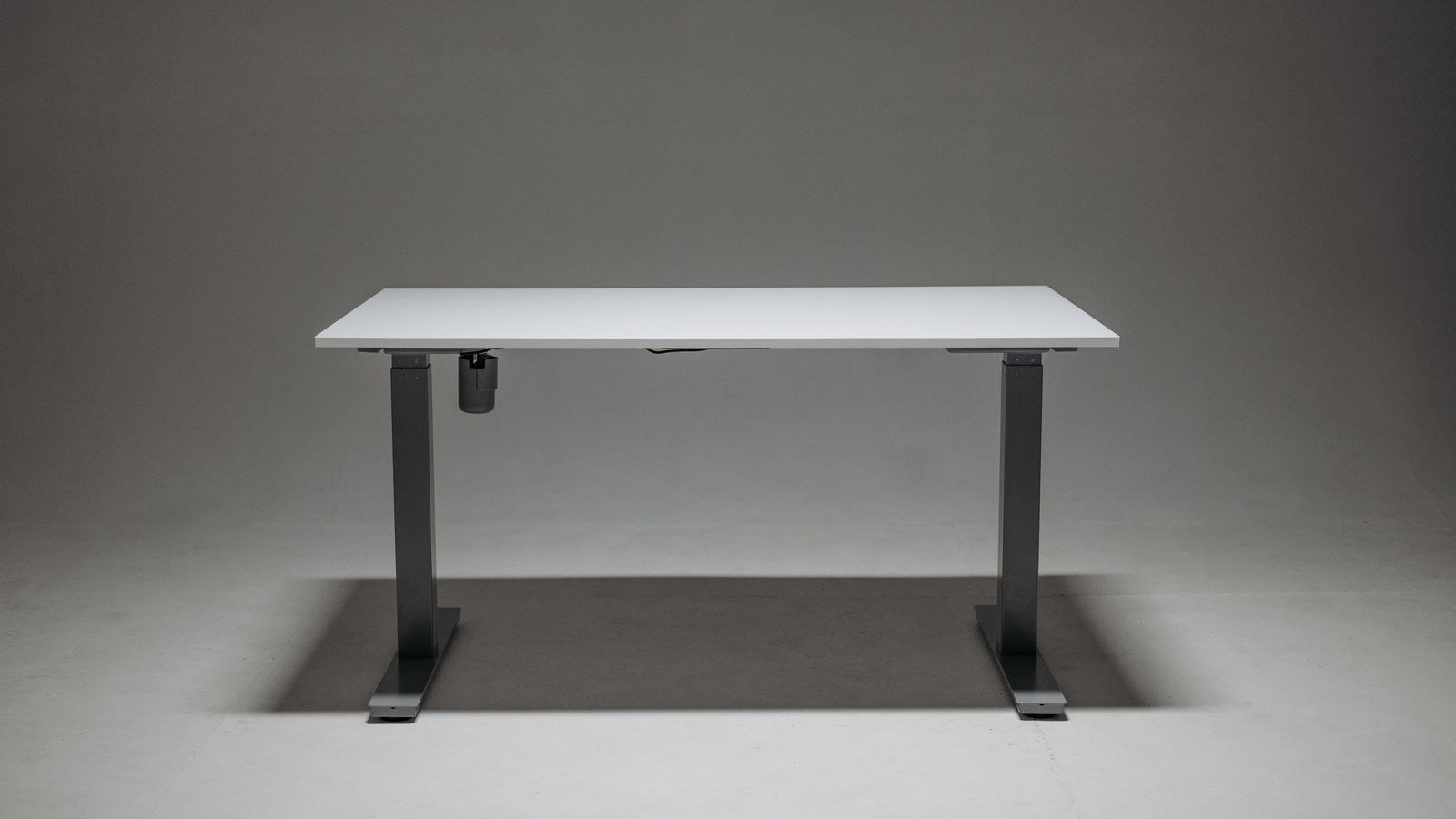
The most durable schedules are not clock-driven at all. They are task-driven, because a timer that interrupts deep concentration eventually gets ignored, while a rule tied to the type of work you are doing feels natural.
Stand for tasks that suit movement and shorter attention spans: email, phone calls, video meetings where you are mostly listening, reviewing documents, brainstorming, and anything you do standing anyway like talking to a colleague. Standing also suits the post-lunch slump better than any amount of coffee, because it counteracts the drop in alertness rather than masking it.
Sit for work requiring sustained fine motor control or deep focus: detailed writing, long spreadsheet work, precision design, and anything where you will be stationary and absorbed for a long stretch. Fine mouse work in particular tends to be less accurate standing, at least until you have adapted over several weeks.
The hybrid approach works best: use task type as your default rule and keep a timer as a backstop for the days when a single task swallows four hours.
Making the Transitions Automatic
- Program your memory presets on day one. Set one for seated elbow height and one for standing elbow height, and verify both properly rather than eyeballing them. If changing position takes more than a few seconds of fiddling, you will stop doing it.
- Anchor transitions to events, not just times. Stand for every meeting. Stand when you refill your water bottle. Sit when you start a task you know needs deep focus. Event-based cues survive far longer than notifications.
- Use a timer as a backstop, not the primary system. Set it for the maximum sitting interval rather than the standing target. Being reminded that you have been seated an hour is more useful than being told to stand at a fixed clock time.
- Keep your cables and monitor arms slack enough for both heights. A tugging cable or a monitor that needs repositioning at each height adds friction, and friction is what kills habits. Sort this out once during setup.
- Check both heights against your elbows. Seated and standing, your forearms should be roughly parallel to the floor with shoulders relaxed and the top of the monitor at or just below eye level. Most people set their standing height too low, which quietly reintroduces the forward head posture they bought the desk to avoid.
- Log the first month. A simple tally of transitions per day is enough. Habits stabilise around visible evidence, and a month of data tells you honestly whether your ratio is realistic.
Preventing the Foot and Back Pain That Ends Schedules
Foot pain is the number one reason standing desks get abandoned, and it is almost entirely preventable. An anti-fatigue mat is the highest-return purchase you can pair with the desk, because its slight instability encourages continuous micro-adjustments in your feet and calves rather than letting you lock out and go rigid. Choose a mat with a firm but yielding foam core rather than a thin flat pad, and one large enough that you can shift your stance without stepping off the edge.
Shoes matter more than people admit. Standing barefoot on a hard floor for thirty minutes at a time is a fast route to arch and heel pain. Flat, supportive footwear indoors solves this cheaply. Avoid standing in heels entirely.
The third element is the middle posture. A perching stool or leaning seat holds you at roughly hip height with the legs partly loaded, offering a genuine third option that relieves the feet without collapsing you back into full sitting. It is particularly useful for the awkward stretch when you are tired of standing but not ready to sit; models are covered in the best standing desk stools comparison.
If the discomfort has already started, our dedicated walkthrough on how to transition to a standing desk without foot pain covers the ramp adjustments and foot mobility work that resolve it without giving up on the desk entirely.
Mistakes That Break the Habit
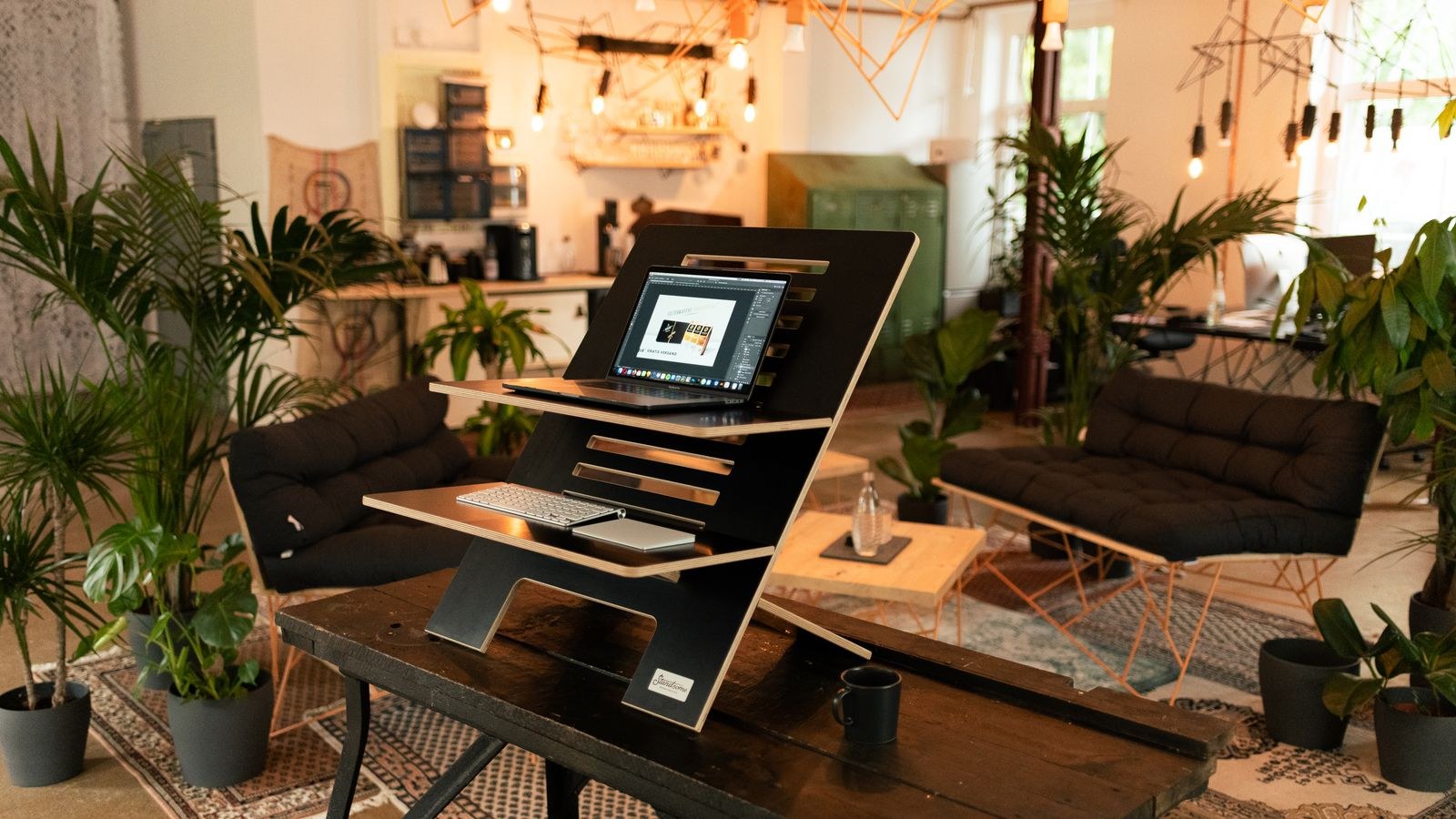
Starting at four hours a day is the classic. Enthusiasm week produces soreness week which produces abandonment week. The slow ramp feels unsatisfying precisely because it works.
Setting the standing height too low is the second, and it is almost invisible until your neck starts aching. Verify against elbow and eye height rather than guessing, because standing height is typically much higher than people intuitively expect.
Third is standing rigidly still. If you plant your feet and lock your knees for thirty minutes, you have simply chosen a different static posture. Shift your weight, step side to side, put one foot on a low rail or footrest and swap periodically.
Fourth is neglecting the chair on the assumption that you will barely use it. Even on an aggressive schedule you will spend half the day seated, and a poor chair undermines the whole arrangement. If you are choosing hardware, the best standing desks and best sit-stand desks comparisons cover stability and motor quality, but budget for a decent seat alongside the desk rather than after it.
Frequently Asked Questions
What is the ideal sit-stand ratio?
There is no single correct number. A 1:1 ratio over the working day is a reasonable long-term target for most people, but the frequency of transitions matters more than the total. A schedule you follow at 20 minutes standing per hour beats an ambitious one you abandon by month two.
Can I stand during video calls and focused work?
Video calls are ideal standing time, since you are usually listening more than typing and standing tends to improve energy and vocal presence. Deep focus work with precise mouse control is generally better seated, at least until you have several weeks of adaptation behind you.
Do I still need to walk if I use a standing desk?
Yes. Standing is not exercise; it is a less harmful static posture than sitting. Cardiovascular and metabolic benefits come from actual movement, so keep your walking breaks and daily activity regardless of how much you stand at the desk.
How long before it feels normal?
Most people find the transitions feel automatic within two to four weeks, and standing itself becomes comfortable somewhere between four and eight weeks as the feet, calves and postural muscles adapt. If discomfort is still increasing after a month, your ramp was too aggressive or your standing height is wrong.
Final Thoughts
A sit-stand schedule works when it is unambitious enough to survive a bad week. Start at 15 minutes standing per hour, add five minutes a week, cap standing blocks at 45 minutes, and never sit for more than an hour without getting up. Buy the mat before you need it, program the memory presets on the first day, and tie transitions to meetings and water refills rather than relying on notifications. The goal was never to stand more; it was to stop holding any one position for hours at a time, and a modest schedule you actually keep achieves that far better than an ambitious one you quietly abandon.