
 Owen Bradley
 Desk audio is one of the few upgrades you notice every single day, yet it is also where shoppers get most confused. Product pages throw around 2.0, 2.1, bookshelf, studio monitor, and “gaming” branding without explaining what any of it means for the sound arriving at your chair. This desktop speaker guide untangles the three formats that actually matter, compares them on bass, clarity, and the space they demand, and covers the connections your PC needs to drive them properly. By the end you should be able to look at any speaker listing and know within seconds whether it suits your desk, your room, and the way you listen.
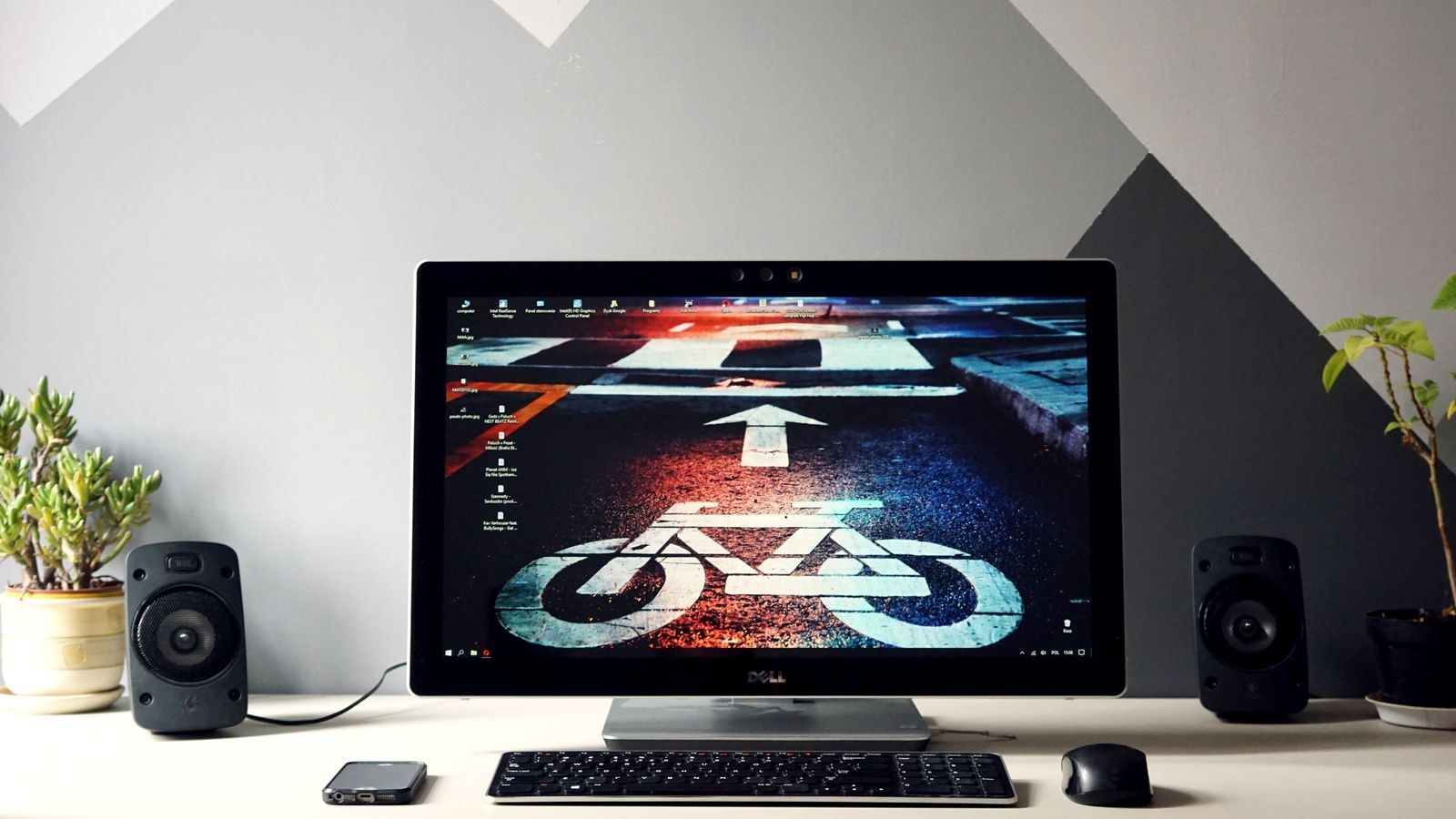
The Three Formats Explained
Almost every desktop option falls into one of three categories, and the labels are simpler than they look.
2.0 means two speakers and no subwoofer. Each cabinet handles the full frequency range it can manage on its own. Setup is minimal, cabling is short, and the stereo image is clean because there is no separate box adding low end from a different position in the room.
2.1 adds a subwoofer to those two speakers. The satellites shed the burden of producing bass and focus on mids and treble, while the sub handles everything below roughly 100Hz. You gain real low-end weight and physical impact at the cost of floor space, another power outlet, and more cabling.
Studio monitors are a different design philosophy rather than a different channel count. They are typically 2.0, actively powered with an amplifier in each cabinet, and tuned as flat as possible so nothing is flattered or hidden. They exist to reveal what a recording actually contains, which is exactly what you want when mixing and sometimes not what you want when relaxing.
2.0 Systems: Simplicity and Clean Imaging
A good 2.0 pair is the default recommendation for most desks, and for good reason. Two cabinets, two cables, no subwoofer hunting for a corner. Because all the sound originates from two points at ear height, the stereo image is coherent and easy to place, and dialogue, vocals, and game voice chat sit exactly where they should.
The limitation is bass extension. A small cabinet with a three or four inch woofer physically cannot move enough air to reach the lowest octaves, so explosions and bass lines are present but lack weight. Larger 2.0 designs with five-inch drivers and a rear port fix much of this, and if your desk can accommodate them, they often deliver more satisfying results than a cheap 2.1 set. Bear in mind that ported cabinets need breathing room behind them, so measure the gap between your desk and the wall before committing. Our roundup of the best computer speakers covers the range from compact desktop pairs to larger bookshelf-style options.
2.1 Systems: Impact and the Subwoofer Question
Add a subwoofer and games change character. Explosions gain body, engines rumble, and soundtracks acquire a foundation that small satellites cannot produce. For cinematic single-player games, action films, and bass-forward music, the difference is immediately obvious and very enjoyable.
There are real costs. The subwoofer needs floor space, usually under the desk, and it wants to sit near a wall or corner to reinforce output without being crammed into one, which causes boom. Low frequencies also travel through walls and floors far more readily than treble, so apartment dwellers with neighbours below should be honest about how often they will actually be able to use it.
Crossover setup matters too. Many budget 2.1 systems set the crossover too high, meaning the subwoofer produces frequencies you can localise, which pulls your attention to the floor and away from the screen. Look for systems with an adjustable crossover and set it as low as the satellites allow, ideally around 80Hz. Options that balance impact against desk practicality appear in our best 2.1 computer speakers guide.
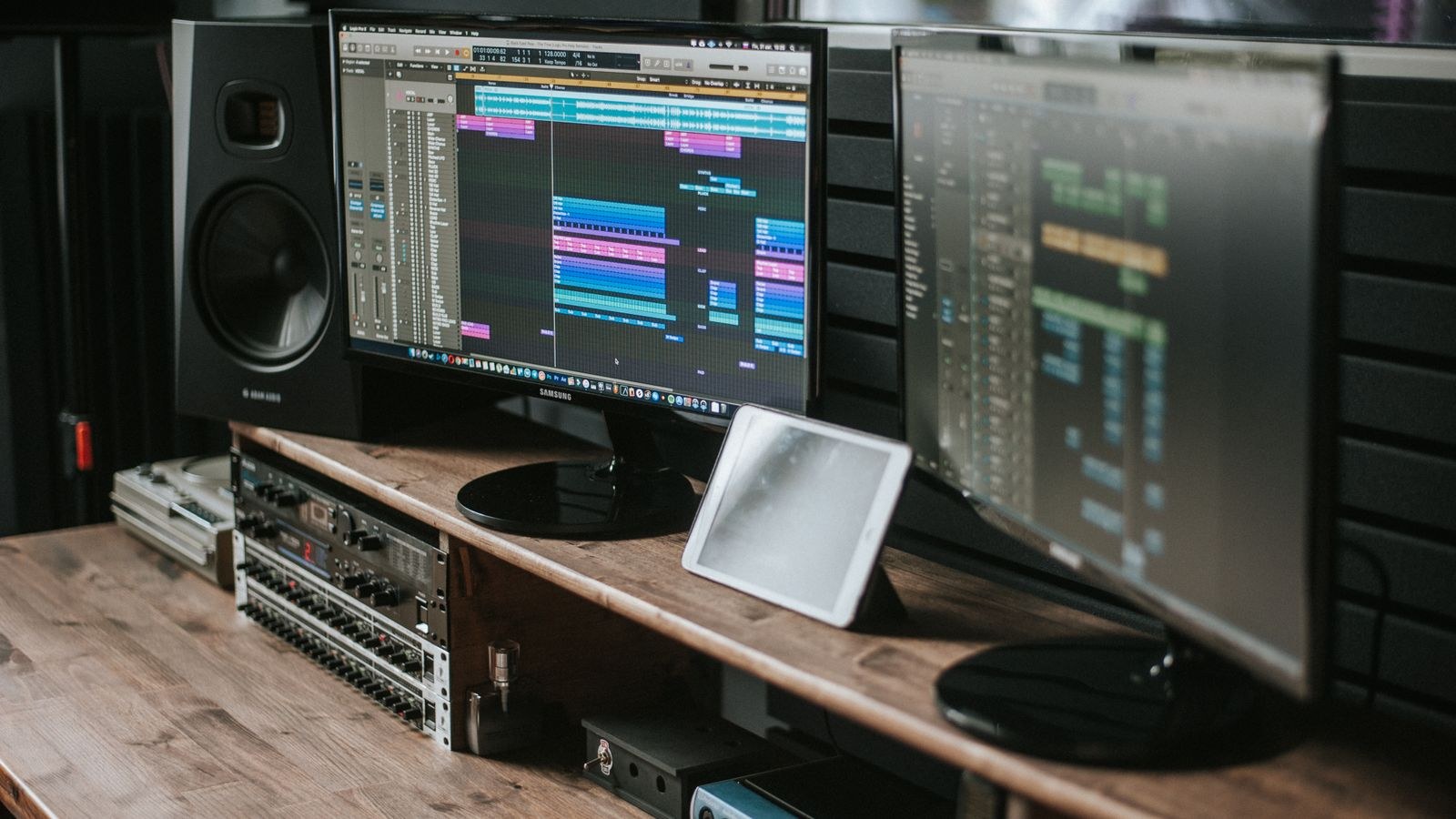
Studio Monitors: Accuracy Over Excitement
Studio monitors aim for a flat frequency response and a short, controlled decay, so what you hear is close to what was recorded. If you produce music, edit video, master podcasts, or mix streams, this neutrality is not a preference but a requirement, because you cannot make good decisions on speakers that hide problems or exaggerate bass.
They also tend to be built better than consumer speakers at the same price, with proper amplification per driver, balanced inputs, and controls to compensate for room placement. What they will not do is make an average recording sound exciting. Poorly mastered music sounds poorly mastered, and compressed streaming audio sounds compressed. Many people love that honesty; others find it fatiguing after a long day.
Monitors also demand more from your room and your positioning, because their accuracy exposes reflections and asymmetry. They are near-field designs meant to be listened to from three or four feet with the tweeters at ear height, which is precisely a desk arrangement, but only if you actually place them that way. If accuracy is your goal, our list of the best studio monitor speakers covers the sizes that suit desktop distances.
Connections: What Your PC Needs
Getting the connection right avoids most of the frustration people experience with desk audio.
- 3.5mm analogue: the universal option, plugging into your motherboard’s green line-out. Perfectly adequate, though a noisy front-panel jack can introduce hiss; use the rear ports where possible.
- RCA: common on larger powered speakers and monitors. Use a 3.5mm-to-dual-RCA cable from your PC, or an RCA output from a DAC.
- TRS balanced: quarter-inch connections found on studio monitors, resistant to interference over longer runs. Requires an audio interface or a source with balanced outputs.
- USB: the speakers act as their own sound device, bypassing motherboard audio and its potential noise entirely. The simplest route to clean sound with no extra hardware.
- Optical and HDMI: useful when connecting through a monitor, television, or receiver, and common on desktop setups that double as media systems.
- Bluetooth: convenient for phones and tablets, but latency makes it a poor primary connection for gaming. Treat it as a bonus feature, not the main input.
Powered speakers contain their own amplification and connect directly. Passive speakers need an external amplifier, which adds cost and another box, so unless you already own an amp, choose powered models for a desk.
Placement Is Free Performance
Speaker positioning routinely delivers more improvement than moving up a price tier, and it costs nothing. Aim for an equilateral triangle between the two speakers and your head, with the tweeters at ear height and each cabinet angled slightly inward toward your listening position. Tweeters below ear level are the single most common desktop mistake, because treble is highly directional and firing it at your chest dulls everything.
Pull the speakers a few inches away from the wall behind them to reduce bass boom, and lift them off the desk surface with small stands or isolation pads so vibration does not transmit into the desk and colour the sound. Keep the pair symmetrical relative to side walls where you can, since an asymmetric arrangement skews the stereo image. Dedicated stands make all of this easy and free up desk space at the same time; our guide to the best speaker stands covers desktop and floor options for different cabinet sizes.
Budget Tiers and What They Buy
- Under $80: small plastic 2.0 pairs or basic 2.1 sets. A clear improvement over monitor speakers, but expect limited bass and modest clarity.
- $80 to $200: the value zone. Larger drivers, wooden or composite cabinets, better amplification, and often USB or optical inputs. Most desks should aim here.
- $200 to $400: entry studio monitors and serious consumer 2.0 pairs. This is where sound becomes effortless rather than merely good, with real dynamic range.
- Above $400: larger monitors and premium bookshelf pairs. Excellent, but your room becomes the limiting factor, so treat the space before spending further.
Across every tier, cabinet size and material matter more than headline wattage figures. Wattage ratings are inconsistently measured and tell you almost nothing about how loud or how good a speaker actually sounds; driver size, cabinet volume, and tuning tell you far more. Our roundup of the best desktop speakers maps these tiers to real-world desk sizes.
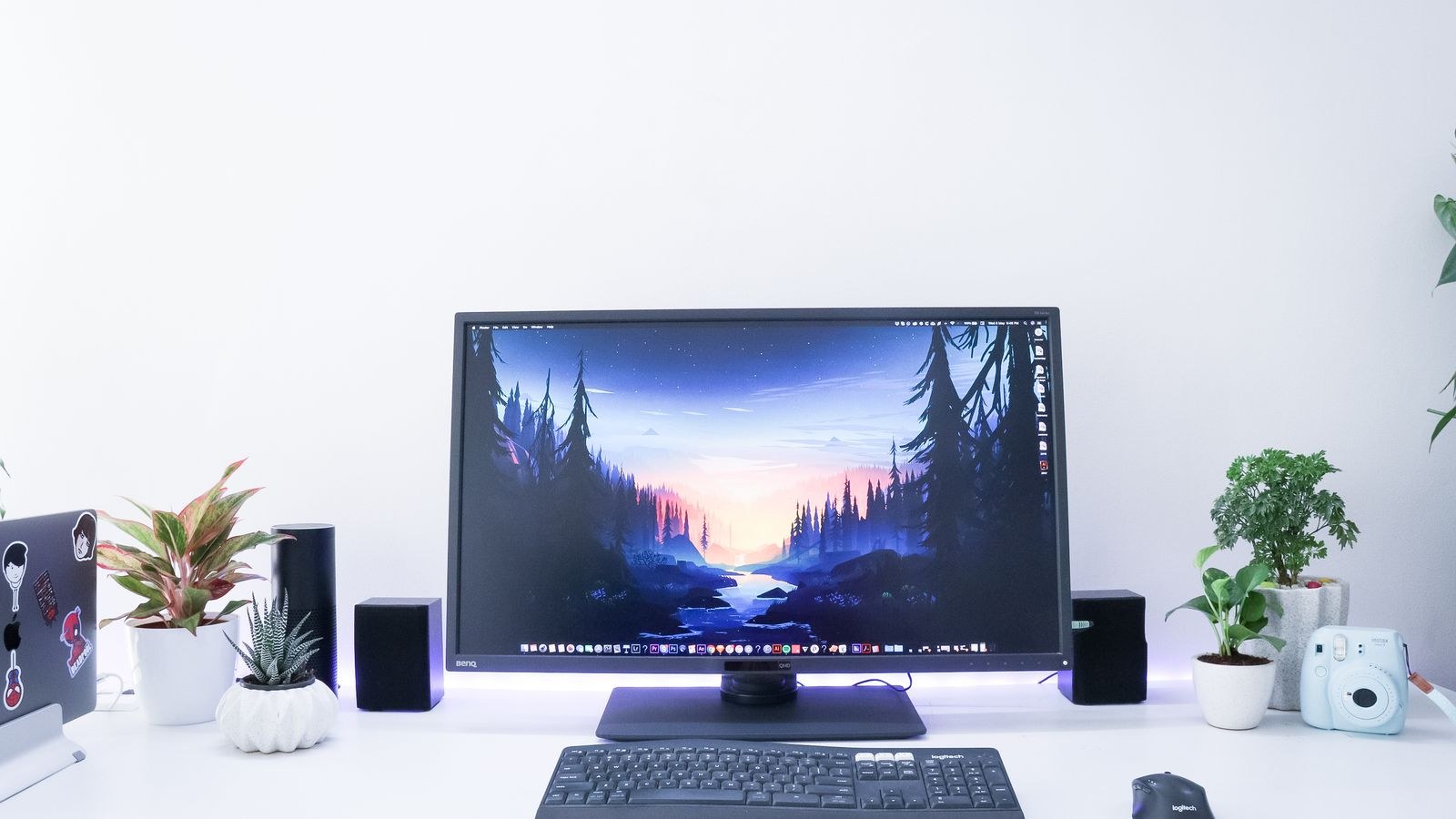
Measure Your Desk Before You Buy
Plenty of buyers order speakers that technically fit and then discover the setup is unusable. Check three dimensions. Width: two cabinets plus your monitor stand must coexist without the speakers being pushed behind the screen, which blocks the treble. Depth: rear-ported cabinets need clearance behind them, so a desk pushed flat against a wall limits your options to front-ported or sealed designs. Height: tweeters should reach ear level, which on a low desk usually requires stands.
Also plan the cabling. Most powered speakers have the amplifier in one cabinet, so a speaker cable must run between the pair, plus a power cable and a source cable. A subwoofer adds another power outlet and a run to the sub. Sort out routing before installation rather than after.
Common Mistakes
The biggest mistake is buying by wattage. A speaker advertising huge peak power figures frequently sounds worse than a modest pair with better drivers and a properly braced cabinet. The second is tucking speakers behind or beside monitors where the tweeters are obstructed, then blaming the speakers for sounding dull.
Third is adding a subwoofer in an apartment and never being able to turn it up. Fourth is buying studio monitors expecting exciting, bass-heavy sound; they are honest by design, and if you want fun, buy consumer speakers instead. Fifth is ignoring the source, since a hissy front-panel jack undermines any speaker; move to a rear port or a USB connection and the noise usually disappears for free.
Frequently Asked Questions
Do I need a subwoofer for gaming?
No, but it adds impact. A capable 2.0 pair with five-inch woofers covers most game audio convincingly. Add a subwoofer if you play cinematic titles, watch films at the desk, and have the floor space and neighbour tolerance for it.
Are studio monitors good for gaming?
Yes, though the presentation is neutral rather than exciting. Their accuracy and fast transient response actually help with positional cues, but they will not flatter compressed audio and they need proper placement to shine.
Should I use USB or a 3.5mm connection?
USB if your speakers support it, since it bypasses motherboard audio and any electrical noise in the case. A rear-panel 3.5mm output is a perfectly good alternative and is usually quieter than the front-panel jack.
How much should I spend for a noticeable upgrade?
Around $120 to $200 delivers a genuinely large jump over budget or monitor speakers. Below that you are getting incremental gains; above it returns come more slowly until your room is treated.
Do speaker stands really make a difference?
Yes, on two counts. They raise tweeters to ear height, which restores clarity, and they decouple the cabinet from the desk so vibration does not smear the sound. They are one of the cheapest meaningful upgrades available.
Final Thoughts
Pick the format that matches how you actually use your desk. Choose 2.0 if you want simplicity, clean imaging, and minimal clutter, and stretch to larger cabinets rather than adding a subwoofer if your desk allows. Choose 2.1 if you want cinematic impact and have both the floor space and the freedom to use it. Choose studio monitors if you create audio or video and need to hear what is really there.
Then spend ten minutes on placement, get the tweeters to ear height, angle them toward your chair, and lift them off the desk. That single habit will do more for your listening in 2026 than another hundred pounds of hardware, whichever format you bring home.









