Owen Bradley
 A wireless security camera system is the fastest, least invasive way to put eyes on your property, and in 2026 the gap between a cheap camera that frustrates you and a well-chosen system that quietly does its job comes down to a handful of decisions made before you buy. Wireless does not mean effortless: you still have to think about where power comes from, how footage is stored, how strong your Wi-Fi actually is at the far corner of the driveway, and what you are willing to pay every month. This guide walks through every one of those decisions in plain language so you can specify the right system for your home the first time, instead of buying twice.
What “Wireless” Actually Means
The word gets used loosely, and the distinction matters more than any spec on the box. There are really three categories on the market.
- Wire-free (battery powered): no cables at all. The camera runs on a rechargeable battery pack and sends video over Wi-Fi. Easiest to install, but you recharge or swap batteries every few months and the camera sleeps between events to save power.
- Wireless data, wired power: the video travels over Wi-Fi but the camera plugs into an outlet or a low-voltage transformer. This is the sweet spot for most people: continuous recording is possible, and there is no battery to babysit.
- Wireless to a hub: cameras talk to a dedicated base station on their own radio link rather than your household Wi-Fi, and only the hub touches your router. This dramatically improves reliability in homes with weak or congested Wi-Fi.
If your priority is a five-minute installation on a rental, wire-free wins. If your priority is footage you can trust to be there every single time, powered or hub-based systems are the safer specification. Many of the multi-camera kits covered in our roundup of the best wireless camera security systems use the hub approach precisely because it removes the single biggest source of dropped clips.
Resolution, Field of View and What You Can Actually Identify
Resolution is the number buyers fixate on, and it is only half the story. What determines whether you can identify a face or read a license plate is pixels per foot at the distance where the subject appears. A 4K camera with a 160-degree ultra-wide lens spreads its pixels across an enormous scene and may deliver less usable detail at 30 feet than a 2K camera with a tighter 100-degree lens aimed at a doorway.
Practical guidance: 1080p is adequate for seeing that something happened. 2K is the current value sweet spot and is enough to recognise a person you already know. 4K is worth paying for only on long approaches such as a driveway or a rear yard, and only if you are prepared for the storage and bandwidth it consumes. Choose the narrowest field of view that still covers what you care about, rather than the widest one available.
Night Vision: Infrared, Colour and Spotlights
Most incidents happen after dark, so night performance deserves as much attention as daytime resolution. Standard infrared night vision produces the familiar monochrome image and works well up to roughly 30 feet on typical hardware. Colour night vision relies on a larger sensor and a wider aperture to capture usable colour under ambient light, which is enormously more useful for describing clothing to a neighbour or an insurer. Spotlight cameras split the difference by flooding the scene with white light on detection, which also acts as a deterrent in its own right.
Be aware of a common installation mistake: mounting an infrared camera behind glass or under a soffit where the IR light bounces straight back into the lens, washing out the whole frame. Cameras with IR need clear line of sight, or you need to disable IR and provide external lighting instead.
Storage: Cloud, Local, or Both
This single choice drives your long-term cost more than the hardware price does.
- Cloud storage keeps clips off-site, so footage survives if the camera is stolen. It almost always requires a subscription, priced per camera or per household, and typically retains 14 to 60 days.
- Local storage means a microSD card in the camera or a hard drive in the base station. No monthly fee and no upload bandwidth used, but a determined intruder who takes the recorder takes the evidence.
- Hybrid systems record locally and push event clips to the cloud. This is the most robust arrangement and increasingly common at mid-range prices.
Before you commit, price the subscription across three years and add it to the hardware cost. A cheaper camera with a per-camera monthly fee frequently ends up more expensive than a pricier system with free local recording. Feature gating matters too: on some platforms, person detection, activity zones and rich notifications all live behind the paywall.
Wi-Fi, Range and the Bandwidth Reality Check
Wireless cameras are only as good as the network carrying them. Each streaming camera consumes meaningful upstream bandwidth, and upstream is the scarce resource on most home broadband connections. Four cameras uploading simultaneously can saturate a modest plan and make video calls stutter.
Three practical measures make a real difference. First, check the actual signal strength at each intended mounting point using your phone before you drill anything. Second, prefer cameras that support the 2.4 GHz band for range, reserving 5 GHz for cameras close to the router. Third, if any camera sits at the edge of coverage, fix the network rather than fighting the camera: upgrading to one of the best mesh WiFi systems resolves far more camera reliability complaints than swapping the camera ever will. Dedicated indoor units, like those in our list of the best WiFi surveillance cameras, are usually the easiest to place well because they sit close to the access point.
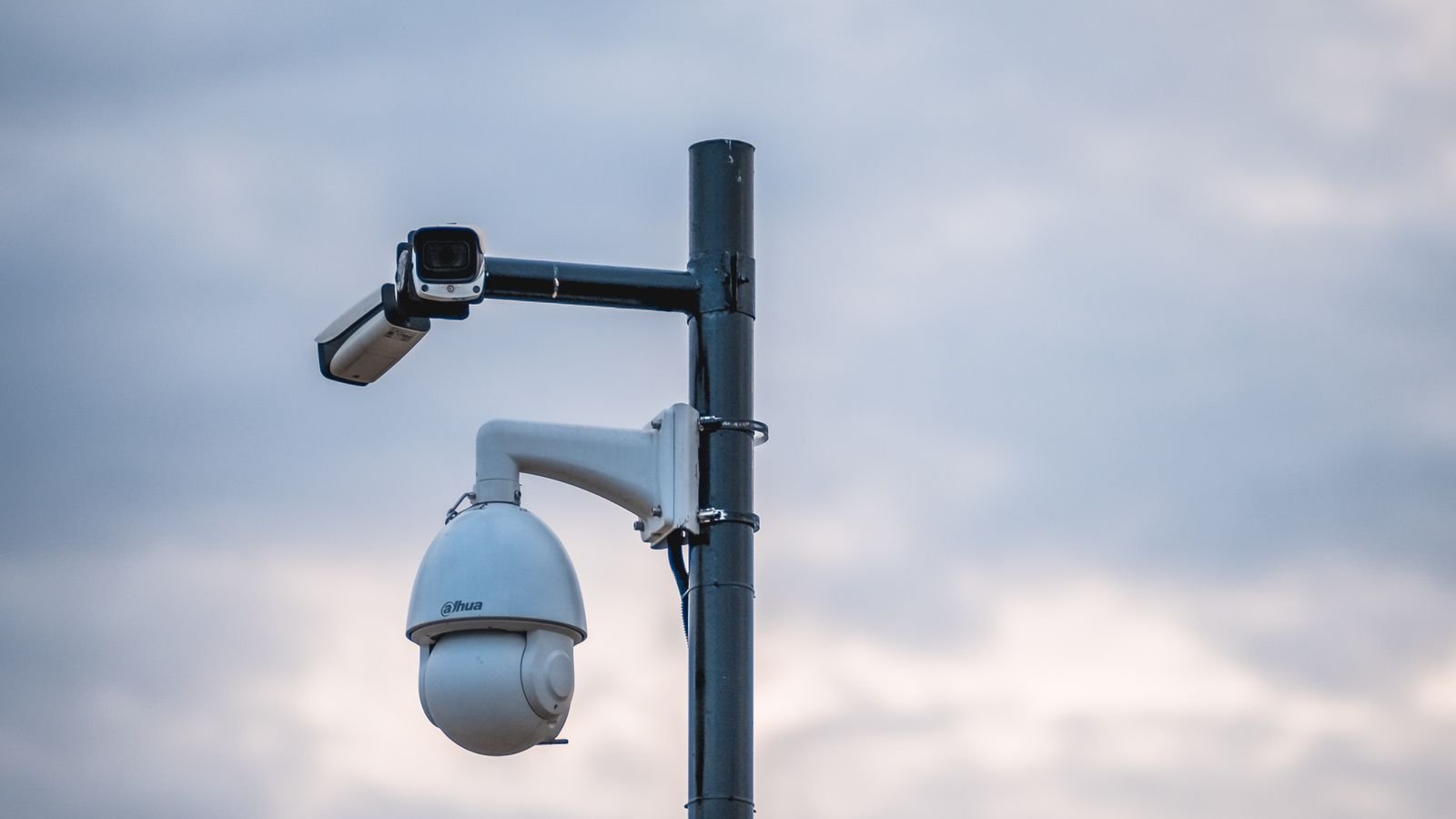
Indoor Versus Outdoor Cameras
Outdoor cameras need a weather rating of at least IP65 to shrug off driven rain, and IP66 or better if they are fully exposed. Check the operating temperature range if you live somewhere with hard winters, because battery models lose a large fraction of their runtime below freezing. Mounting height of 8 to 10 feet is the usual compromise: high enough to be out of easy reach, low enough that faces are captured rather than the tops of heads.
Indoor cameras trade weatherproofing for privacy features. Look for a physical privacy shutter or a scheduled arming mode so the camera is provably off when the family is home. Pan-and-tilt indoor models cover a whole open-plan room from one position, which is often cheaper than two fixed cameras. Comparing dedicated indoor surveillance cameras against weatherproof outdoor security cameras side by side makes the specification differences obvious.
Smart Detection: Cutting Down False Alerts
Basic motion detection triggers on headlights, shadows, rain, and every cat in the neighbourhood. Within a week most people mute the notifications entirely, which defeats the purpose of the system. Modern on-device detection classifies what it sees into people, vehicles, animals and packages, and only alerts you for the categories you care about.
Also look for activity zones, which let you draw the area that matters and ignore the pavement, and for adjustable sensitivity and cooldown timers. The goal is a system that notifies you rarely enough that you still read the notifications months later.
Power, Batteries and Solar
Battery cameras quote runtimes assuming a modest number of daily events. A camera facing a busy street will record dozens of times an hour and can drain in weeks rather than months. If you want a wire-free camera in a high-traffic spot, budget for a small solar panel; on a south-facing wall it will generally keep the battery topped up indefinitely. Where mains power is available, use it. A plug-in camera with local recording is the most dependable configuration you can build without running network cable.
Integration With the Rest of Your Smart Home
Cameras become considerably more useful when they trigger other things. A camera that turns on a porch light, unlocks nothing but announces a visitor on a speaker, or arms automatically when the last phone leaves the house is doing real work. Check compatibility with whichever ecosystem you already use before buying, because camera support is the least consistent part of the smart home standards landscape. If you are assembling a broader setup, pairing cameras with a complete alarm package from our guide to the best DIY home security systems covers entry sensors and sirens that cameras alone cannot replace.
Budget Tiers: What Your Money Buys
- Entry level: one or two 1080p cameras, cloud clips behind a subscription, basic motion alerts. Fine for keeping an eye on a porch or a pet.
- Mid range: 2K resolution, colour night vision, on-device person and vehicle detection, local storage included. This is where most households should land.
- Premium: 4K on key approaches, hub-based radio for reliability, hybrid local plus cloud storage, solar options, and deep smart-home integration.
Spending more on fewer, better-placed cameras beats scattering cheap ones. Two well-sited cameras covering the front door and the rear approach deliver more usable evidence than six wide-angle units pointed at nothing in particular.
Placement Checklist Before You Drill
- Cover every ground-floor entry point, prioritising the front door and any door hidden from the street.
- Aim cameras across approaches rather than straight at them, so subjects are in frame longer.
- Avoid pointing into the rising or setting sun, which will blow out the image twice a day.
- Keep cameras off your neighbour’s property and windows, and check local recording and audio laws.
- Verify the live view at the exact mounting position and height before fixing the bracket permanently.
Mistakes That Cost People Money
The most common is buying on resolution alone and ending up with an ultra-wide 4K camera that fills the storage and still cannot identify anyone. Next is ignoring subscription costs until the first renewal. Third is mounting too high, capturing nothing but hats. Fourth is trusting a single Wi-Fi router to reach a detached garage. Fifth, and most avoidable, is never testing the system: run a walk-through every few months, confirm clips are being saved and that you can actually retrieve and export them.
Frequently Asked Questions
Do wireless cameras work without internet?
Cameras with local storage keep recording during an outage, but you lose remote viewing and cloud upload. Purely cloud-based cameras stop being useful the moment the connection drops, which is one more argument for local or hybrid storage.
How many cameras does an average home need?
Most single-family homes are well covered by three to five: front door, rear door, driveway, and one or two interior common areas. Start with the entry points and expand only if you find a genuine blind spot.
Can wireless cameras be jammed or hacked?
Deliberate radio jamming is possible but rare in ordinary burglaries. The realistic risk is account compromise, so use a unique password, enable two-factor authentication, and keep firmware updated. Hub-based systems on proprietary radio are harder to disrupt than plain Wi-Fi models.
Is 2K enough, or should I pay for 4K?
For doorways and rooms, 2K is plenty. Reserve 4K for long approaches where the subject will be more than about 25 feet away, and confirm your storage and upload capacity can handle it.
Do I need a subscription?
Not if you choose hardware with local recording and on-device detection. Subscriptions add off-site backup and longer retention, which are genuinely valuable, but they should be a choice rather than a requirement baked into the hardware.
Final Thoughts
Choosing a wireless security camera system is mostly an exercise in matching the hardware to your actual property and your actual network, rather than chasing headline specifications. Decide first how footage will be stored and what that costs over several years, then pick resolution and lens angle to suit each viewing distance, then confirm power and Wi-Fi coverage at every mounting point. Get those three right and almost any reputable system will serve you well; get them wrong and no amount of megapixels will rescue the installation. Spend an afternoon planning placement before you spend anything on hardware, and the system you end up with will still be earning its keep years from now.