Owen Bradley
 Smart lighting is the cheapest, fastest and most immediately satisfying entry point into home automation. Screw in a bulb, connect it, and suddenly a room dims for a film, wakes you with a sunrise, or turns itself off when you leave. But the category hides real complexity: three competing wireless protocols, a colour standard almost nobody reads, dimmer switches that make bulbs flicker, and the awkward problem of what happens when someone flips the wall switch. This guide covers bulbs versus lamps versus switches, protocol choice, colour and brightness specifications, and how to plan lighting room by room.

Smart Bulbs, Smart Lamps or Smart Switches?
Smart Bulbs
The most flexible option. Each bulb is individually addressable, dimmable and often colour-adjustable, and installation takes seconds. The drawback is the wall switch: cut power at the switch and the bulb goes offline entirely, which is a constant source of household friction. Cost also scales badly — a room with eight downlights means eight smart bulbs.
Smart Lamps
Complete fixtures with the intelligence built in: table lamps, floor lamps, bedside lights and strip lighting. Often better designed optically than a smart bulb in a generic shade, with diffusers and effects a standard bulb cannot reproduce. They plug in, so the wall switch problem disappears, but you cannot repurpose the electronics elsewhere. Our roundup of the best smart lamps covers table, floor and bedside designs.
Smart Switches and Dimmers
Replace the wall switch itself, controlling ordinary dimmable LEDs. This is the most economical approach for rooms with many fixtures, and the switch keeps working manually for anyone who does not want to use an app. The compromises are that you get no colour control, installation requires wiring work and often a neutral wire that older properties lack, and everything on the circuit dims together.
A pragmatic rule: use smart bulbs where you want colour and per-bulb control, smart lamps for accent and bedside lighting, and smart switches for ceiling circuits with multiple fixtures.
Protocols: The Decision That Locks You In
How a bulb talks to the rest of your home matters more than any other specification, because it determines reliability, responsiveness and how the system scales.
- Wi-Fi. Connects directly to your router with no hub. Cheapest to start and simplest to set up, but every bulb consumes a network address and adds congestion. Beyond fifteen or twenty devices, many home routers start struggling. Response can also lag because commands route through the cloud.
- Zigbee. A low-power mesh network needing a hub or bridge. Each mains-powered bulb repeats the signal, so coverage improves as you add devices. Very responsive, very reliable, and it keeps lighting traffic off your Wi-Fi. The hub is an upfront cost and a single point of failure.
- Z-Wave. Similar mesh benefits on a different frequency, so it avoids the 2.4GHz congestion Zigbee and Wi-Fi share. Excellent range and strong for switches, though there are fewer bulb options.
- Bluetooth. Direct phone-to-bulb control with no hub or network. Fine for a single lamp, but there is no remote access and range is limited to one room.
- Thread and Matter. The current direction of travel. Thread provides a low-power mesh, and Matter provides cross-platform compatibility so a device works with any major ecosystem. If you are starting fresh and want the longest useful life, favour Matter-certified hardware.
Choose your ecosystem before your bulbs. Committing to one platform and buying compatible hardware avoids the very common outcome of four apps and no unified scenes.
Brightness, Colour Temperature and Colour Rendering
Ignore watts, which describe consumption rather than output on LED lighting. The numbers that matter are these.
Lumens measure light output. As rough equivalents, 450 lumens replaces an old 40W bulb, 800 lumens replaces 60W, and 1100 lumens replaces 75W. Smart bulbs in colour mode often produce noticeably less light than in white mode, so check the white-mode figure if a room needs real brightness.
Colour temperature in Kelvin sets the character of white light. Around 2200K is a warm candlelight glow, 2700K is standard warm white and the default for living spaces, 3000K is a slightly cleaner warm white, 4000K is neutral and suits kitchens and workspaces, and 5000K and above is daylight, useful for tasks and poor in a bedroom. Tunable white bulbs move across this range, which is more useful day to day than colour is.
Colour rendering index, or CRI, describes how accurately colours appear under the light. Below 80 makes skin tones and food look flat and grey. Aim for 90 or above in kitchens, bathrooms, dining areas and anywhere you get dressed. This single specification does more for how a room feels than colour-changing ever will.
If you are comparing options, our guides to the best smart bulbs and the best smart light bulbs cover brightness, CRI and protocol support across the main formats.
Dimming Quality and Flicker
Cheap smart bulbs dim badly, and it is the most common regret in the category. Watch for three things.
The minimum dim level determines how low the bulb will go. Many stop at 10 percent, which is still too bright for a bedroom at night. Better bulbs reach 1 percent or lower, which is what makes evening lighting feel calm rather than merely reduced.
Flicker comes from low-frequency pulse width modulation. It may be invisible directly but causes eye strain and headaches over long exposure, and it shows up as banding on camera. High-frequency dimming largely eliminates it.
Colour shift on dimming is a quality marker. Good bulbs warm as they dim, mimicking incandescent behaviour, which feels natural. Poor ones stay clinically cool at low output.
Never put a smart bulb on a traditional wall dimmer. The dimmer chops the mains waveform and the bulb’s electronics cannot cope, producing buzzing, flicker and premature failure. Replace the dimmer with a plain switch, or use a smart switch with ordinary dimmable LEDs instead.
Solving the Wall Switch Problem
A smart bulb needs constant power. When a housemate or guest flips the switch off, the bulb disappears from the app and from every automation. There are four workable answers.
- Fit a smart switch or dimmer and use ordinary LEDs, sidestepping the problem entirely.
- Fit a smart switch designed to sit alongside smart bulbs, which keeps power flowing and sends a command instead of cutting the circuit.
- Add a battery-powered smart button or scene controller mounted over or beside the existing switch, and leave the original switch permanently on.
- Use a switch guard or simply tape the switch on, which is inelegant but free and surprisingly effective in a household of two.
Whichever you choose, decide it before buying bulbs for a whole house, because it changes how many smart bulbs you actually need.
Planning Room by Room
- Living room. Layer it: a dimmable ceiling fixture on a smart switch, plus smart lamps for accent and colour. Set scenes for evening, film watching and entertaining.
- Bedroom. Prioritise deep dimming and warm colour. Sunrise wake-up routines and a fade-to-off timer are the automations people actually keep using. Very warm 2200K light in the last hour before sleep is easier on the eyes than any colour effect.
- Kitchen. Brightness and CRI above 90 matter most. Tunable white from 2700K to 4000K covers both cooking and relaxed evenings. Under-cabinet strips remove shadows on the worktop.
- Home office. Neutral 4000K for focus with a warm evening shift. A desk lamp with independent control prevents ceiling glare on screens.
- Hallways and stairs. Motion-triggered lighting at low brightness overnight is one of the genuinely transformative automations.
- Bathroom. High CRI and a damp-rated fixture. A dim night-time setting avoids a face full of daylight at 3am.
- Children’s rooms. Colour is genuinely popular here, and a scheduled dim-and-off routine helps enforce bedtime without argument.
Automations Worth Setting Up
- Sunset-triggered lighting, so the house lights itself as the day ends rather than on a fixed clock time.
- A gradual wake-up fade in the bedroom over twenty or thirty minutes.
- Motion-activated low-level lighting in hallways, landings and bathrooms after midnight.
- An away or holiday mode that varies lighting realistically rather than switching on at exactly the same time nightly.
- A single goodnight scene that turns off everything downstairs at once.
- A circadian schedule shifting colour temperature cooler in the morning and warmer through the evening.
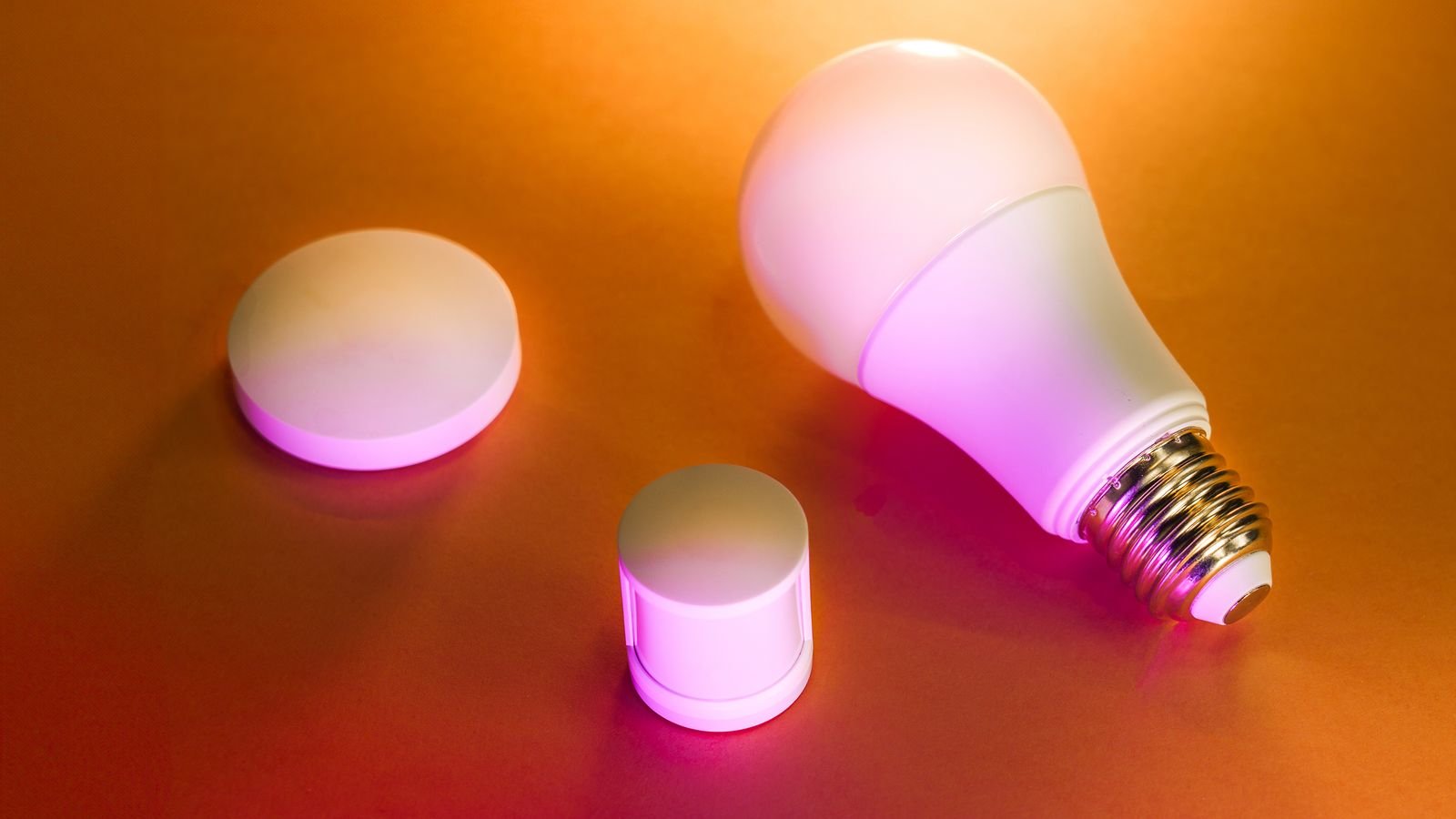
Smart lighting is also the natural first layer of a broader setup, since bulbs, sensors and hubs share the same networks — our guide to the best devices for smart homes covers what pairs well with lighting.
Frequently Asked Questions
Do smart bulbs use electricity when they are off?
A small amount, typically well under half a watt, because the radio has to stay awake to receive the on command. Across a whole house this is a trivial cost and far less than the savings from dimming and automatic switch-off.
Do I need a hub?
Not for Wi-Fi or Bluetooth bulbs. Zigbee, Z-Wave and Thread devices need a hub or a border router, though many smart speakers and displays now include one. Hub-based systems are generally more responsive and scale better past a dozen or so devices.
Will smart bulbs work if the internet goes down?
Local control usually continues on hub-based and Matter systems, so switches and local automations keep working. Cloud-dependent Wi-Fi bulbs often lose app control entirely, which is a good reason to favour local processing.
Can I use smart bulbs with existing dimmer switches?
No. A traditional dimmer will cause buzzing, flicker and early failure. Replace it with a standard switch, or fit a smart dimmer and use ordinary dimmable LEDs.
How long do smart bulbs last?
The LED itself is usually rated for 15,000 to 25,000 hours, but the driver and radio electronics typically fail first, often after three to five years of heavy use. Heat is the enemy, so enclosed fittings shorten life noticeably.
Final Thoughts
Good smart lighting is planned rather than accumulated. Pick one ecosystem and stick to it, favour Matter or a mesh protocol over plain Wi-Fi if you intend to go beyond a handful of devices, and decide early how you will handle the wall switch. When comparing bulbs, look past colour-changing at the specifications that shape a room every day: real brightness in white mode, a CRI of 90 or better, and dimming that reaches genuinely low levels without flicker or a cold colour shift. Start with one room, build the two or three automations you will actually use, and expand from there.