Owen Bradley
 Most people build a home camera setup by accident. A video doorbell arrives first, then an indoor camera for the dog, then a floodlight camera for the driveway — three apps, three subscriptions, and footage that never quite covers the one spot where something actually happened. Designing the system as a whole from the start costs no more and works far better. This guide walks through how indoor cameras, outdoor cameras and doorbells divide the work, the specifications that separate usable footage from unusable footage, how storage and subscriptions really work, and how to plan coverage so there are no blind spots.
Start With the Question You Want Answered
Before choosing hardware, decide what the system is for. The answer changes almost every specification.
- Deterrence. Visible cameras, bright motion-triggered lighting and sirens. Resolution matters less than visibility.
- Evidence. Identifiable faces, plates and clothing. Demands high resolution, narrower fields of view, good low-light performance and reliable retention.
- Awareness. Knowing a parcel arrived or a child got home. Prioritise fast notifications, accurate person detection and two-way audio.
- Monitoring. Watching pets, an elderly relative or a contractor. Continuous recording and good indoor audio matter most.
Most households want a mix, but ranking them tells you where to spend. A camera positioned for deterrence at the corner of a house rarely produces footage good enough to identify anyone, so if evidence is the priority you need at least one camera placed and specified specifically for that job.
The Three Camera Roles
Doorbell Cameras
The front door is where the majority of deliveries, visitors and opportunistic theft happen, so this is the highest-value single camera in most homes. Look for a tall aspect ratio — often described as head-to-toe or 1:1 — because a wide letterbox view crops off both the parcel on the step and the visitor’s face. Wired doorbells draw from existing chime wiring and never need charging; battery models install anywhere but need recharging every few months and often respond slightly slower.
Outdoor Cameras
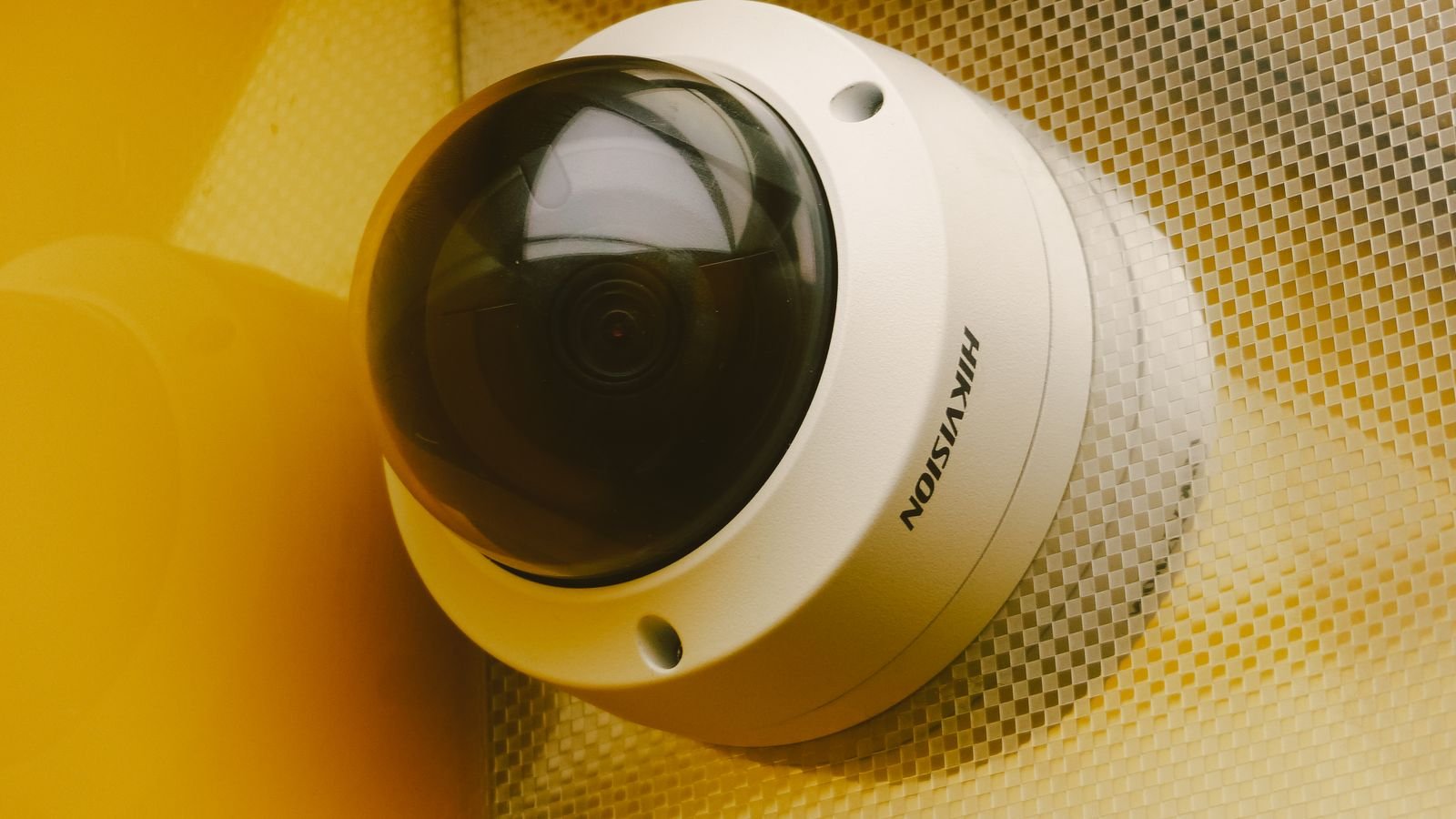
These cover approaches, driveways, side gates and gardens. They need weather sealing to at least IP65, proper night vision, and enough resolution to be useful at the distances involved. Bullet cameras are visibly directional and act as a deterrent; turret and dome cameras are more discreet and resist glare better. Floodlight cameras combine coverage with genuine illumination and are very effective on driveways. Our roundup of the best outside cameras compares weatherproofing, night range and mounting options across those formats.
Indoor Cameras
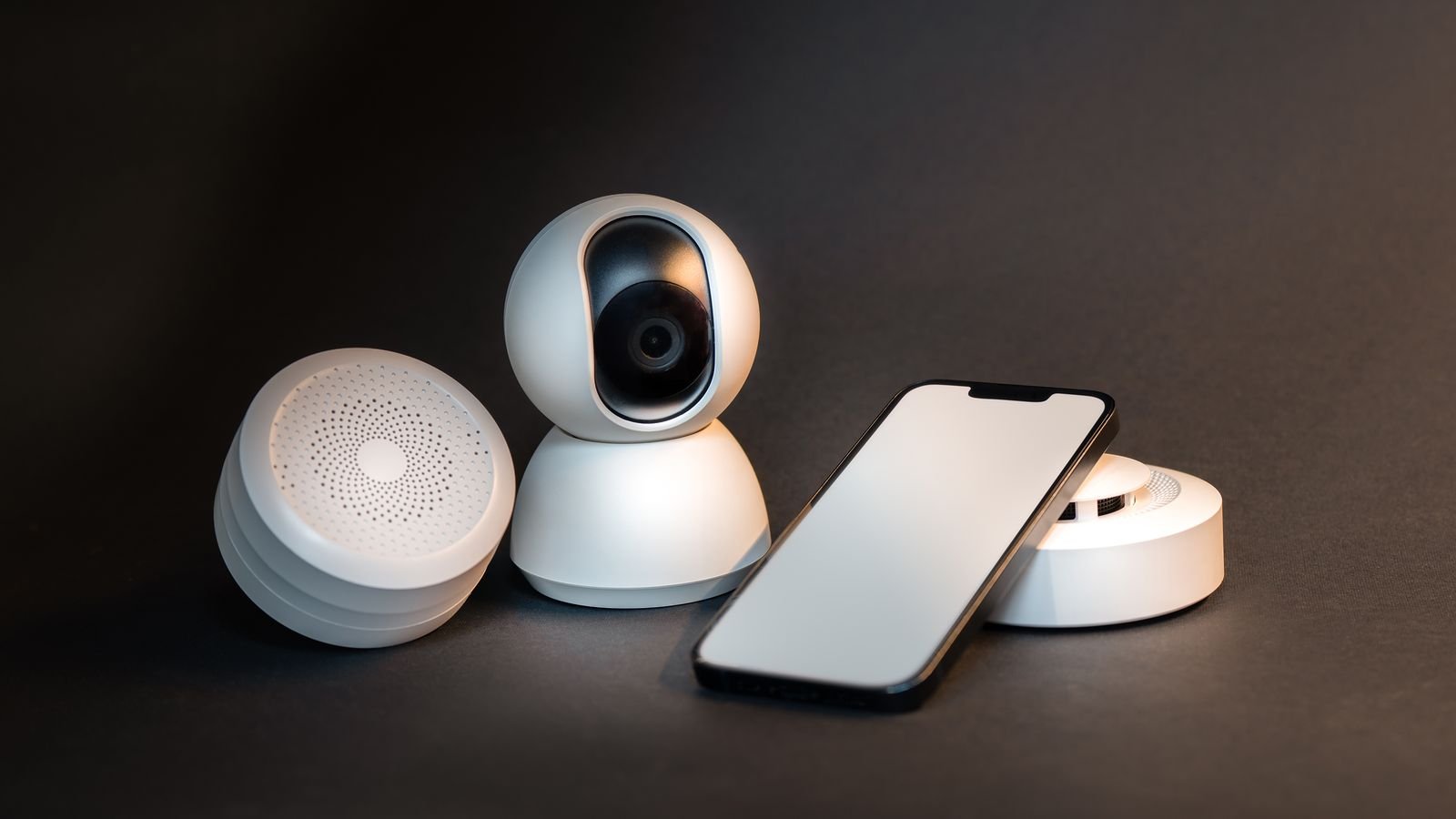
Indoor units cover entry points from the inside, hallways, stairwells and rooms where pets or family members need checking on. They are smaller, usually mains powered, and often add pan-and-tilt. Because they see private space, privacy controls matter more here than anywhere else — look for a physical shutter or a genuine hardware privacy mode rather than a software toggle. The best indoor surveillance cameras comparison covers those privacy features alongside image quality.
Resolution, Field of View and Why They Trade Off
Resolution is meaningless without considering field of view, because what matters is pixels on target. A 4K camera spreading a 180-degree view across a driveway may deliver fewer pixels to a face at 10 metres than a 2K camera with a 90-degree lens.
As a rough guide, 1080p remains adequate for close indoor use and doorbells at short range. 2K is the practical sweet spot for most outdoor positions, giving recognisable detail without enormous storage demands. 4K is worth it only where you need identification at distance, such as a long driveway or a gate, and it roughly quadruples storage and bandwidth.
Choose the narrowest field of view that still covers what you need. Two cameras with sensible 90-degree lenses almost always beat one ultra-wide camera trying to cover the same area, and they eliminate the barrel distortion that makes wide-angle footage hard to interpret.
Night Performance: Where Cheap Cameras Fail
Most incidents happen in the dark, and night vision is where budget cameras disappoint most obviously. There are three approaches.
- Infrared. Invisible IR LEDs give monochrome images. Effective, but range is often overstated, and IR reflects badly off nearby walls, glass and rain, causing washed-out foregrounds.
- Colour night vision. A larger sensor with a wide aperture captures colour in low ambient light. Far more useful for evidence, since clothing and vehicle colour are often the identifying details.
- Spotlight-assisted. A white LED switches on when motion is detected, giving full colour plus a deterrent effect. The most practical option for driveways and back gardens.
Never mount an IR camera behind glass — the light bounces straight back into the lens and produces a white blur. Cameras looking through a window need the IR disabled and external lighting instead.

Storage: Local, Cloud, or Both
How footage is retained determines both running cost and how much you actually own.
Local storage uses a microSD card in the camera, a network video recorder, or a hub with a hard drive. There is no monthly fee and no dependence on an internet connection, but a thief who takes the recorder takes the evidence, and cards do wear out — use high-endurance cards rated for continuous video writing.
Cloud storage keeps footage off-site, so it survives hardware theft, and usually enables smarter processing. The cost is a recurring subscription, dependence on upload bandwidth, and a retention window that is often only a week or two on cheaper plans.
The strongest setup is both: local recording for continuous coverage and cloud backup for event clips. When comparing subscriptions, check whether the plan covers all cameras or charges per device, how long clips are retained, whether continuous recording is included or only motion events, and whether basic person detection is locked behind the paid tier. Multi-camera packages with a shared recorder usually work out cheaper overall, and our guide to the best home surveillance systems compares complete kits on exactly those terms.
Motion Detection and Alert Fatigue
The fastest way to abandon a camera system is to receive forty notifications a day for passing cars and moving shadows. Detection quality matters as much as image quality.
- Person, vehicle and package detection filter out the noise and are the single biggest quality-of-life feature.
- Activity zones let you ignore the pavement and the neighbour’s driveway while still watching your own path.
- Sensitivity and duration settings stop foliage and rain from triggering constant clips.
- Pre-roll buffering captures the few seconds before the trigger, which is often where the useful footage is.
- On-device processing reacts faster and keeps data local, versus cloud processing that adds a delay.
Whatever the system, spend the first fortnight tuning zones and sensitivity. An untuned system gets muted, and a muted system is worthless.
Power and Connectivity
How a camera is powered constrains where it can go and how it behaves.
- Battery. Mount anywhere, no wiring. But cameras sleep between events, so they miss the first second or two, and continuous recording is impossible. Expect recharging every few months, more often in cold weather.
- Mains adapter. Always-on operation, tethered to a socket or an outdoor-rated supply.
- Power over Ethernet. A single cable carries power and data. The most reliable option by a distance, and immune to Wi-Fi congestion, but it requires running cable.
- Solar panel. Keeps a battery camera topped up in a sunny position, sidestepping the recharging chore.
Wi-Fi cameras in far corners of a property are a common source of dropped clips. Check signal strength at each planned mounting point before you drill, and extend the network if needed — a mesh wifi system is often the difference between a camera that records reliably and one that does not.
Planning Coverage Without Blind Spots
- Sketch the property and mark every ground-floor entry point: front door, back door, side gate, garage, patio doors and accessible windows.
- Cover the front door with a doorbell camera first, since it is the highest-traffic point in almost every home.
- Add an outdoor camera covering the approach to the property, angled so faces are captured as people walk toward it rather than away.
- Cover the rear and any side access, which are the entry points burglars actually prefer because they are unobserved.
- Place at least one indoor camera covering the main internal circulation route, so anyone inside is recorded regardless of how they entered.
- Mount outdoor cameras between 2.5 and 3 metres high — high enough to be out of reach, low enough to capture faces rather than the tops of heads.
- Avoid pointing cameras directly into the rising or setting sun, which blows out the image for a critical part of the day.
- Walk the property after dark with the app open and check every feed. This is where the blind spots reveal themselves.
Privacy and Legal Considerations
Cameras that capture areas beyond your property boundary carry obligations in many jurisdictions. Aim lenses so they cover your own land, and use privacy masking to black out neighbouring windows and gardens. Audio recording is frequently governed more strictly than video, so check local rules before enabling it outdoors. Inside the home, tell household members and guests where cameras are, keep them out of bathrooms and bedrooms, and choose models with a physical shutter. Finally, secure the system itself: change default passwords, enable two-factor authentication and keep firmware updated, since an unpatched camera is a genuine network vulnerability.
Frequently Asked Questions
How many cameras does a typical home need?
Most houses are well covered by a doorbell, two outdoor cameras covering front and rear approaches, and one or two indoor cameras. Coverage of entry points matters far more than camera count.
Do I need a subscription?
Not always. Many systems record locally to a card or recorder for free. Subscriptions typically add cloud backup, longer retention and smarter detection, so decide whether off-site backup matters to you before committing.
Are wireless cameras good enough?
For most homes, yes, provided the Wi-Fi signal is strong at each mounting point. For long driveways, outbuildings or anywhere you need continuous recording, wired power over Ethernet is far more dependable.
Can I mix brands in one system?
You can, but you will juggle multiple apps and lose unified event timelines. Choose one ecosystem for the main cameras and add other devices only where a brand does something the ecosystem cannot.
Will cameras actually deter a burglar?
Visible cameras combined with motion-activated lighting do reduce opportunistic attempts noticeably. Determined intruders are less affected, which is why the evidence side of the system matters as much as the deterrent side.
Final Thoughts
A surveillance system works best when it is designed rather than accumulated. Decide first whether you mainly want deterrence, evidence or awareness, then choose one ecosystem, cover the front door and the rear approach before anything else, and pick resolution and field of view together rather than chasing megapixels. Sort out power and network signal before drilling, plan storage so footage survives the theft of the recorder, and spend real time tuning motion zones so the alerts stay meaningful. Done in that order, four well-placed cameras will outperform eight scattered ones every time.