
 Owen Bradley
 Most smart homes are not built. They accumulate. Someone buys a speaker, then a bulb on offer, then a video doorbell from a different brand, and eighteen months later there are six apps, nothing talks to anything, and half the household has given up and uses the wall switches. Building a smart home from scratch, deliberately and in the right order, takes less money and far less frustration than assembling one by accident. This guide lays out that order: what to decide before you buy anything, which devices genuinely earn their place first, and how to grow the system without repainting yourself into a corner.
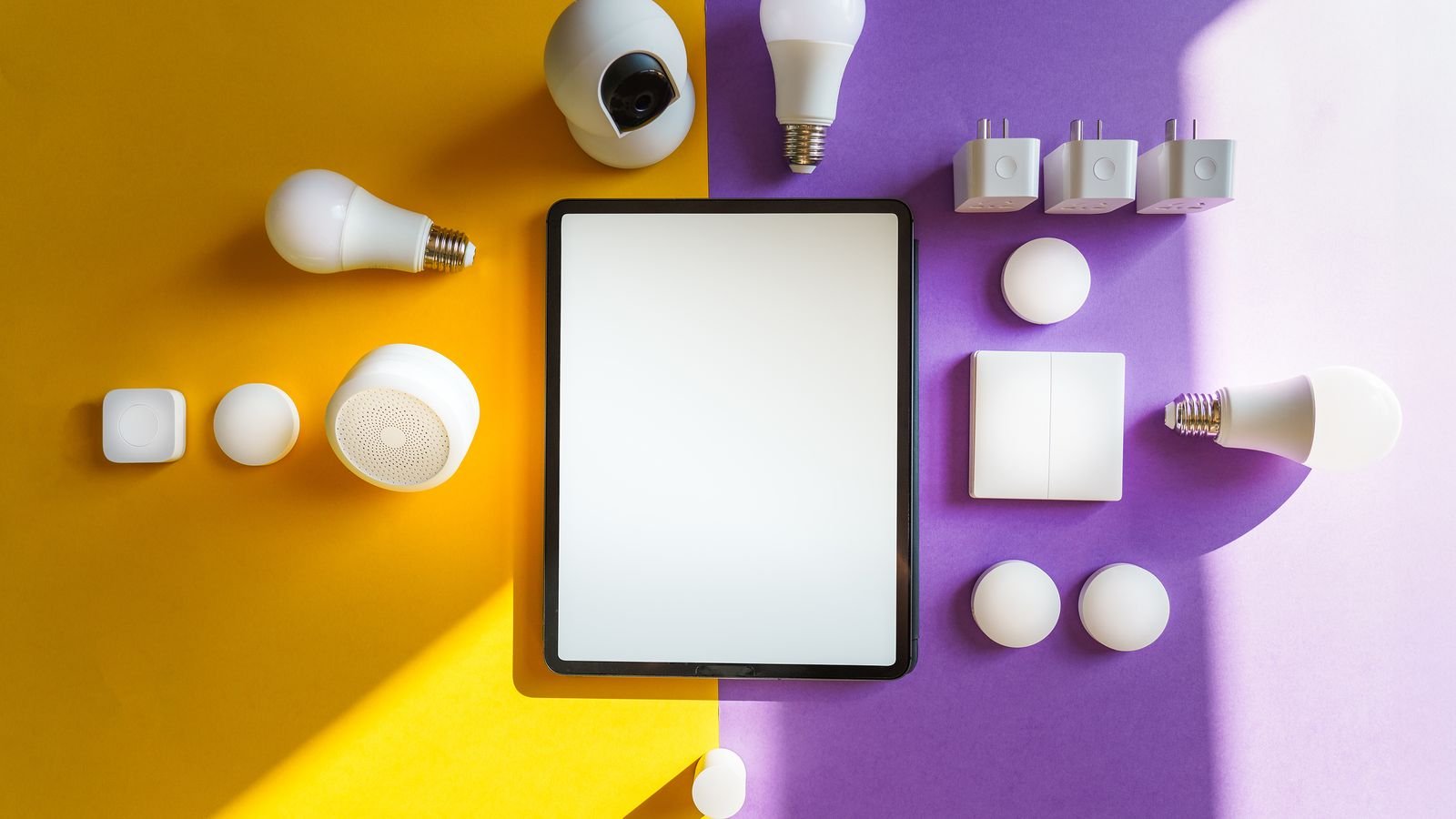
Decide What You Want It to Do
Before choosing hardware, write down the problems you want solved. This sounds like a formality and it is the step that separates a useful smart home from an expensive gadget collection.
Common genuine motivations include reducing heating and cooling waste, not arriving home to a dark house, knowing who is at the door when you are out, letting a family member in without cutting a key, checking that the garage actually closed, and getting warned about a water leak before it becomes a floor replacement.
Equally worth noting are the things you do not care about. If you have no interest in colored lighting scenes or in voice-controlling your television, you can skip entire product categories and spend the budget where it matters. A focused system of a dozen devices that solve real problems beats forty that mostly sit idle.
Fix the Network First
Every smart home problem that feels mysterious tends to trace back to the network. Devices that “randomly go offline” are usually at the edge of Wi-Fi coverage, or contending with a router that cannot handle the connection count.
Three checks are worth doing before buying a single device. Confirm you have usable signal in the far corners of the house, in the garage and at the front and rear doors, because that is where sensors, locks and cameras live. Confirm your router comfortably handles the number of clients you expect, remembering that a mature smart home easily reaches forty. And confirm you have a 2.4 GHz band available, since most smart devices use it exclusively and some struggle with combined-band networks.
If coverage is patchy, solve it now rather than fighting it later. A mesh system distributes coverage far more evenly than a single powerful router, and options are compared in our roundup of the best mesh WiFi systems, with broader whole-house comparisons in the best home WiFi systems guide.
Choose a Platform, Then Stay Mostly Within It
The platform decision shapes everything afterwards. Choose based on the phones your household actually uses, whether you want automations to run locally, and how much configuration you are willing to do.
Voice-assistant ecosystems offer the widest compatibility and the cheapest entry, since a speaker often doubles as a hub. Phone-centric platforms offer better privacy and more local processing with a narrower but higher-quality device catalog. Dedicated automation platforms offer the most powerful logic and complete local control at the cost of a real learning curve.
Whichever you pick, prefer Matter-certified devices when you buy. Matter allows certified hardware to work across controllers, which means a future change of platform costs you far less than it once would. It has not eliminated ecosystem differences, but it has made the wrong choice much cheaper to correct.
Phase One: Lighting
Lighting is the standard starting point for good reasons. It is inexpensive, the effect is immediately visible to everyone in the house, and it generates the most useful automations per dollar spent.
You have two approaches. Smart bulbs replace individual lamps and work anywhere with a socket, but they fail if someone flips the wall switch off, cutting their power. Smart switches replace the wall switch itself, keep ordinary bulbs working conventionally, and control every fitting on the circuit, but they require wiring work and often a neutral wire that older homes lack.
A sensible pattern is switches for ceiling fixtures on regular circuits and bulbs for lamps, accent lighting and anywhere you want color. Start with the rooms you use at night: the main living space, the hallway, the stairs and the bedroom. Add motion-triggered lighting on the landing and in the bathroom early, because it is the automation people notice and appreciate most. Connected bulb options across ecosystems are compared among the best smart light bulbs.
Phase Two: Climate
A smart thermostat is usually the device with the clearest financial return, because heating and cooling dominate household energy use and most homes waste a meaningful proportion of it heating empty rooms.
Look for scheduling that matches how your household actually lives rather than an idealized weekday, geofencing so the system responds to people leaving and arriving, and remote sensors so the temperature is regulated where people sit rather than where the wall unit happens to be. Energy reporting is genuinely useful for spotting waste.
Check compatibility carefully before buying. Systems with heat pumps, multi-stage equipment, zoning or no common wire all impose constraints, and returning an incompatible thermostat after a half-finished installation is an unpleasant afternoon.
Phase Three: Security and Access
With lighting and climate in place, the system starts to know when people are home, which makes security automation far more useful.
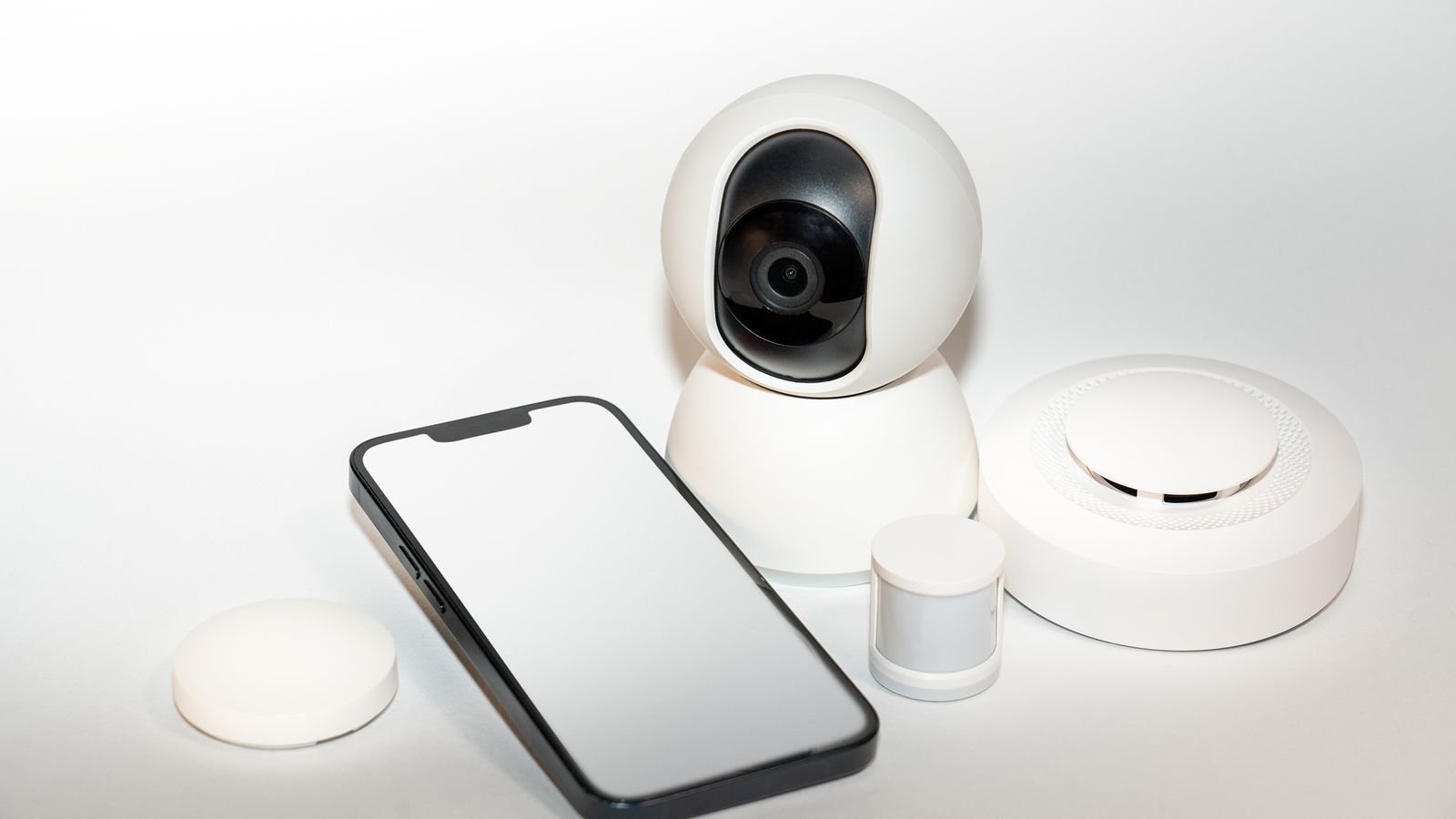
Begin with a video doorbell, which delivers the most everyday value of any security device: package deliveries, visitors when you are out, and a record of who came to the door. Add cameras at the rear and side approaches next, since those are the overlooked entries.
Smart locks come next and are more transformative than they look. Keyless entry for family, temporary codes for a cleaner or a guest, and automatic locking at a set time eliminate a whole class of small daily friction. Choose a lock that retains a physical key override and check that your door has a standard deadbolt bore and adequate backset before ordering.
Contact sensors on exterior doors and windows, plus a couple of motion sensors, complete the picture and cost very little. They serve double duty, triggering security alerts and driving lighting and climate automations based on occupancy. Broad device selection across these categories is covered in our guide to the best devices for smart homes, and integrated kits in the best smart home systems comparison. Lock options specifically are compared among the best smart locks.
Phase Four: Sensors, Safety and Convenience
This is the phase that quietly justifies the whole project. Individually these devices are cheap and unglamorous; collectively they prevent expensive problems.
- Water leak sensors under the dishwasher, washing machine, water heater and sinks. The cheapest insurance in the house.
- Smart smoke and carbon monoxide alarms that notify your phone when nobody is home to hear the sounder.
- Freeze sensors in unheated spaces where pipes could burst.
- Smart plugs for lamps, coffee makers, holiday lighting and anything you want on a schedule without rewiring.
- Garage door controllers that report state and can close automatically at night.
- Presence detection via phone geofencing or dedicated sensors, which is what makes automations feel intelligent rather than merely scheduled.
Automations That Are Actually Worth Setting Up
A device that only responds to a tap on a phone is a slower light switch. The value appears when things happen without being asked.
- Good night. One trigger turns off all lights, locks the doors, arms sensors and sets the thermostat back.
- Leaving home. Geofence detects the last person leaving, lights go off, heating or cooling eases back, cameras arm.
- Arriving home. Entry lights come on after dusk, the thermostat returns to comfort temperature, the alarm disarms.
- Night bathroom route. Motion after midnight triggers hallway lights at low brightness and warm color rather than full output.
- Leak response. A water sensor triggers a phone alert, an audible alarm and, if fitted, a smart shutoff valve.
- Away appearance. Randomized lighting during vacations, which is a more convincing deterrent than a fixed timer pattern.
Build these one at a time and live with each for a week. Automations that annoy the household get disabled, so tune the thresholds rather than adding more rules on top.
Budgeting the Build
Spread the cost over phases rather than buying everything at once, both to manage spending and because your priorities will change once you live with the first phase.
Expect the network upgrade and the hub or speaker to be the first outlay. Lighting is the largest device count and therefore adds up quickly, so start with the rooms that matter and expand. Thermostats and locks are individually the most expensive items but few in number. Sensors and plugs are cheap and can be added continuously.
Watch for recurring costs, which are easy to overlook when comparing hardware prices. Camera cloud storage, professional monitoring and premium automation tiers are the usual subscriptions. Multiply any monthly fee by 36 before deciding whether the hardware it accompanies is really the cheaper option.
Mistakes to Avoid
- Buying devices before choosing a platform. The most common and most expensive error.
- Ignoring the wall switch problem. Smart bulbs plus a family that flips switches equals constant frustration.
- Skipping the network. Every subsequent problem is harder to diagnose on a weak network.
- Automating too aggressively at first. Lights that turn off while someone is still in the room turn people against the whole system.
- No manual fallback. Every automated function should still work by hand for guests, for outages and for the day the app updates badly.
- Neglecting security basics. Change default passwords, enable two-factor authentication, keep firmware updated, and consider a separate network segment for cameras and cheaper devices.
Frequently Asked Questions
How much does a basic smart home cost to start?
A functional starting point is a hub or smart speaker, a handful of bulbs or a couple of switches, and two or three sensors. That is a modest outlay, and it is enough to test whether the automations you imagined actually suit how you live before committing further.
Do I need a hub, or is Wi-Fi enough?
Wi-Fi devices work individually without one. A hub becomes worthwhile as soon as you want cross-brand automations, battery-powered sensors on low-power protocols, or rules that keep running when the internet is down.
Can renters build a smart home?
Yes, with care. Stick to bulbs, plugs, battery cameras, adhesive-mounted sensors and lock upgrades that reuse the existing deadbolt hardware. Avoid anything requiring wiring changes, and keep the original fittings to reinstall when you leave.
What happens when the internet goes down?
It depends entirely on whether your automations run locally. A local hub keeps lights, sensors and schedules working; a cloud-dependent setup loses most functionality until service returns. This is the main argument for prioritizing local processing.
How do I keep a smart home secure?
Use unique strong passwords and two-factor authentication on every account, apply firmware updates promptly, buy from manufacturers with a track record of support, and consider isolating cameras and inexpensive devices on a guest network so a compromised device cannot reach your computers.
Final Thoughts
Build in order and the project stays enjoyable. Define the problems you want solved, fix the network, choose one platform and stay largely within it, then add lighting, climate, security and sensors in phases, living with each before starting the next.
Prefer Matter-certified hardware, insist on local automation for anything you depend on, keep a manual override for everything, and resist the temptation to automate more than the household will tolerate. Done this way, a smart home built from scratch ends up cheaper, more reliable and considerably more pleasant than one that grew by accident.









