Owen Bradley
 Glare is the reason your home office gives you a headache by mid-afternoon even though the room is objectively well lit. It is not a brightness problem — it is a contrast and direction problem. A bare bulb in the wrong fixture, a screen facing the wrong way, and a ceiling that bounces nothing back all combine to force your eyes into constant readjustment. The fix is largely a bulb decision: the right diffusion, the right color temperature, the right beam behavior, and enough total output spread across enough sources that no single one has to be punishing. This guide walks through diagnosing the glare you actually have, then choosing and positioning bulbs that eliminate it.
Understanding the Two Kinds of Glare
Naming the problem correctly determines the solution, and there are only two categories worth knowing.
- Direct glare happens when a bright source sits inside your field of view — an exposed filament, an undershaded bulb, a downlight you can see from your chair. Your pupils constrict to protect against the bright point, and everything else in the room goes correspondingly dim.
- Reflected glare happens when light bounces off a glossy surface into your eyes — a monitor, a laminated desk, a framed print behind you. It is subtler and more fatiguing because you often do not consciously register it, but it washes out screen contrast and forces you to lean in.
Most home offices have both. Direct glare is solved by diffusion and shielding; reflected glare is solved by direction and by reducing the brightness ratio between screen and surroundings.
Diagnosing Your Own Room First
- Sit in your working chair and look straight ahead. Anything visibly bright in your peripheral vision is a direct glare source.
- Turn your monitor off completely. The dark screen becomes a mirror, showing you every light and window it is reflecting. Whatever you see in that black rectangle is your reflected glare.
- Hold a sheet of paper next to the screen. If the paper is dramatically brighter or darker than the screen, your brightness ratio is off and your eyes are working overtime to reconcile the two.
- Check the ceiling and walls. A dark ceiling absorbs light rather than redistributing it, forcing fixtures to run harder and glare more.
Bulb Characteristics That Control Glare
- Diffusion or frosting. The single most important factor. A frosted or opal-coated bulb spreads emission across its whole surface instead of concentrating it at a filament. Clear decorative bulbs look attractive and are a poor choice for work.
- Color temperature. 3500K to 4500K is the practical range for an office. Below 3000K feels relaxing but reduces perceived contrast for detailed work; above 5000K reads clinically bright and can exaggerate the sensation of glare in an otherwise dim room.
- Lumen output per source. Two 800-lumen bulbs across a room are far more comfortable than one 1600-lumen bulb overhead. Distributing output is a core glare strategy.
- Color rendering index. Aim for CRI 90 or above. Higher CRI makes colors distinguish naturally, so your eyes strain less to differentiate detail even at moderate brightness.
- Dimmability. Non-negotiable in a room used across changing daylight. Fixed output guarantees the lighting is wrong for part of every day.
- Flicker performance. Cheap drivers produce invisible flicker that reads as eye fatigue and headache. Quality bulbs specify low or no perceptible flicker.
- Beam angle. Wide beams around 120 degrees wash surfaces evenly; narrow spots of 25 to 40 degrees create harsh pools and hard edges.
Step-by-Step: Building a Glare-Free Setup
- Start with ambient light. Choose frosted, dimmable bulbs around 3500K to 4000K for your ceiling fixtures, sized so the room reaches a comfortable general level without any one fixture dominating.
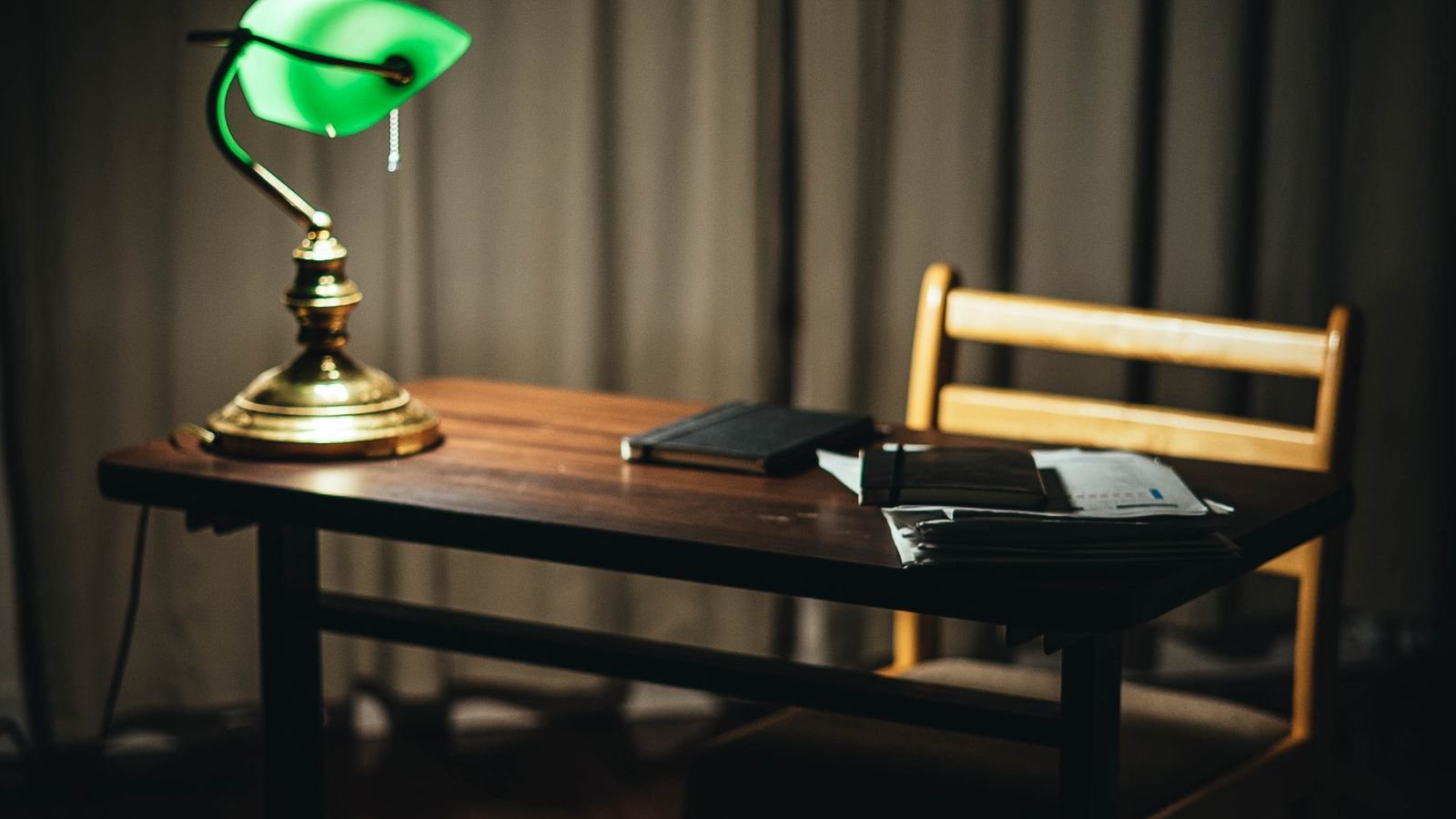
- Add a shaded task lamp positioned to the side. Place it opposite your writing hand so the lamp does not cast a shadow across your work, and set the shade low enough that you cannot see the bulb from a seated position.
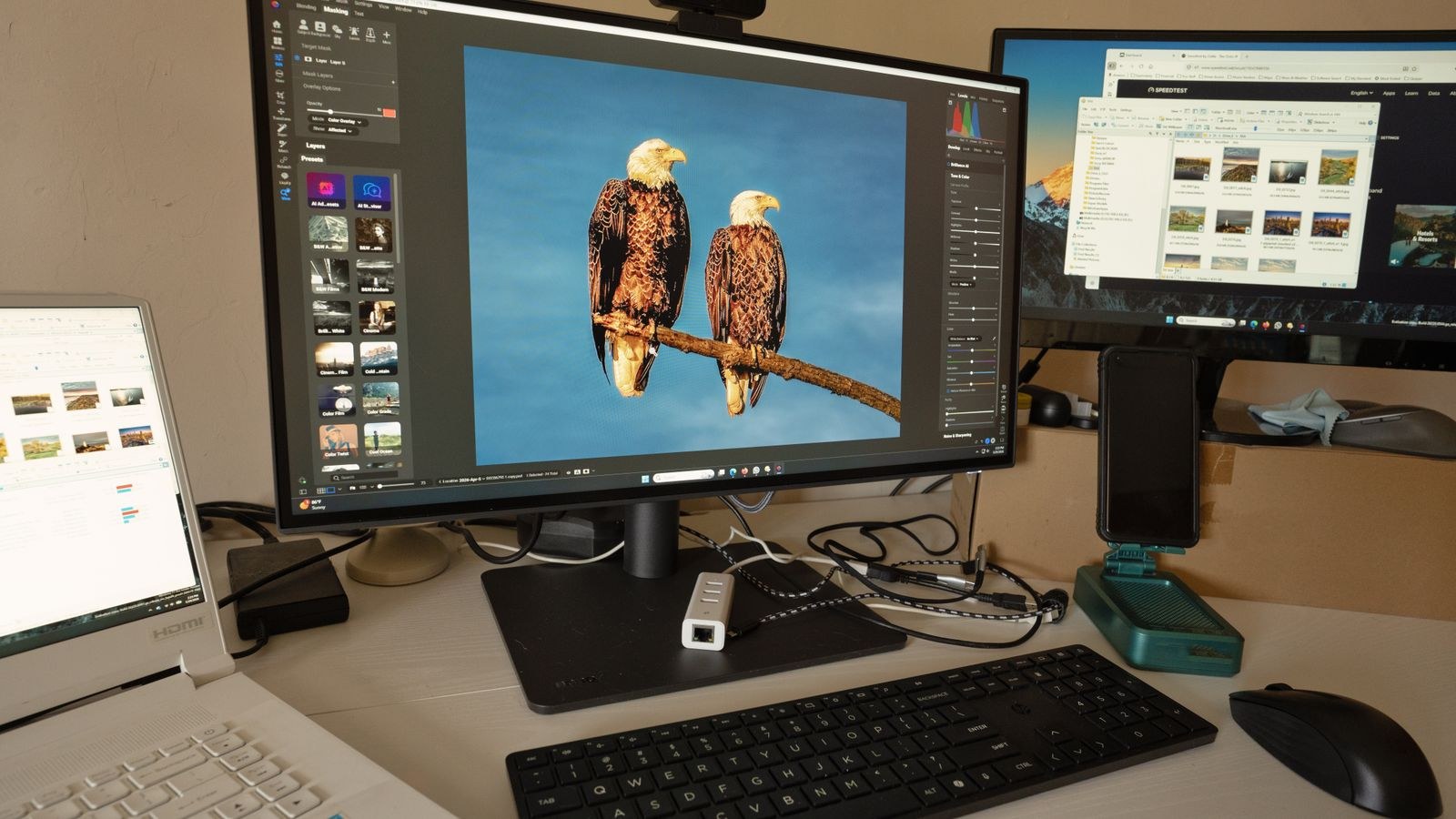
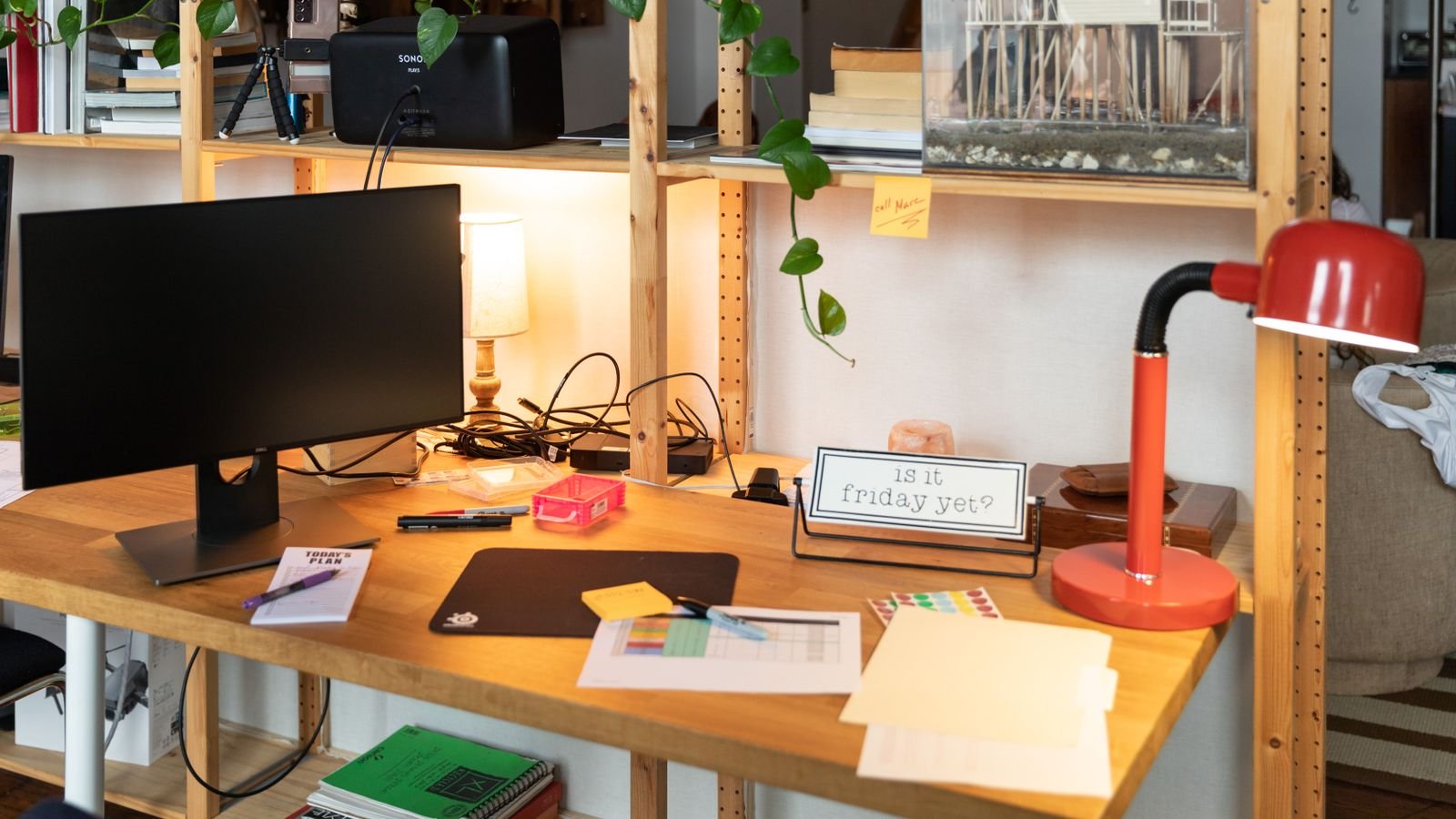
- Add bounce light behind the monitor. A lamp aimed at the wall behind your screen raises the background brightness, shrinks the screen-to-surround contrast ratio, and is the most underrated anti-fatigue move available.
- Reposition the desk relative to windows. Perpendicular to a window is ideal. Facing a window puts a huge bright source in view; backing onto one puts it on your screen.
- Swap any clear bulb you can see directly for a frosted equivalent, or move it into a fixture with a proper diffuser.
- Dim everything down and bring it back up slowly until the room feels comfortable rather than bright. Most offices are overlit at the ceiling and underlit at the desk.
- Re-run the monitor-off test. If reflections persist, angle the screen slightly or move the offending fixture rather than adding more light to compensate.
Fixture and Shade Choices That Do Half the Work
A bulb cannot fix a fixture that exposes it. Look for lamps with opaque or lined shades that direct light down and up rather than sideways into your eyes. Ceiling fixtures with a diffuser panel outperform open globes. Recessed downlights should have deep-set or baffled trims that recess the source above the ceiling plane, so you see a lit surface rather than the emitter itself. Under-cabinet or shelf lighting works beautifully in an office precisely because the source is hidden entirely.
Because bulb specifications vary so widely between brands, comparison is genuinely useful here. Roundups of the best light bulbs for office spaces highlight which models actually deliver high CRI and low flicker rather than just claiming brightness. If eye comfort is your priority above all, the guides covering best light bulbs for eyes focus specifically on flicker-free drivers and gentle diffusion. And since dimming is central to controlling glare through the day, checking the best dimmable led light bulbs ensures you get smooth low-end performance instead of bulbs that flicker or cut out below fifty percent.
Matching Bulbs to Different Office Tasks
- Screen-heavy work. Lower overall ambient level, strong bias light behind the monitor, 3500K to 4000K. Avoid anything aimed at the screen.
- Paper and reading. Higher task-level output at the desk surface, around 4000K, with a shaded directional lamp.
- Video calls. A diffused frontal source at roughly eye level around 4000K to 5000K, positioned behind the camera, not overhead — overhead lighting creates unflattering shadows.
- Detail or craft work. High CRI above 95 and an adjustable arm lamp that can be brought close, letting you reduce output while increasing usable light.
Mistakes That Make Glare Worse
- Adding brightness to fix discomfort. The usual instinct and usually wrong. More output from the same bad direction increases glare rather than reducing it.
- Using a single overhead source. One fixture doing everything guarantees harsh shadows and a bright spot in view.
- Choosing daylight bulbs above 6000K for a small room. The blue-heavy output reads as harsh and increases perceived glare against dark surroundings.
- Exposed vintage-style filament bulbs at the desk. Visually appealing, genuinely uncomfortable to work under.
- Ignoring the desk surface. A high-gloss white or glass desktop reflects the ceiling straight into your face. A matte finish solves what no bulb can.
- Mixing color temperatures randomly. Sources that disagree by more than about 500K in the same sightline make the room feel unsettled and harder to read.
Frequently Asked Questions
What color temperature is best for a home office?
Between 3500K and 4500K for most people. It supports alertness and detail work without the clinical harshness of higher values, and it pairs comfortably with typical monitor white points.
Are frosted bulbs really better than clear ones?
For any bulb you might see directly, yes and by a wide margin. Frosting spreads emission over the whole envelope, dropping the peak luminance dramatically while losing only a small percentage of total output.
How bright should my office lighting be?
Aim for roughly 300 to 500 lux at the desk surface for general work, achieved through several sources rather than one. A common starting point is 3000 to 4000 total lumens for a medium room, dimmable.
Does a bias light behind the monitor actually help?
Considerably. Raising the wall brightness behind the screen shrinks the contrast your eyes must accommodate between screen and surroundings, which is a primary driver of end-of-day fatigue.
Can high CRI bulbs reduce glare?
Not directly, but they let you work comfortably at lower brightness because colors and edges separate more clearly. Less required output means less glare from every source in the room.
Final Thoughts
Reducing office glare is mostly a matter of restraint and placement rather than spending. Frost the sources you can see, spread output across three or four fixtures instead of one, put a lamp behind your monitor, and give yourself a dimmer so the room can follow the daylight. Then do the monitor-off test once more and adjust whatever still shows up in that black rectangle. The result is a room that feels calm at nine in the morning and still feels calm at five in the afternoon — which is ultimately the only measure of office lighting that matters.