Owen Bradley
 A television that looks stunning in a darkened showroom can turn into a mirror the moment afternoon sun hits your living room window. Bright rooms are the single most common reason people end up disappointed with an expensive TV, and the specifications that matter for daylight viewing are rarely the ones featured on the box. This guide explains how to buy a TV for bright rooms: how much brightness you genuinely need, what anti-glare coatings do and do not fix, which panel technologies fight reflections best, and how to arrange the room so the screen stops washing out by early afternoon in 2026.
Why Bright Rooms Break Televisions
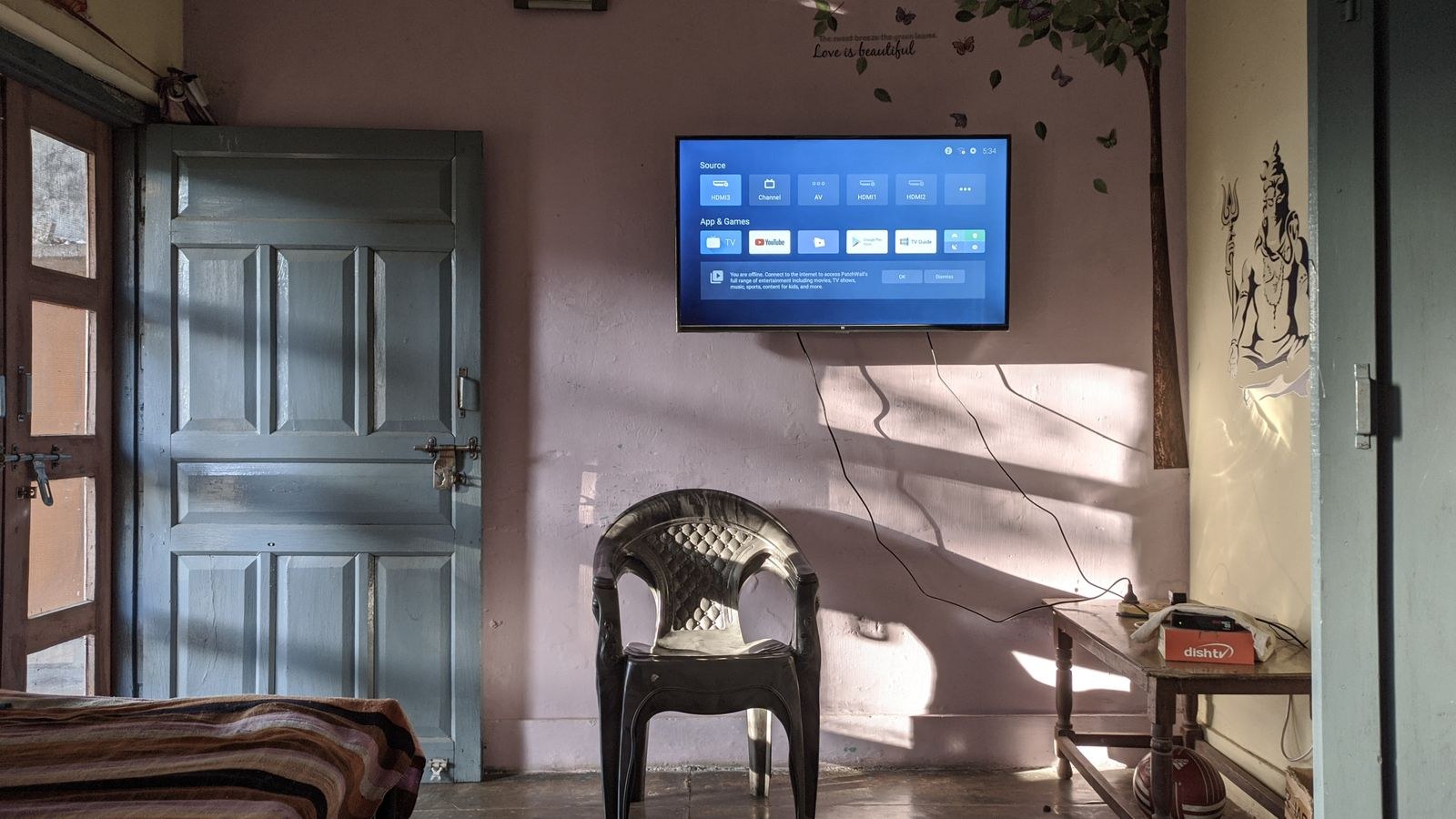
Two separate problems occur when ambient light floods a room. The first is washout: light landing on the screen raises the apparent black level, so dark areas turn grey and the picture loses depth. The second is reflection: windows, lamps, and light-colored walls appear as distinct mirrored images on the panel surface, competing with the content.
These need different solutions. Washout is fought with raw brightness, because a screen that outputs more light than the room throws at it retains contrast. Reflections are fought with surface treatment and room layout, since no amount of brightness removes a sharp mirror image of a window. A TV that solves only one of the two will still disappoint half the time.
Understand Contrast Ratio in Context
Manufacturers quote contrast measured in a pitch-black lab. In a sunlit room the effective contrast can drop to a fraction of that figure, which is why two TVs with wildly different lab numbers can look surprisingly similar at noon. What matters in daylight is the ratio between screen output and ambient light landing on the panel, sometimes called in-room contrast. Brightness is the lever you control.
How Many Nits You Actually Need
A nit is a unit of luminance, and it is the most useful single number for daylight viewing. Rough targets are worth memorising:
- Under 300 nits: only comfortable in controlled lighting. Expect washout with open curtains.
- 300 to 500 nits: workable in a room with indirect daylight or blinds partially drawn.
- 500 to 800 nits: genuinely usable through most of a bright day for standard content.
- 800 to 1,500 nits: comfortable in direct daylight and enough headroom for convincing HDR highlights.
- Above 1,500 nits: ideal for sun-facing rooms and large windows.
Be careful which measurement you read. Peak brightness is often quoted for a small window of the screen, such as a highlight covering two percent of the panel, while full-screen sustained brightness is much lower. For daylight viewing of ordinary programming, sustained full-screen output matters more than the flashy peak figure. Sets built to push hard on both fronts appear in our roundup of the best bright gaming TVs.
Panel Technology and Daylight Performance
Panel type shapes daylight behaviour more than any other single choice. Backlit LCD panels with quantum dot layers push far more sustained light than self-emissive alternatives and hold color saturation as brightness climbs. That combination is exactly what a sunny room demands, and the best QLED gaming TVs guide covers models built around it.
Mini-LED backlighting takes the idea further by replacing a few dozen dimming zones with hundreds or thousands of tiny LEDs. The result is high brightness with much better control over where that light goes, so bright highlights can coexist with dark areas without obvious halos. In a bright room this is arguably the strongest current option, and our best Mini LED gaming TVs list compares zone counts and measured output.
Self-emissive panels deliver perfect blacks and are unbeatable after sunset, but they generally cannot sustain the same full-screen brightness. Newer variants have narrowed that gap substantially, and some now ship with excellent matte coatings. If your viewing is split between daylight and evenings, this trade-off deserves real thought rather than a default answer. For rooms at the opposite extreme, the best dark room gaming TVs guide shows how different the priorities become.
Glossy Versus Matte Screen Coatings
Screen finish is a genuine fork in the road. Glossy panels preserve black depth and color punch but reflect light sources sharply, so a window becomes a clearly defined bright rectangle on the screen. Matte and anti-glare coatings scatter that reflection into a soft haze, which is much less distracting, at the cost of slightly raised black levels and a faint milky look in dark scenes.
For a room with large windows or lamps behind the seating, matte usually wins. For a room where light comes from the side and never lands directly on the panel, glossy tends to look richer. Newer anti-reflective treatments split the difference well, so it is worth viewing a candidate set with the store lights reflecting off it rather than trusting a spec.
Viewing Angle and Seating Layout
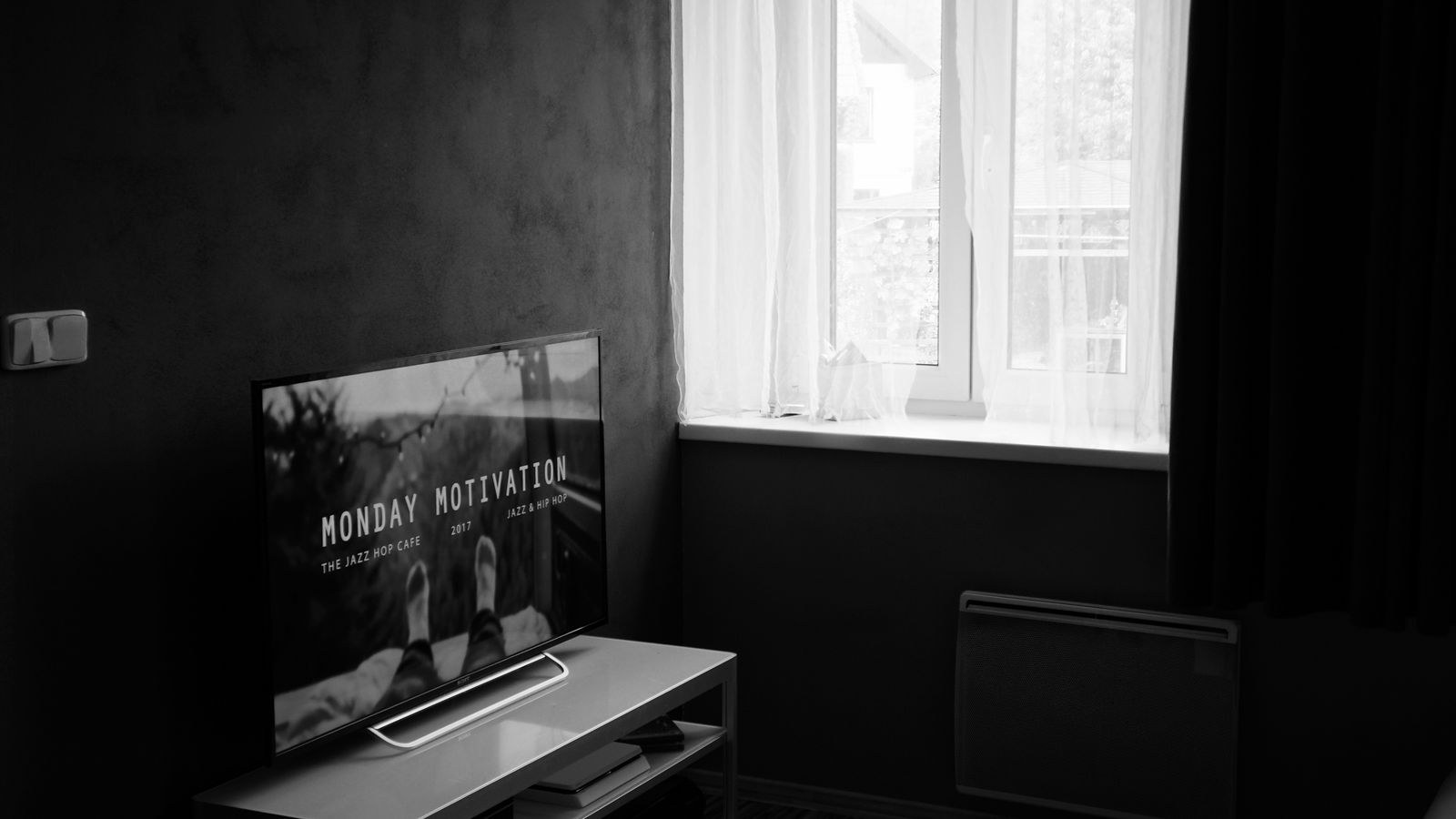
Bright rooms are often open-plan living spaces where people sit across a wide arc rather than dead centre. Many high-brightness LCD panels lose contrast and color saturation when viewed off-axis, so the person on the end of the sofa sees a noticeably washed-out picture even before daylight is factored in.
Look for panels with wide viewing angle layers if your seating spreads wide. If most viewing happens straight on, skip that feature, since the layers that widen the angle usually cost a little contrast. Measure your actual seating positions before deciding rather than guessing. Guides such as our best living room gaming TVs roundup weigh angle performance alongside brightness for exactly this reason.
Room Setup Fixes That Cost Nothing
- Place the screen perpendicular to windows rather than directly opposite them, so light rakes across instead of bouncing back at the viewer.
- Add layered window coverings. Sheer panels cut glare while keeping the room bright; blackout blinds handle the worst hours.
- Kill light sources behind the seating. A lamp behind the sofa reflects straight into every viewer’s eyes.
- Use bias lighting behind the TV. A modest light on the wall behind the screen reduces eye strain and makes contrast look better without adding glare.
- Reconsider wall color. A large white or glossy wall opposite the screen bounces daylight straight onto the panel.
- Tilt the mount slightly downward so ceiling lights and skylights reflect toward the floor rather than the sofa.
Settings That Rescue Daylight Viewing
Most TVs ship with a calibrated picture mode tuned for dark rooms, which looks dim and warm at noon. Keep two presets: an accurate mode for evenings and a brighter, cooler mode for daytime. Nearly every TV stores picture settings per input and per mode, so this costs nothing.
For daytime, raise backlight or OLED light to maximum, keep contrast near the factory setting rather than pushing it into clipping, and choose a cooler color temperature since warm settings look muddy against daylight. Ambient light sensors that adjust brightness automatically are useful in rooms with rapidly changing conditions, but they can be distracting if they hunt constantly; try them for a week before deciding.
Do Not Sacrifice Everything to Brightness
Cranking every enhancement to maximum produces a harsh, oversaturated picture with crushed shadows. The goal is a screen that comfortably outshines the room, not one that screams. If a set only looks acceptable at maximum settings with dynamic contrast forced on, it is probably not bright enough for your space.
Screen Size and Placement in a Bright Room
Size interacts with brightness. A larger screen spreads the same light output over more area, and many TVs cannot sustain peak brightness across a huge panel. That said, a bigger screen also fills more of your field of view, which helps the content compete with a bright environment. The practical answer is to buy the largest size within your budget from a model line with strong measured brightness, rather than stretching to a larger size from a dimmer line.
Mounting height matters too. Screens hung high, above a fireplace for instance, often catch ceiling lights and skylights at exactly the wrong angle, and they force viewers to look up, which worsens off-axis washout. Lower is almost always better.
Common Mistakes When Buying for a Bright Room
- Judging a TV in a showroom running vivid demo mode under overhead lighting nothing like your home.
- Reading peak small-window brightness and assuming the whole screen sustains it.
- Choosing a glossy panel for a room with a window directly behind the seating.
- Assuming HDR support implies enough brightness to make HDR visible in daylight.
- Mounting above a fireplace without checking what the tilted screen will reflect.
- Ignoring viewing angle in a wide open-plan seating arrangement.
- Leaving the TV in its dark-room calibrated preset all day and concluding the panel is dim.
A Quick Buying Checklist
- Note the direction your windows face and when direct sun hits the wall behind the screen.
- Set a minimum sustained brightness target based on that, ideally 600 nits or more.
- Decide matte or glossy based on where reflections would land.
- Check viewing angle needs against your real seating spread.
- Confirm the set has a usable bright picture mode you can save separately.
- Plan window coverings and lamp placement as part of the budget, not an afterthought.
Frequently Asked Questions
How many nits is enough for a sunny living room?
Aim for at least 600 nits sustained, and 1,000 or more if the room faces the sun directly with minimal window coverings. Below 400 nits you will be closing blinds constantly.
Are OLED TVs unusable in bright rooms?
Not unusable, but they demand more from the room. Recent models with anti-reflective coatings perform far better than earlier ones, though a good Mini-LED set still holds an advantage at midday.
Does an anti-glare screen protector help?
Aftermarket films typically degrade image clarity and can trap heat or damage the coating. Better to buy a set with the finish you need and manage the room lighting.
Should I turn on the automatic brightness sensor?
Try it. In rooms with steady light it is helpful; in rooms where clouds pass frequently the constant adjustment can be more distracting than useful.
Is a bigger screen harder to light adequately?
Yes, spreading output over more area lowers measured brightness on some models, so verify measurements for the specific size you plan to buy rather than the model line as a whole.
Final Thoughts
Buying a TV for a bright room means inverting the usual priority list. Contrast ratios measured in the dark, format badges, and processing features all take a back seat to sustained brightness, screen coating, and viewing angle. Combine a genuinely bright panel with sensible placement, layered window coverings, and a saved daytime picture preset, and the screen will hold up from morning through sunset. Get those fundamentals right and even a mid-priced set will outperform a far more expensive one that was designed for a room you do not have.