
 Owen Bradley
 Two smart sensors can look identical on a shelf and behave completely differently once they are in your house, purely because one uses Thread and the other uses Wi-Fi. The choice affects how long the batteries last, how quickly a light responds, whether the device keeps working when your broadband drops, and how much load your router carries at three in the morning. Thread vs wifi is not a question of which technology is better overall, because they are designed for different jobs. This guide explains what each one actually does, which devices belong on each, how they work together in a well-built system, and how to plan a home network that copes with dozens of connected things in 2026.
The Fundamental Difference
Wi-Fi is built to move large amounts of data quickly between a device and an access point. Every device talks directly to the router, and the radio stays awake and associated so it can respond instantly. That design is perfect for streaming video and downloading files, and it is why a Wi-Fi camera can push a live feed while a low-power sensor cannot.
Thread is built to move tiny amounts of data using almost no energy. Messages are measured in bytes rather than megabytes, and devices spend the overwhelming majority of their time asleep, waking briefly to report or receive. Thread also forms a mesh, so every mains-powered Thread device relays traffic for its neighbours instead of everything funnelling through one access point. A door sensor at the far end of the garden can reach the network by hopping through a smart plug in the hallway.
The Battery Consequence
This difference produces the single most visible outcome for owners. A Wi-Fi motion sensor typically runs a few months on a rechargeable pack. A Thread motion sensor commonly runs one to three years on a coin cell. If a device is battery powered and you do not want it on your maintenance list, that number alone often decides the purchase.
Latency and Why Lights Feel Slow
Perceived speed is not really about raw radio throughput. It is about how many steps sit between the button press and the bulb. A Wi-Fi device that routes commands through a manufacturer’s cloud can take one to three seconds to respond, because the message travels out to a server and back before anything happens. That delay feels broken for lighting even though the network is working perfectly.
Thread devices are local by design, coordinated by a border router inside your house, so commands typically land in well under a second. Wi-Fi devices can also be fast when the controller talks to them directly on the local network rather than via a cloud. The lesson is that local versus cloud matters more than Thread versus Wi-Fi for responsiveness, but Thread makes local the default rather than an option.
Which Devices Belong on Wi-Fi
Wi-Fi is the right answer whenever a device is mains powered and needs bandwidth.
- Cameras and video doorbells. Video needs throughput Thread cannot provide, full stop.
- Smart displays and speakers. They stream audio and video and are always plugged in.
- Robot vacuums. Map data, firmware updates, and live position reporting all favour Wi-Fi.
- Televisions, streamers, and consoles. Never a question.
- Large appliances. Washers, ovens, and air conditioners are mains powered and often push detailed status data.
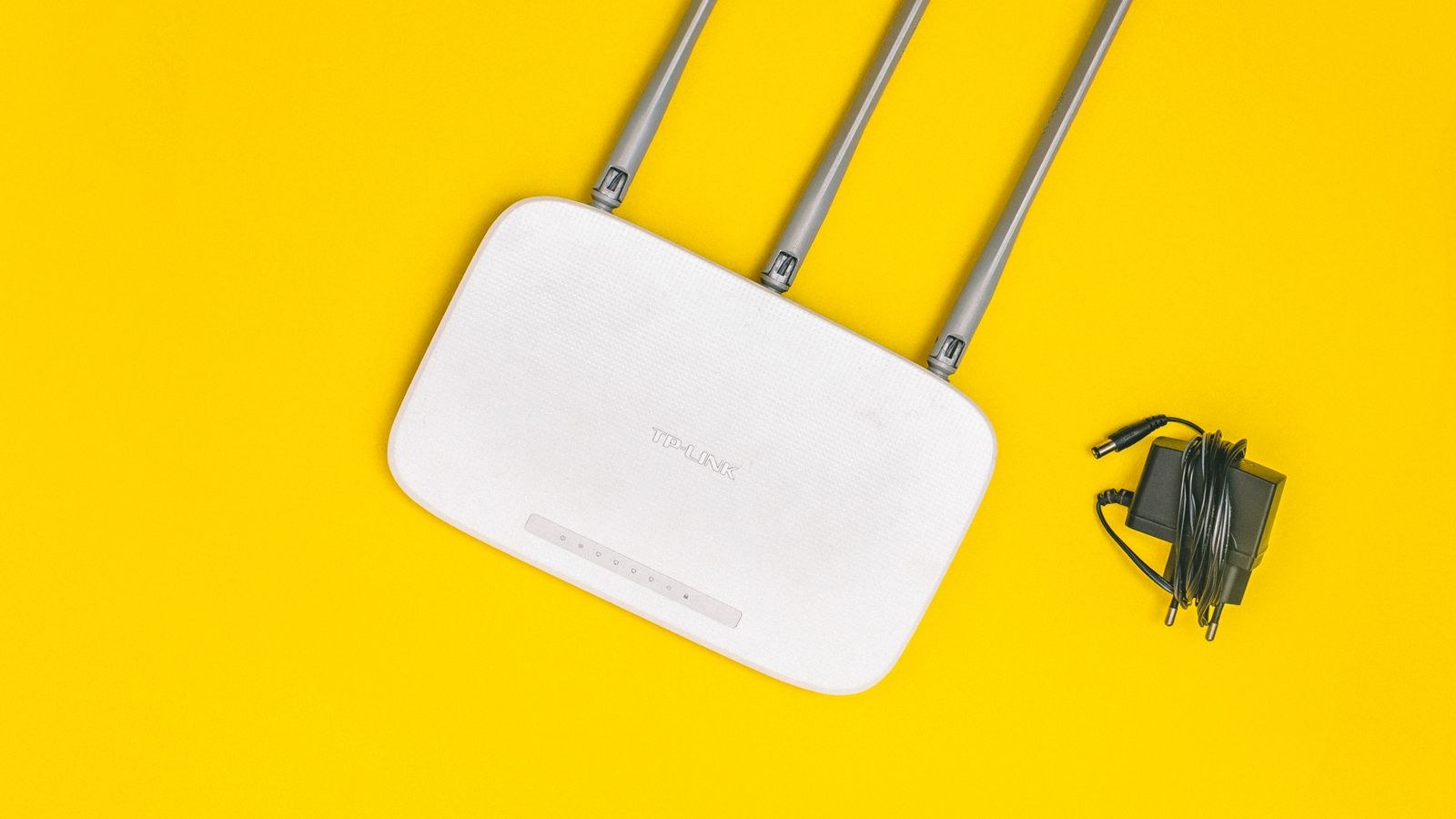
Because these devices land on your main network alongside laptops and phones, router quality becomes a smart home concern rather than just an internet one. Our roundup of the best routers for smart home setups focuses on client capacity and stability rather than headline speed, and the wider best wifi routers comparison covers coverage and mesh options for larger properties.
Which Devices Belong on Thread
Thread suits anything small, battery powered, or spread widely around the property.
- Contact and motion sensors. The flagship use case, with battery life measured in years.
- Temperature, humidity, and leak sensors. Tiny reports, long intervals, ideal fit.
- Wireless buttons and scene switches. Instant response and a coin cell that lasts.
- Door locks. Low power matters enormously here, since a dead lock battery is a real problem.
- Bulbs and plugs. Not for the power saving, but because as mains-powered nodes they strengthen the mesh for everything else.
That last point is important and often missed. Adding a few mains-powered Thread devices to a home does not just add features, it improves reliability for every battery device already installed. Compatible accessories are covered in our list of the best Apple HomeKit accessories, many of which use Thread as their transport.
Border Routers: The Bridge Between the Two
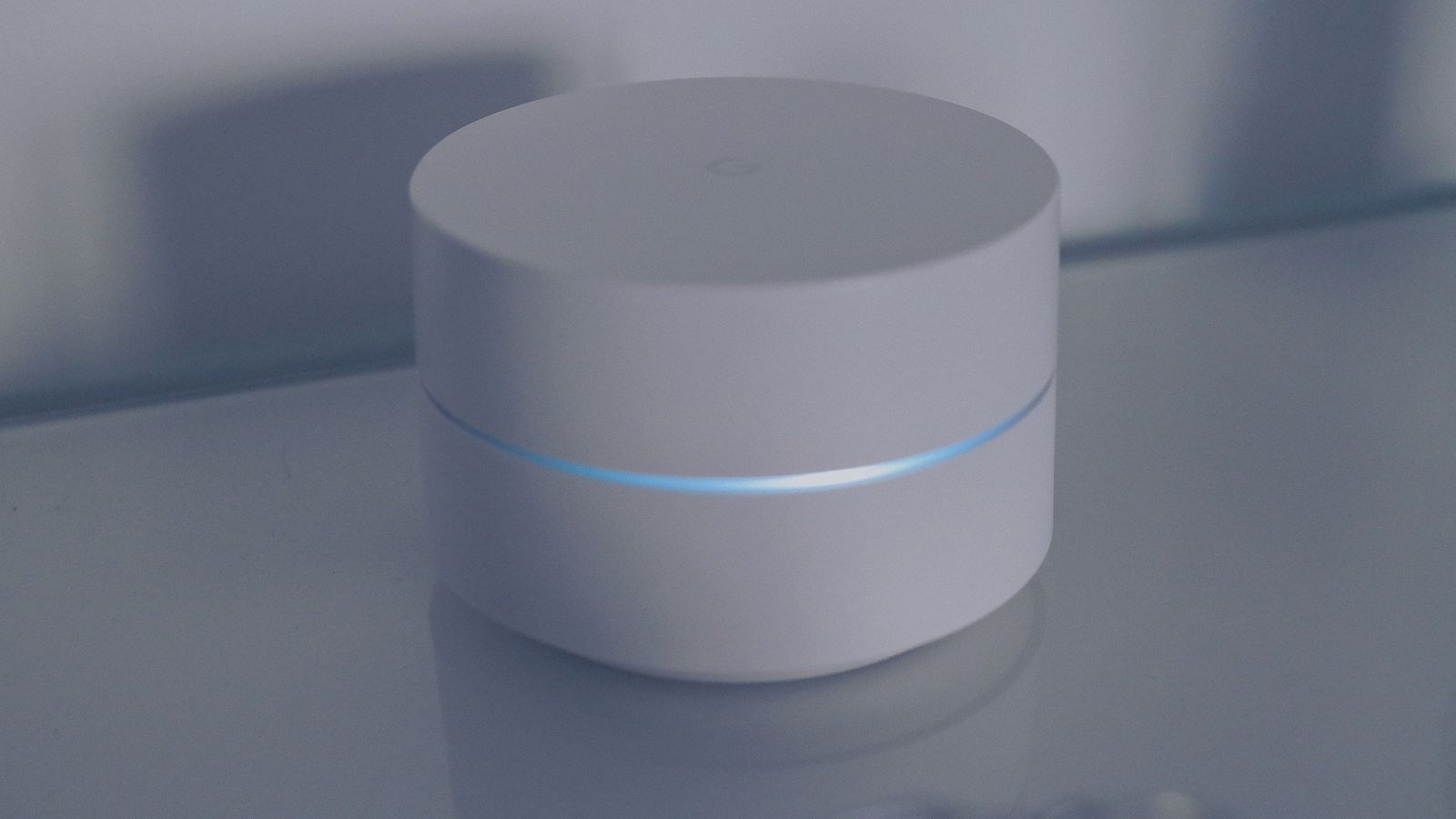
Thread cannot reach the internet or your phone on its own. It needs a border router, a mains-powered device that sits on both networks and translates between the Thread mesh and your Wi-Fi or Ethernet. Many smart speakers, displays, and streaming boxes now include one, which is why plenty of households already run a Thread network without knowing it.
Two practical points follow. First, you need at least one border router before any Thread device will work, so check before buying. Second, having more than one adds redundancy, so the mesh survives you unplugging a speaker. If you want a device whose main job is coordinating everything rather than playing music, the best smart hubs comparison covers units that combine border routing with local automation processing.
Router Load and Device Counts
Consumer routers have practical limits on simultaneous clients, often lower than the marketing suggests once you count phones, laptops, and televisions. Push forty Wi-Fi smart devices onto a modest access point and you get dropouts that look like device faults but are really congestion. Thread devices consume none of that budget, since the whole mesh appears to your router as a single client. In a heavily automated home, that alone justifies preferring Thread for every device that can use it.
Reliability, Range, and Interference
Both technologies use the 2.4GHz band, so both contend with microwaves, baby monitors, and neighbouring networks. Thread copes better in practice for two reasons: its messages are short enough to slip between interference, and its mesh can route around a problem area rather than needing a clear line to a single access point. Wi-Fi devices at the edge of coverage either work or do not.
Range per hop is comparable, roughly a couple of rooms indoors depending on construction. The difference is that Thread’s effective range grows as you add nodes, while Wi-Fi range only improves if you add access points. In a large or awkwardly shaped house, this is why a garage sensor over Thread often works when a Wi-Fi one refuses to stay connected.
Planning a Mixed Network
A well-built smart home uses both, deliberately. A sensible approach looks like this: put everything mains powered and bandwidth-hungry on Wi-Fi, put everything battery powered and chatty-but-tiny on Thread, and add a couple of mains-powered Thread devices early so the mesh is strong before you scatter sensors around.
On the Wi-Fi side, keep smart devices on the 2.4GHz band, which most of them require anyway, and give that band a stable name and channel. Consider a separate network or guest network for smart devices if your router supports it, both for security and to keep your main network uncluttered. If coverage is thin at the edges of the property, adding mesh nodes helps far more than upgrading to a faster standard. Broad device compatibility across both transports is covered in our overview of the best smart devices.
Common Mistakes to Avoid
Buying battery devices on Wi-Fi because they were cheaper is the most common regret. The saving disappears the third time you climb a ladder to recharge a sensor. Assuming Thread devices work out of the box is the second, since without a border router they will not pair at all.
A third mistake is judging a router by advertised speed when the relevant specs are client capacity, 2.4GHz stability, and coverage. A fourth is scattering battery sensors before installing any mains-powered Thread nodes, which leaves the mesh with nothing to relay through and produces intermittent, hard-to-diagnose dropouts. Finally, do not mix a dozen cloud-dependent Wi-Fi devices into time-critical automations and then wonder why your hallway light lags behind your footsteps.
Frequently Asked Questions
Is Thread faster than WiFi?
Not in raw throughput, where Wi-Fi is vastly faster. But Thread usually feels quicker for smart home commands because it works locally by default, avoiding the cloud round trip that slows many Wi-Fi devices.
Can I run a smart home entirely on Thread?
Not entirely. Cameras, displays, and anything streaming media need Wi-Fi, and you need at least one border router bridging the two networks. Most homes end up with a deliberate mix.
Does Thread need its own hub?
It needs a border router, which is frequently built into a smart speaker, display, or streaming box you already own rather than being a separate purchase.
Will Thread devices slow down my WiFi?
No, and they help in the opposite direction. The entire Thread mesh appears to your router as one client, freeing capacity compared to putting each device on Wi-Fi individually.
What happens during an internet outage?
Thread devices and locally processed automations keep working on your own network. Cloud-dependent Wi-Fi devices generally stop responding until the connection returns.
Final Thoughts
The right way to think about this is not competition but division of labour. Wi-Fi carries the heavy, mains-powered devices that need bandwidth; Thread carries the small, battery-powered devices that need longevity and reach. Get a border router in place, seed the mesh with a few mains-powered Thread nodes, choose a router judged on client capacity rather than headline speed, and put each new device on whichever network suits its job. Do that and a home with sixty connected devices can be more reliable in 2026 than a home with six on the wrong network, with batteries you change every couple of years instead of every couple of months.










