Owen Bradley
 Solar security cameras solve a specific and genuinely annoying problem: covering a spot on your property where there is no power outlet and no realistic way to run a cable. A far fence line, a detached barn, a gate at the end of a drive, a boat mooring or a rural outbuilding all fall into that category. A panel plus a battery turns those locations into viable camera positions without a trench, a conduit run or an electrician. The trade-off is that solar performance depends heavily on panel wattage, battery capacity, local sunlight hours and how hard you make the camera work. This solar security camera buying guide explains those variables so you buy a system that survives winter rather than one that dies in November.
When Solar Beats Running Power
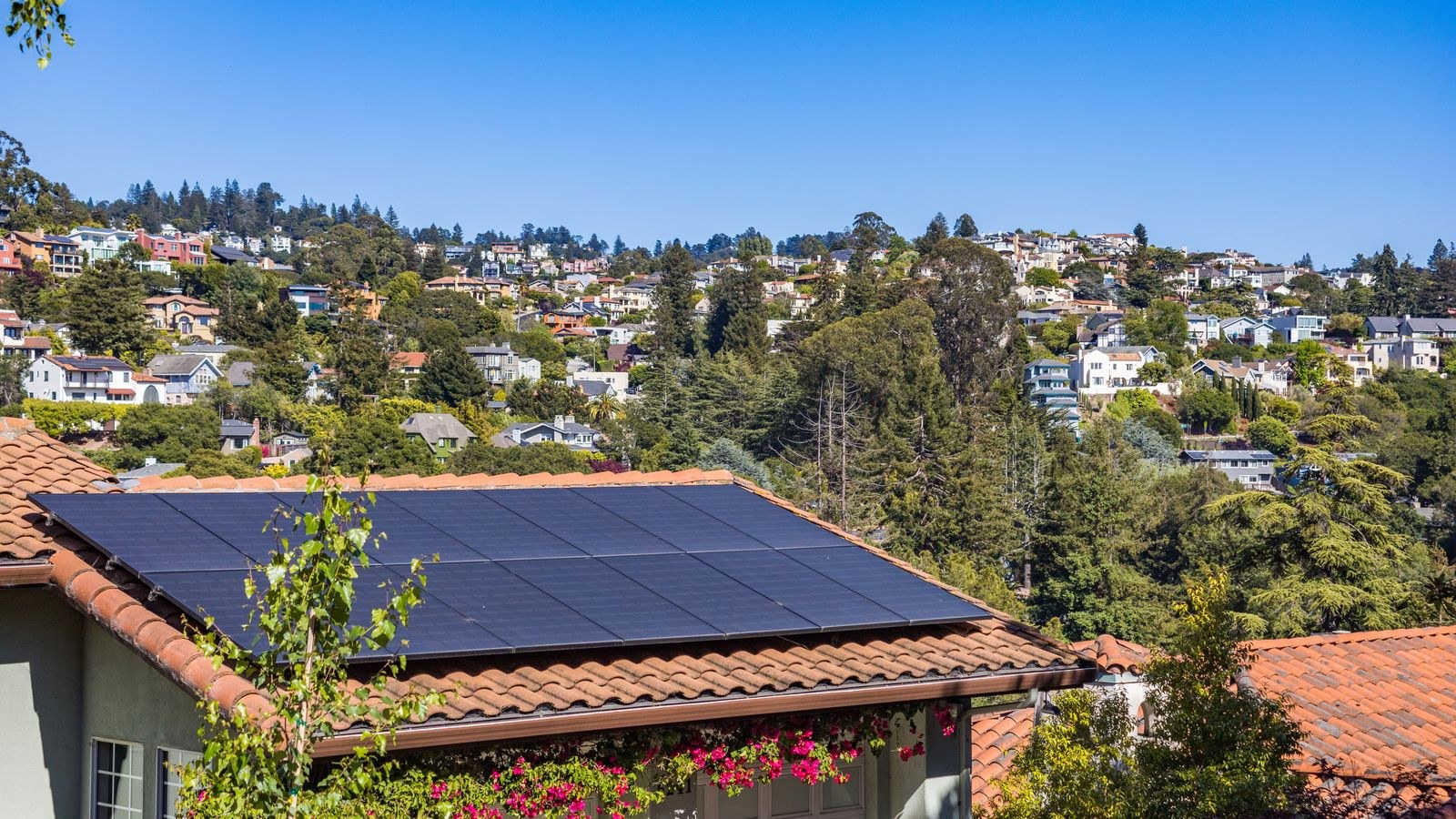
Solar makes sense when the cost, disruption or permission required to bring mains power to a location outweighs the compromises of battery operation. Trenching a cable 40 metres to a gate can cost more than the camera several times over, and in rented or leased premises it may not be allowed at all.
It also suits temporary and seasonal coverage: a building site, a caravan, a holiday property, a paddock, a construction compound. Anywhere you may move the camera in six months, avoid permanent wiring.
Solar is the wrong answer when a socket is already nearby, when the site is heavily shaded all day, or when you need continuous 24-hour recording rather than event-triggered clips. In those situations a wired camera is cheaper, more reliable and higher performing. If your coverage need is close to the house, the standard mains and low-voltage options across the best outside cameras will serve you better than any solar setup.
Panel Wattage: The Number That Decides Everything
Panel output is quoted in watts under ideal laboratory conditions. Real-world output is typically 50 to 70 percent of that figure once you account for angle, haze, dirt and temperature, and far less in winter.
Small bundled panels of 2 to 3 watts are adequate for a low-traffic camera in a sunny climate with light event activity. For year-round reliability in a temperate or northern climate, aim for 5 to 10 watts, and go higher still if the camera covers a busy area or you want frequent live viewing. Oversizing the panel is the cheapest insurance in the entire system; the difference between a 3-watt and a 6-watt panel is small in money and enormous in winter margin.
Check the panel’s connector type as well. Proprietary barrel connectors lock you into one brand’s replacement parts, while USB-C panels can be swapped for larger third-party units later.
Sun Hours, Angle and Shade
What matters is not daylight hours but peak sun hours, the equivalent number of hours at full intensity. Much of northern Europe and the northern United States sees roughly 1 to 2 peak sun hours in midwinter against 5 or more in midsummer, which is why a camera that thrives in July fails in January.
Face the panel toward the equator, so south in the northern hemisphere, and tilt it at roughly your latitude, steepening it in winter to catch the low sun and shed snow. Even partial shade from a branch or a chimney across part of the panel can cut output disproportionately, so scout the location across a full day before mounting. Give the panel its own bracket rather than bolting it flat against a wall.
Battery Capacity and Real Runtime
The battery is what carries the camera through nights, storms and a run of grey days. Capacity is quoted in milliamp-hours or watt-hours; watt-hours is the more useful figure because it accounts for voltage.
A rough guide: a typical battery camera draws very little in standby and spikes during recording, live view and transmission. Manufacturers quote runtimes based on a handful of short events per day. Double the event count and runtime roughly halves. Look for a battery that would run the camera for at least a week with no charging at all, because that is your buffer through a stretch of bad weather.
Cold weather cuts usable lithium capacity substantially, often 20 to 40 percent below freezing, and most cells will not accept a charge at all below 0°C. That combination, less charging and less capacity, is why winter is the real test. Prefer models with a removable battery so you can bring a spare, swap packs and charge indoors during a long freeze.
What Actually Drains the Battery
Understanding consumption lets you tune a marginal installation into a reliable one. The main drains are transmitting video over a weak Wi-Fi signal, long recording clips, frequent live viewing, spotlight activation at night, and constant re-triggering by irrelevant motion.
Weak signal is the silent killer. A camera at the edge of Wi-Fi range burns power retransmitting packets, sometimes doubling consumption compared with the same camera on a strong link. Before blaming the panel, check signal strength at the mounting point and add a mesh node, an outdoor access point or a directional antenna if it is marginal.
Motion tuning is the other big lever. A camera facing a road or a windy hedge may trigger hundreds of times a day. Set tight activity zones, enable person or vehicle detection so swaying branches are ignored, cap clip length at 15 to 20 seconds, and add a short cooldown between recordings.
Connectivity Choices for Remote Locations
Solar solves power but not networking. If the location is beyond Wi-Fi reach, you have three options: extend the network with an outdoor access point or point-to-point bridge, use a camera with a built-in cellular modem and a data SIM, or accept local-only recording to a memory card with no remote alerts.
Cellular cameras are the most convenient for genuinely remote sites but add a monthly data cost and consume more power when transmitting, which pushes you toward a larger panel and battery. Wi-Fi extension is cheaper to run but requires line of sight and mains power at the bridge end.
For sites within reach of the house network, standard wireless kits are usually the better buy, and the multi-camera options in the best wireless camera security systems category cover the hub-and-camera arrangements that suit larger properties.
Weatherproofing, Mounting and Durability
Look for an IP65 rating as a minimum and IP66 or higher for exposed positions. Check the stated operating temperature range against your local extremes, not the average, and pay attention to the low end since that is where solar cameras fail.
Mount the camera 2.5 to 3 metres up, high enough to be out of easy reach but low enough that faces are captured rather than the tops of heads. Angle it slightly downward and avoid pointing it into the rising or setting sun, which washes out footage twice a day.
Use stainless fixings, seal wall penetrations with exterior-grade sealant, and add a drip loop in the panel cable so water runs off rather than into the connector. Fit an anti-theft mount or security screws if the camera is accessible; a solar camera at a remote gate is itself an attractive target.
Image Quality and Night Performance
Outdoor distances are longer than indoor ones, so resolution matters more here than it does inside. 2K is a sensible baseline for identifying a person at 8 to 12 metres; 1080p is fine for detecting presence but often too coarse for identification at range.
Night coverage comes from infrared, a white spotlight, or both. Infrared is discreet and power-efficient but monochrome and limited to roughly 10 to 30 metres. Spotlights give colour footage and act as a deterrent but consume significant battery, so use them selectively rather than on every trigger. Where you mainly want illumination and deterrence rather than footage, separate best solar motion sensor outdoor lights are far more power-efficient than asking a camera spotlight to light the whole area.
Also check the lens field of view. A 110-degree lens gives useful detail on a driveway; a 160-degree lens covers more ground but shrinks distant faces to unusable size.
Costs, Storage and What to Budget
Solar cameras carry a modest hardware premium over equivalent battery models, offset immediately by the wiring you avoid. The recurring costs are cloud storage, typically $3 to $10 monthly per camera, and cellular data if applicable.
Local microSD recording avoids subscriptions and keeps working during outages, which matters more on a remote site with an unreliable link. Many owners run local storage as primary with a cheap cloud tier for short event clips, so a stolen camera does not take the only copy of the footage with it.
Budget also for a spare battery, a larger replacement panel if the first proves marginal, and a decent mount. Those three items turn a frustrating installation into a set-and-forget one. If you are planning coverage across a whole property rather than a single spot, the layout and camera-count advice in our wireless security camera system guide is worth reading before you buy, and the broader options in the best security cameras roundup will show where solar fits against wired alternatives.
Common Solar Camera Mistakes
The biggest is undersizing the panel for winter based on summer performance. The second is mounting the panel where a tree, gutter or chimney shades it for part of the day. The third is leaving default motion sensitivity on, which produces hundreds of daily triggers and flattens the battery within days.
Also common: mounting the camera at the edge of Wi-Fi range without checking signal, never cleaning the panel so output falls steadily under dust and pollen, and assuming solar means maintenance-free. Wipe the panel every couple of months, check the battery percentage trend in the app monthly, and act when the daily minimum starts dropping rather than when the camera goes dark.
Frequently Asked Questions
Do solar security cameras work in winter?
Yes, provided the panel is generously sized and well angled. Expect much lower charging in midwinter, so plan for a panel that comfortably exceeds summer requirements and a battery with at least a week of reserve.
Do they charge on cloudy days?
They do, but at a fraction of clear-sky output, often 10 to 25 percent. That is why battery reserve and panel oversizing matter more than peak output figures.
How long does the battery last between charges?
With moderate activity and no sun at all, typically one to four weeks depending on capacity and settings. Heavy triggering, spotlight use and weak Wi-Fi can reduce that to a few days.
Can I use a bigger third-party panel?
Often yes if the connector and voltage match, and it is one of the most effective upgrades available. Confirm compatibility first, since some manufacturers use proprietary connectors or void warranties on third-party power.
Do solar cameras need Wi-Fi?
For remote viewing and alerts, yes, unless the model has built-in cellular. Without a network connection a camera can still record locally to a memory card but cannot notify you.
Final Thoughts
The success of a solar security camera is decided before you buy it, by the honesty of your site assessment. Measure the real sun exposure at the mounting point across a day, size the panel for your worst month rather than your best, choose a battery with genuine reserve, and confirm the network signal reaches. Then tune motion zones so the camera works only when something matters.
Get those four things right and a solar camera will cover a gate, barn or fence line reliably year-round with no cabling at all, which remains the best reason to choose one in 2026.