
 Owen Bradley
 Both promise the same thing: no more fumbling for keys. But a smart lock and a keypad lock are very different products underneath, and the gap between them is not just price. One is a connected device with an app, a radio, and a software update cycle. The other is a mechanical lock with a keypad bolted to the front and no ambitions beyond opening when you type the right code. This smart lock vs keypad lock comparison covers what each actually does, what they cost to own over several years, how they behave when the batteries die or the internet drops, and which household situations genuinely justify app control rather than a simple code. By the end you should know which one belongs on your front door in 2026.
Defining the Two Categories
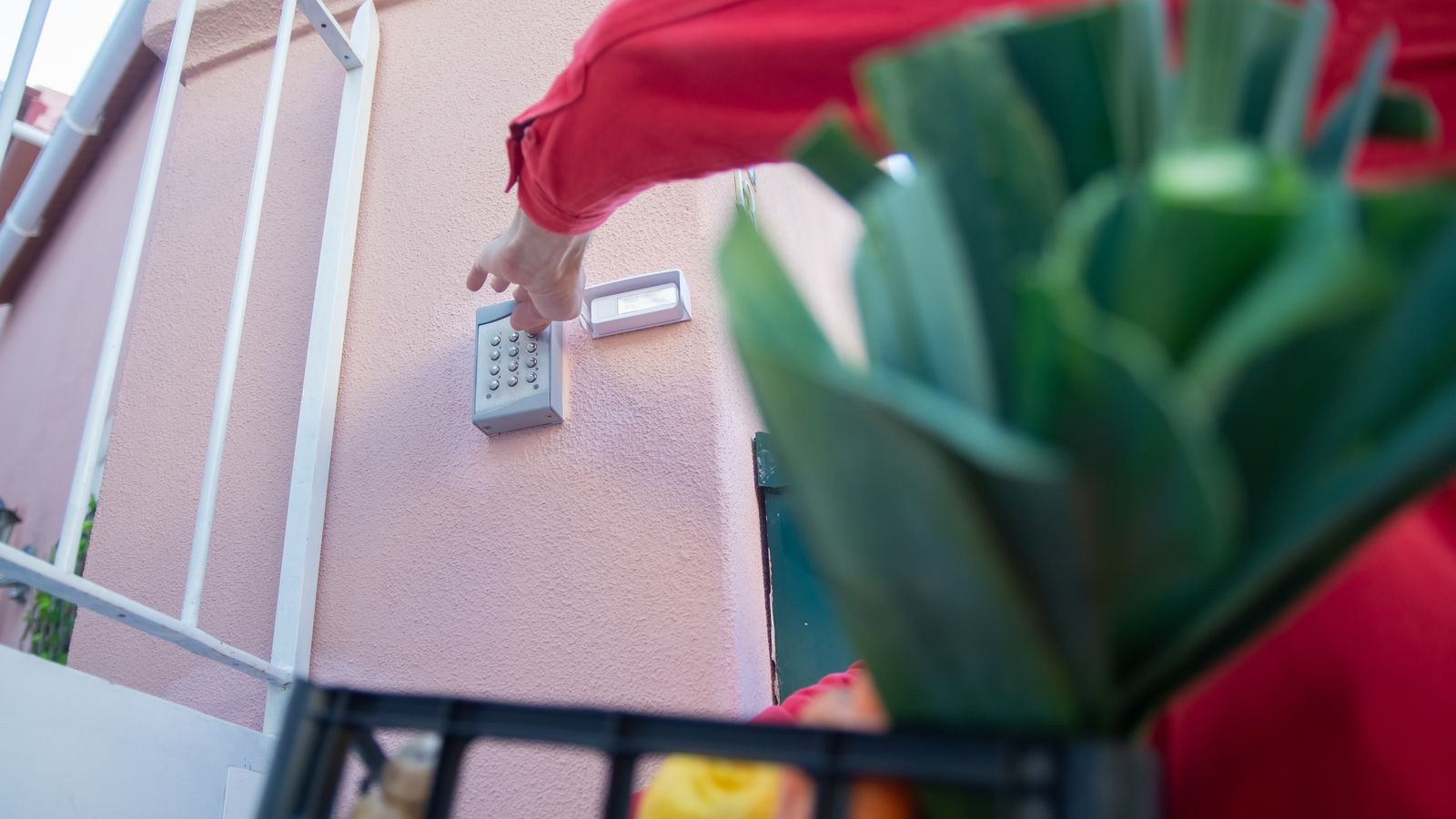
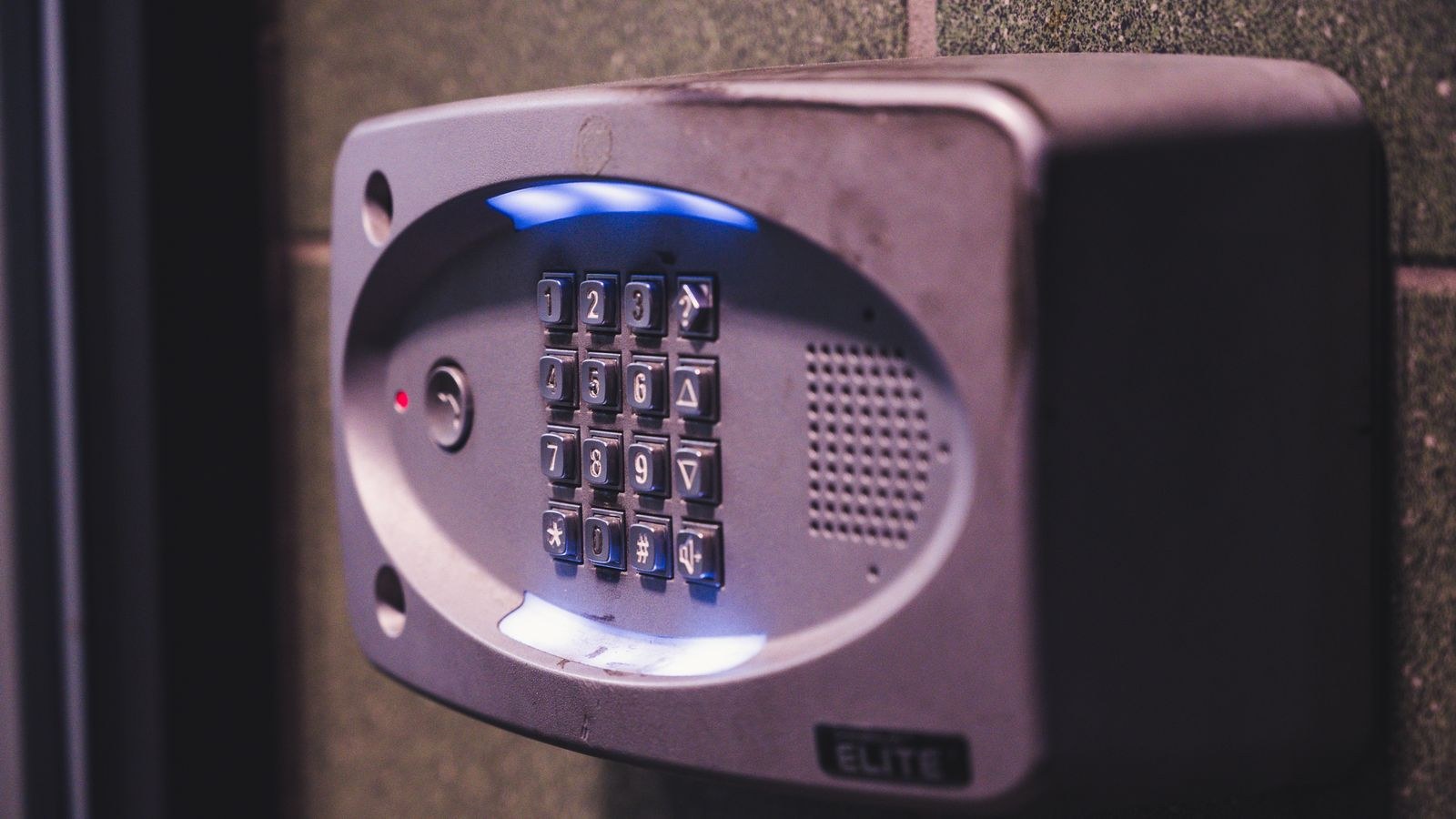
A keypad lock, sometimes called an electronic or digital lock, is a standalone device. It stores codes internally, runs on batteries, and has no connection to anything. Enter a valid code and the bolt retracts. Everything is managed at the door itself, usually through a programming sequence on the keypad.
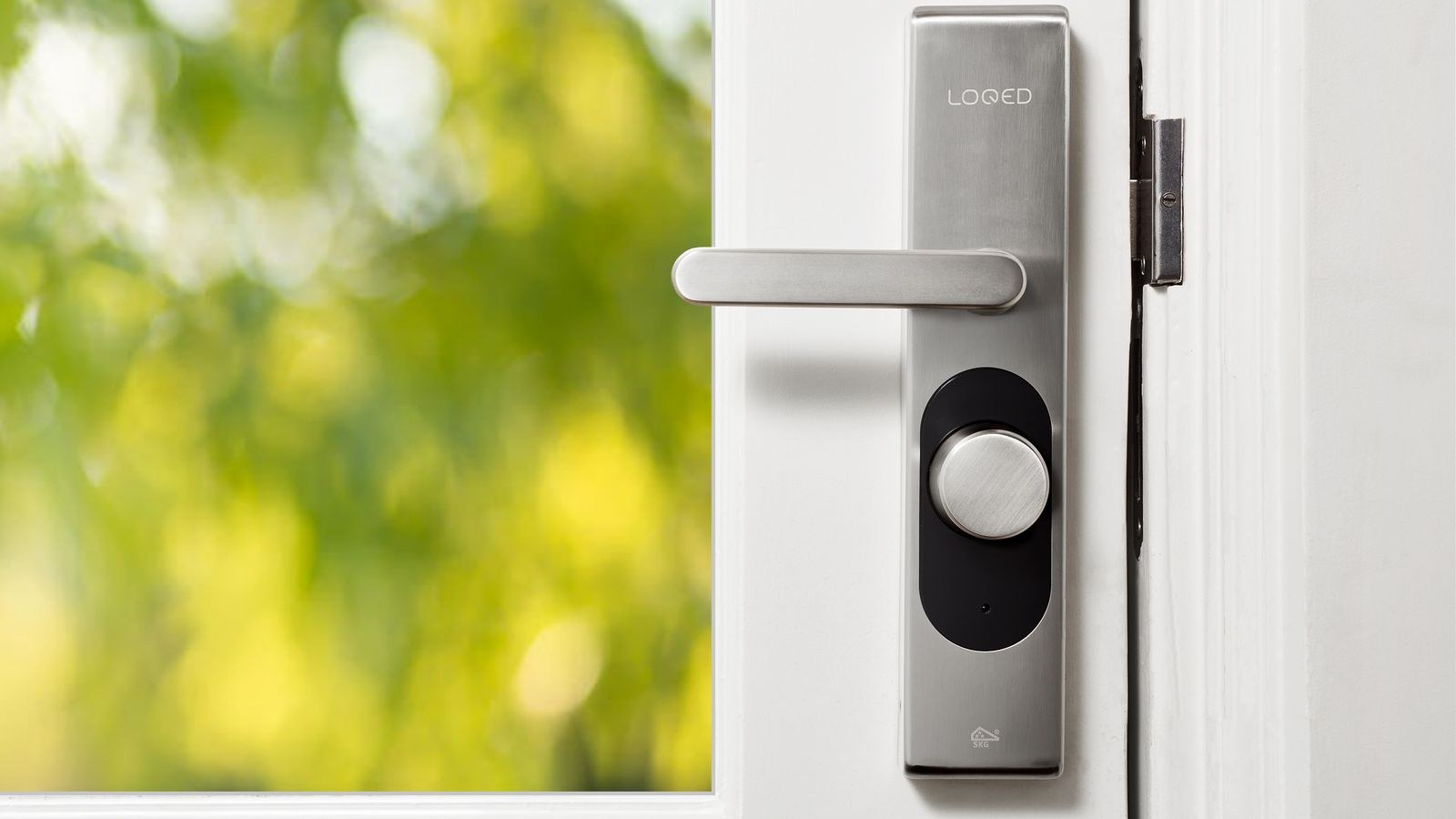
A smart lock adds connectivity, typically Bluetooth, Wi-Fi, or a home-automation radio such as Z-Wave or Zigbee. That connection enables an app, remote locking and unlocking, per-user access, activity logs, notifications, and integration with the rest of a smart home. Many smart locks also have a keypad, which makes the boundary fuzzy in the shop but not in practice: the question is whether the lock can talk to anything other than the person standing in front of it.
There is a middle tier worth knowing about. Bluetooth-only smart locks give you app control and user management when your phone is nearby, but no true remote access unless you add a bridge or hub. That distinction catches a lot of buyers out, because the box says smart and the reality is proximity-only.
What a Keypad Lock Does Well
Simplicity is the whole argument, and it is a strong one. There is no account to create, no app to update, no network to configure, and nothing to break when your router is replaced. Anyone in the household can be given a code in seconds, including visitors who do not want to install software to get into a house.
They cost less to buy, often substantially. Battery life is measured in a year or more because there is no radio drawing power continuously. They are unaffected by broadband outages, router changes, or a manufacturer discontinuing an app. And because the mechanism is straightforward, there are fewer components to fail over a decade of daily use.
For rentals, holiday homes with a fixed cleaning schedule, garden offices, side gates, and internal doors, a keypad is often the correct answer rather than the cheap one. Our roundup of the best keypad door locks covers models in this class, and the broader best digital door locks comparison includes both keypad-only and hybrid designs.
What a Smart Lock Adds
Connectivity buys you four things that a keypad genuinely cannot provide.
- Remote control. Lock the door from work when you cannot remember whether you did. Let a courier or a neighbour in while you are away.
- Per-user identity and logs. You can see that a specific person arrived at a specific time, rather than only that a code was used. For households with cleaners, dog walkers, or carers, this is the main draw.
- Scheduled and temporary access. Codes or credentials that work on Tuesdays between nine and eleven, or that expire automatically at the end of a booking, without anyone driving over to reprogram anything.
- Integration. Locking the door can arm an alarm, turn off lights, and adjust the thermostat. Unlocking can do the reverse.
Those capabilities are transformative for short-term rentals, busy families with several key-holders, and anyone managing a property they do not live in. They are close to irrelevant for a single person who leaves at eight and comes home at six. The honest test is whether you regularly need to grant, revoke, or verify access when you are not at the door. If you do, a smart lock earns its cost; if not, you are paying for capability that will sit unused. The best smart locks guide compares the connected options, and best smart deadbolts focuses on full deadbolt replacements rather than retrofit units.
Cost of Ownership Over Five Years
Purchase price is only part of the picture. Keypad locks sit at the lower end and have almost no ongoing cost beyond a set of batteries once or twice a year. Smart locks cost more upfront, use more batteries because the radio is always listening, and may require additional hardware such as a bridge or hub if remote access is not built in.
Then there is the subscription question. Most smart locks work fully without one, but some manufacturers place activity history, extended logs, or advanced automation behind a paid tier. Check exactly which features are free before buying, because a lock that becomes less useful after a trial period is a poor purchase at any price.
The less obvious cost is longevity. A mechanical keypad lock will still work in ten years. A connected lock depends on the manufacturer maintaining an app, supporting the phone operating system of the day, and keeping servers running. Established brands with a track record of long firmware support are worth a premium here, and locks that also function fully offline protect you if the cloud side is ever retired.
Reliability and Failure Modes
Ask how each fails, not just how each works.
Battery Failure
Both types warn you well in advance, usually with beeps, flashing indicators, and app alerts. Most keypad and smart locks also have an emergency power option, either external contacts you can touch a nine-volt battery or power bank to, or a physical key override. Confirm which your chosen model offers before installing, and keep a spare key somewhere sensible regardless.
Connectivity Failure
This affects only smart locks. If your Wi-Fi drops, remote features stop, but almost every reputable smart lock continues to work locally via keypad, fob, or key. Verify this explicitly, because a lock that depends on the cloud to open is a design you do not want on a front door.
Weather and Wear
Exterior doors expose electronics to rain, frost, and heat. Look for an appropriate ingress protection rating and a stated operating temperature range if you live somewhere with hard winters or intense sun. Keypads with physical buttons tend to age more visibly, and worn keys can eventually reveal which digits your code uses, which is an argument for touchscreen designs or periodic code changes.
Security Considerations
The lock body matters more than the electronics. Whichever type you choose, look for a solid deadbolt, a certified security grade, a reinforced strike plate, and long screws that reach the door frame stud rather than just the jamb. Most break-ins defeat the door or frame, not the lock mechanism, and no amount of app control compensates for a weak installation.
For keypad locks, the practical risks are shoulder surfing and code sharing. Choose a model with a scramble or decoy digit feature that lets you pad your real code with random numbers, avoid obvious sequences, and change the code when someone with access leaves.
For smart locks, the additional considerations are digital. Use a unique password on the manufacturer account, enable two-factor authentication if offered, keep firmware current, and prefer brands with a published security policy and a history of patching promptly. Auto-lock is worth enabling on either type, since the most common security failure with any lock is a door left unlocked. For a wider view of the category, our smart locks and keyless entry guide covers credential types in more detail.
Installation and Compatibility
Before choosing either, measure your door. Three figures decide compatibility: door thickness, backset, which is the distance from the edge of the door to the centre of the bore hole, and the diameter of that bore hole itself. Most locks list the ranges they fit, and a mismatch means either a new door prep or a different product.
Retrofit smart locks that mount over your existing interior thumbturn are the easiest option for renters and for anyone who wants to keep their current keys and exterior hardware. Full replacement deadbolts, keypad or smart, give a cleaner result and let you choose the exterior finish, but they require removing the existing lock entirely.
Check the door’s alignment before you start. If the current deadbolt needs a shove or a lift to throw properly, motorised locks will struggle and drain batteries fighting the misalignment. Fixing the strike plate first solves more smart lock complaints than any setting. If the whole door hardware is being replaced anyway, our front door lock buying guide walks through grades, finishes, and fitting.
Which Should You Choose?
- You live alone or with one partner and rarely grant access to others. Keypad lock. It removes keys, costs less, and has nothing to maintain.
- You run a short-term rental or manage a property remotely. Smart lock, without question. Expiring codes and remote verification are the entire point.
- You have cleaners, carers, dog walkers, or teenagers. Smart lock, for per-user access and activity history.
- You rent and cannot alter the door. Retrofit smart lock over the existing thumbturn, or a keypad on a side gate only.
- You want fewer things that can break. Keypad lock, ideally one with a physical key override.
- You already run a smart home. Smart lock, chosen to match your existing hub and automation platform.
- Your door is a garden office, shed, or garage. Keypad lock, unless you need remote access for deliveries.
Common Mistakes Buyers Make
The most common is buying connectivity that will never be used. Plenty of households install a smart lock, use the keypad exclusively, and never open the app again after setup, having paid a premium and taken on shorter battery life for nothing. The mirror error is buying a keypad lock for a holiday let and then spending three years driving over to reprogram codes between guests.
A second mistake is ignoring the mechanical grade. A cheap lock body with a clever keypad is still a cheap lock body. A third is not checking whether remote access requires a separate bridge, which turns a competitive price into an expensive one at checkout. A fourth is skipping the door alignment check, which produces a motor that grinds, batteries that last weeks, and a lock that gets blamed for a frame problem. And the last is failing to keep a backup route in: a spare key with a trusted neighbour, or a tested emergency power method, costs nothing until the day it saves a locksmith call.
Frequently Asked Questions
Can I still use a normal key with these locks?
Many models include a keyway, but not all, and some smart locks deliberately omit one. If a physical key backup matters to you, confirm it before buying rather than assuming.
What happens if the batteries die completely?
Most locks provide external emergency contacts for a portable battery or power bank, or a key override. You will normally get weeks of warnings first.
Do smart locks work if the internet goes down?
Local access via keypad, fob, or Bluetooth almost always continues. Remote features stop until the connection returns, which is why local fallback is a must-have feature.
Are keypad codes secure enough?
Yes, with sensible habits: avoid predictable numbers, use a decoy-digit feature if available, and change codes when someone’s access should end.
Can I fit one myself?
Usually. Retrofit smart locks take under half an hour with a screwdriver, and full deadbolt replacements are straightforward if the existing door prep matches the new lock’s specifications.
Final Thoughts
The decision is not about which technology is more advanced, it is about how often you need to manage access from somewhere other than your doorstep. If the answer is rarely, a keypad lock gives you keyless convenience with lower cost, longer battery life, and nothing to maintain. If the answer is regularly, whether for guests, staff, or family coming and going on different schedules, a smart lock pays for itself in trips not made and codes not shared. Whichever way you go, buy a solid lock body, fit it to a well-aligned door with long screws into the frame, enable auto-lock, and keep one reliable backup way in. Get those fundamentals right and either choice will serve you well for years.









