
 Owen Bradley
 Buying a smart dimmer is easy right up until you pull the old switch off the wall and find four wires where you expected two. Single-pole and three-way wiring are the two configurations found in almost every home, they look similar from the front, and they demand different hardware. Get the choice wrong and you end up with a dimmer that only works when the other switch happens to be in the right position, which is the most frustrating possible outcome. This guide explains both wiring types, the neutral wire question, LED compatibility, and how to choose hardware that fits the circuit you actually have.
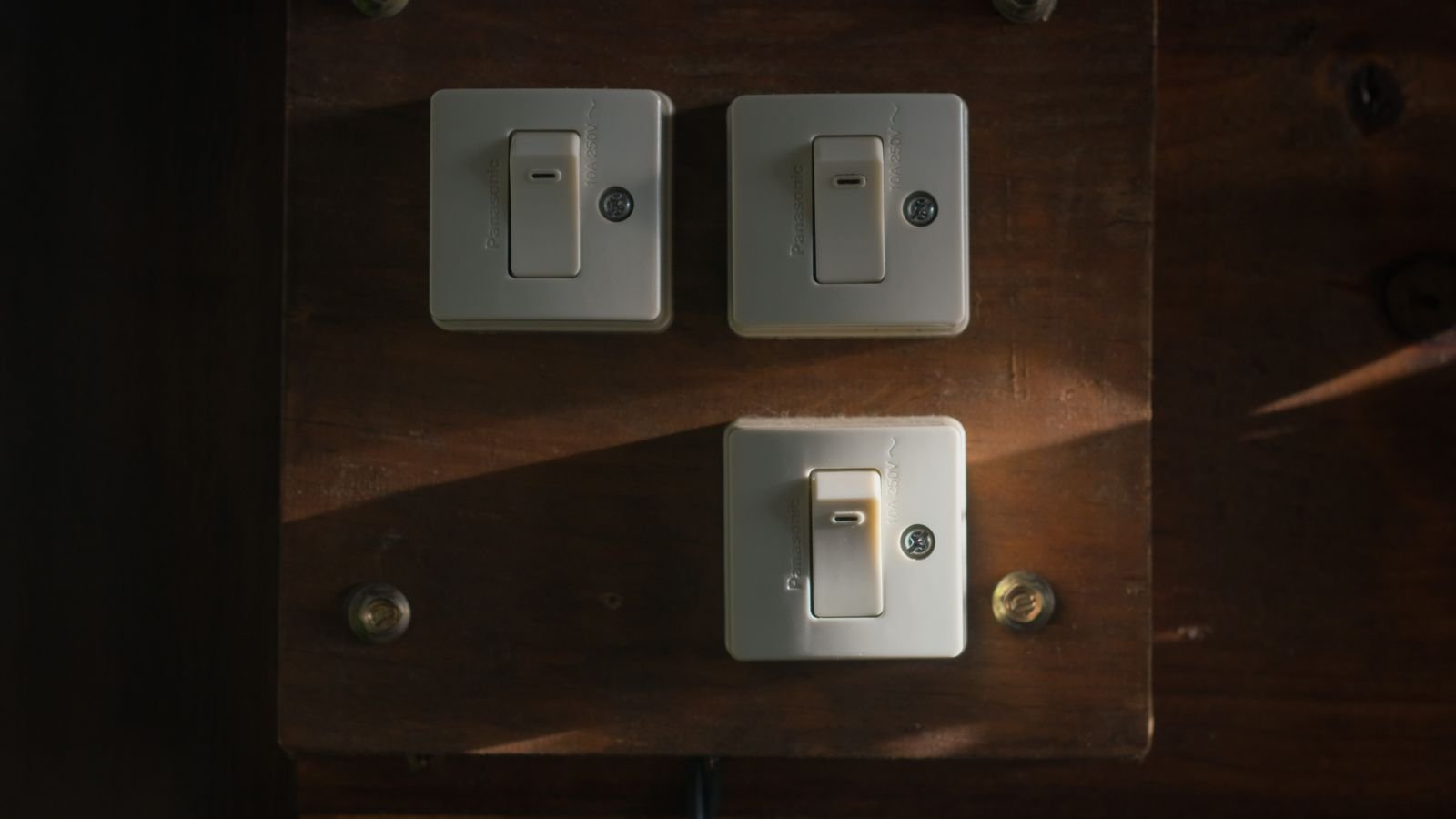
Single-Pole Versus Three-Way in Plain Terms
A single-pole circuit has one switch controlling one light or group of lights. The switch simply interrupts the hot conductor. Inside the box you will typically find a black hot wire, a black or red switched wire going to the fixture, a bare or green ground, and possibly a bundle of white neutrals tucked at the back.
A three-way circuit has two switches controlling the same light, one at each end of a hallway or at the top and bottom of a staircase. It works using traveller wires: each switch selects which of two travellers is energised, and the light is on when both switches agree. There is no fixed on or off position, which is why flipping either switch changes the state. A four-way circuit adds a third switch in the middle using the same traveller pair.
The practical identification test is simple. Count the switches that control the light. One switch means single-pole. Two means three-way. Three or more means a four-way arrangement, which needs the same dimmer type as three-way plus additional companion devices.
How Smart Dimmers Handle Three-Way Circuits
Traditional three-way dimming was awkward because two mechanical dimmers on the same circuit fight each other. Smart dimmers solve it in three different ways, and knowing which approach a product uses is essential before buying.
- Master plus companion: one smart dimmer does the dimming and a matching companion or auxiliary switch sends it commands over the traveller wire. The companion has no dimming circuitry and must be from the same manufacturer.
- Two smart switches linked in software: both positions get a full smart dimmer, wired independently, with the association made in the app. Flexible and often easier to wire, though more expensive.
- Smart dimmer plus existing mechanical switch: some models tolerate a standard three-way switch at the second position. Convenient, but behaviour can be inconsistent, since the mechanical switch may cut power to the smart device entirely.
The third option is the one that produces most complaints. If the mechanical switch removes power from the dimmer, the smart features go offline until someone flips it back. Prefer a master-and-companion or dual-smart arrangement wherever you can. Our roundup of the best smart dimmers notes which models ship with companions and which sell them separately.
The Neutral Wire Question
Smart dimmers need continuous power to keep their radio and processor alive, even when the light is off. A neutral conductor provides a clean return path for that small current. Homes wired from roughly the mid-1980s onward usually have neutrals present in switch boxes; older homes frequently do not, because the switch loop only carried the hot and the switched leg.
No-neutral dimmers exist and work by trickling a tiny current through the light fixture itself. That works well with incandescent bulbs and reasonably well with higher-wattage LEDs, but with very low-wattage LED fixtures the trickle current can be enough to make them glow faintly or flicker when supposedly off. Manufacturers supply a bypass capacitor that installs at the fixture to absorb that current, which fixes the symptom but requires access to the light.
Before ordering anything, switch off the breaker, remove the plate, and look for a bundle of white wires capped together at the back of the box. If they are there, you have a neutral and your options widen considerably.
LED Compatibility and Why Dimmers Flicker
Dimmers were designed for incandescent bulbs, which are simple resistive loads that respond smoothly to a chopped waveform. LEDs are electronic, with a driver that may or may not behave gracefully when the supply is chopped. The result is the familiar catalogue of complaints: flickering, buzzing, a narrow usable dimming range, or lights that drop out entirely at the low end.
Two dimming methods exist. Leading-edge, or TRIAC, dimming is older and works well with incandescent and many mains LEDs. Trailing-edge dimming is quieter, gentler on electronic drivers, and generally the better choice for modern LED fixtures. Many quality smart dimmers support both and let you select the mode, plus set a minimum brightness so the lights never fall below the point where their drivers stutter.
Check the manufacturer’s compatibility list before buying bulbs, and buy dimmable LEDs specifically. A non-dimmable LED on a dimmer will flicker, buzz, and fail early. Our guide to the best dimmer switches for LED lights covers which models handle low-wattage loads without trouble.
Load Ratings and Minimum Loads
Every dimmer states a maximum wattage, and for LEDs that figure is usually much lower than the incandescent rating because of how LED drivers behave. A dimmer rated 600W incandescent may only be rated 150W LED. Add up the actual wattage of the fixtures on the circuit and stay comfortably under the LED figure.
The less obvious specification is the minimum load. Some dimmers need a certain wattage to operate correctly and misbehave below it, which is easy to hit when a single 6W LED bulb is the only thing on the circuit. If you are dimming one small fixture, check that the minimum load is low or that the model is explicitly rated for single-bulb use. The best dimmers for LED bulbs list minimum loads clearly.
Protocols, Hubs, and Long-Term Support
Wi-Fi dimmers need no hub and are the simplest to deploy, though a house full of them adds many clients to your router. Zigbee and Z-Wave dimmers require a hub but form a mesh, and because dimmers are mains powered they act as repeaters that strengthen coverage for battery sensors elsewhere. Thread and Matter devices offer the same mesh benefits with broader cross-ecosystem compatibility, which is the most sensible bet for a new installation. Broader comparisons of the best smart light switches cover how these protocols behave across whole-house installs.
Whatever the protocol, verify that the model supports the assistant or platform you use, and check whether basic functions work without cloud access. A dimmer that cannot be controlled locally becomes an ordinary switch during an internet outage, which is tolerable, but one that becomes unresponsive is not.
Installation Considerations Before You Buy
- Measure box depth. Smart dimmers are considerably deeper than mechanical ones and a shallow box may not close.
- Check for ganged boxes. Several dimmers side by side generate heat, and most require derating when ganged, meaning a lower maximum load each.
- Identify the wires with power off. Confirm with a tester rather than assuming from colour, since colour conventions are not always followed.
- Photograph the original wiring before disconnecting anything. It is the fastest route back if something does not work.
- Confirm plate compatibility. Some smart dimmers use proprietary plates that will not match the rest of the room.
- Know your local rules. Regulations on permitted DIY electrical work vary, and some jurisdictions require a qualified electrician.
Choosing the Right Model: A Short Checklist
- Circuit type: single-pole, three-way, or four-way, and whether a companion is included.
- Neutral present: yes opens the full market, no restricts you to no-neutral models plus possible bypass capacitors.
- Dimming mode: trailing-edge support if your fixtures are modern LED.
- Load range: both maximum LED wattage and minimum load.
- Protocol: Wi-Fi for simplicity, mesh for reliability and range.
- Physical control: a paddle or rocker that behaves intuitively for guests who will never open the app.
- Configurable minimum brightness: the single most useful feature for eliminating low-end flicker.
Frequently Asked Questions
Can I put two smart dimmers on the same three-way circuit?
With some brands, yes, wiring each independently and linking them in software. With others you must use one master and one companion. Check the specific model, as mixing incompatible approaches will not work.
What if my switch box has no neutral wire?
Choose a no-neutral dimmer and be prepared to fit a bypass capacitor at the fixture if low-wattage LEDs glow or flicker when off.
Why do my lights buzz after installing a dimmer?
Usually a mismatch between dimming mode and driver type, or a non-dimmable bulb. Try trailing-edge mode, raise the minimum brightness setting, and confirm every bulb on the circuit is rated dimmable.
Can a smart dimmer control a ceiling fan?
No. Dimmers are designed for lighting loads and will damage a fan motor. Use a dedicated fan controller for the motor and a dimmer only for the light kit.
Do smart dimmers work if the internet goes down?
The physical paddle always works. Voice control and remote access require connectivity, though hub-based systems on local protocols usually keep automations running.
Final Thoughts
Almost every smart dimmer disappointment traces back to a decision made before the box was opened. Count the switches to determine whether you need single-pole or three-way hardware, look for a neutral bundle before you shop, match the dimming mode to your LED fixtures, and check both the maximum and minimum load ratings against what is actually on the circuit. Choose a model with a configurable minimum brightness and a physical control that guests can use without instruction. Do that groundwork and installation becomes a fifteen-minute job with lights that dim smoothly from full to a candle glow, which is the whole point.









