
 Owen Bradley
 Small form factor PCs pack the power of a full desktop into a footprint that fits on a desk corner, under a monitor, or in a bag for a LAN party. The appeal is obvious, but building in Mini-ITX is a genuine puzzle where every millimeter and every watt counts. Components that would slot in without a thought in a big tower suddenly need careful checking for clearance, cooling headroom, and power delivery. This guide walks through the core decisions that make a compact build succeed, including choosing Mini-ITX boards, SFX power supplies, low-profile cooling, and GPU length limits, so your small machine stays cool, quiet, and reliable rather than becoming a thermal headache.
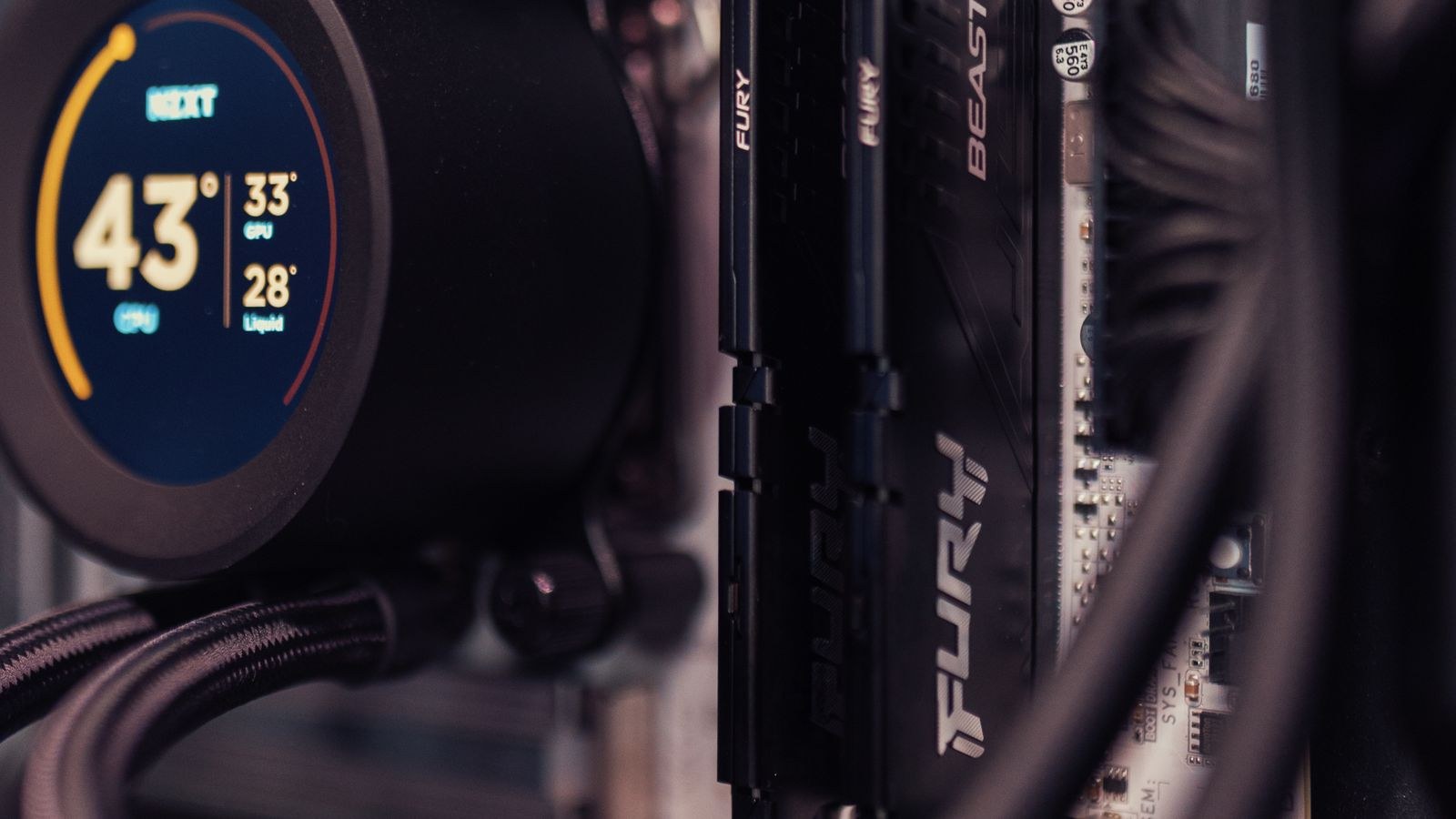
Why Small Form Factor Is Different
In a standard tower, you have generous room for airflow, cable management, and large components. In a small form factor build, that slack disappears. Heat concentrates in a tight space, cables compete for room with parts, and physical clearances become hard limits rather than gentle suggestions. The reward for managing all this is a powerful machine that takes up a fraction of the space.
The mindset shift is that compatibility checking becomes the most important step of the whole build. Before buying anything, you need to confirm that every component fits within the case’s stated limits for GPU length, cooler height, and power supply type. In SFF, a part that is a few millimeters too big simply will not fit, and there is no room to improvise.
Choosing the Case First
In small form factor building, the case usually leads the entire build rather than following it. The case defines your maximum GPU length, your CPU cooler height, your power supply format, and your overall volume. Picking the case first gives you a clear set of constraints that every other component must respect.
Cases range from tiny console-sized boxes that demand serious compromises to slightly larger ITX cases that accept full-length graphics cards and better cooling. Deciding how small you truly need to go is the first real decision, because it dictates everything else. Our guide to the best Mini-ITX PC cases compares options across that size spectrum, with the clearance specifications you will use to plan the rest of the build.
The Mini-ITX Motherboard
The motherboard is the foundation, and Mini-ITX is the standard tiny board format. At just a compact square, it offers a single expansion slot and two memory slots, which is plenty for most builds but means you should plan your expansion needs carefully. Despite the small size, modern ITX boards pack strong power delivery, fast connectivity, and good features.
Because space around the socket is tight, board layout matters more than usual; the position of connectors and the memory slots can affect what cooler and cables will fit. Look for a board with solid power delivery for your chosen processor and the connectivity you actually need. Our roundup of the best Mini-ITX motherboards highlights boards that balance features, power delivery, and a build-friendly layout for compact systems.
SFX Power Supplies: Small But Mighty
Most small form factor cases require an SFX or SFX-L power supply rather than the larger ATX format found in towers. These units deliver serious wattage in a much smaller body, which is exactly what a cramped case needs. Choosing the right one is critical, because a compact case leaves no room for an oversized ATX unit.
Aim for enough wattage to comfortably power your components with headroom, and prioritize a quality unit since these run in a warm, confined space. A modular SFX unit also helps enormously with cable management, letting you use only the cables you need. Our guide to the best SFX power supplies covers units that combine compact size with the capacity and quality a dense build demands.
Cooling in a Tight Space
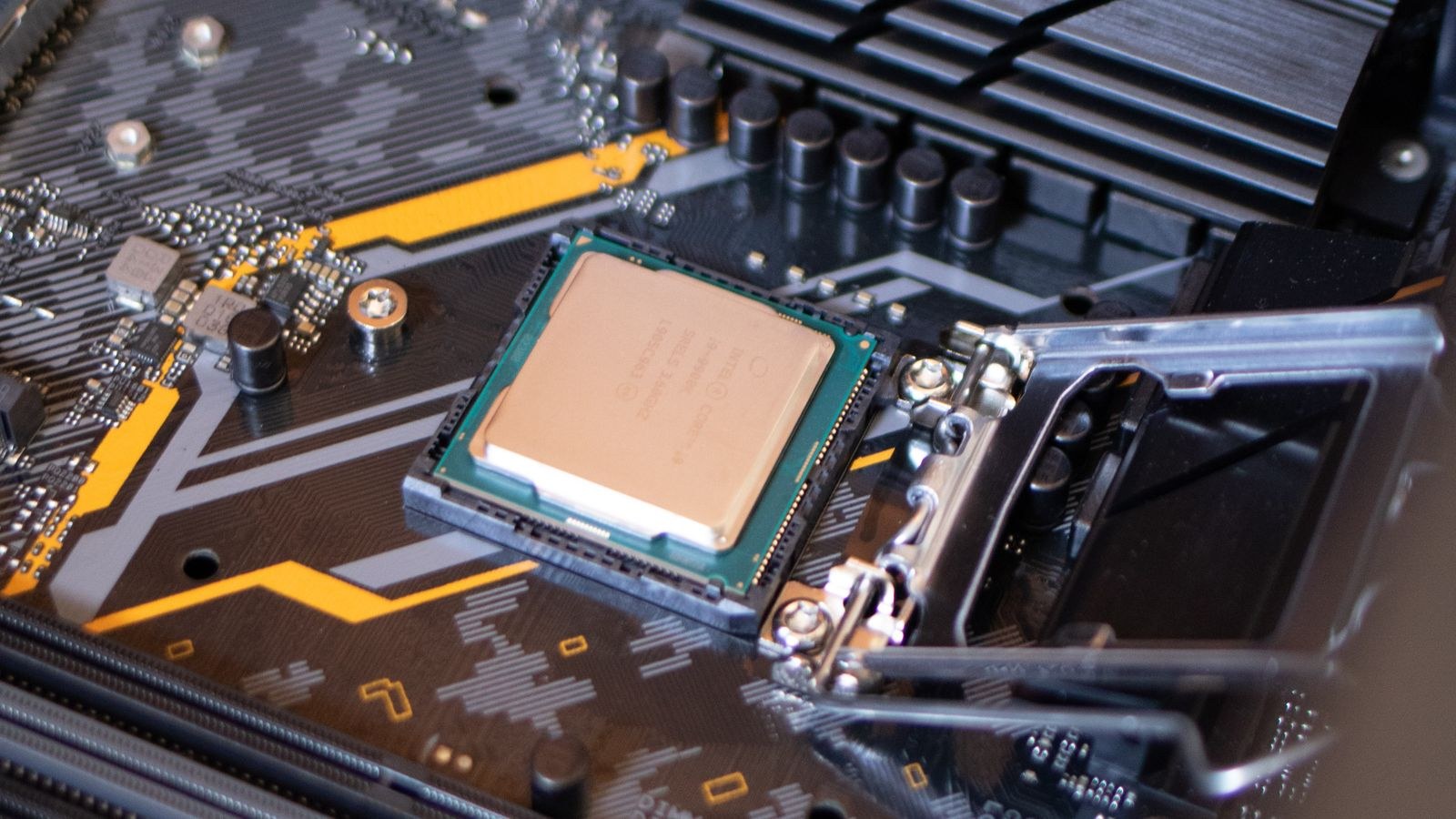
Cooling is the single biggest challenge in small form factor building. With little internal volume, heat has nowhere to escape and can build quickly under load. Your cooling choice must respect the case’s maximum cooler height while still keeping your processor in check during demanding tasks.
Many SFF builders use low-profile air coolers or compact liquid coolers designed for the format. Low-profile air coolers are simple and reliable but limited in height, while small liquid coolers can move heat efficiently if the case supports a radiator. Matching the cooler to both your processor’s heat output and the case’s clearance is essential. Our list of the best CPU coolers for Mini-ITX focuses on coolers that fit tight cases while still taming heat under sustained load.
GPU Length and Clearance Limits
The graphics card is often the largest and most heat-producing component, and in SFF it is where clearance planning matters most. Every case lists a maximum GPU length, and exceeding it by even a little means the card will not fit. Some compact cases only accept shorter cards, while larger ITX cases welcome full-length models.
Beyond length, consider the card’s thickness and cooler design, since a thick multi-fan card may block airflow or collide with other parts in a dense layout. A well-cooled card that fits comfortably is better than a marginally faster one crammed into a space with no breathing room. Our guide to the best GPUs for small cases highlights cards sized and cooled for compact builds, which takes much of the guesswork out of clearance planning.
Cable Management and Airflow
In a tiny case, cables are not just a tidiness issue; they can obstruct airflow and make the build physically hard to close. A modular power supply, careful routing, and planning where cables will sit before final assembly all pay off. Good airflow paths, with clear intake and exhaust, keep temperatures manageable even in a dense build.
Think about the direction air moves through the case and try to keep the path from intake to exhaust unobstructed. Small adjustments, like routing a cable behind the motherboard tray or choosing shorter cables, can make a real difference to temperatures and to how easily the whole thing goes together.
Planning Your Build Step by Step
A reliable SFF build comes together in a logical order:
- Pick the case and note its GPU length, cooler height, and power supply format limits.
- Choose a Mini-ITX motherboard with the right features and a build-friendly layout.
- Select an SFX power supply with enough wattage and modular cables.
- Match a cooler to your processor’s heat output and the case’s height limit.
- Choose a GPU that fits within the length and thickness the case allows.
- Plan cable routing and airflow before final assembly.
Following this order keeps every component within its constraints and prevents the frustrating discovery that a part does not fit after you have already bought it.
Memory and Storage in a Compact Build
With only two memory slots on a Mini-ITX board, plan your memory in a single matched kit that gives you the capacity you need, since there is no room to add more sticks later. Low-profile memory can also help in cases where a large air cooler overhangs the slots, so checking clearance here is worthwhile just as it is elsewhere in the build.
Storage is one area where small form factor actually shines, because M.2 NVMe drives mount directly to the board and take up virtually no space. A single fast NVMe drive often handles the operating system, applications, and games without needing bulky 2.5-inch or 3.5-inch drives that would compete for room. This keeps the interior clean, improves airflow, and removes extra cables, all of which matter more in a compact case than in a roomy tower.
Common Mistakes to Avoid
The most common error is buying components before confirming they fit the case, then finding a GPU is too long or a cooler too tall. Another is choosing a power supply with too little headroom or the wrong format for the case. Many first-timers also underestimate cooling and end up with a machine that throttles or runs loud under load. Finally, ignoring cable management in such a tight space can make the build hard to close and hurt airflow. Careful measurement and planning solve all of these before they happen.
Frequently Asked Questions
Can a small form factor PC be as powerful as a full tower?
Largely, yes. Modern ITX builds can house strong processors and full-length graphics cards, delivering near-tower performance. The main limits are cooling headroom and expansion slots, not raw capability.
Do I need a special power supply for a Mini-ITX build?
Most small cases require an SFX or SFX-L unit rather than a standard ATX supply. These deliver high wattage in a compact body, and a modular version greatly simplifies cable management in a tight space.
How do I keep an SFF build from overheating?
Choose a cooler that fits the case’s height limit and matches your processor’s heat output, keep airflow paths clear, and manage cables so they do not block air. Selecting components sized for compact cases makes a big difference.
What is the most important spec to check?
Clearances. Confirm GPU length, cooler height, and power supply format against your case before buying anything. In small form factor building, a part that is slightly too big simply will not fit.
Final Thoughts
Building a small form factor PC is one of the most rewarding projects in computing, but it demands planning that a big tower forgives. Start with the case and treat its clearance limits as hard rules, choose a capable Mini-ITX board, an appropriately sized SFX power supply, a cooler that fits, and a GPU within the case’s length limit. Manage your cables and airflow with care, and your compact machine will run cool and quiet through 2026 and beyond. Measure twice, buy once, and you will end up with a powerful desktop that proves great performance does not require a giant box.










