
 Owen Bradley
 A quiet PC is not built by accident. It is the result of choosing a handful of parts that each shave a few decibels off the total, then tuning them so they only spin up when they truly need to. Many people spend money on the wrong upgrades, swapping a graphics card or adding more storage while the real noise sources sit untouched. This quiet PC build guide walks through the components that actually silence a machine, in the order they matter, so you can spend your budget where it counts and end up with a system you can barely hear at idle and one that stays civil under load.
What Actually Makes a PC Loud
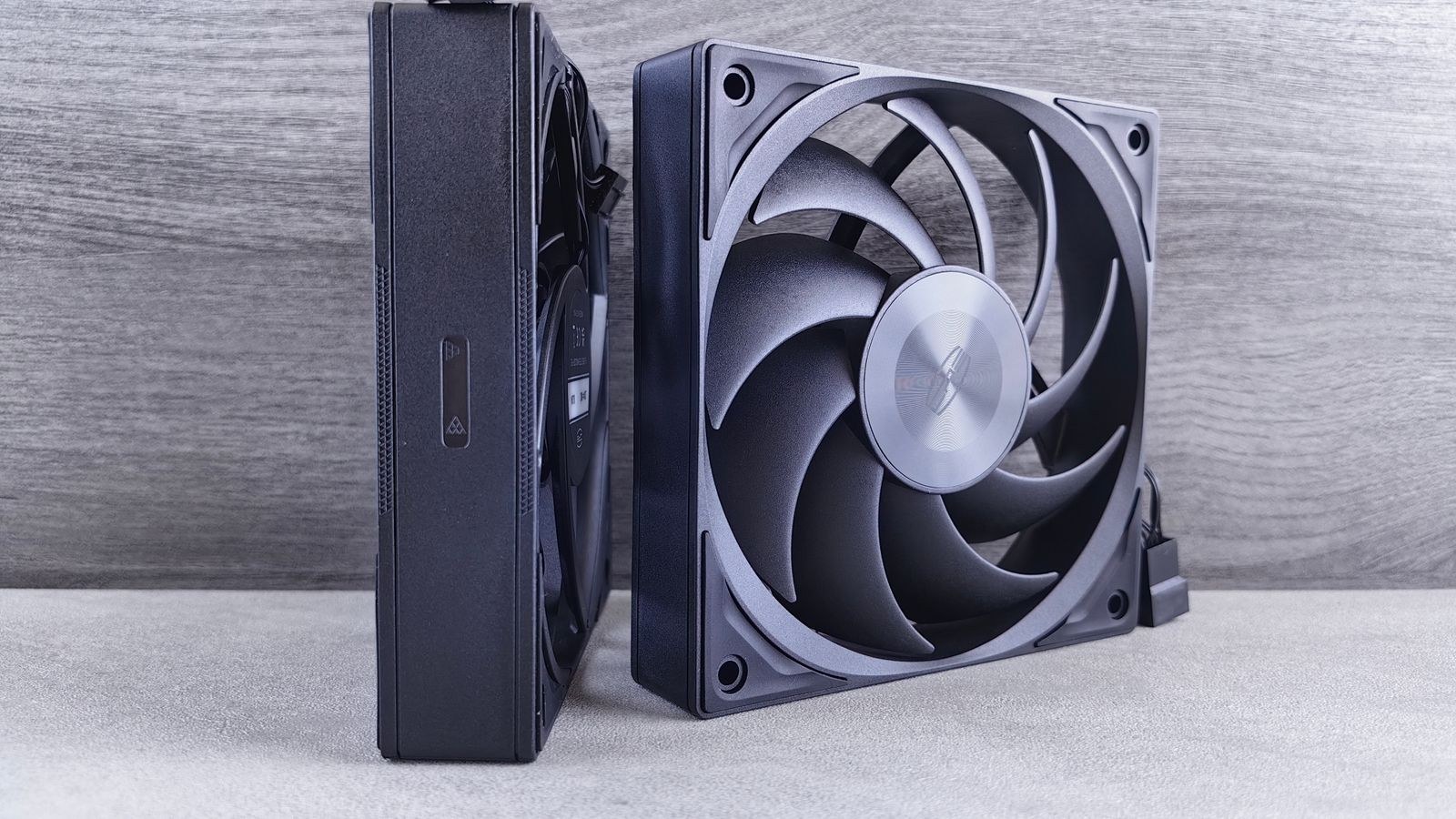
Before spending anything, it helps to understand where the sound comes from. A desktop makes noise in three main ways: moving air, spinning bearings, and vibrating panels. Fans and pumps create the airflow whine and hum you notice most, but the case itself amplifies or dampens whatever those parts produce. Coil whine from a graphics card or power supply is a separate, higher-pitched electrical noise that no fan curve can fix.
The key insight is that noise rises sharply with fan speed. A 140 mm fan spinning at 600 RPM moves a surprising amount of air almost silently, while the same fan at 1,500 RPM becomes clearly audible. Silence, then, is largely about moving enough air slowly rather than a little air quickly. Every decision below serves that single principle: larger, slower-moving parts kept below their audible threshold.
Start With the Case
The case is the foundation of a quiet build because it sets the acoustic ceiling for everything inside. A well-designed quiet case uses thick steel, sound-absorbing foam on the side panels, and a layout that lets large fans breathe without forcing air through restrictive grilles. Solid or lightly vented front panels trade a little thermal headroom for a real drop in perceived noise, which is often the right call for anything that is not a high-end gaming rig.
If you are choosing a chassis, look at models designed specifically for silence rather than raw airflow. Our roundup of the best quiet PC cases highlights enclosures with dampening material and grommeted cable routing that keep vibration from traveling into the desk. Pay attention to fan mounting points too: a case that accepts 140 mm fans front and top gives you far more quiet-air potential than one limited to 120 mm slots.
Fans: The Single Biggest Lever
Fans are where most of your acoustic budget should go, because they are both the loudest parts and the easiest to control. Prioritize fewer, larger fans over many small ones. Two 140 mm intakes and one 140 mm exhaust running slowly will almost always beat six 120 mm fans running fast, both for noise and for airflow. Look for fans rated with a low minimum RPM and a specified noise figure in the low-to-mid range at full speed.
Bearing type matters for long-term quiet. Fluid dynamic bearings and magnetic-levitation designs stay smooth for years, while cheaper sleeve bearings can develop a hum as they age. Rubber mounting pads or anti-vibration screws stop the motor’s tiny vibrations from transmitting into the panels, which removes a low-frequency drone many people never trace to its source. If your case fans are the loudest thing you hear, our guide on how to reduce fan noise on a gaming PC covers mounting, curves, and replacement in more depth.
The CPU Cooler
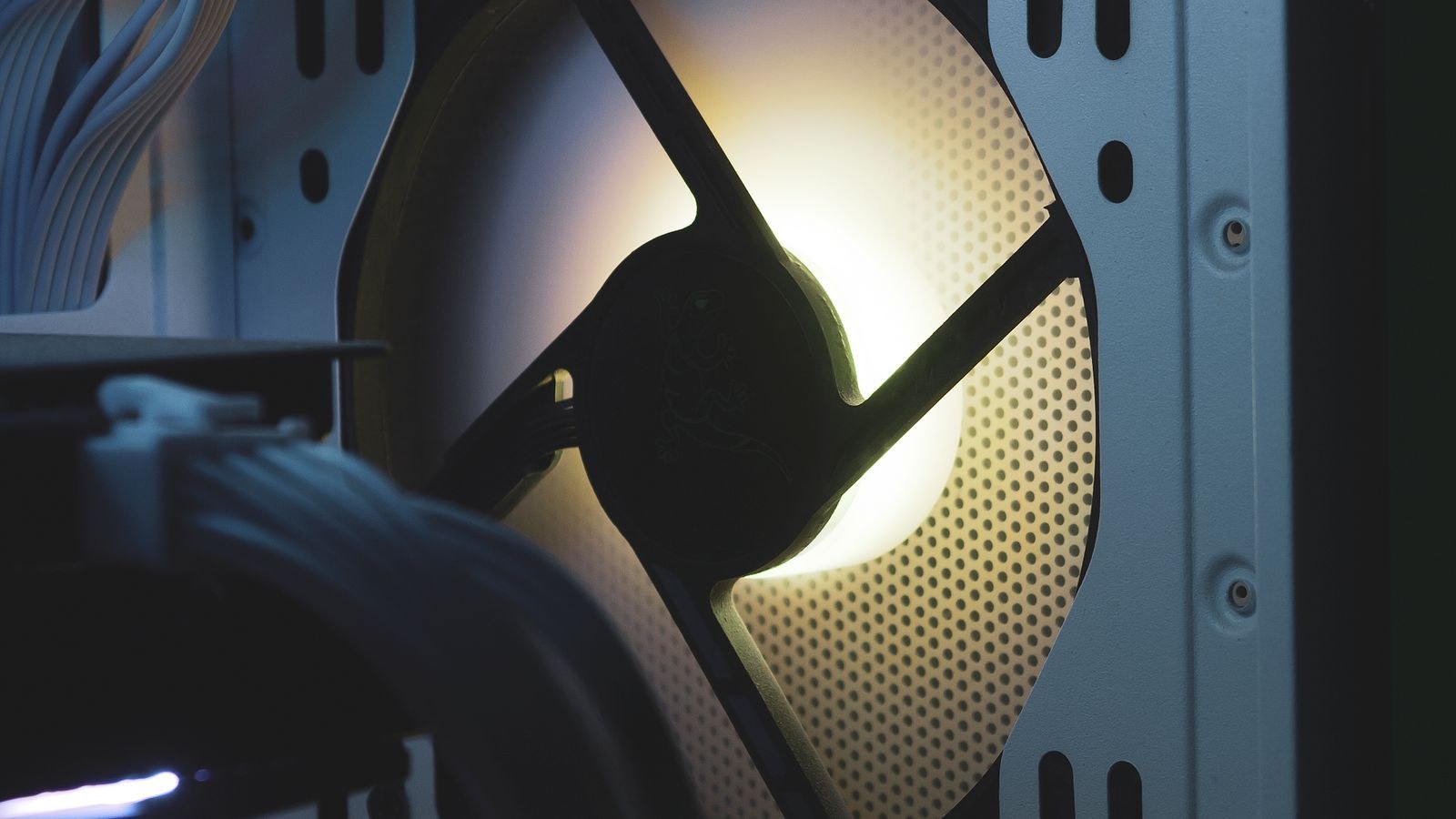
Your processor’s cooler is the second major noise source, and here size directly buys silence. A large dual-tower air cooler with a big, slow 140 mm fan can dissipate a serious thermal load while barely making a sound, because it has so much surface area that the fan rarely needs to speed up. For most builds, a well-chosen air cooler is quieter and more reliable than an equivalent liquid cooler, which adds a pump that hums continuously.
If you do go liquid for a hot, high-core-count chip, choose a model with a quiet pump and a larger radiator so the fans can loaf. The extra radiator area lets the whole loop run cooler at lower fan speeds. Whatever route you take, match the cooler to your CPU’s real heat output with headroom to spare. A comparison of the best CPU coolers for low noise can help you find a heatsink sized generously enough that it almost never becomes the thing you hear.
Power Supply Behaviour
A good power supply is quiet not just because of its fan, but because of when that fan runs at all. Many quality units include a semi-passive or zero-RPM mode that keeps the fan completely stopped until the load crosses a threshold, often somewhere between 30 and 50 percent of capacity. For a desktop that spends most of its life browsing and streaming, that means the PSU is genuinely silent for hours at a time.
Buying a supply with meaningful headroom helps here: a 750-watt unit powering a system that peaks at 400 watts stays in its quiet zone far longer than a 500-watt unit running near its limit. High efficiency also means less waste heat, which means less fan effort. Our picks for the best quiet PSUs focus on models with reliable zero-RPM modes and clean electrical output, which also reduces the chance of coil whine.
The Graphics Card
Under gaming load, the graphics card is often the loudest part in the whole system, and it is the hardest to silence after the fact. Cooler design is everything: a card with a large heatsink and three fans holds a lower temperature at lower fan speed than a compact two-fan model pushing the same power. Many modern cards also stop their fans entirely below a set temperature, so they stay silent on the desktop and during light tasks.
If quiet gaming matters to you, treat the GPU cooler as a primary selection criterion rather than an afterthought. Cards built for acoustics often carry a small factory overclock while still running cooler and quieter than reference designs. Browsing the best quiet GPUs shows which models pair a strong cooler with a sensible fan profile, so the card only spins up when a demanding scene truly demands it.
Fan Curve Targets That Keep It Silent
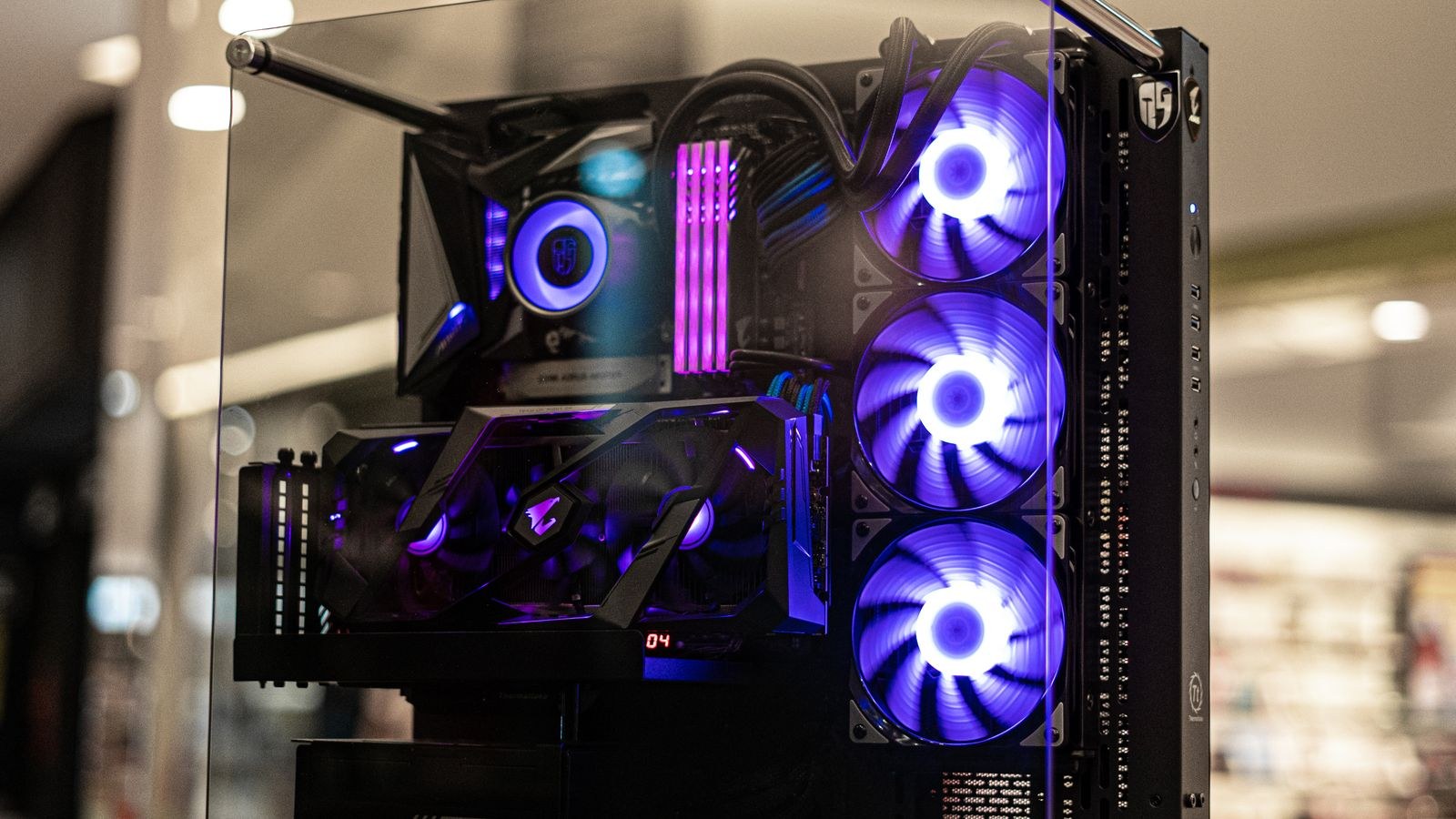
Great parts still need sensible tuning, and the fan curve is where you turn hardware potential into actual quiet. The goal is to keep fans as slow as possible while holding safe temperatures. A practical starting point is to let case and CPU fans idle at their minimum speed until the CPU reaches around 55 degrees Celsius, then ramp gently rather than in a sudden step. Sharp curves cause fans to surge up and down, and that constant change is more distracting than a steady low hum.
Aim to hold your processor in the 60 to 75 degree range under sustained load without the fans ever hitting full speed. For the graphics card, a target that keeps it under about 70 degrees while capping the fan around a moderate percentage usually stays inaudible over game audio. Enable zero-RPM modes wherever your parts support them so the machine is truly silent when idle. Small adjustments here often do more than any single hardware swap.
Putting It Together on a Budget
You do not need to buy every silent part at once. If money is tight, spend it in the order these components appear above: case and fans first, because they affect everything and are cheap relative to their impact, then the CPU cooler, then the power supply, and finally the graphics card when you next upgrade. This sequence gets you most of the way to silence for a modest outlay, since the case and fans alone often remove the majority of the noise a stock build produces.
Resist the urge to over-fan. More fans mean more potential noise sources and more surfaces to vibrate. A clean layout with three well-mounted large fans, tidy cabling that does not block airflow, and generous coolers will beat a case crammed with spinning parts every time.
Frequently Asked Questions
Is air or liquid cooling quieter?
For most builds, a large air cooler is quieter because it has no pump running constantly. Liquid cooling only pulls ahead in acoustics when a processor runs so hot that an air cooler’s fan must spin fast to keep up. Match the cooler to your chip’s real heat output and air wins the silence contest more often than people expect.
Do sound-dampening cases hurt temperatures?
Slightly, yes. Foam-lined panels and solid fronts trade a few degrees of thermal headroom for lower noise. For most systems that trade is worth it, because the extra warmth is small and easily offset by running one more slow intake fan rather than several fast ones.
What causes coil whine and can I fix it?
Coil whine is an electrical noise from components in the power supply or graphics card vibrating at high frequency, usually most noticeable at very high frame rates. It is not related to fans, so fan tuning will not help. Capping your frame rate can reduce it, and choosing a quality PSU and GPU lowers the odds of it appearing at all.
How many fans does a quiet build need?
Three is a good target for most cases: two intakes and one exhaust, all 140 mm if the case allows. That is enough to keep positive airflow and low temperatures while letting each fan spin slowly. Adding more fans rarely improves acoustics and often makes things worse.
Final Thoughts
A quiet PC is a system of small, deliberate choices rather than one magic part. Start with a case built for silence, fill it with a few large slow fans, oversize the CPU cooler, pick a power supply that switches its fan off at idle, and choose a graphics card whose cooler was designed with acoustics in mind. Finish with a gentle fan curve that keeps everything spinning slowly until real load arrives. Do that and you end up with a machine that disappears into the background, letting you work or play without the constant reminder that a computer is running at all.









