Owen Bradley
 For a decade, buying a smart bulb meant checking a compatibility chart first and hoping your assistant of choice was on it. Matter was created to end that ritual. It is a connectivity standard backed by the major smart home platforms, designed so that a certified device works with any certified controller regardless of who made either one. For lighting specifically, which is where most people start and where most people own the largest number of devices, that promise matters more than in any other category. This Matter smart lighting guide explains what the standard actually changes at home, what it does not fix, which gear you need, and whether the bulbs already in your ceiling are worth replacing in 2026.
What Matter Actually Is
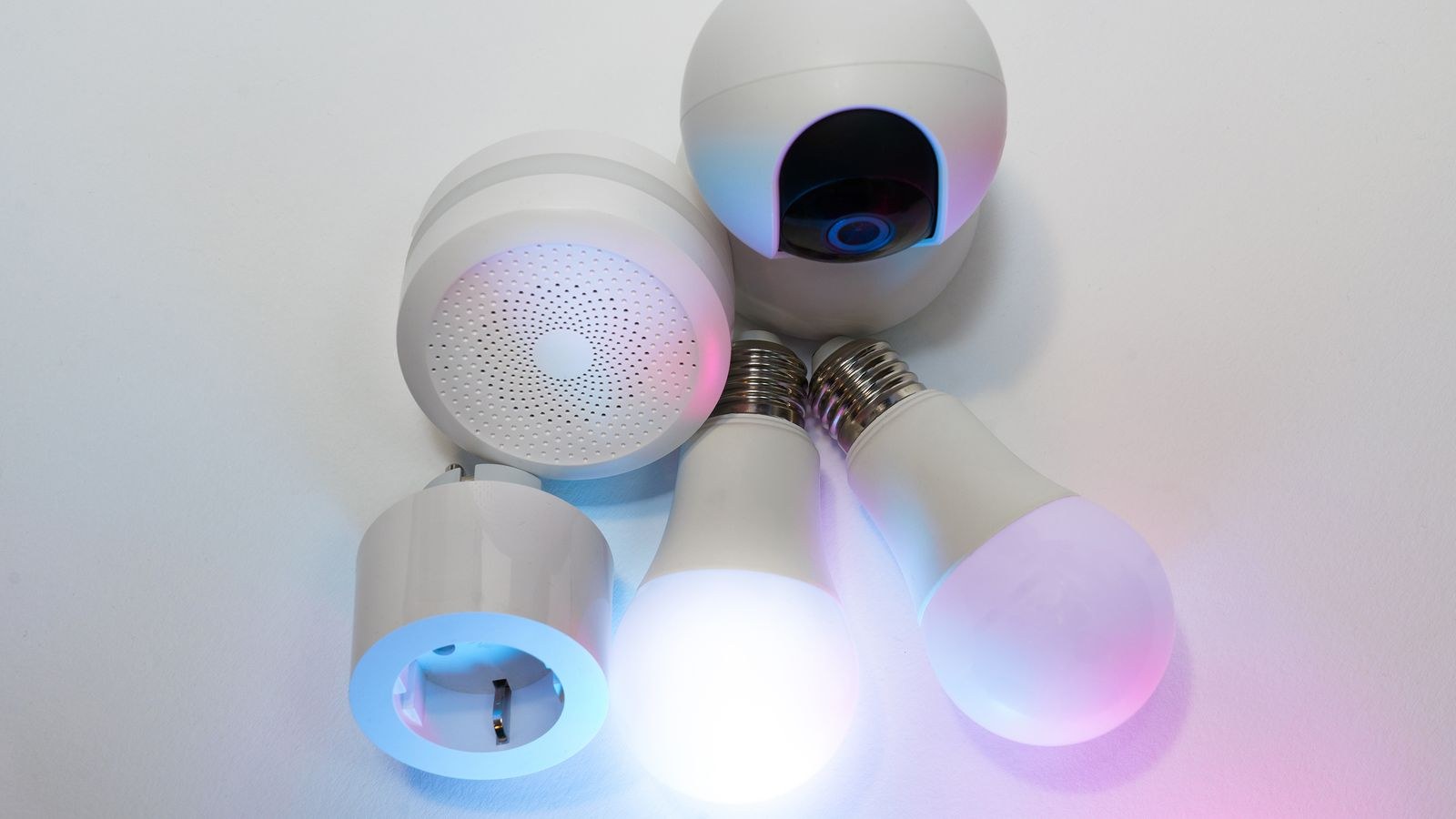
Matter is an application-layer standard. That phrasing sounds academic, but it is the key to understanding both its power and its limits. Matter does not replace the radio in your bulb; it standardizes the language spoken over that radio. A Matter bulb still communicates over Wi-Fi or Thread, but the commands, device definitions, and pairing process are identical across manufacturers.
The practical result is that a bulb from one brand and a controller from another understand each other natively, without a cloud integration written specifically to bridge them. Setup uses a single scannable code, and the same device can be shared with multiple platforms at once rather than being locked to whichever ecosystem you set it up in first.
Just as importantly, Matter is designed around local control. Commands travel over your home network rather than out to a manufacturer’s servers and back. Lights respond faster and keep responding when your internet connection does not.
Matter, Thread, and Wi-Fi: How They Fit Together
Confusion here is nearly universal, so it is worth being precise. Matter is the language. Thread and Wi-Fi are the transport layers underneath it.
Thread is a low-power mesh network built for battery and always-on devices. Like other mesh protocols, mains-powered Thread devices relay traffic for each other, so coverage improves as you add devices. Thread needs a border router to connect the mesh to your home network, and that role is built into many current smart speakers, displays, and streaming devices rather than sold as a separate box.
Wi-Fi Matter devices join your router directly, no border router required, but they consume a client slot and draw more standby power.
For lighting, Thread is generally the better transport. Bulbs are numerous, always powered, and benefit from mesh relaying and low latency. Wi-Fi Matter bulbs are fine in small numbers and avoid any border router requirement. Both are equally “Matter” from your app’s perspective, which is exactly the point of the standard.
What Matter Fixes for Lighting
- No more compatibility charts. A certified bulb works with a certified controller, full stop.
- Multi-admin sharing. The same bulb can be controlled from several platforms simultaneously, so household members on different phones and assistants all get real control.
- Local response. Commands stay on your network, cutting the delay and the cloud dependency.
- One setup flow. Scan a code, choose a room, done, with the same process for every brand.
- Reduced lock-in. Switching platforms later does not mean re-buying every bulb.
That last point is the strongest argument for prioritizing Matter on new purchases. Historically, choosing an ecosystem meant committing to it, because the cost of switching was the cost of replacing every device. Matter turns that decision into a reversible one.
What Matter Does Not Fix
Set expectations realistically, because the marketing tends to oversell. Matter standardizes core functions: on and off, brightness, color temperature, and color. It does not standardize the distinctive extras manufacturers build on top. Elaborate lighting effects, entertainment sync that follows what is on your TV, adaptive schedules, and firmware update tools generally remain in the manufacturer’s own app.
Matter also does not make a poor-quality bulb good. Color rendering, dimming smoothness at low levels, flicker, and lifespan are all determined by the hardware and the driver, not the protocol. A certified bulb with mediocre CRI is still a mediocre light.
Finally, Matter certification is not a guarantee of feature parity across controllers. A given platform may expose only some of a device’s standardized capabilities in its interface. The situation is dramatically better than the fragmented years before it, but it is not perfectly uniform.
What You Need to Get Started
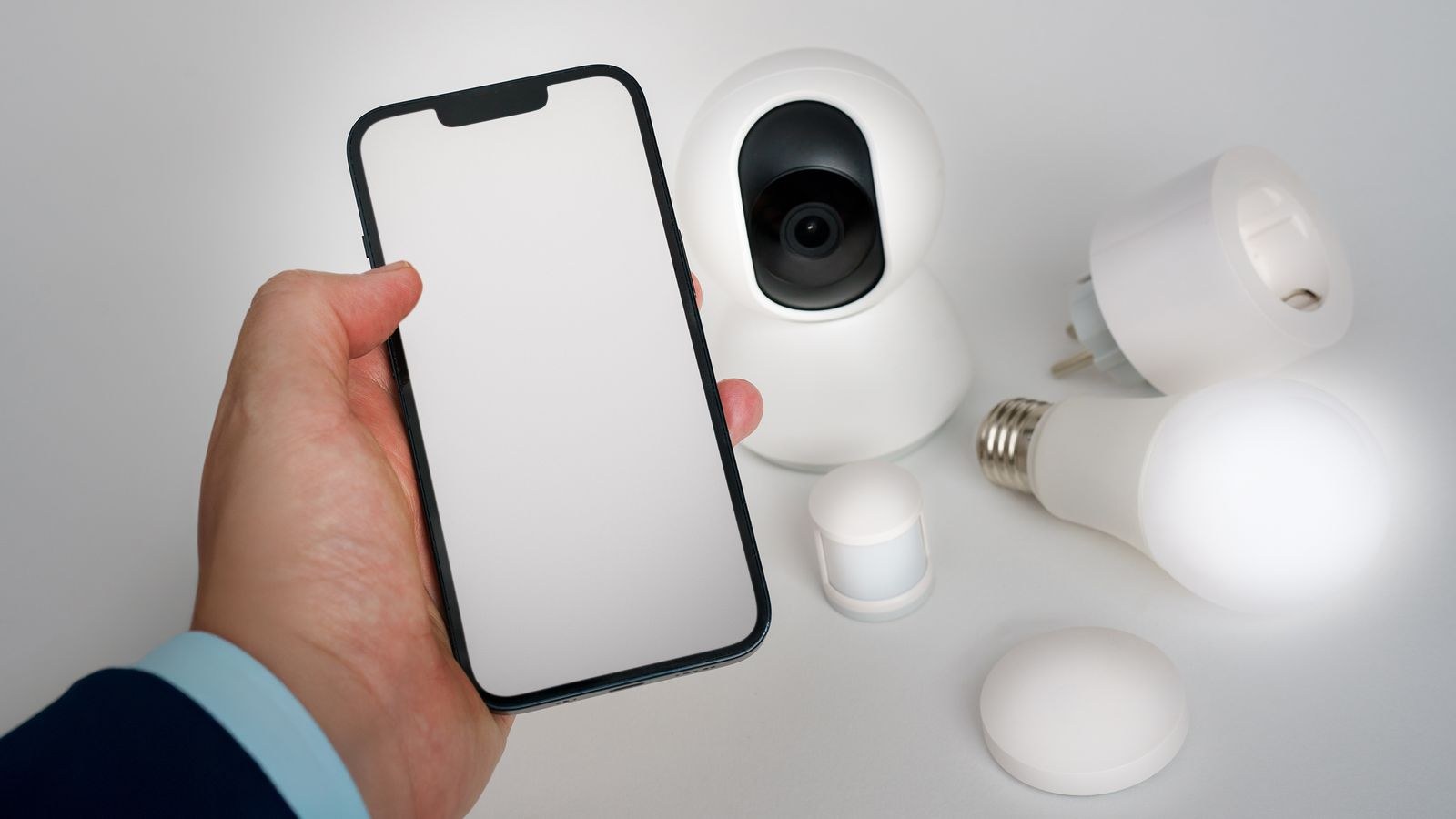
The starting requirements are modest. You need three things: a controller, which is the app and platform you will use to manage devices; a Matter-certified bulb or fixture; and, if you choose Thread devices, a border router somewhere in the house.
Most people already have a controller and often a border router without realizing it, because both roles are bundled into smart speakers and displays purchased in recent years. Check the specification sheet of the hardware already in your living room before buying anything new. A single border router covers a small home; larger homes benefit from two or three spread across floors, and any additional mains-powered Thread devices further densify the mesh.
From there, adding a bulb is a matter of scanning the code on the device or its packaging. If you are choosing hardware to start with, our roundup of the best smart bulbs flags which models carry Matter certification and which transport they use.
Bridging Devices You Already Own
You do not have to throw anything away. Many existing hubs now function as Matter bridges, exposing the older devices they manage to Matter controllers as if they were native Matter devices. A firmware update to a lighting bridge you already own can bring a dozen legacy bulbs into the new world without touching a single fixture.
Bridged devices work well for the basics but inherit the bridge’s limitations: if the bridge goes offline, everything behind it disappears, and advanced brand-specific features still require the original app. Still, bridging is the single most cost-effective step for anyone with an established installation. Check your existing hub’s release notes before assuming an upgrade is necessary.
Should You Replace What You Have?
Almost certainly not all at once. Working bulbs that satisfy you have no urgent reason to leave the ceiling, and the environmental and financial cost of replacing a functional long-life LED is hard to justify.
A sensible policy looks like this:
- Bridge first. If your existing hub supports Matter bridging, enable it and get most of the benefit for free.
- Buy Matter going forward. Every new bulb, switch, or fixture should be certified, so your installation converts naturally over time.
- Replace on failure. When a bulb dies, its replacement is a Matter device.
- Prioritize problem spots. If a particular room is unreliable or stuck in an app nobody likes, convert that room deliberately.
The exception is a household that is actively migrating between platforms or has members on different assistants. There, multi-admin support solves an ongoing daily annoyance and justifies converting the most-used rooms sooner. For whole-house planning across fixtures, strips, and switches, our overview of the best smart home lighting systems covers how the pieces coordinate.
Matter and Existing Ecosystems
If you have been buying into a specific assistant’s ecosystem for years, Matter changes your position for the better rather than invalidating it. Devices that previously required a platform-specific certification now qualify through Matter instead, which means the pool of compatible lighting for any given platform expands dramatically.
Users invested in one assistant’s accessory standards will find that Matter bulbs join alongside older certified devices in the same app, so households already using HomeKit light bulbs can add Matter models without maintaining a second interface. The same applies in the other direction: homes built around Google Home light bulbs can adopt Matter devices from any brand and control them natively. The whole point is that the question “will this work with my system?” mostly stops being interesting.
Common Mistakes to Avoid
- Buying Thread devices with no border router in the house. Check what your existing speakers and displays support before ordering.
- Assuming “Matter compatible” equals “Matter certified.” Look for explicit certification on the packaging, not vague marketing language.
- Replacing perfectly good bulbs when a firmware update to your existing bridge would achieve nearly the same result.
- Expecting brand-specific effects to appear in a third-party app. Advanced features stay in the manufacturer’s software.
- Putting the only border router in a basement corner. Central, elevated placement makes a large difference to Thread reliability.
- Losing the setup code. Photograph the code on the bulb before installing it in a hard-to-reach fixture.
Frequently Asked Questions
Do I need a hub for Matter lighting?
You need a controller, and Thread devices additionally need a border router. Both roles are commonly built into smart speakers and displays, so a dedicated purchase is often unnecessary.
Is Thread better than Wi-Fi for bulbs?
For more than a handful of lights, generally yes. Thread uses less power, responds faster, meshes for coverage, and keeps bulbs off your router’s client list. Wi-Fi is simpler when you only have a few.
Can one bulb be in two platforms at once?
Yes. Multi-admin is a core Matter feature and lets you share a device with additional controllers from the original app.
Does Matter work without internet?
Local control continues, so switching lights and running local automations works during an outage. Remote access from outside the home and cloud-based voice processing will not.
Will my old bulbs stop working?
No. Existing devices continue functioning in their own apps exactly as before, and many can be bridged into Matter without replacement.
Final Thoughts
Matter is best understood as insurance rather than a feature upgrade. It does not make your lights brighter, more colorful, or better at rendering skin tones, and anyone expecting a visible transformation the day they install a certified bulb will be underwhelmed. What it delivers is freedom from the compatibility research that used to precede every purchase, genuine local responsiveness, shared control across a household’s mixed devices, and the ability to change platforms later without discarding hardware. Bridge what you already own, make certification a requirement on everything you buy from here, place a border router thoughtfully if you go the Thread route, and let the conversion happen gradually as old bulbs reach the end of their lives.