
 Owen Bradley
 Keycaps are the only part of a keyboard you actually touch, and they change how a board feels and sounds more than almost any other single upgrade. Yet the shopping experience is full of unfamiliar shorthand: doubleshot, dye-sub, Cherry profile, SA, 1.75u, stepped caps and stabiliser cutouts. Buy the wrong set and you end up with a beautiful pile of plastic that will not fit your bottom row. This guide explains the two materials you will encounter most, how the common profiles differ in height and shape, and the fitment checks that keep an order from becoming a return. Read it once and you will be able to evaluate any set in about two minutes.
ABS vs PBT: What the Plastic Actually Changes
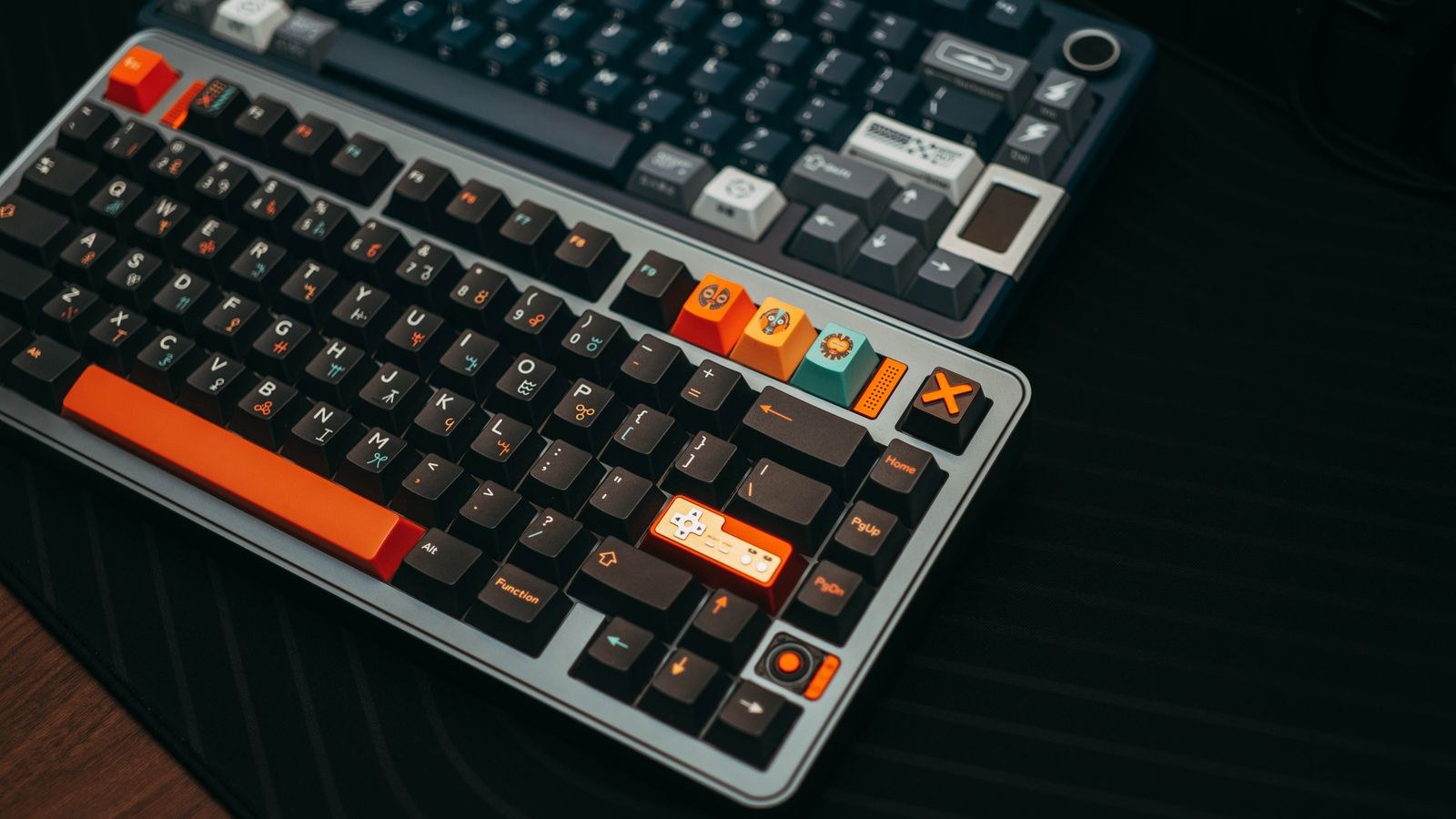
ABS is the softer, glossier of the two plastics. It moulds cleanly, takes vivid colours, and is the material behind most of the sharpest, brightest colourways on the market. It is also the material that develops shine. Skin oils and friction gradually polish the surface of frequently used keys, so within months a heavily used ABS set can show a mirror finish on the home row while the outer keys stay matte. Some people find that patina appealing; others find it looks worn out.
PBT is denser, more heat resistant and noticeably more textured out of the box. That texture resists polishing, so a PBT set typically holds its original look for years rather than months. The trade-off is that PBT shrinks slightly more during moulding, which is why cheap PBT sets sometimes show mild warping on wide keys, and its colour range is a little more muted. PBT also tends to sound deeper and drier, while ABS reads brighter and sharper to most ears.
Which One Should You Buy?
If long-term appearance matters and you type all day, PBT is the safer default. If you want a specific vivid colourway, or you like a slightly smoother touch and a higher-pitched sound, good ABS is not a compromise so much as a different preference. Thickness matters more than material for sound: a thick 1.5mm cap of either plastic sounds fuller than a thin, hollow one. If you are still choosing the board itself rather than the caps, our roundup of the best mechanical keyboards is a sensible starting point.
How Legends Are Made, and Why It Matters
Legends are the characters printed on the caps, and the method used decides how long they survive. Pad printing stamps ink on the surface; it is cheap and it wears off first. Laser etching burns the shape into the plastic and often fills it, which lasts longer but can feel rough. Dye sublimation uses heat to drive dye into the plastic itself, so the legend cannot rub off, though it only works when the dye is darker than the cap. Doubleshot moulds two layers of plastic together so the legend is a physically separate piece running through the cap and can never wear away at all.
Doubleshot and dye-sub are the two you want on any set you plan to keep. Doubleshot also allows light legends on dark caps, which dye-sub cannot do without extra tricks. That distinction matters for backlighting: only shine-through caps, made with a translucent underlayer, let light pass through the character itself. A dye-sub PBT set will look excellent but will only glow around the edges of the cap, which disappoints buyers who paid for lighting. If per-key illumination is the point of your build, check our picks for the best keyboards with RGB and pair them with shine-through sets.
Profiles: The Shape and Height of Each Row
A profile describes the sculpting of a keycap set: how tall the caps are, whether each row is angled differently, and how the top surface is shaped. Profiles fall into two families. Sculpted sets give each row its own height and tilt so the keyboard forms a shallow bowl that guides your fingers. Uniform sets use one identical shape for every row, which looks tidy and makes remapping easy because any cap can go anywhere.
Cherry and OEM
Cherry is the most common sculpted profile and the safest default. It is relatively low, with gently cylindrical tops that cradle the fingertip, and most typists adapt to it instantly. OEM is Cherry’s slightly taller cousin, a few millimetres higher with steeper row angles, and it is what ships on the majority of prebuilt boards. The two are close enough that switching between them takes minutes, not days.
SA, MT3 and the Tall Profiles
SA is a tall, rounded, retro-looking profile with spherical tops that noticeably cup each finger. It looks striking and sounds deep and resonant, but the extra height raises your wrist angle, so a palm rest becomes close to mandatory. MT3 is similar in height with deeper, more aggressive scoops that lock fingers into position; touch typists tend to love it and hunt-and-peck typists tend to struggle. Both are heavier sets, and both change the sound of a board dramatically.
XDA, DSA and Low Profiles
XDA and DSA are the popular uniform profiles. DSA is short with a gently spherical top; XDA sits slightly taller with a wider, flatter surface. Because every row is identical, they suit ergonomic and ortholinear layouts where keys move around freely. Their downside is that the lack of sculpting removes some of the tactile cue that tells your fingers which row they are on. Genuinely low-profile caps exist too, but those fit only specific slim switch designs and are not interchangeable with standard sets.
Fitment: The Checks That Prevent a Return
Most keycap disappointments are fitment problems, not quality problems. Work through four checks before ordering.
- Stem type. The overwhelming majority of mechanical switches use a cross-shaped stem, and nearly all aftermarket sets are made for it. Optical, low-profile and older proprietary switches may use different stems, and caps for one will not seat on another. Confirm your switch family first.
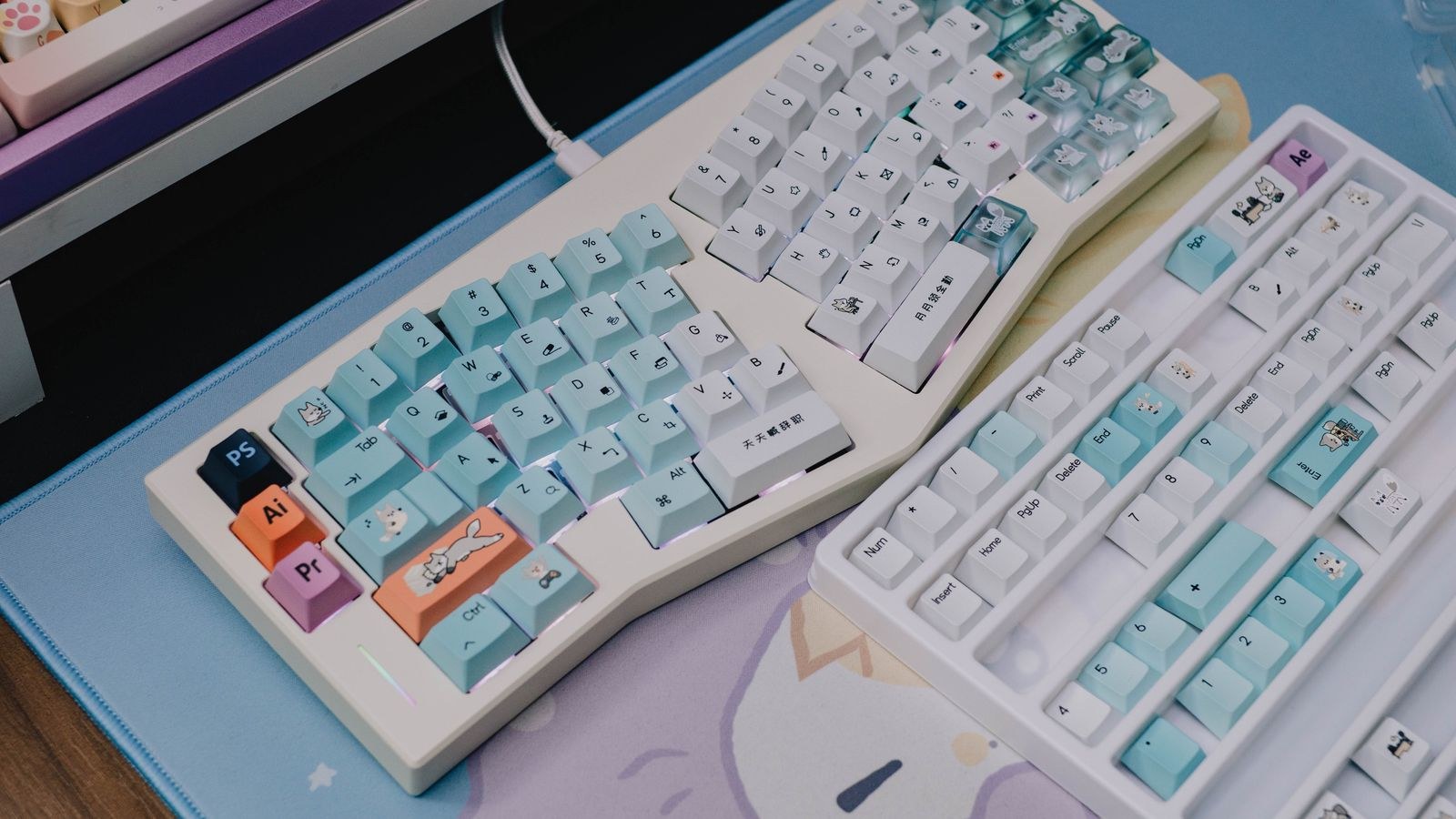
- Bottom row width. This is where most orders fail. Standard boards use a 6.25u space bar with 1.25u modifiers; many prebuilt and gaming boards use a 6u space bar or unusual modifier widths. Measure yours in key units, where 1u is the width of a single letter key, before you look at a single colourway.
- Odd-size keys. Split backspace, stepped caps lock, short right shift, ISO enter and split space bars all need caps that many sets omit. Check the kit contents photo for the exact extras your layout needs.
- Layout region. ANSI and ISO differ in enter shape and in the presence of an extra key beside the left shift. Buying an ANSI set for an ISO board leaves you two keys short.
Compact boards deserve extra attention because they compress modifiers into unusual widths. If you are shopping in that space, our list of the best 60 percent keyboards notes which models use standard bottom rows, which makes future cap shopping far easier.
Base Kits, Extension Kits and Novelties
Larger sets sell as a base kit covering a standard full-size layout, plus extension kits that add numpad, ISO, spacebar or ergonomic support. Novelty keys are decorative escape or enter caps sold separately. If your board is unusual, budget for a base kit plus at least one extension rather than assuming a single box covers you.
How Keycaps Change Sound
Keycaps are a bigger part of a board’s sound signature than most buyers expect. Thicker walls damp vibration and lower the pitch, producing the deep, muted sound that enthusiasts describe as thocky. Thin caps ring higher and sharper. Tall profiles like SA enclose more air, which adds resonance and volume, while short uniform profiles sound tighter and quieter.
If you want a keyboard that will not annoy a housemate or a meeting, remember that caps only shape the sound the switches and case produce. Swapping to thick PBT lowers the tone but will not silence a loud clicky switch. Start from quieter switches and a well-damped case instead, and treat caps as a refinement rather than a fix.
Installing and Removing Caps Safely
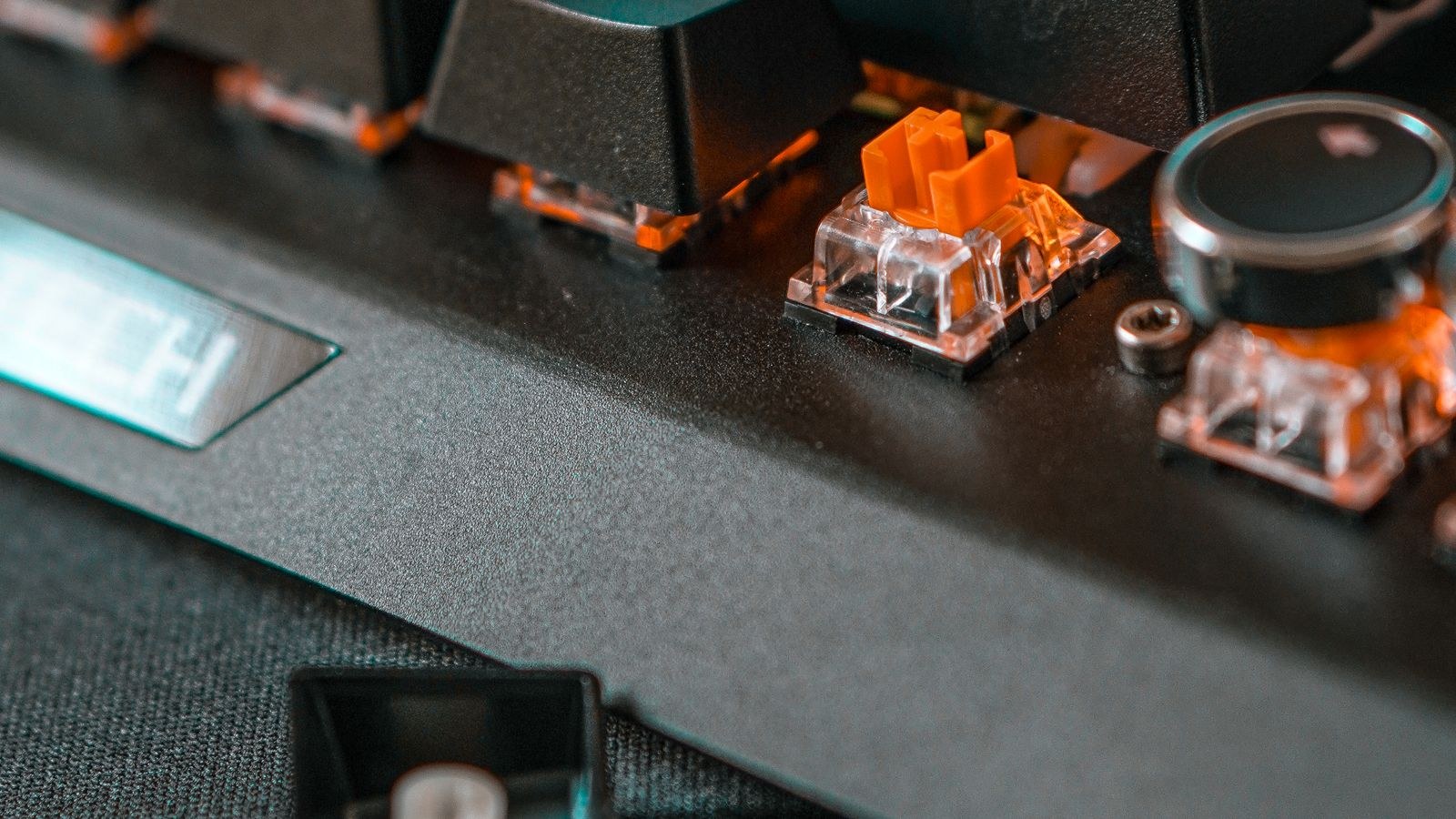
Use a wire puller rather than a plastic ring puller, because the plastic type can scratch the sides of a cap. Hook the wire under opposite corners, pull straight up without rocking, and go slowly on stabilised keys like the space bar and enter. When fitting caps, line the stem up before pressing and push down with even pressure over the centre; forcing a cap on at an angle is how switch stems break.
Keep the original set in a bag rather than throwing it away. It is your reference for troubleshooting, and it makes the board easier to resell. On a hot-swappable board, take the chance to try different switches while the caps are off; if you are still choosing a base, the best hot swappable keyboards make that experimentation cheap and tool-free.
Colourways, Cleaning and Long-Term Care
Light colourways show grime faster than dark ones, and pure white sets in particular can yellow with prolonged sun exposure, especially in ABS. If you love the look, keep the board out of direct sunlight and expect more frequent cleaning; our guide to the best white keyboards covers the models that hold up best. Cleaning is straightforward: pull the caps, soak them in warm water with a drop of dish soap for a few hours, rinse thoroughly and dry completely before refitting. Avoid alcohol and abrasive cleaners on printed legends.
Shine on ABS is cosmetic, not structural, and cannot be reversed. If it bothers you, the practical answer is to move to a textured PBT set for daily driving and save the vivid ABS set for a board you use less.
Common Mistakes to Avoid
The biggest is ordering a set purely on looks without measuring the bottom row, which accounts for a large share of returns. The second is expecting backlighting to shine through opaque dye-sub PBT. The third is buying a tall profile like SA without adding wrist support, then blaming the keyboard for the discomfort that follows. A fourth is choosing very cheap thin caps to save money, which usually makes an otherwise good board sound hollow and cheap.
Frequently Asked Questions
Is PBT always better than ABS?
No. PBT resists shine and feels more textured, but a thick, well-made ABS set beats a thin, warped PBT one on both feel and sound. Judge thickness and manufacturing quality alongside material.
Will keycaps make my keyboard quieter?
They can lower the pitch and reduce ring, but they will not mute loud switches. Switch choice, case foam and desk mat matter more for volume.
How do I measure my bottom row?
Count in key units relative to a letter key. Compare your space bar and each modifier to the kit diagram of any set you consider before ordering.
Do keycaps affect typing speed?
Only slightly, and mostly through fit rather than shape. A profile that matches your hand size and typing style reduces mistypes, but no cap turns a slow typist into a fast one.
How often should I clean my keycaps?
A wipe every few weeks and a full soak once or twice a year suits most users. Clean sooner if you eat at your desk or notice sticky keys.
Final Thoughts
Choose material for how you want the set to age, profile for how you want it to feel, and legend type for how long you need it to last. Then, before you check out, spend two minutes measuring your bottom row and confirming your layout region, because that single step prevents nearly every keycap regret. A thoughtfully chosen set is one of the cheapest ways to transform a keyboard you already own, and it is the upgrade you will notice every hour of every working day in 2026.









